
CodeDesign AI
Lifetime deal on CodeDesign AI
$79$194

AI website builder that generates editable sites from a prompt, with hosting, WordPress publishing and HTML or React export.
We may earn a commission when you buy through our links. How this works
CodeDesign AI suits small businesses and freelancers who want an AI generated site they can later export or move to WordPress. Skip it if you just need a basic one-page site, or check the plan details carefully first, as the pricing page contradicts itself on export.
Best for: Small businesses wanting an AI built site without lock-in
6.7/10 Good, with trade-offs. The overall score is our judgment against the questions we ask of every tool, not an average. How we score
| Question | Score | Why |
|---|---|---|
| Does the jobWhat it actually does for the task it is sold for, and where it falls short. | 7.0 | Generates a responsive multi-page site from a prompt and exports HTML and CSS or React code, or publishes to WordPress. |
| Ease of useSetup needed and how quickly you get something useful done. | 7.0 | A four-step flow from describing the business to publishing needs no coding, with an AI Companion or drag-and-drop builder for edits. |
| Pricing and limitsWhat you pay at a realistic size, including caps, add-ons and deal limits. | 6.0 | 100 monthly credits go fast when a full page costs about 10, the cheapest paid plan lacks the AI Companion, and the pricing page contradicts itself on export. |
| Reliability and supportUpdate pace, known problems and how support responds. | 6.0 | The vendor claims 24/7 support and its own reviews praise the team, but some of them mention bugs and trouble getting a site live. |
| Fit against alternativesHow it compares with the alternatives for the people it is aimed at. | 7.0 | Code export and WordPress sync avoid the lock-in of many AI website builders, though most useful features sit on Growth or above. |
CodeDesign.ai is an AI website builder made by CodeDesign Inc, a US company registered in Delaware. You describe your business in plain English, the AI builder drafts a responsive multi-page website, and you then refine it either by chatting with the AI Companion or by dragging elements around in a visual builder. Sites can be hosted by CodeDesign on a custom domain, published to WordPress, or exported as code.
It is aimed at small business owners, freelancers and agencies who want a working website quickly without hand coding it. The code export option is the part that sets it apart from many AI website builders, because it means you are not locked into the platform if you outgrow it.
The workflow is simple enough to explain in four steps, based on CodeDesign's own description of the platform.
For a user with no coding background that is a reasonable path, and the product reviews on CodeDesign's site mostly come from small business owners in that position. Developers may find the code export more useful than the AI design itself.
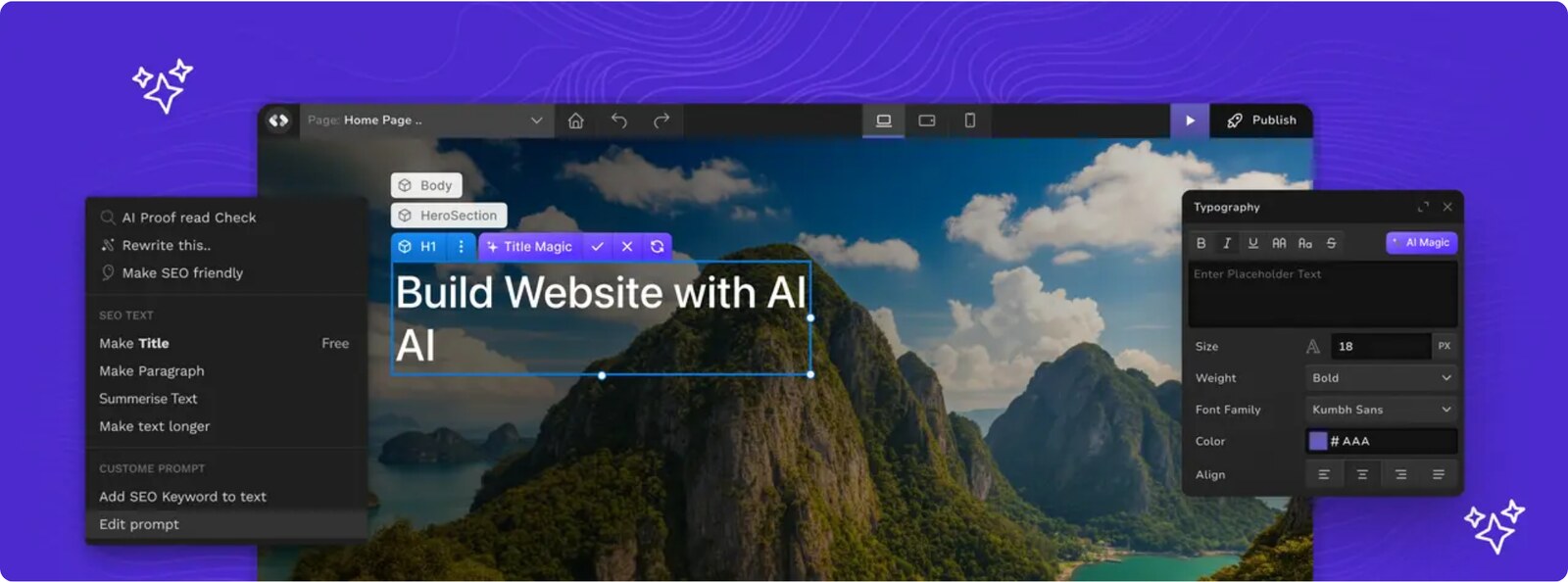
The AI website generator builds a draft site from a short prompt (the homepage box takes up to 1,800 characters) in a wide range of languages. After that, the AI Companion lets you edit with words: ask for a new pricing section or a different headline and it writes and applies the change. CodeDesign says one AI credit covers a small task such as a text or style edit, and a full page generation uses around 10 credits.
If you prefer to design by hand, the drag-and-drop visual builder lets you click any element to change colors, copy or spacing, with separate desktop, tablet and mobile editing. There are more than 1,000 templates for niches such as SaaS, agencies, restaurants, real estate and portfolios, plus ready-made sections and animations.
Templates are a useful fallback if the AI generated design is not quite right. You can start from a template that matches your type of business or service, swap in your own product photos and copy, and keep the AI for smaller edits. Every template uses the same responsive builder, so mobile and tablet layouts are handled from the same template rather than built separately.
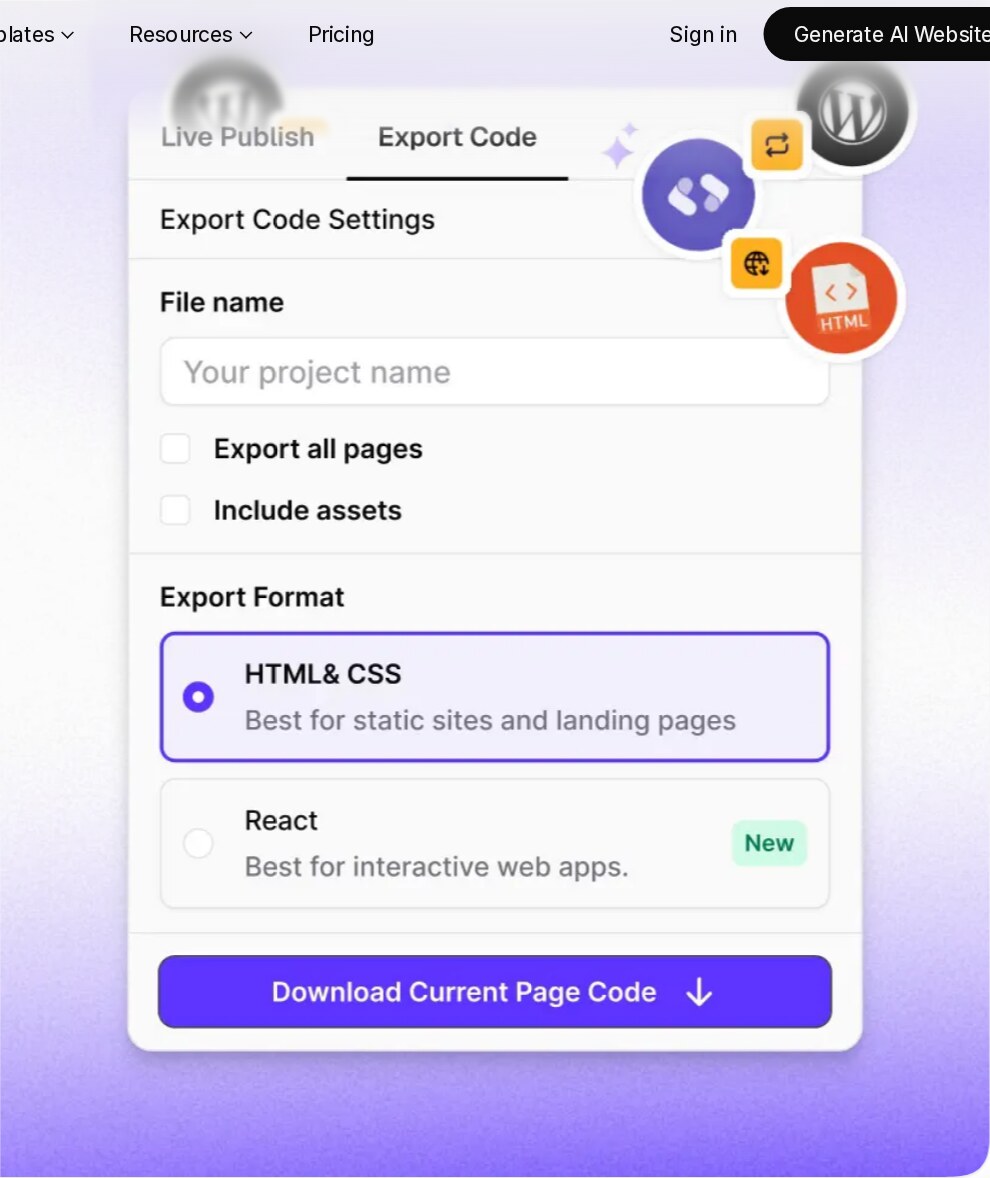
CodeDesign can export a project as HTML and CSS or React code, so you can host it elsewhere. Paid plans can also publish to WordPress, sync pages with a WordPress site and use WordPress as the website backend. Check which plan you need for export, though, because the pricing page is not consistent on this point (more on that below).
Hosting is included on every plan. Paid plans can connect a custom domain or buy one inside CodeDesign, which says it sells more than 400 domain extensions at registrar prices. Every site gets a free Let's Encrypt SSL certificate that renews automatically, and annual Growth and Scale plans include a free domain.
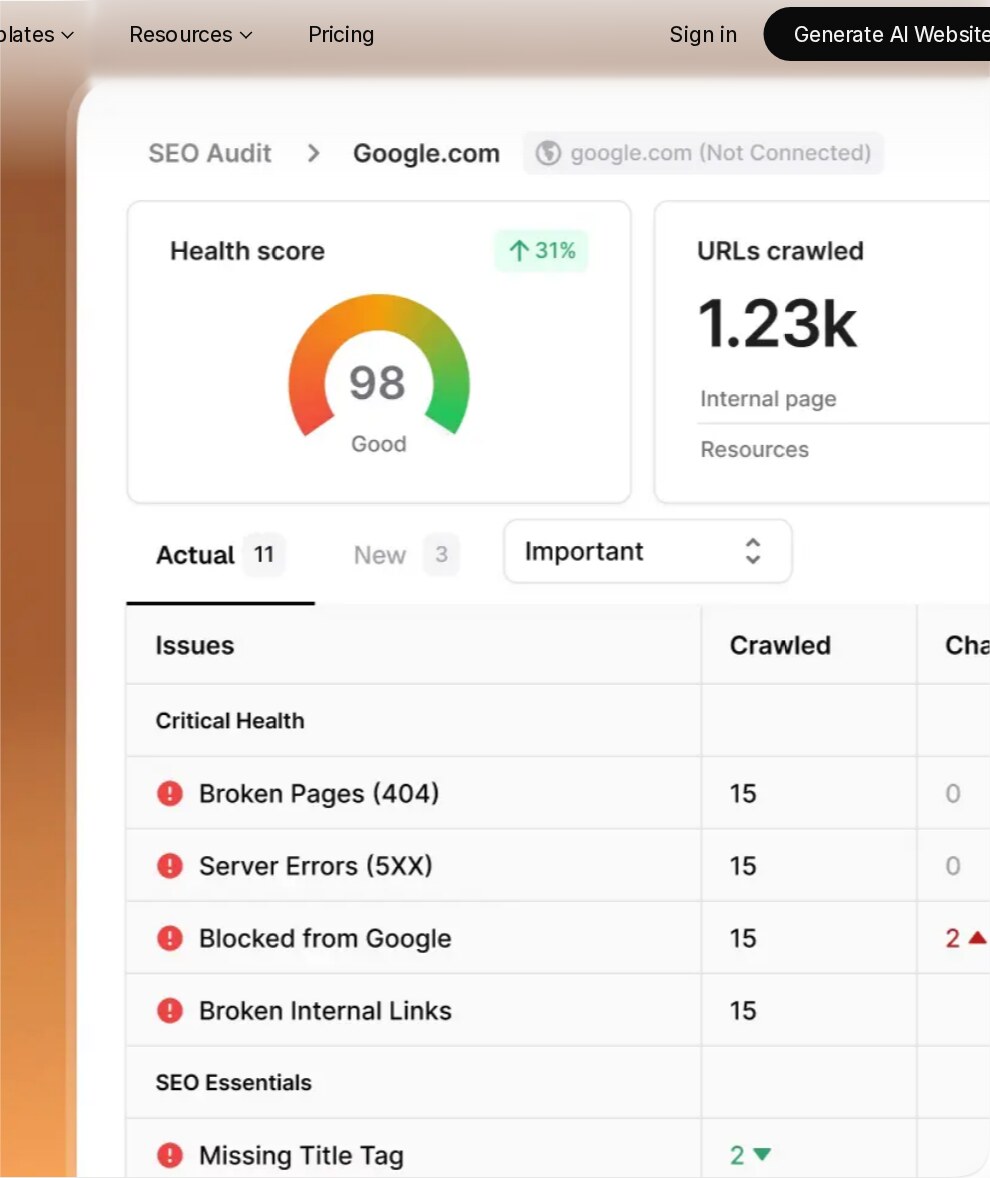
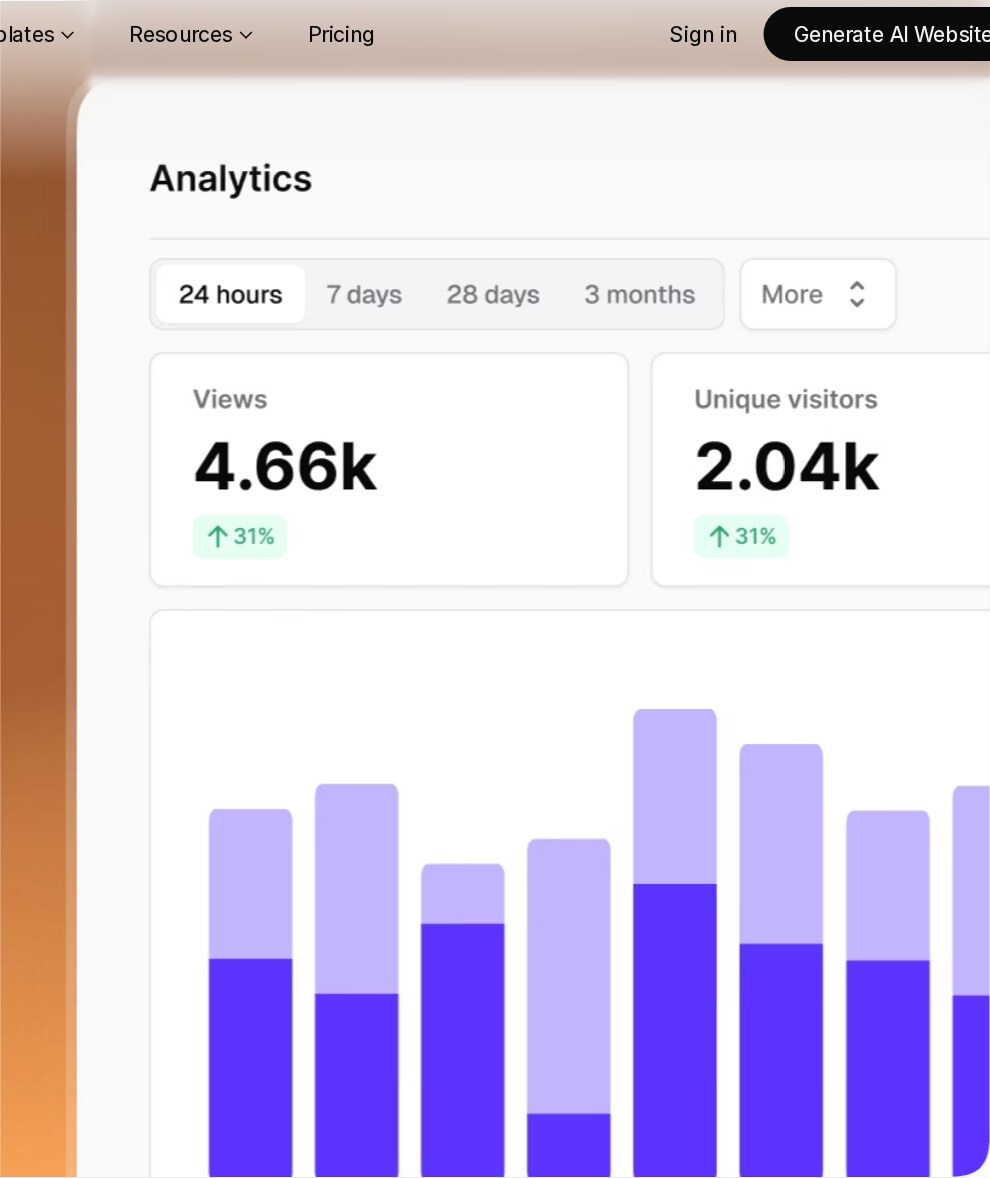
Growth and Scale add a blog and CMS, SEO automation, a website audit tool that crawls your site and lists what to fix, an AI support chatbot trained on your own pages and PDFs, and an appointment scheduler. Scale adds a CRM for lead management and an agency workspace. There is also built-in analytics and weekly auto backups.
CodeDesign has a free plan and three recurring plans, plus one-off lifetime plans. These are the prices published on the CodeDesign pricing page today.
| Plan | Monthly billing | Yearly billing | Main extras |
|---|---|---|---|
| Free | $0 | $0 | Up to 3 AI generations, visual builder, publish on a codedesign.app subdomain |
| Individual | $15/month | $12/month | Custom domain, WordPress publishing, 100 AI credits a month, remove branding |
| Growth | $29/month | $24/month | Code export, AI Companion, blog, SEO audit, chatbot, scheduler |
| Scale | $99/month | $83/month | Agency workspace, CRM, unlimited collaborators, 100 licenses |
The lifetime plans are listed at $97 (one website), $169 (three websites) and $389 (ten websites) as one-time payments with lifetime hosting. A banner on the same page also advertises a "Lifetime Deal" at $79, reduced from $194, so the lifetime price you are offered may vary. Lifetime plans come with a fixed allowance of AI edit credits, and you can buy more credits later.
A license is assigned to one project, and you need one to use premium features such as a custom domain or the WordPress connection. Paid plans come with a 7-day money-back guarantee and can be canceled at any time, according to the homepage.
The pricing page contradicts itself in places. The Individual plan card mentions exporting one site in HTML and React, but the detailed comparison table only gives HTML and CSS export from Growth upward. The page also says prices are in GBP while showing dollar signs. I would confirm what you are buying with support before paying, especially if code export is the reason you are choosing CodeDesign.
The AI credit allowance is not huge for a user building from scratch. If a full page generation takes around 10 credits, 100 credits a month will go quickly while you are building a new site, and extra credits cost more.
The AI Companion editor and vibe coding are not included in Individual, so the cheapest paid plan is mostly the visual builder, templates and hosting. If you want to generate and edit pages with prompts, budget for Growth. Most of the features that make CodeDesign interesting sit on Growth or above.
On support, the reviews shown on CodeDesign's own site are positive and several mention the support team by name, and the vendor says support is available 24/7. Some of those same reviews mention bugs and difficulty getting a site live first time, which is worth bearing in mind.
CodeDesign AI is a capable AI website builder with a real advantage over many rivals: you can export your site as code or sync it to WordPress instead of being tied to its hosting. I would pick the Growth plan if export, the blog and the SEO tools matter to you. If you only need a simple brochure site, the free plan or a cheaper builder may be enough, and the inconsistent pricing page means you should check exactly what each plan includes before you buy.
Lifetime deal on CodeDesign AI
Yes, there is a free plan. It includes up to three AI website generations, the visual builder and publishing on a yoursite.codedesign.app subdomain, with no credit card needed.
Individual is $15 a month ($12 billed yearly), Growth is $29 a month ($24 yearly) and Scale is $99 a month ($83 yearly). Lifetime plans are listed from $97 as a one-time payment.
Yes. CodeDesign says you can export your code in HTML and React formats. The detailed plan table lists code export from the Growth plan upward.
CodeDesign Inc lists a registered address in Lewes, Delaware, a support phone number and public Trustpilot and G2 profiles. It offers a 7-day money-back guarantee on paid plans.
Yes, paid plans come with a 7-day money-back guarantee, according to the homepage. You can also cancel at any time. Confirm what each plan includes before you pay, since the pricing page is inconsistent on code export.
Yes, paid plans can publish to WordPress, sync pages with an existing WordPress site and use WordPress as the website backend. You need a license, which is assigned to one project, to use the WordPress connection.
We may earn a commission when you buy through links on SaaSPic. It never changes our verdicts or the price you pay. Affiliate disclosure
Add this badge to your website so your visitors can read this independent review in one click.

 7.0/10
AI website builder that creates editable sites from a prompt, image or URL, with hosting, a built-in backend, forms, SEO and code export.
 4.8/10
One-off payment AI website builder that generates HTML sites from a prompt, URL or image, with hosting on a subdomain or HTML export.
 7.2/10
AI website, landing page and funnel builder from Onepage, with a visual editor, CRM, EU hosting and a separate forms and funnels add-on.
 7.0/10
AI and drag-and-drop website builder for small businesses, with a free plan, online store, email and multilingual sites.
 5.2/10
AI builder that turns a plain-English prompt into a React site in the browser, with ZIP export and one-click Vercel deploys.
| Tool | Score | From | Free plan | Best for |
|---|---|---|---|---|
| CodeDesign AI | 6.7/10 | $15/mo | Yes | Small businesses wanting an AI built site without lock-in |
| Readdy | 7.0/10 | $25/mo | Yes | Small businesses and agencies who want an AI-built site live fast |
| ClickSites | 4.8/10 | $49 one-off | No | Freelancers making quick landing pages on a one-time budget |
| Onepage AI | 7.2/10 | $19.90/mo | Yes | Agencies and small businesses building lead-generation sites in Europe |
| Webnode | 7.0/10 | £3.90/mo | Yes | Small businesses wanting a simple, multilingual website |
| Buildercrow | 5.2/10 | $120/yr | No | Non-developers who want a React landing page exported or deployed to Vercel |
 7.8/10
Drag-and-drop WordPress website builder with a free plugin, Editor Pro plans, the Elementor One bundle and managed hosting.
 7.7/10
Membership platform that adds logins, Stripe payments, gated content and member data to Webflow, WordPress and custom sites.
 7.3/10
Free, open-source Hugo kit for building academic, portfolio, blog and docs sites from Markdown blocks, with optional AI help.