 7.2/10
AI meeting notetaker and transcription tool with 58 languages, bilingual transcription, AI summaries and a bot-free recorder.


AI voice note app that transcribes your speech, removes filler words and rewrites it as summaries, bullet points or posts.
We may earn a commission when you buy through our links. How this works
Audiotext suits solo users who want cheap dictation that comes out as a tidy summary or post. People transcribing meetings, interviews or long lectures should skip it for a dedicated transcription service.
Best for: Solo users turning voice notes into tidy text
5.6/10 Better options exist. The overall score is our judgment against the questions we ask of every tool, not an average. How we score
| Question | Score | Why |
|---|---|---|
| Does the jobWhat it actually does for the task it is sold for, and where it falls short. | 5.8 | It transcribes and rewrites voice notes in ten styles, but publishes no accuracy, language or speaker features, per audiotext.ai. |
| Ease of useSetup needed and how quickly you get something useful done. | 6.8 | The homepage workflow is speak, choose a style, rewrite with one click and share, on web, Chrome and mobile. |
| Pricing and limitsWhat you pay at a realistic size, including caps, add-ons and deal limits. | 7.0 | Paid plans cost $3 a month or $29 a year, though the free plan caps notes at 2 minutes and 5 saved notes. |
| Reliability and supportUpdate pace, known problems and how support responds. | 4.2 | Support is by email only, and the Chrome extension has not been updated since March 2024. |
| Fit against alternativesHow it compares with the alternatives for the people it is aimed at. | 5.0 | AudioPen and Voicenotes do the same job with more published detail, and Notta covers long recordings in 58 languages. |
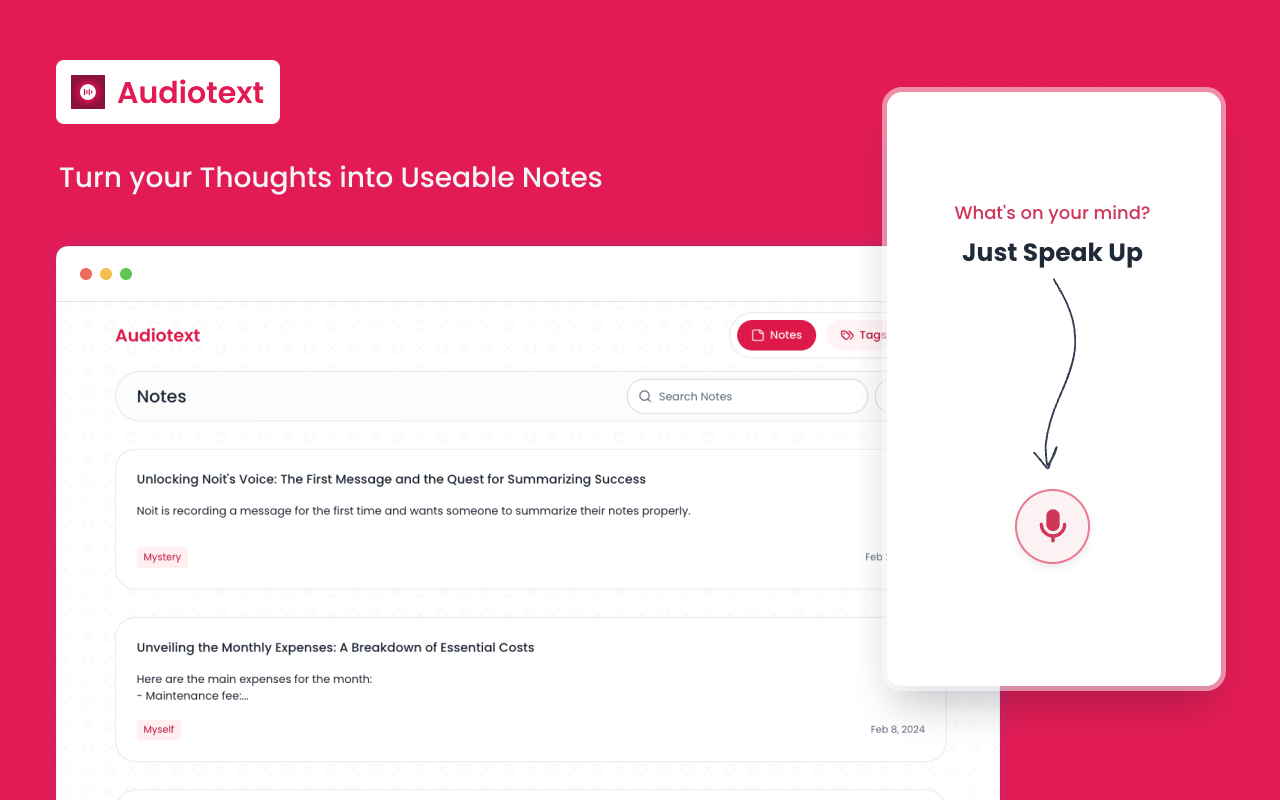
Audiotext is an AI audio to text tool that turns what you say into tidy text: it transcribes a recording with automatic speech recognition, strips out filler words and rewrites the result in a style you pick, such as a short summary, bullet points or a LinkedIn post.
The homepage says it runs on GPT, Mixtral and Gemma models. It works in the browser, as a Chrome extension and in iOS and Android apps, and your notes sync across all of them. The Chrome Web Store lists the developer as Jaded Ventures (Jaded Properties, LLC, of Dallas, Pennsylvania).
Audiotext is built for people who think out loud and want a usable note at the end, not a raw transcript. The vendor's own use cases are quick note taking, content creators dictating ideas or scripts, students recording lectures, journaling, interviews and meeting minutes. Given the price, it suits a solo user who wants cheap, quick dictation and rewriting.
Skip it if you need speaker labels, timestamps, team workspaces or a bot that joins your video calls. Audiotext is a personal audio to text converter, not professional or human transcription for business meetings. Skip it too if accuracy on difficult audio matters a lot. The FAQ admits results may suffer when speech is unclear or there is background noise, and it publishes no accuracy figures.
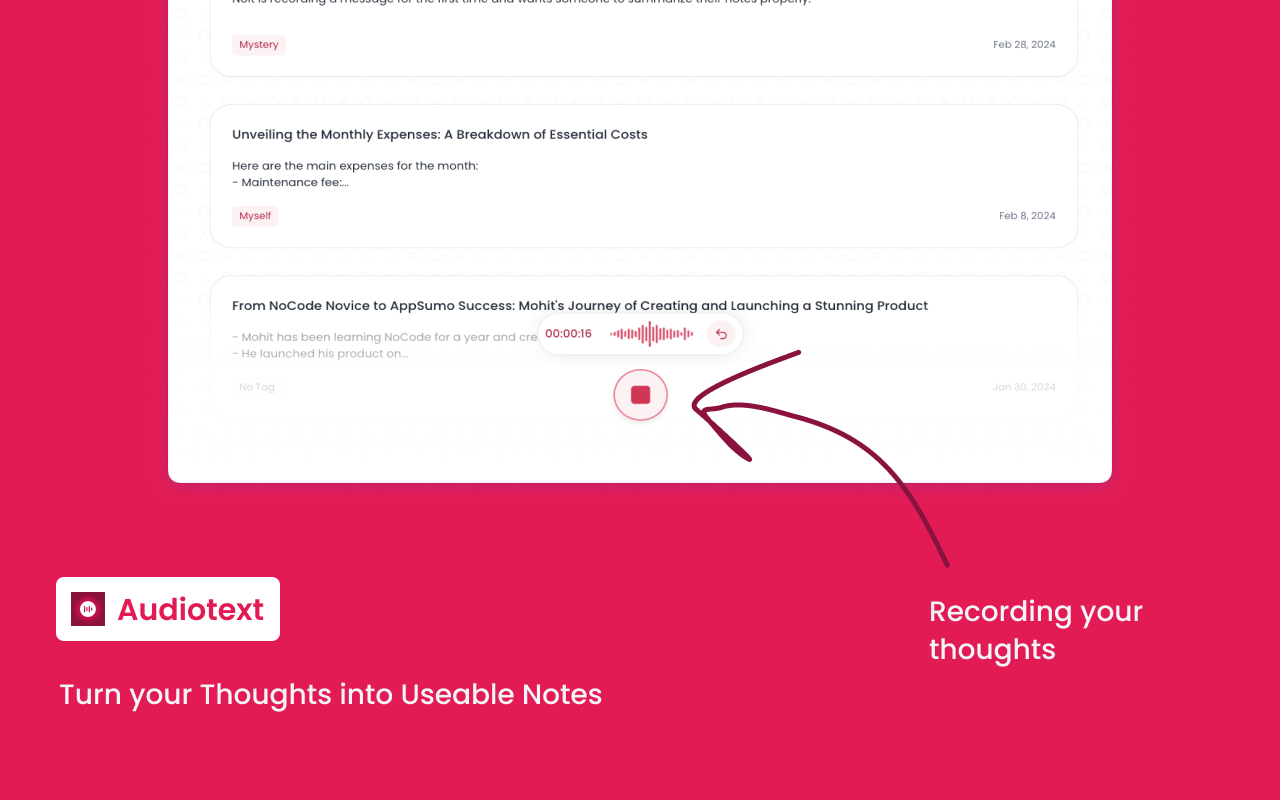
The workflow has four steps on the homepage:
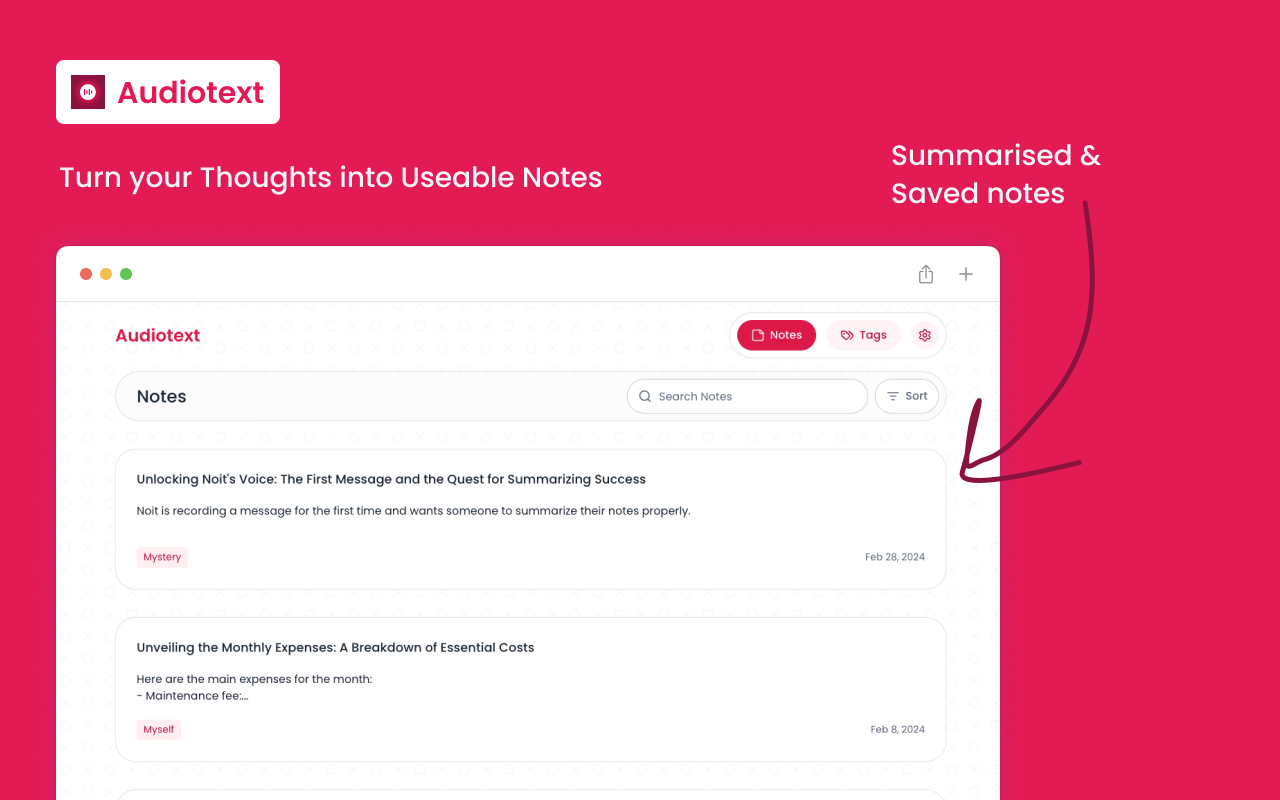
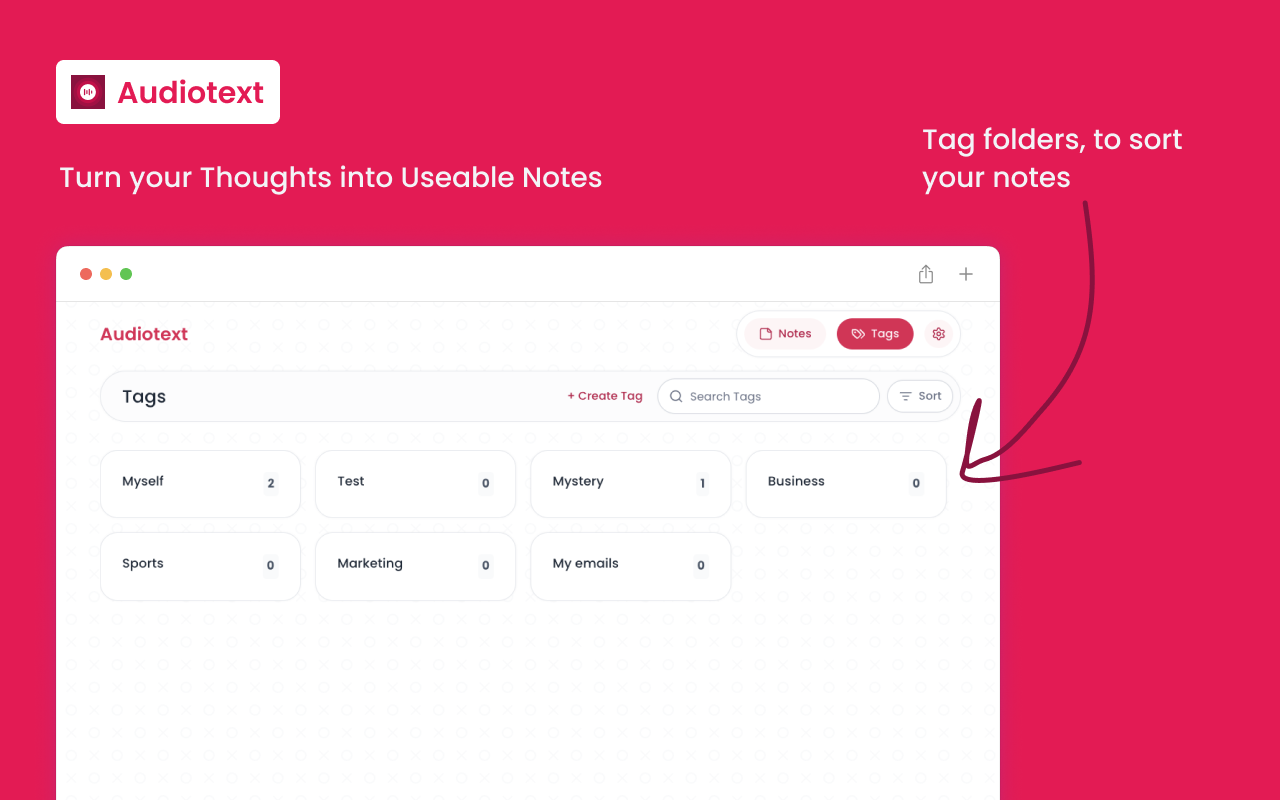
The AI styles listed are Short Summary, Long Summary, Bullet Points, Convert to Passive Voice, Convert to Active Voice, SEO Blog Post, Q and A, LinkedIn Post, Formal Email and Kid Centric. You can edit the text by hand after the AI has written it, and the public roadmap shows that viewing and editing the original, unedited transcript was added to the web version. Tags work like folders, with search and sort across everything you save, and you can export it all at once as a CSV file.
Prices checked 31 Oct 2026 on audiotext.ai, in US dollars.
| Plan | Price | Recording length | Saved notes | What it includes |
|---|---|---|---|---|
| Free | $0 | 2 minutes per note | 5 at a time | Limited styles, CSV export, audio upload, public sharing, rewrite with AI, apps and Chrome extension |
| Monthly | $3 a month | 60 minutes per note | Unlimited | Complete styles plus everything in Free |
| Yearly | $29 a year | 60 minutes per note | Unlimited | Same as Monthly, marketed as two months free |
All paid plans renew automatically on your renewal date, and you can cancel at any time. If you stop paying, the FAQ says you keep full access to the notes you have already created and can export them. The free plan needs no credit card. The site does not publish a refund policy.
A student recording a one hour class needs a paid subscription, because the free tier stops at two minutes per note. At $29 a year (about $2.42 a month), the paid tier allows recordings up to 60 minutes each and unlimited saved notes, so anything longer would need splitting into separate files. On the free plan, the five-note cap means deleting an old note before you can save a sixth. Audiotext does not publish a monthly cap on total minutes.
There is very little public feedback to go on. The Audiotext AI Chrome extension had a 5.0 rating from a single review and 65 users on the Chrome Web Store when checked in Oct 2026. One rating is not enough to judge quality, so treat it as an early-stage product with a small user base.
The public roadmap marks audio file upload, sharing by link, the native iOS app, CSV export, a longer recording limit, the Chrome extension and editing of the original transcript as completed. A rich text editor is pending, and more and improved styles are in progress. The roadmap gives no dates. The Chrome extension itself is at version 0.2 and was last updated on March 20, 2024, so it has not had an update in a long time.
Audiotext does one small job cheaply: it turns spoken thoughts into clean, styled notes for $3 a month or $29 a year. The catch is how little is published about accuracy, languages and security, plus a Chrome extension that has not moved in a long time. I would pick it only as a low-cost personal dictation and rewriting tool. Anyone transcribing meetings, interviews or long lectures should choose a dedicated transcription service.
There is a free plan with no credit card needed, but it limits recordings to 2 minutes per note and lets you keep only 5 saved notes at a time.
The paid plan is $3 a month or $29 a year. Both raise the limit to 60 minutes per note, allow unlimited saved notes and unlock all AI styles.
Yes. Audio file upload is listed on every plan, including Free, as well as live recording in the browser, Chrome extension and mobile apps.
The vendor says its AI is very accurate but admits results can suffer with unclear speech or background noise. It does not publish accuracy figures, and you can edit the text afterwards.
Yes. The FAQ says you keep full access to notes you already created and can export them all at once as a CSV file.
We may earn a commission when you buy through links on SaaSPic. It never changes our verdicts or the price you pay. Affiliate disclosure
Add this badge to your website so your visitors can read this independent review in one click.
 7.2/10
AI meeting notetaker and transcription tool with 58 languages, bilingual transcription, AI summaries and a bot-free recorder.
 7.0/10
AI voice typing app that turns speech into cleaned-up text in any app on Mac, Windows, iPhone and Android.
 7.4/10
Bot-free AI note taker that records, transcribes and summarizes meetings from a Chrome extension, desktop or mobile app.
 7.9/10
AI meeting notes app that records online and in-person meetings, writes notes and action items, and pushes them to your other tools.
| Tool | Score | From | Free plan | Best for |
|---|---|---|---|---|
| Audiotext | 5.6/10 | $3/mo | Yes | Solo users turning voice notes into tidy text |
| Notta | 7.2/10 | $97.99/yr | Yes | Multilingual teams transcribing meetings |
| VoiceDash | 7.0/10 | $15/mo | Yes | Professionals who dictate emails and prompts daily |
| Bluedot | 7.4/10 | $14/mo | Yes | Teams who want AI meeting notes without a bot in the call |
| Circleback | 7.9/10 | $18/mo | Yes | Sales and customer teams whose meetings feed a CRM |
 8.4/10
Scheduling software that lets people book time with you through a link, with team routing, reminders, payments and AI meeting recaps.
 8.3/10
Web booking page and scheduler that syncs your calendars and lets clients book and pay for sessions, packages and subscriptions.
 8.1/10
Keyboard launcher for Mac and Windows with clipboard history, snippets, window management, thousands of extensions and built-in AI.