 7.5/10
All-in-one platform for courses, coaching, communities, memberships, email marketing, websites and payments for experts.


Membership platform that adds logins, Stripe payments, gated content and member data to Webflow, WordPress and custom sites.
We may earn a commission when you buy through our links. How this works
Memberstack suits Webflow designers, agencies and creators who want paid memberships, gated content or client portals on a site they already run. Skip it if you want hosting, course pages and community in one product, and check the transaction fee against your revenue before picking a plan.
Best for: Webflow builders adding paid memberships
7.7/10 Good, with trade-offs. The overall score is our judgment against the questions we ask of every tool, not an average. How we score
| Question | Score | Why |
|---|---|---|
| Does the jobWhat it actually does for the task it is sold for, and where it falls short. | 8.0 | Adds logins, Stripe payments, content gating, member data and branded emails to a site you already have, including Webflow, WordPress and custom code. |
| Ease of useSetup needed and how quickly you get something useful done. | 8.0 | Webflow gating uses a single script and data attributes with no custom code, and Memberstack says most builders finish setup in under 30 minutes. |
| Pricing and limitsWhat you pay at a realistic size, including caps, add-ons and deal limits. | 7.0 | Free until launch, then Basic is US$29 a month, but transaction fees of 4% on Basic and 2% on Professional sit on top of Stripe fees. |
| Fit against alternativesHow it compares with the alternatives for the people it is aimed at. | 7.5 | A layer on top of Webflow or WordPress, so you still pay for that site; an all-in-one platform with hosting may be simpler. |
Memberstack is a membership and authentication layer, mostly no-code, that adds logins, Stripe payments, gated content and member data to a website you already have. It suits Webflow designers, agencies, creators and founders who want paid memberships without building a backend, and it is a poor fit if you want hosting, course pages and community in one box.
Memberstack is for people who build their own sites and want to sell access to them. Its pages target agencies and freelancers, designers, developers, founders, marketers, education and fitness businesses, and the company says more than 100,000 builders are using Memberstack.
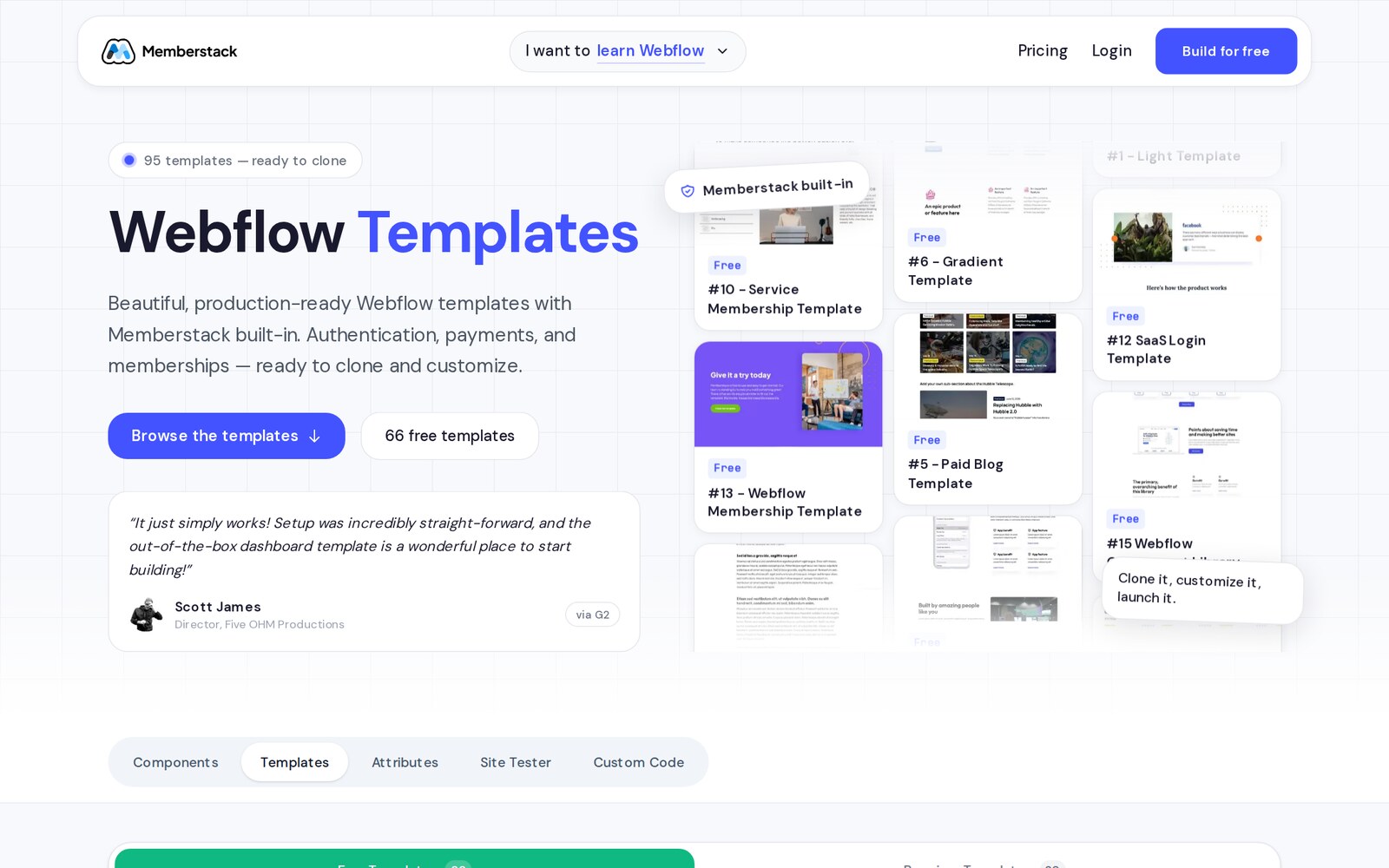
It started as the missing membership system for Webflow, and Webflow and Memberstack are still the most developed pairing, with templates, cloneable components and a designer app. Memberstack supports WordPress too (with Bricks, Elementor and Gutenberg guides), plus custom code and sites built with AI coding tools.
Skip it if you do not want to build or maintain a website yourself. Memberstack is not a website builder, so you still need Webflow, WordPress or another platform plus hosting. If you want a ready-made course and community product, an all-in-one platform gets you live with less setup.
Setting up Memberstack means adding a script, marking login, signup and gated elements with data attributes, then creating plans in the Memberstack dashboard. The vendor says most builders have authentication, payments and gating working in under 30 minutes, and everything can be built in test mode before you pay.
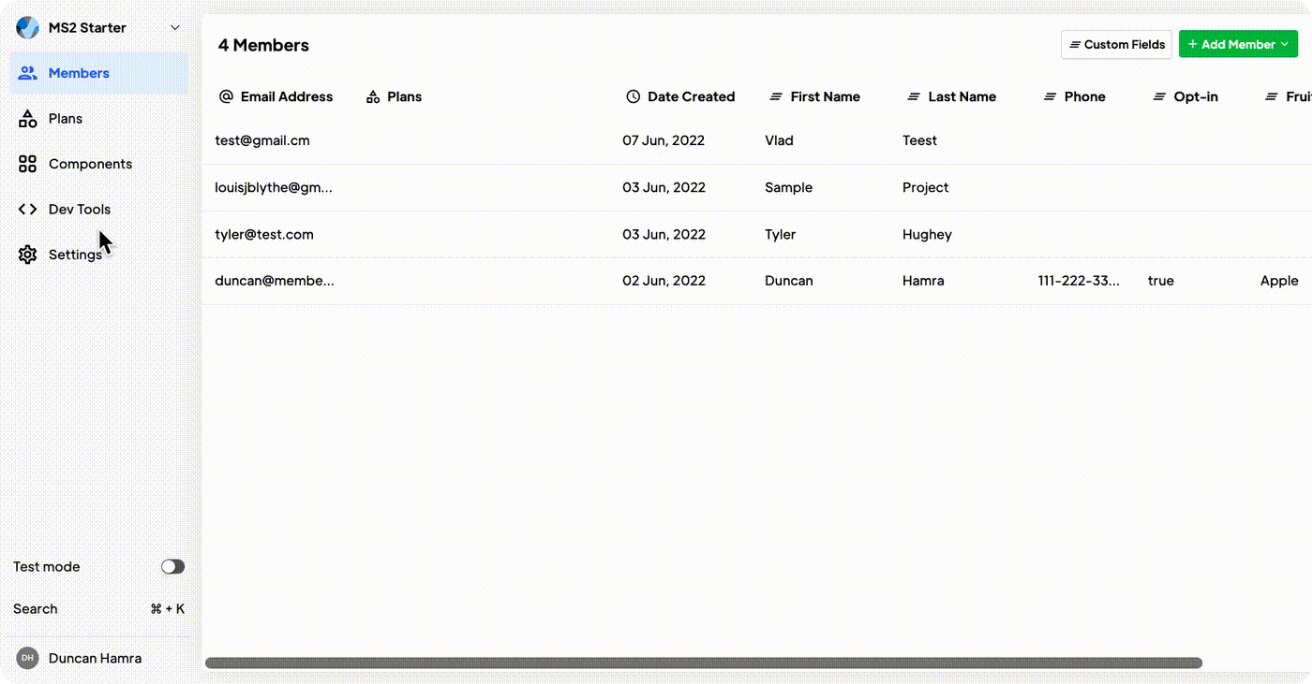
Sign-up and login cover email and password, one-time login codes, social logins and custom SSO. Memberstack handles password resets, email verification and two-factor authentication. Member data in Memberstack includes custom profile fields you can read anywhere on the page, which is how people build member dashboards, directories and client portals.
Memberstack offers subscriptions, one-time charges, free trials and tiered plans, with Stripe processing the money and paying it straight to your bank account. Plans can be free or paid, and plan logic can add or remove plans when a member upgrades. Since July 2026 you can create coupons and discount codes without leaving Memberstack.
Any page, section or element can be locked behind a login or a specific plan. In the Webflow designer app you pick a content type such as Gated Content, Logged In, Logged Out, Failed Payment UI or Trialing UI, so different members see different blocks without custom code.
Data Tables are custom databases for structured content such as course libraries or job boards, and they left beta in June 2026. Email Campaigns, launched the same month, send and schedule broadcasts by plan or custom field with open and click tracking, though you need a custom email domain first. Webhooks, an Admin SDK, an API and a test mode with separate test members cover the developer side.
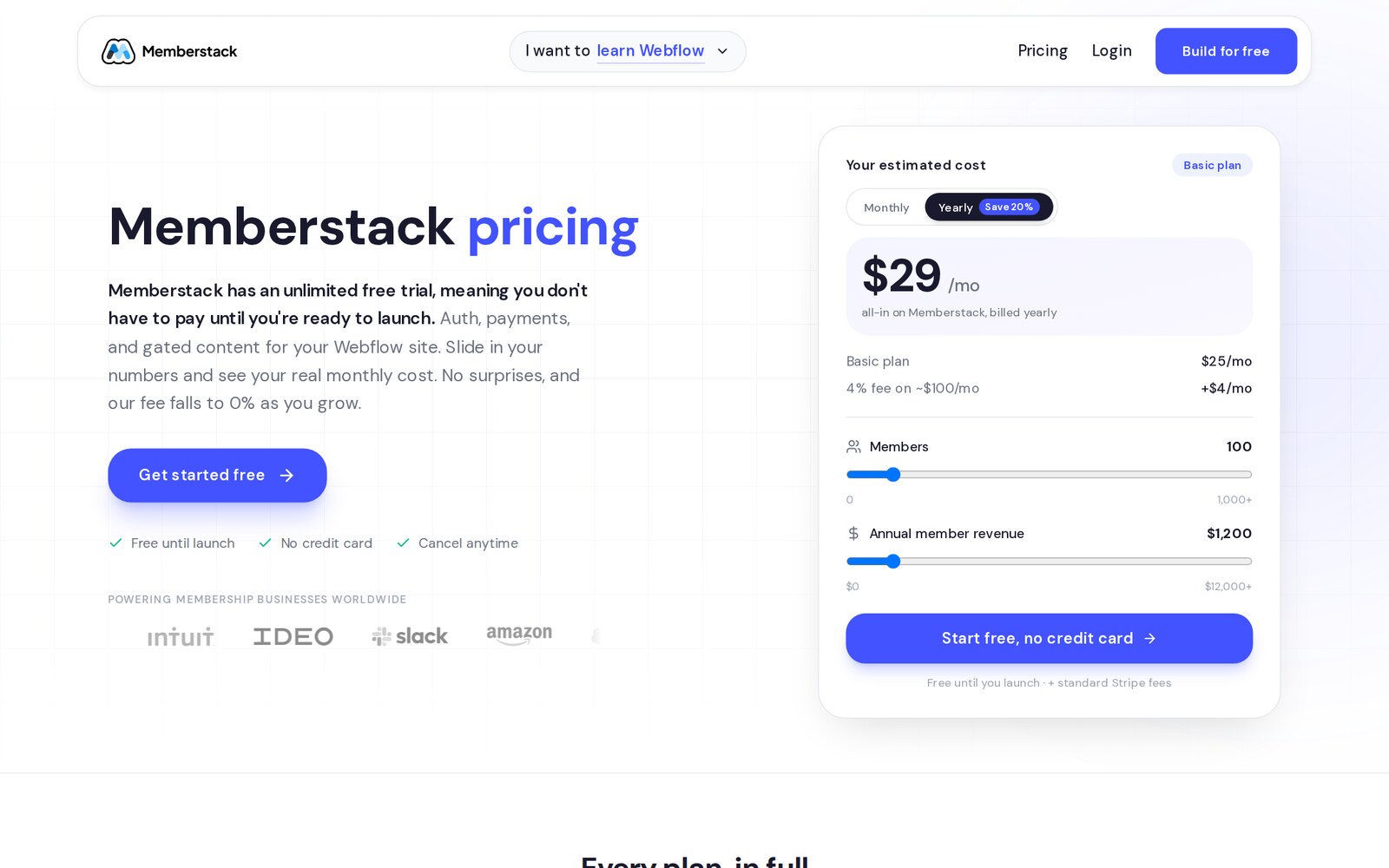
Memberstack is free until you launch, and every paid plan has the same features, so you choose by member limit and transaction fee. Prices checked 10 Nov 2026, in US dollars, plus standard Stripe processing fees on every plan.
| Plan | Monthly billing | Billed yearly | Live members | Memberstack transaction fee |
|---|---|---|---|---|
| Test mode | $0, no card, no time limit | $0 | Test members only | None |
| Basic | $29 a month | $25 a month | Up to 1,000 | 4% |
| Professional | $49 a month | $39 a month | Up to 5,000 | 2% |
| Business | $99 a month | $79 a month | 10,000+ | 0.9% |
| Established | $499 a month | $399 a month | 10,000+ | 0% |
Every Memberstack subscription includes social logins, payments, custom SSO, branded emails and email campaigns. The member limit counts all live members, free and paying, and you get an email at 90% of it. On Basic and Professional your account upgrades automatically to the next tier at 100%.
There is a 30-day money-back guarantee with a full refund. Non-profits get 50% off, people aged 18 to 22 can get Basic free, startups that have raised under $1 million get 10,000 members and 0% fees for $249 a month ($199 billed yearly), and a 200 Member Plan costs $99 a month with no transaction fees. Discounts need an application with proof and run for 12 months at a time.
The transaction fee decides which plan is cheapest once real money comes in. The calculator on the pricing page shows 100 members paying $1,200 a year in total, which costs $25 a month on Basic plus about $4 in fees.
At 300 members paying $10 a month ($3,000 a month in revenue), Basic costs $25 plus $120 in fees, so $145 a month. Professional costs $39 plus $60, so $99. Business costs $79 plus $27, so $106. Processing fees come on top in every case, so for a small paid community Professional is the sweet spot, and your plan should follow revenue, not member count alone.
Public feedback is strongly positive. On Trustpilot, Memberstack has a 4.8 rating from 62 reviews (Nov 2026), 11 of them from the last 12 months. The homepage shows a 4.7 rating on G2, which is the vendor's own figure.
The testimonials Memberstack publishes, from Product Hunt, G2 and Twitter users, praise how fast it is to add to Webflow, the docs for using Memberstack and the help from the Memberstack team. One Webflow expert says it is a lot faster and cheaper than coding the same features from scratch. These are hand-picked quotes, so treat them as the positive end.
Memberstack Inc. was founded by Tyler Bell (engineering) and Duncan Hamra (design), who started building it in 2018 and launched it publicly in March 2019.
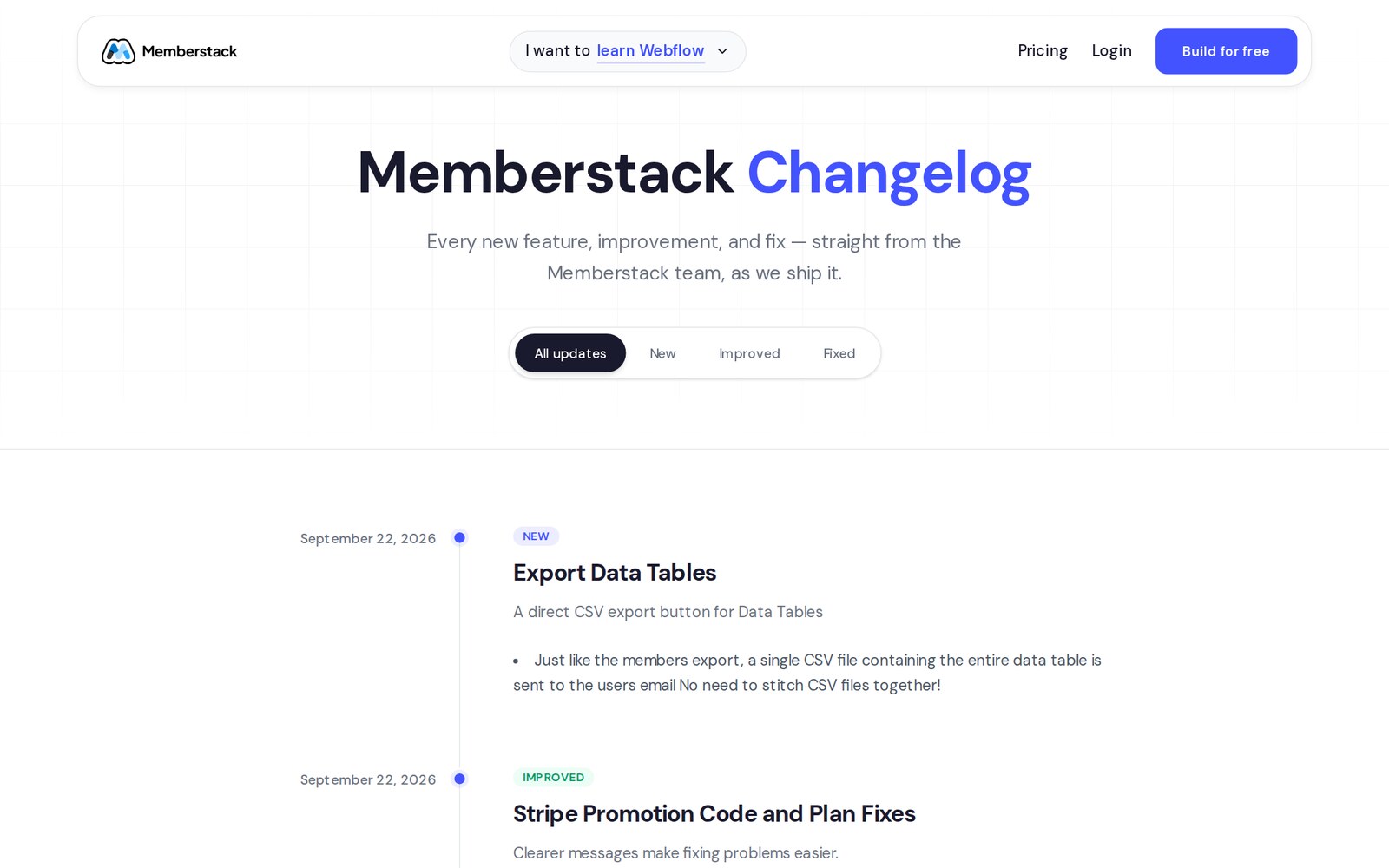
The public changelog shows a busy 2026.
The main drawbacks are the fees on lower plans and the fact that Memberstack is only one layer of your stack.
The closest Memberstack alternatives either add memberships to a site you own or replace the site with an all-in-one platform.
Memberstack is one of the most practical ways to add paid memberships, gated content and member accounts to a Webflow site, and the free test mode lets you build everything before you pay. I would run my expected revenue through the calculator first, because the transaction fee, not the monthly price, decides the cheapest plan. If you do not want to build a site yourself, an all-in-one platform is the easier route.
Basic is $29 a month ($25 billed yearly) for up to 1,000 members, Professional $49 ($39 yearly) for 5,000, Business $99 ($79 yearly) and Established $499 ($399 yearly). Transaction fees run from 4% on Basic down to 0% on Established, plus Stripe fees.
There is no free live plan, but every feature is free in test mode with no credit card and no time limit. You start paying when your site accepts real members.
Yes. Memberstack works with WordPress as well as Webflow, custom code and AI-built sites, and it publishes WordPress guides for Bricks, Elementor and Gutenberg. Its templates and components are still most developed for Webflow.
Memberstack charges a percentage of each member payment made through it, 4% on Basic, 2% on Professional, 0.9% on Business and nothing on Established. If you only have free members, no transaction fees apply, and Stripe's processing fees are separate.
Memberstack offers a 30-day money-back guarantee with a full refund if you are not happy in your first 30 days. You can also build and test everything for free before paying.
Yes. You add one Memberstack script to your Webflow site and mark login, signup and gated elements with data attributes or the Memberstack designer app, so no custom code is needed. You keep full control of the design in Webflow while Memberstack handles accounts, payments and gating.
We may earn a commission when you buy through links on SaaSPic. It never changes our verdicts or the price you pay. Affiliate disclosure
Add this badge to your website so your visitors can read this independent review in one click.
 7.5/10
All-in-one platform for courses, coaching, communities, memberships, email marketing, websites and payments for experts.
 7.8/10
Drag-and-drop WordPress website builder with a free plugin, Editor Pro plans, the Elementor One bundle and managed hosting.
 7.3/10
Free, open-source Hugo kit for building academic, portfolio, blog and docs sites from Markdown blocks, with optional AI help.
 7.2/10
AI website, landing page and funnel builder from Onepage, with a visual editor, CRM, EU hosting and a separate forms and funnels add-on.