 7.3/10
AI assistant for Gmail and Outlook that sorts email, drafts replies in your tone and takes meeting notes.


AI employee that works across email, Slack, calendar and 3,000+ tools to draft, schedule, research and follow up for you.
We may earn a commission when you buy through our links. How this works
Lindy suits agencies, founders and small teams who want to delegate inbox, meeting, lead and reporting work to one AI assistant with approvals and memory. Skip it if you need fixed per-task costs or only want an email helper, where Fyxer or a Zapier or Make workflow may fit better.
Best for: Agencies and small teams delegating inbox and client work
7.3/10 Good, with trade-offs. The overall score is our judgment against the questions we ask of every tool, not an average. How we score
| Question | Score | Why |
|---|---|---|
| Does the jobWhat it actually does for the task it is sold for, and where it falls short. | 7.8 | Handles inbox, meetings, calls, booking, reports and internal apps across 3,000+ integrations, with approvals built in. |
| Ease of useSetup needed and how quickly you get something useful done. | 7.5 | Work is given in plain language in Slack, email or chat, and the vendor says setup takes 2 minutes. |
| Pricing and limitsWhat you pay at a realistic size, including caps, add-ons and deal limits. | 6.6 | $49.99 per active user for 5,000 credits, no rollover, and credit ranges that make heavy use hard to forecast. |
| Reliability and supportUpdate pace, known problems and how support responds. | 7.0 | SOC 2 Type II report and frequent changelog releases, but dedicated support is reserved for Enterprise. |
| Fit against alternativesHow it compares with the alternatives for the people it is aimed at. | 7.2 | Broader than inbox tools like Fyxer and more conversational than step-based Make or Zapier workflows. |
Lindy is an AI employee, or AI agent, that plugs into your email, calendar, Slack and 3,000+ other tools to handle real work such as answering leads, drafting replies, prepping meetings and building client reports. It suits agencies, founders and small teams who want to hand off repeat tasks in plain language rather than build automations step by step.
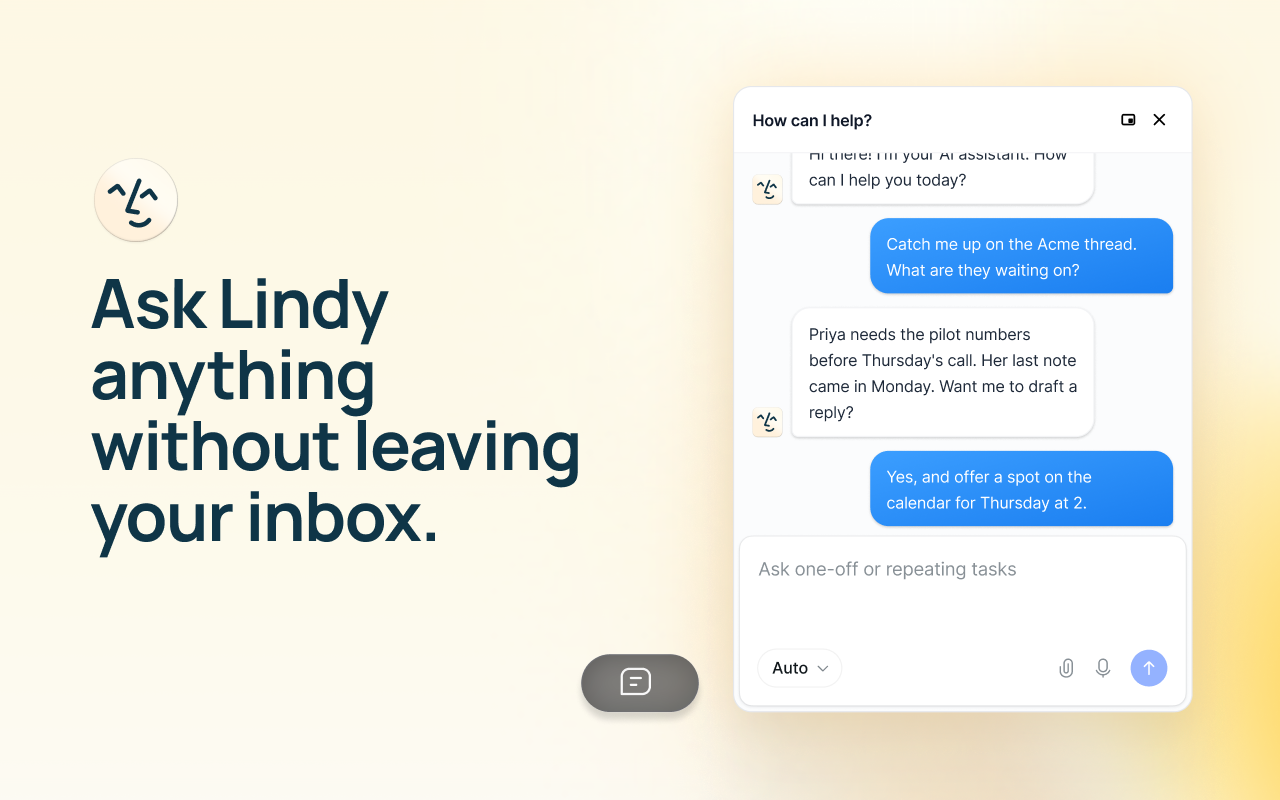
Lindy is an AI assistant platform that works like a teammate you message in Slack, email, text or chat. You ask Lindy for something, it works across your connected tools, and anything with outside impact waits for your approval before it goes out.
Its Chrome Web Store developer listing names Florent Charles Crivello, with an address at 101 New Montgomery St in San Francisco. Lindy says it is not associated with Lindy Electronik GmbH, the cable maker.
Lindy is aimed most at agencies and people who wear every hat, and its site lists roles such as paid ads, account management, client reporting, lead gen and outreach, inbox and calendar, data analysis, and calls and bookings.
You give Lindy work in a sentence, it plans the task, uses your integrations to do it, and asks for approval before sending, updating or publishing anything. Read-only lookups from approved sources run without approval. Every action is logged, so you can see what Lindy did, when and why.
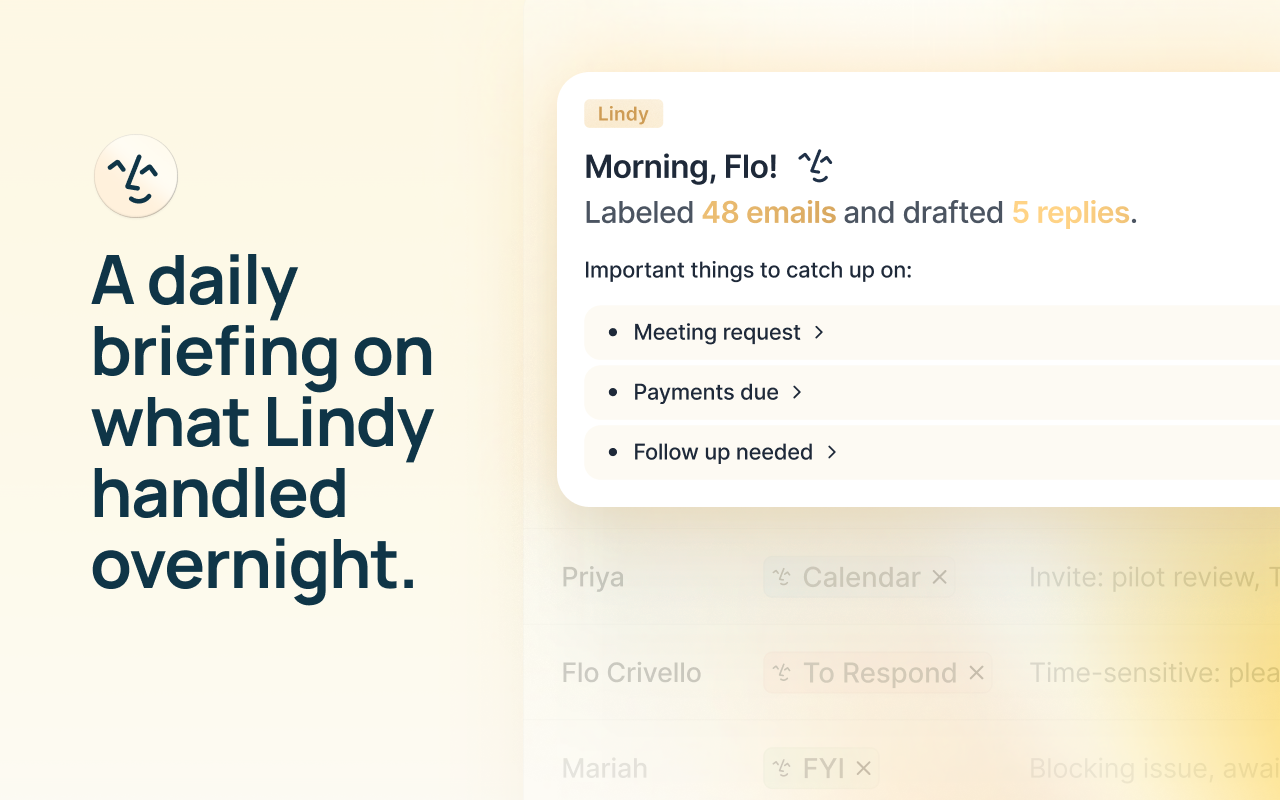
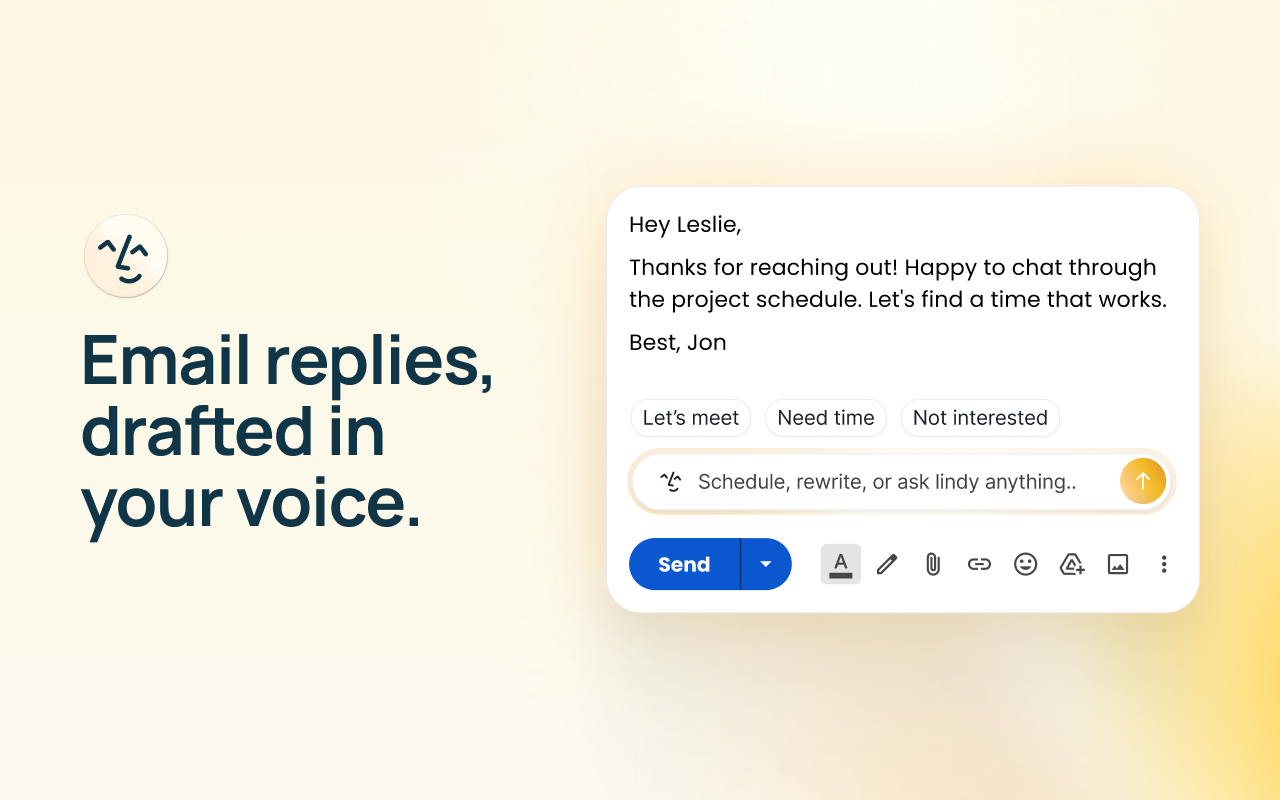
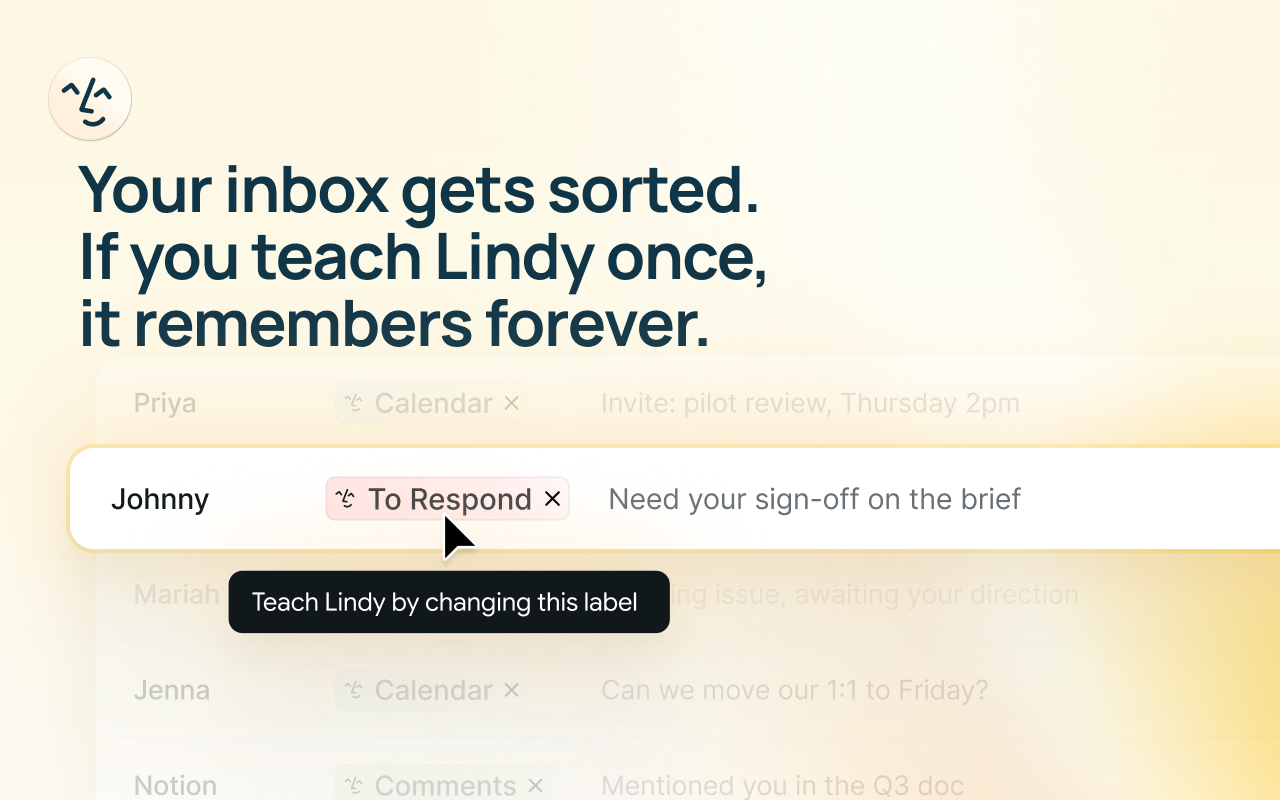
Lindy manages your inbox, labels email, and drafts replies in your voice, with 2 to 5 inboxes depending on plan. It schedules meetings, preps you before calls, records and takes meeting notes, sends follow-ups and delivers daily briefs and nudges. You can also message your assistant over iMessage at any hour.
Lindy works as a Slack-native teammate in threads and mentions, so anyone on the team can hand it work. It runs scheduled routines, keeps persistent workspace context, and ships with 40+ skills, plus the option to create your own.
Lindy has its own phone number to call businesses for you and answer as your receptionist. Booking links let people pick a time on your calendar, which the vendor pitches as a Calendly replacement. Lindy Apps builds internal tools, such as a deal room or spend tracker, from a request, on top of your integrations and behind one login.
Lindy connects to 3,000+ integrations and supports MCP to connect any tool, plus a browser for everything else. You can choose your AI model for each task, and the pricing page lists computer use on Pro and Max.
Lindy starts free with $50 in credits for 7 days, then the Team plan costs $49.99 a month per active user for 5,000 credits each. Enterprise is custom. Prices are in USD. Prices checked 12 Nov 2026.
| Plan | Price (USD) | What it includes |
|---|---|---|
| Free | $0 | $50 in credits that last 7 days, no credit card, setup in 2 minutes |
| Team | $49.99 a month per active user | 5,000 credits a month per seat in a shared pool, top-ups at $10 per 1,000 credits, model choice per task |
| Team, larger credit tiers | $59.99 to $9,999.50 a month | From 6,000 up to 1,750,000 monthly credits, chosen from the credit selector |
| Enterprise | Custom pricing | HIPAA with a signed BAA, SSO and SCIM, audit logs, shared usage with bonus credits, dedicated support, onboarding |
Credits measure the work Lindy does. The vendor says everyday asks such as answers, summaries and drafted replies use 2 to 250 credits, deep work such as a competitor report uses 250 to 1,000, and big builds such as dashboards or internal tools use 1,000 to 2,500. Monthly credits reset each billing cycle and do not roll over, while top-up credits stay until used. If the pool runs low, Lindy pauses credit-using actions instead of billing overages, which stay off unless you turn them on.
Anyone who uses Lindy takes a paid seat, including teammates who @mention it in Slack, though Slack joiners get a 7-day free trial first. Removing a seat or cancelling keeps access to the end of the paid cycle, with no mid-cycle proration.
A three-person agency on Team pays about $150 a month (3 × $49.99) for a shared pool of 15,000 credits. At the vendor's ranges, that covers about 15 big deep-work jobs at 1,000 credits each, or about 60 smaller research tasks at 250 credits each, plus routine asks. Another 5,000 credits as a top-up costs $50.
Independent rating samples are small. The Lindy Chrome extension holds 4.8 from 4 ratings on the Chrome Web Store, with 1,000 users (Nov 2026). Lindy's own pricing page shows a G2 badge with 4.9 stars, which is the vendor's display rather than a figure checked on G2.
Lindy says it is SOC 2 Type II audited by Johanson Group, with GDPR and PIPEDA independently assessed, and HIPAA available on Enterprise with a signed BAA. Data is encrypted in transit and at rest, and the vendor says it is never sold, shared or used to train models by Lindy or its providers. The security page lists real-time monitoring, regular vulnerability scans and penetration tests, and support for data deletion, access rights and residency requirements. Lindy runs on the web and in Slack, email, text and a Chrome extension for Gmail.
Lindy ships often, and its changelog lists several launches in October 2026.
The main catch is cost control, because credits are used by task size and every active user needs a seat.
The closest alternatives are AI agent builders and automation platforms, plus inbox assistants for the email side of Lindy.
Lindy is a capable AI employee for small teams that want to delegate inbox, meeting, lead and reporting work in plain language, with approvals before anything goes out. Its fast release pace, 3,000+ integrations and SOC 2 Type II report count in its favor. I would pick it if your work is spread across email, Slack and client tools and you want one assistant with memory. Skip it if you need fixed costs per task or only want email help.
Lindy starts free with $50 in credits for 7 days. The Team plan then costs $49.99 a month per active user for 5,000 credits, with larger credit tiers up to $9,999.50 a month and top-ups at $10 per 1,000 credits. Enterprise is custom.
Yes, for a week. New accounts get $50 in free credits with no credit card, and the free credits last 7 days. After that, paid usage starts at $49.99 per user per month.
Lindy says it is SOC 2 Type II audited by Johanson Group and GDPR and PIPEDA compliant, encrypts data in transit and at rest, and never uses your data to train models. Anything with outside impact waits for your approval.
No. Monthly credits refresh at the start of each billing cycle and do not roll over, but top-up credits stay in your account until you use them.
No. Actions with outside impact, such as sending an email, updating a ticket or publishing a doc, wait for approval. Read-only lookups from approved sources run without it.
Nothing breaks and there is no surprise bill. Lindy pauses credit-using actions until credits reset at the next cycle, and admins can top up at $10 per 1,000 credits or move to a larger monthly tier.
We may earn a commission when you buy through links on SaaSPic. It never changes our verdicts or the price you pay. Affiliate disclosure
Add this badge to your website so your visitors can read this independent review in one click.
 7.3/10
AI assistant for Gmail and Outlook that sorts email, drafts replies in your tone and takes meeting notes.
 6.5/10
No-code platform for building a team of AI agents from templates, trained on your own knowledge base and brand voice.
 8.0/10
Visual no-code automation platform for building workflows and AI agents across 3,500+ apps, billed in credits.
| Tool | Score | From | Free plan | Best for |
|---|---|---|---|---|
| Lindy | 7.3/10 | $49.99/mo | Yes | Agencies and small teams delegating inbox and client work |
| Fyxer | 7.3/10 | $37/mo | Yes | Consultants, agents and small client teams with heavy inboxes |
| TeamPal | 6.5/10 | $19/mo | No | Small teams that want ready-made AI agents for business tasks |
| Make | 8.0/10 | $9/mo | Yes | Small teams and agencies automating multi-step workflows on a budget |
 7.3/10
No-code browser automation and web scraping bots built in a Chrome extension, with cloud and desktop runners plus APIs for developers.
 7.0/10
No-code AI web scraping and browser automation: describe the data you want and an AI agent builds a reusable Bot.
 7.0/10
AI workspace with a Super Agent that plans multi-step tasks and produces slides, docs, sheets, research reports and media from one prompt.