 7.0/10
Software maker behind Filmora, an easy AI video editor, plus PDFelement, UniConverter, EdrawMax and Dr.Fone.


Beginner-friendly desktop video editor for Windows and Mac with templates, auto subtitles, AI cleanup tools and effects.
We may earn a commission when you buy through our links. How this works
Movavi Video Editor suits beginners, vloggers and small businesses on Windows or Mac who want polished videos quickly, from $19.95 a month, $69.95 a year or $149.95 once. Skip it if you need professional color and audio tools or want one simple price without add-ons.
Best for: Beginners and small businesses editing on Windows or Mac

7.0/10 Good, with trade-offs. The overall score is our judgment against the questions we ask of every tool, not an average. How we score
| Question | Score | Why |
|---|---|---|
| Does the jobWhat it actually does for the task it is sold for, and where it falls short. | 7.2 | It covers timeline editing, templates, effects, chroma key, motion tracking and one-click AI tools such as auto subtitles and silence removal. |
| Ease of useSetup needed and how quickly you get something useful done. | 8.2 | Templates made of Blocks, one-click AI tools and mouse-over effect previews are built for beginner content creators. |
| Pricing and limitsWhat you pay at a realistic size, including caps, add-ons and deal limits. | 7.0 | The $69.95 annual Plus plan and $149.95 lifetime license are fair, but the free version is a trial and effects and templates cost extra. |
| Reliability and supportUpdate pace, known problems and how support responds. | 5.8 | Frequent releases, a 14-day money-back guarantee and 24/7 payment support through 2Checkout. |
| Fit against alternativesHow it compares with the alternatives for the people it is aimed at. | 7.0 | Easier than DaVinci Resolve or PowerDirector for beginners, but less deep, and Filmora targets the same buyer. |
Movavi Video Editor is beginner-friendly desktop video editing software for Windows and Mac, with templates, auto subtitles, silence removal and hundreds of effects. It suits vloggers, small businesses and families who want good-looking videos without a steep learning curve, and it costs $19.95 a month, $69.95 a year or $149.95 for a lifetime license in the US store. There is a free version, but it watermarks exports and caps video at 60 seconds.
It is the flagship of Movavi, a company founded in 2004 that says it designs its software for beginner content creators. The vendor pitches it for social clips and vlogs, business promo reels and family movies, and the same program is sold for both platforms.
It fits people who edit now and then and want results quickly, such as a small business making product videos or a creator posting short clips. Skip it if you need professional color grading, multi-user workflows or advanced audio post, where DaVinci Resolve or other pro video software goes further.
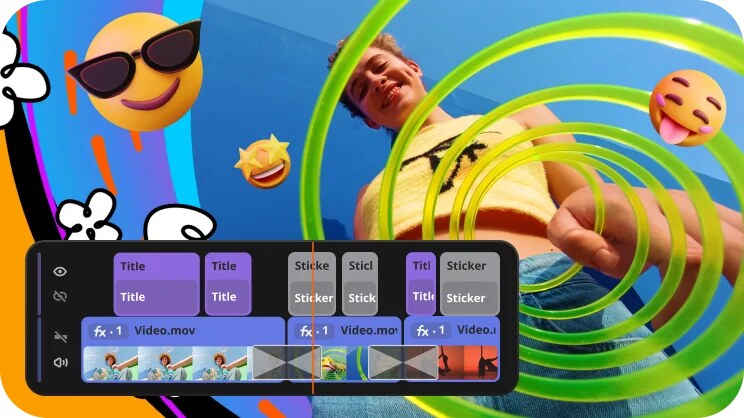
The Movavi workflow is to start from a template or a blank timeline, drop in video clips and images, then add titles, transitions, filters, overlays and one-click AI tools before export. Version 27 rebuilt the app around templates made of Blocks, which are short pre-edited video segments you can rearrange and fill with your own footage.
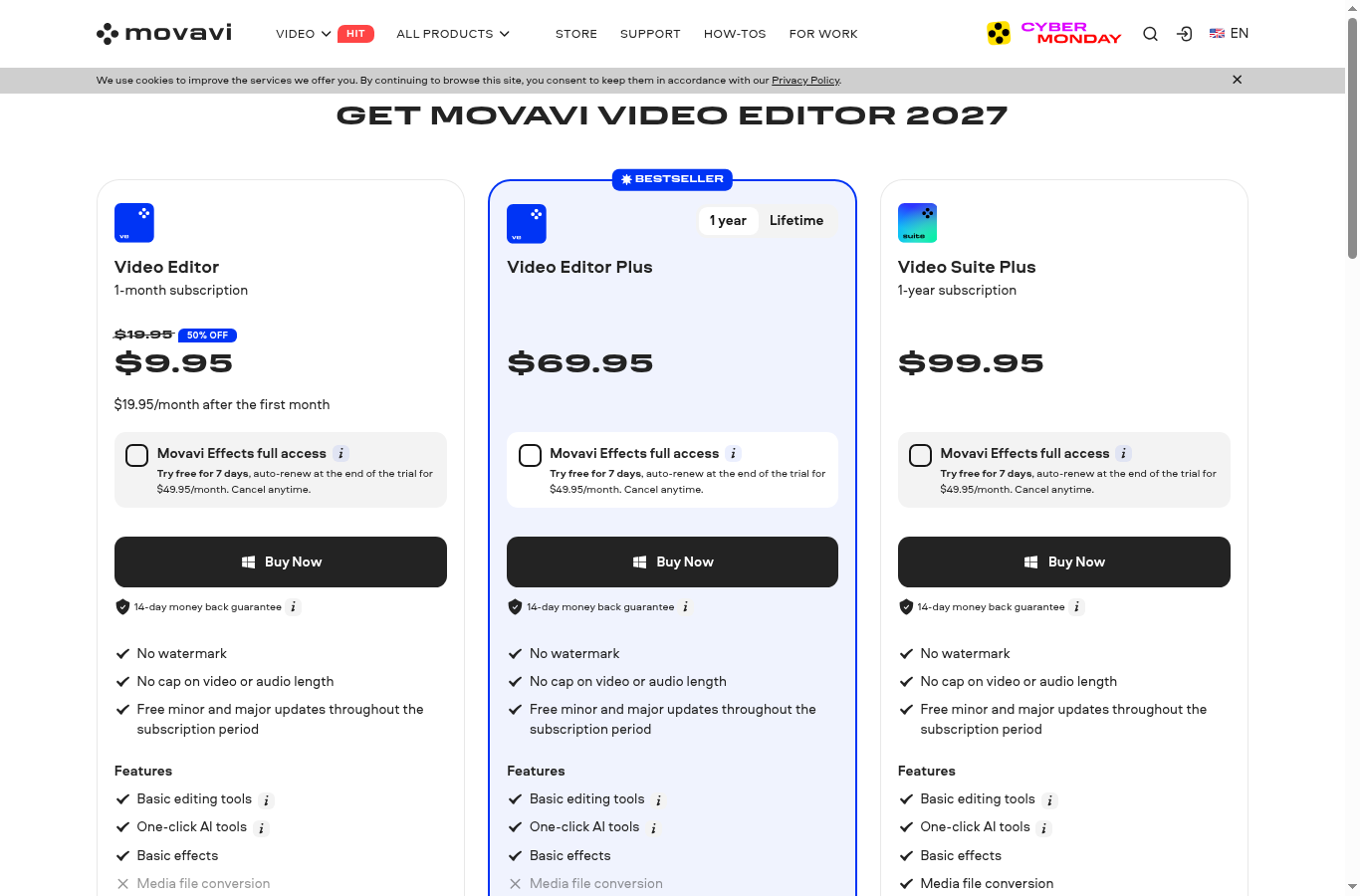
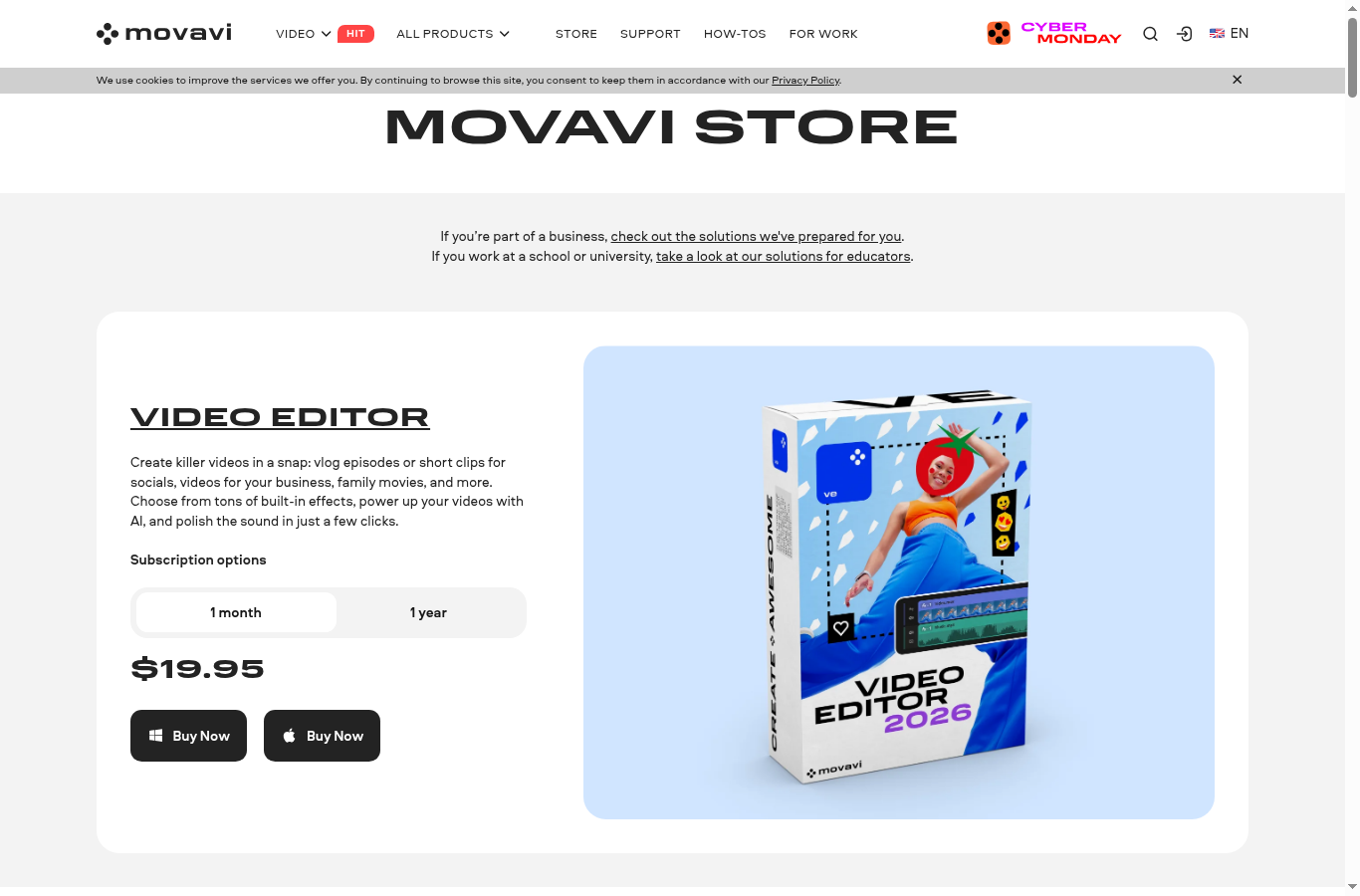
Movavi sells the video editor as a monthly subscription, a yearly subscription or a one-time lifetime license, with business and bundle editions alongside. These are US prices in USD, which showed Cyber Monday offers on the day. Prices checked 24 Nov 2026.
| Plan | Price (USD) | What it includes |
|---|---|---|
| Free version | $0 | Core editing and AI tools to test, but a watermark on exports, a 60-second video or half-length audio cap and no 4K export |
| Video Editor, 1 month | $19.95 a month ($9.95 for the first month on the day) | No watermark or length cap, basic editing, one-click AI tools and basic effects, updates while subscribed |
| Video Editor Plus, 1 year | $69.95 a year | Everything in the monthly plan plus 3 effects packs, updates while subscribed |
| Video Editor Plus, lifetime | $149.95 once | Video Editor Plus with a one-time payment and 3 effects packs |
| Video Suite Plus, 1 year | $99.95 a year | The Video Suite bundle of video editing, screen recording and file conversion, with 3 effects packs |
| Video Editor Business, 1 year | $94.95 a year | Business license with priority technical support, volume pricing from sales |
| Movavi Effects add-on | $49.95 a month after a 7-day free trial | 10,000+ extra effects, transitions and overlays plus 1,500+ music tracks, auto-renews, cancel anytime |
Every paid plan carries a 14-day money-back guarantee, which the buy page says covers technical or other problems that cannot be solved, subject to its refund policy. Payments run through 2Checkout, and the activation key arrives by email. The main store also listed a 1-year subscription at $54.95 against a $79.95 list price during the sale, so it pays to compare both pages before checkout.
Paying monthly for a full year costs $239.40, which is more than three years of the $69.95 annual Plus plan. The $149.95 lifetime license costs about the same as two years of the annual plan, so it is the better deal for anyone who expects to keep editing beyond two years.
The 2027 release runs on Windows 10 or 11 (64-bit) and on macOS 12 or later, on Intel or Apple M1 and newer chips, with native support for ARM-based Macs. The vendor lists 4 GB of RAM and a 1280 by 768 screen (1280 by 800 on Apple computers) as the minimum.
The biggest recent change is version 27, released on 29 Sep 2026, which added Movavi Templates and Blocks. Version 27.2.1 on 2 Nov 2026 added a plus button to place effects and a merged Files tab. Version 27.3.0 on 9 Nov 2026 made Blocks adjustable in length, added a before-and-after crop preview and smarter search. The product page lists 27.4.0, dated 23 Nov 2026, as the current version.
The main drawbacks are a restrictive free version and pricing that shifts with frequent promotions and add-on upsells.
The closest alternatives are other consumer and prosumer desktop video editing software, and each one wins for a different kind of creator.
Movavi Video Editor is good, easy desktop video software for beginners and small businesses on Windows or Mac, with useful one-click AI tools, from $19.95 a month, $69.95 a year or $149.95 once. We would pick the annual Plus plan or the lifetime license over monthly billing, and skip it if you need pro-level color and audio or dislike add-on upsells.
There is a free version, but it is a trial. Exports carry a watermark and are capped at 60 seconds of video or half the audio length, and 4K export is off until you buy a plan.
In the US store it is $19.95 a month, $69.95 a year for Video Editor Plus or $149.95 for a lifetime Plus license, all in USD. Video Suite Plus is $99.95 a year and the Business edition is $94.95 a year.
Yes. Movavi sells Video Editor Plus with a one-time lifetime payment of $149.95 on its own buy page, alongside the yearly plan at $69.95.
It depends on the editor. Movavi is easier for beginners and quick social or family videos, while DaVinci Resolve is free and far deeper for color, effects and audio post but takes longer to learn.
Yes. Movavi Video Editor 2027 runs on macOS 12 or later on Intel and Apple M1 or newer Macs, with native ARM support, and the Windows version needs Windows 10 or 11 64-bit.
Yes. Paid Movavi Video Editor plans carry a 14-day money-back guarantee for technical or other problems that cannot be solved, subject to Movavi's refund policy eligibility.
We may earn a commission when you buy through links on SaaSPic. It never changes our verdicts or the price you pay. Affiliate disclosure
Add this badge to your website so your visitors can read this independent review in one click.
 7.0/10
Software maker behind Filmora, an easy AI video editor, plus PDFelement, UniConverter, EdrawMax and Dr.Fone.
 7.8/10
Maker of Camtasia and Snagit, screen recording, capture and video editing tools for training and how-to content.
| Tool | Score | From | Free plan | Best for |
|---|---|---|---|---|
| Movavi Video Editor | 7.0/10 | $69.95/yr | Yes | Beginners and small businesses editing on Windows or Mac |
| Wondershare Filmora | 7.0/10 | $49.99/yr | Yes | Beginners and YouTubers who want easy desktop video editing |
| TechSmith (Camtasia and Snagit) | 7.8/10 | £34.64/yr | No | Trainers and teams making screen recordings, tutorials and how-to guides |
 8.4/10
Voice AI platform with Sonic text to speech, Ink speech to text and Managed Agents for phone voice agents via API.
 8.3/10
AI video and image generator running Kling's own models, with keyframes, character references, native audio, motion control and an API.
 8.3/10
AI voice platform for text to speech, voice cloning, dubbing, music and sound effects, plus voice agents and an API for developers.