 7.8/10
VPN with unlimited devices, 4,500+ servers in 100 countries, plus bundles adding antivirus, breach alerts and data removal.


Ad, popup and tracker blocker with free browser extensions and paid system-wide apps for Windows, Mac, Android and iOS.
We may earn a commission when you buy through our links. How this works
AdBlocker Ultimate suits households and small offices that want ad and tracker blocking across Windows, Mac, Android and iOS from one license, ideally paid once. Skip the paid apps if you only browse on a desktop, where the free extension or uBlock Origin does most of the job.
Best for: Households wanting system-wide ad blocking on several devices
7.0/10 Good, with trade-offs. The overall score is our judgment against the questions we ask of every tool, not an average. How we score
| Question | Score | Why |
|---|---|---|
| Does the jobWhat it actually does for the task it is sold for, and where it falls short. | 7.4 | Blocks ads, popups, trackers and malware domains, with system-wide filtering on Windows, Mac and Android in the paid apps. |
| Ease of useSetup needed and how quickly you get something useful done. | 7.5 | Extensions install from the official stores and Android filtering needs no root, per the maker's product pages. |
| Pricing and limitsWhat you pay at a realistic size, including caps, add-ons and deal limits. | 7.2 | The extension is free and a 10-device lifetime license costs u00a399.99 on sale, though prices exclude VAT. |
| Reliability and supportUpdate pace, known problems and how support responds. | 6.0 | Support is by email, premium support comes only with the paid app, and the extensions were updated in November 2026. |
| Fit against alternativesHow it compares with the alternatives for the people it is aimed at. | 6.8 | Against uBlock Origin it adds paid system-wide apps, while AdGuard covers more platforms such as Linux. |
AdBlocker Ultimate is an ad, popup and tracker blocker sold as free browser extensions plus paid system-wide apps for Windows, Mac, Android and iOS. It suits people and small teams who want ads and trackers gone in every app, not only the browser, and who would rather pay once than subscribe.
AdBlocker Ultimate is a family of ad blocker products from AdAvoid Ltd, a company based in Varna, Bulgaria, according to its Chrome Web Store listing. The free extension blocks ads, popups, video ads and trackers in the browser, and the paid apps filter traffic for the whole device so ads also disappear in email clients, games and other apps.
The main selling point is that there is no predefined allowlist. Some rival ad blockers ship with a list of "acceptable ads" that are shown by default, while AdBlocker Ultimate lets you build your own allowlist of sites you trust. The extension is open source, and the Firefox version is licensed under LGPL 3.0.
AdBlocker Ultimate fits people who want one license to cover several devices and who want ad blocking outside the browser. A household or a small office that wants the same blocking on laptops, an Android phone and an iPhone is the obvious buyer.
Each product blocks ads, trackers and known malware or phishing domains, but how far the blocking reaches depends on the platform. The pricing page compares the paid app with the free extension, and only the app blocks ads in all applications, works in every browser at once, filters email clients and games, and gets real-time filter updates and premium support.
The free extension runs in Chrome, Edge, Firefox, Opera, Yandex and Brave. It blocks display ads, popups, YouTube in-video ads and trackers, offers an element blocker, and lets you allowlist sites yourself. The Chrome Web Store lists it in 42 languages.
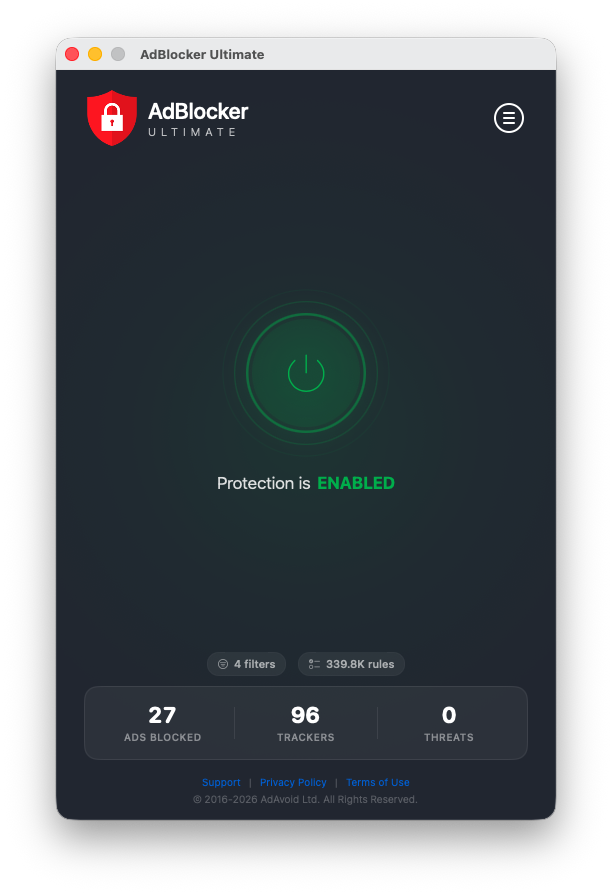
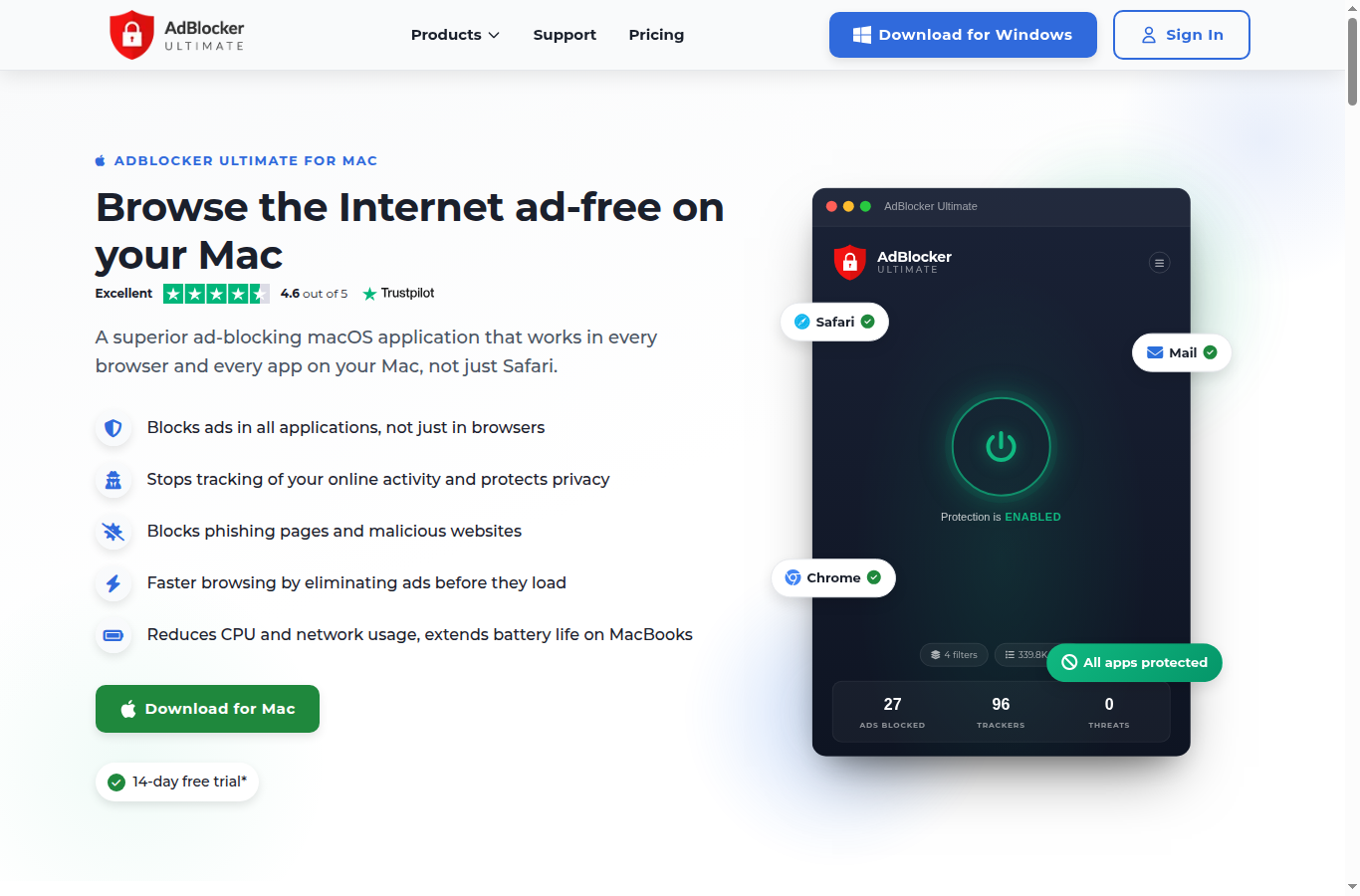
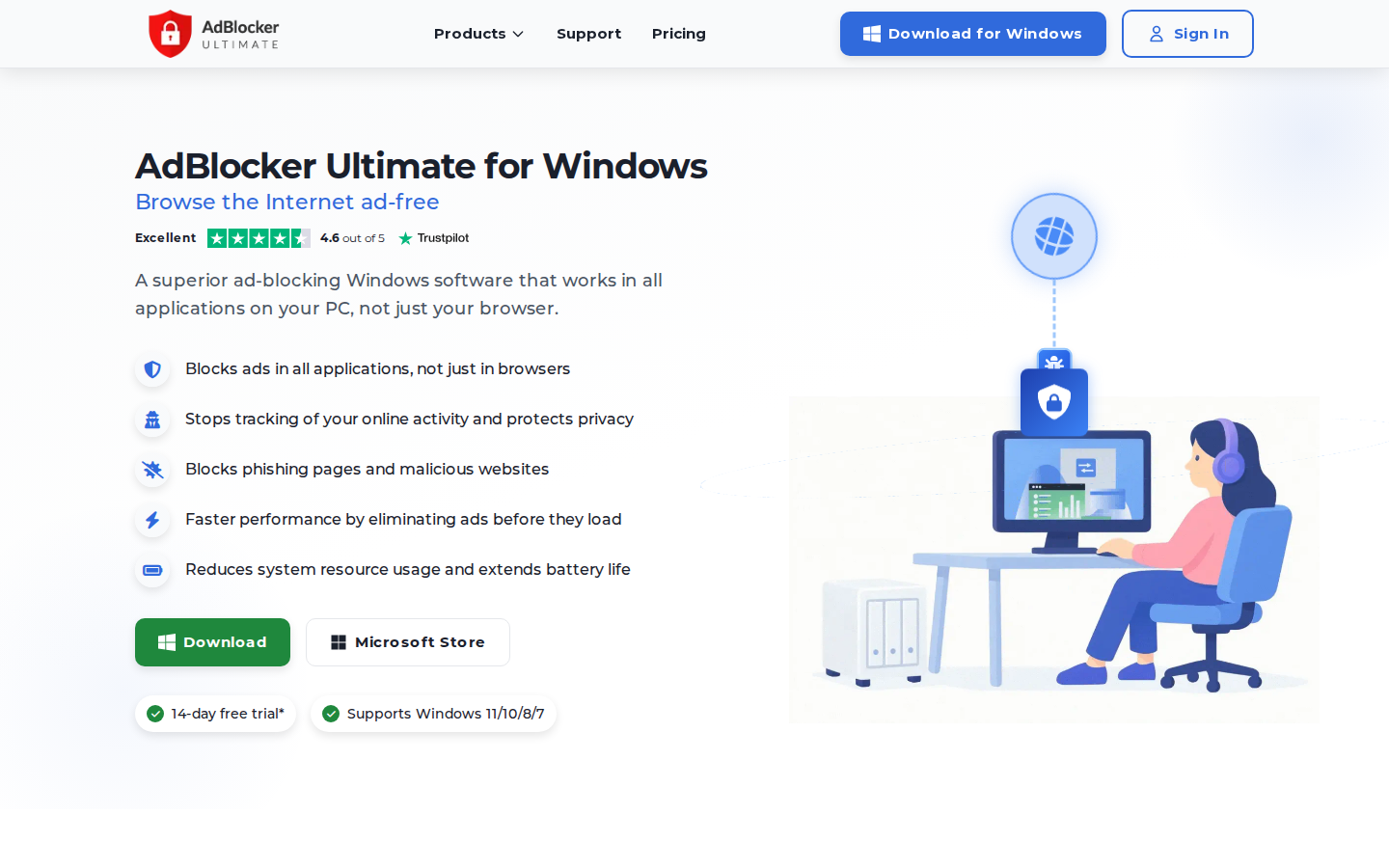
The Windows app supports Windows 11, 10, 8 and 7 and works at the system level, so it removes ads from browsers, email clients, video apps and other programs. The vendor says its rewritten filtering engine in version 4.1 loads filter lists 7 to 8 times faster and uses Windows efficiency mode to cut resource use. The Mac app runs as a macOS Network Extension and filters traffic system-wide, with per-app rules, a privacy mode and digital fingerprint protection.
On Android 8.0 and later, the app uses the Android VPN API to filter traffic from every app with no root required. It adds per-app control and secure DNS over DNS-over-HTTPS, DNS-over-TLS and DNSCrypt, with 8 providers to choose from. On iOS, the app blocks ads, trackers and malicious domains in Safari, with your own filters and allowlist.
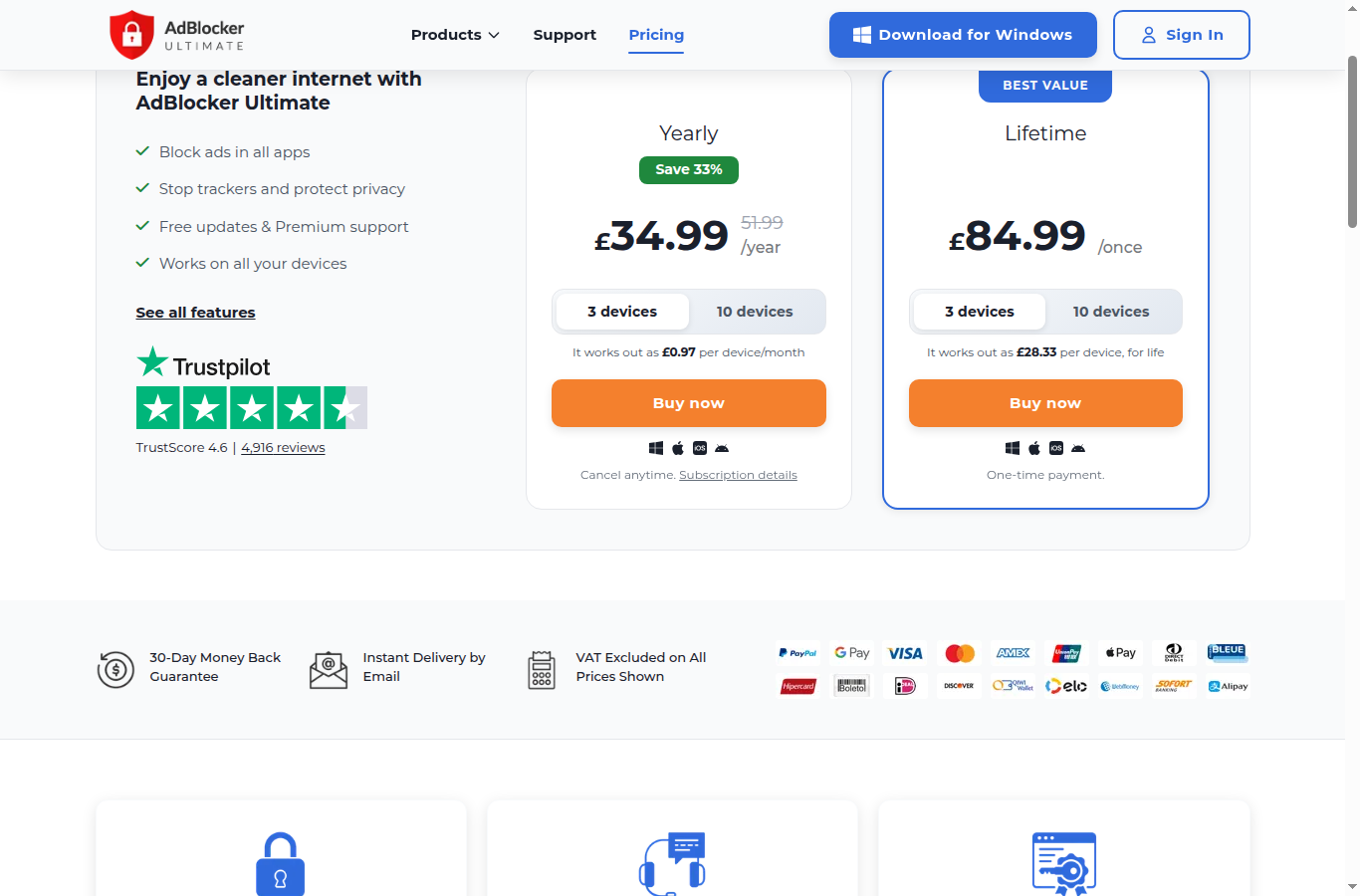
The browser extension is free, and the system-wide apps cost £34.99 a year for 3 devices or £84.99 once for a lifetime license, with every paid plan covering Windows, macOS, iOS and Android. The figures below are the GBP prices on the maker's pricing page, which excludes VAT, and include a Black Friday discount on most options. Prices checked 12 Nov 2026.
| Plan | Price (GBP, excl. VAT) | What it includes |
|---|---|---|
| Browser extension | Free | Ad, popup and tracker blocking in one browser, malware domain blocking, own allowlist |
| Yearly, 3 devices | £34.99 a year (sale price, normally £51.99) | System-wide apps on up to 3 devices, real-time filter updates, premium email support |
| Yearly, 10 devices | £42.99 a year (sale price, normally £67.99) | The same apps on up to 10 devices, about £0.36 per device a month |
| Lifetime, 3 devices | £84.99 once | System-wide apps on up to 3 devices for life, free updates |
| Lifetime, 10 devices | £99.99 once (sale price, normally £283.30) | System-wide apps on up to 10 devices for life, about £10 per device |
Each paid app comes with a 14-day free trial, and every purchase has a 30-day money-back guarantee. The FAQ says a Personal license covers 3 devices and a Family license covers 10, you manage and name devices from your account, and you turn off automatic renewal from the Purchase tab. The license key arrives by email right after payment. The lifetime license is sold directly on the maker's own site.
A household with a Windows laptop, a MacBook and an Android phone fits the 3-device yearly plan at £34.99 during the sale, which the vendor works out at £0.97 per device a month. A family or small office with up to 10 devices pays £42.99 a year, or £99.99 once for the lifetime option. At those prices the 10-device lifetime license costs the same as about two and a third years of the sale yearly plan.
Store ratings for the extension are high and come from large samples. On Firefox Add-ons it holds 4.8 from 27,268 reviews with 1,057,428 users, and on the Chrome Web Store it holds 4.7 from about 64,000 ratings with 2,000,000 users (both Nov 2026). The maker's pricing page also shows a Trustpilot score of 4.6 from 4,916 reviews.
The reviews quoted on the maker's site praise system-wide blocking in apps and games and the lifetime option. These are the vendor's chosen quotes, so treat them as marketing.
AdBlocker Ultimate runs on Windows, macOS, Android, iOS and six desktop browsers, and the extension code is open source on GitHub. The Chrome listing says the developer collects no user data, and AdAvoid Ltd is listed as an EU trader with a D-U-N-S number. The site footer dates the brand from 2015. The product line also includes a separate AdBlocker Browser for Android, AdAvoid DNS and backup software.
The extensions are actively maintained. The Chrome Web Store shows version 4.4.6, updated on November 6, 2026, and Firefox Add-ons shows version 4.4.5, updated on November 5, 2026. A Black Friday sale was running on the pricing page in November 2026, with discounts of up to 66% on some plans.
The biggest limit is that the free extension only covers the browser it is installed in, so app and game blocking needs a paid license.
The closest alternatives are other ad and tracker blockers, either free extensions or paid system-wide apps.
AdBlocker Ultimate is a sensible pick if you want ad and tracker blocking across a mixed set of devices and prefer a one-off payment. The free extension is well rated and has no acceptable ads list, and the paid apps add the system-wide blocking that extensions cannot reach. I would pick it over a free extension if ads in desktop apps, games or Android apps bother you. If you only browse on a desktop, a free extension does most of the job.
Yes, the browser extension for Chrome, Edge, Firefox, Opera, Yandex and Brave is free. The system-wide apps for Windows, Mac, Android and iOS need a paid license after a 14-day free trial.
In the browser, both are free and block ads and trackers without an acceptable ads list, and uBlock Origin is known for low resource use and deep filter control. AdBlocker Ultimate is the better fit if you also want paid system-wide blocking in desktop apps, games and Android apps.
Yes. The maker's comparison table says both the free extension and the paid app block YouTube in-video ads.
The extension is open source, the Chrome Web Store listing says the developer collects no user data, and the developer, AdAvoid Ltd, is listed as an EU trader. It also blocks known phishing and malware domains.
A Personal license covers 3 devices and a Family license covers 10, on any mix of Windows, Mac, Android and iOS. For more than 10 devices, the maker asks you to contact support.
Yes. Every purchase has a 30-day money-back guarantee, and the maker says it refunds the full order amount if you are not satisfied within that period.
We may earn a commission when you buy through links on SaaSPic. It never changes our verdicts or the price you pay. Affiliate disclosure
Add this badge to your website so your visitors can read this independent review in one click.
 7.8/10
VPN with unlimited devices, 4,500+ servers in 100 countries, plus bundles adding antivirus, breach alerts and data removal.
 7.0/10
AI compliance platform for SOC 2, ISO 27001, HIPAA and GDPR, with a free open-source self-hosted edition and a paid managed cloud.
 6.9/10
Browser extension that blocks spy pixels, tracking links and read receipts in Gmail and hides your IP through a proxy.