 7.0/10
Software maker behind Filmora, an easy AI video editor, plus PDFelement, UniConverter, EdrawMax and Dr.Fone.


Maker of Camtasia and Snagit, screen recording, capture and video editing tools for training and how-to content.
We may earn a commission when you buy through our links. How this works
TechSmith's Camtasia and Snagit suit trainers, support teams, educators and anyone who makes how-to videos, guides and documentation on Windows or Mac. Skip them if you only need the odd screenshot, want a one-off license, or edit cinematic footage, where a full video editor fits better.
Best for: Trainers and teams making screen recordings, tutorials and how-to guides
7.8/10 Good, with trade-offs. The overall score is our judgment against the questions we ask of every tool, not an average. How we score
| Question | Score | Why |
|---|---|---|
| Does the jobWhat it actually does for the task it is sold for, and where it falls short. | 8.5 | Snagit offers scrolling capture, Step Capture and Smart Redact; Camtasia records screen, camera and audio on separate tracks, with cursor editing and SCORM export. |
| Ease of useSetup needed and how quickly you get something useful done. | 7.5 | Snagit is quicker for documentation, with Step Capture building a how-to guide as you click, and TechSmith offers free tutorials, webinars and an Academy. |
| Pricing and limitsWhat you pay at a realistic size, including caps, add-ons and deal limits. | 6.0 | Individual plans are yearly subscriptions from GBP 34.64 to GBP 532.09, and AI voices start on Create while avatars, translation and dubbing need Pro. |
| Reliability and supportUpdate pace, known problems and how support responds. | 7.0 | Trustpilot's summary of 156 reviews is largely positive on reliability and support, but mentions confusing license renewals and some issues after updates, including on Mac. |
| Fit against alternativesHow it compares with the alternatives for the people it is aimed at. | 7.5 | Suited to trainers and documentation work; the review points to a full editor for cinematic footage and names Loom, ScreenPal and Descript as alternatives. |
TechSmith is the software company behind Camtasia and Snagit, two long-running tools for screen recording, screen capture and video editing, now sold together as the Camtasia Suite. They are for people who make training videos, tutorials, software demos and how-to documentation on Windows or Mac.
Camtasia and Snagit suit corporate trainers, HR and internal communications teams, customer education and support teams, teachers and anyone producing how-to content. TechSmith sells business licenses for whole teams and separate education pricing.
Skip them if you only take the occasional screenshot, since built-in tools may be enough. If you mainly edit camera footage for films or ads, a full video editor is a better fit.
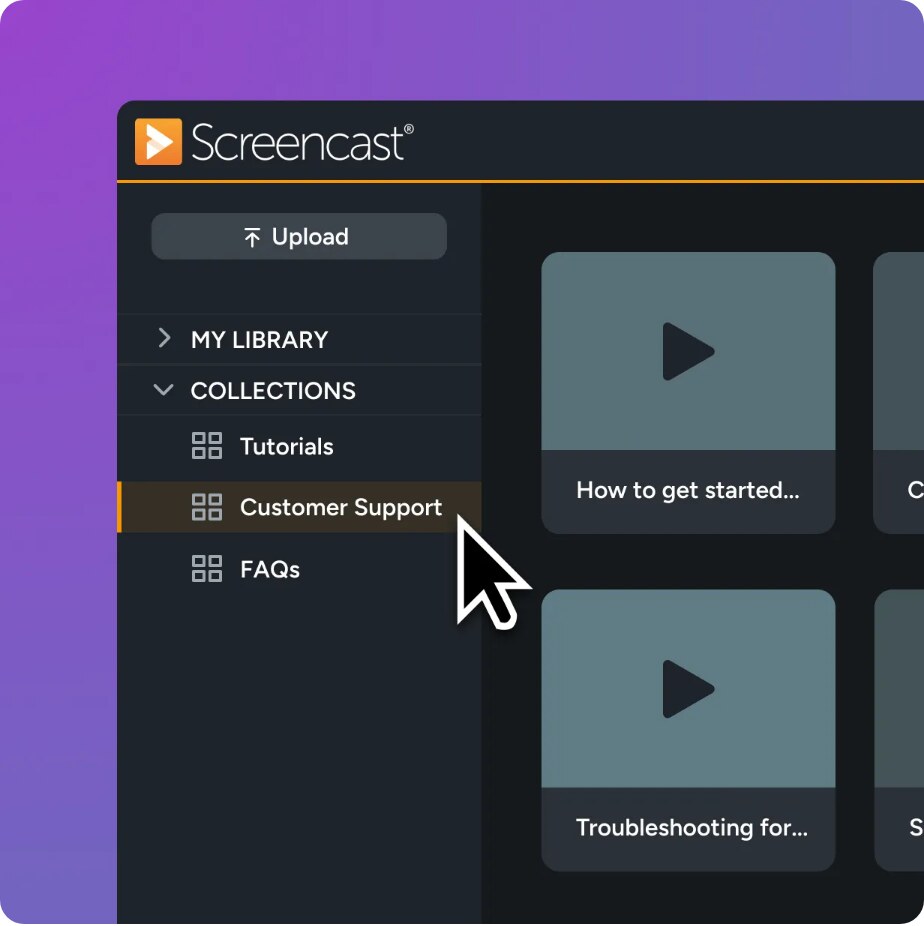
The suite has four main parts: Camtasia Editor for recording and editing video, Camtasia Snagit for screen capture, Camtasia Audiate for text-based audio editing and AI voices, and Screencast for hosting and sharing. Camtasia Online is a free browser-based recorder.
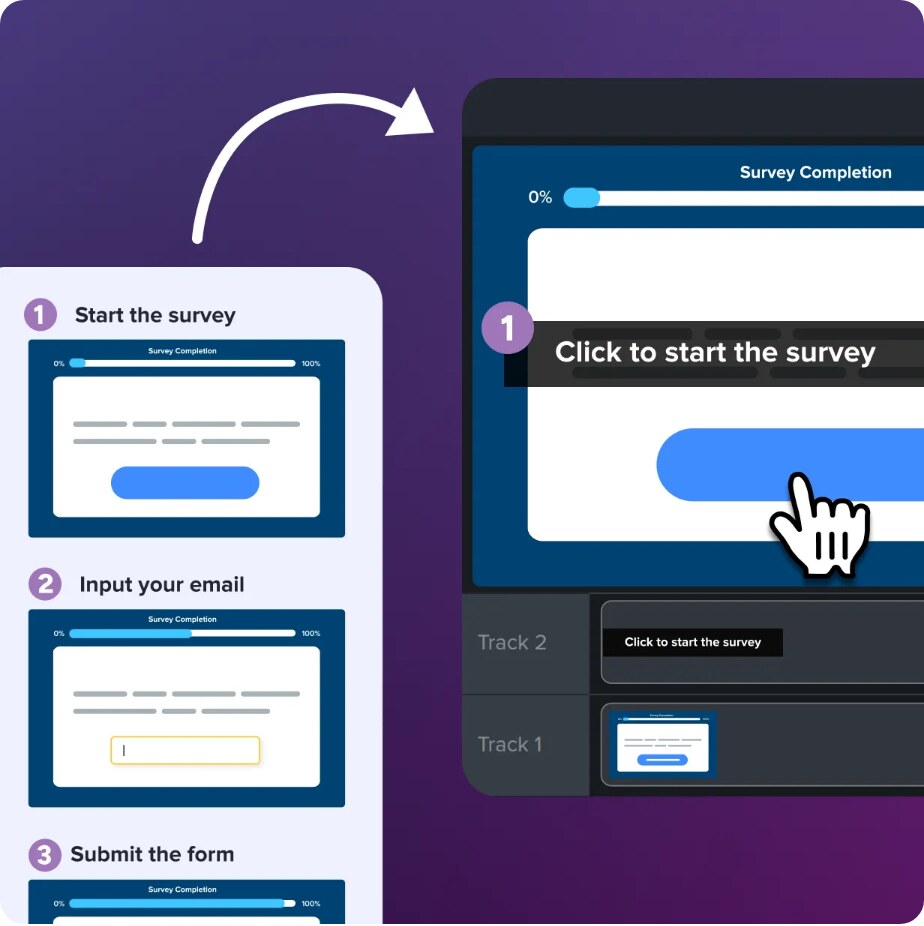
Snagit captures full screen, window, region, panoramic and scrolling screenshots, so you can grab a long web page as one image. It also records the screen, makes animated GIFs and includes an editor with arrows, callouts, stamps and blur. Step Capture builds a step-by-step guide as you click through a process, and Smart Redact finds and hides sensitive information in an image.
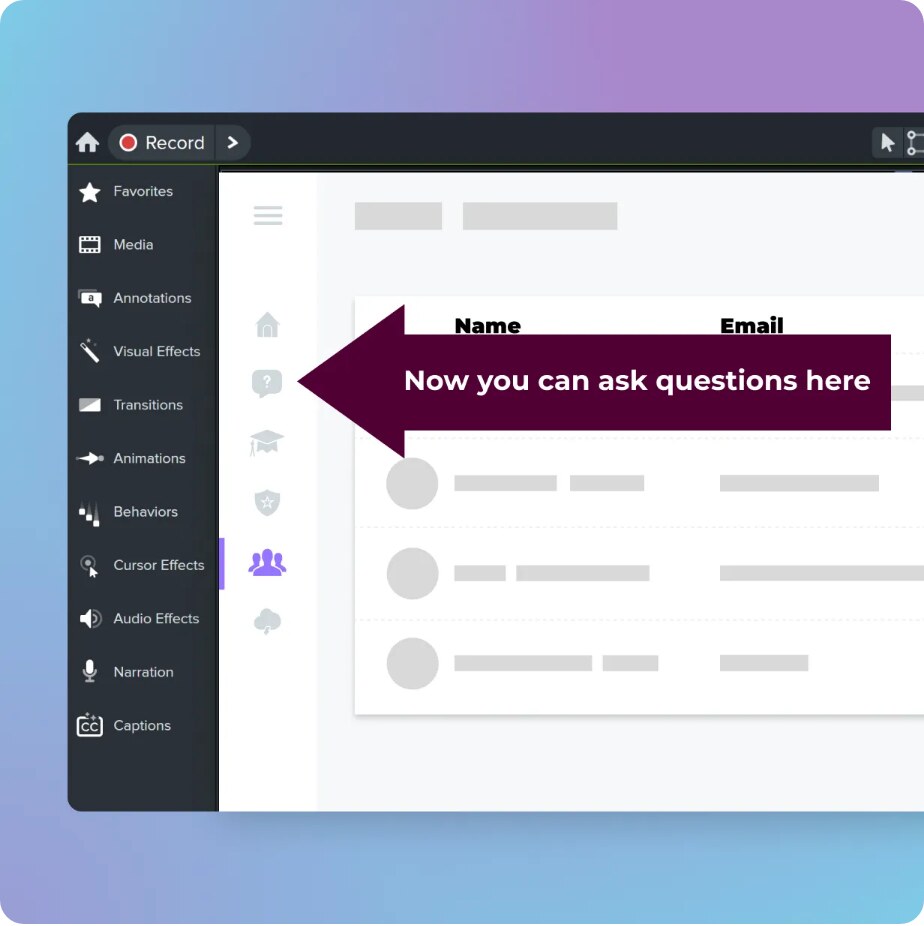
Camtasia records the screen, webcam and microphone as independent tracks, so you can edit each one separately. Editing features include cursor effects and path editing, webcam background removal, animations and transitions, studio-quality audio effects, and quizzes with SCORM export for learning management systems. Recordings go up to 4K at 60fps, and exports include MP4, GIF, audio-only M4A and WebM.
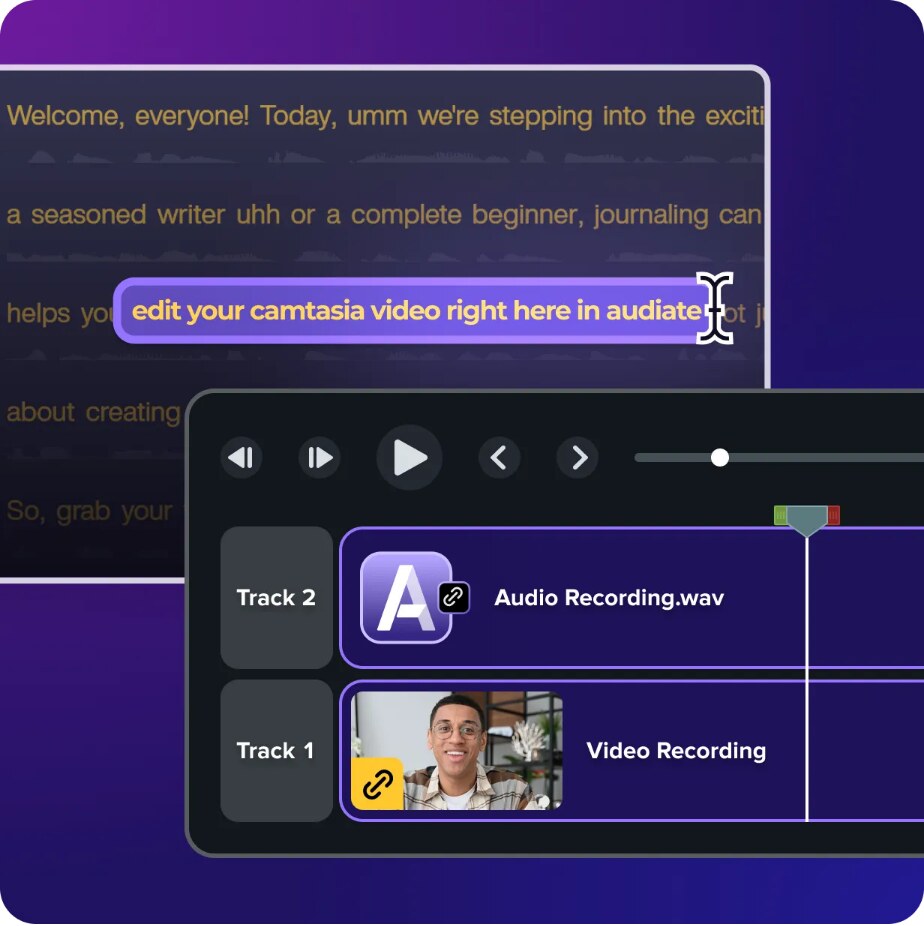
Audiate lets you edit a video by editing its transcript like a document, with automatic filler word removal and caption generation. Higher plans add AI script generation, 200+ AI voiceover options, avatar generation with 49 avatar styles, script translation, audio dubbing and AI titles, chapters and descriptions.
For a training video, the usual workflow is to record screen, camera and microphone in Camtasia, then edit each track: trim mistakes, smooth the cursor path, add callouts and annotations, and remove the webcam background if needed.
Audiate can then clean up the narration by editing the transcript. You export a video file, a SCORM package for an LMS, or share it through Screencast, where viewers leave timestamped comments. For documentation, Snagit is quicker: capture, mark up, then share to Word, PowerPoint, OneNote, Slack, Screencast or Camtasia.
TechSmith sells individual plans as yearly subscriptions, and its store shows local-currency prices. The prices below are the UK store's prices in pounds sterling per user per year. Prices checked 8 Nov 2026.
| Plan | Price per year | Main inclusions |
|---|---|---|
| Camtasia Starter (Snagit individual) | £34.64 a year | Snagit, unlimited 4K/60fps recordings, GIF maker, AI blur and redact, Camtasia Editor with watermarked exports |
| Camtasia Essentials | £159.78 a year | Full Camtasia Editor and Audiate, text-based editing, captions, multitrack recording, quizzes and SCORM export |
| Camtasia Create | £221.18 a year | Essentials plus AI script generation, 200+ AI voiceovers and multi-language support |
| Camtasia Pro | £532.09 a year | Create plus AI avatars, translation, dubbing, image generation, 100 million+ stock assets and unlimited Screencast sharing |
| Camtasia Teams and Business | £175.88 per user a year (1 to 9 users) | Transferable licenses, one key for all users, £167.08 per user from 10 users |
Every individual plan includes macOS 14+ and Windows 10 and 11 support, live chat support, a 14-day money-back guarantee, up to 25 private videos on Screencast, a starter asset library and Camtasia Online. Individual plans are non-transferable. Education pricing is £144.22 per year for educators and £39.97 for students who confirm their status through Student Beans. Software Advice lists US pricing for Camtasia from $179.88 to $499 a year.
A support writer who needs screenshots and step guides only can use Starter at £34.64 a year, about £2.89 a month. A trainer who needs real video editing, captions and quizzes needs Essentials at £159.78 a year, about £13.32 a month.
A team of five on business licenses pays £879.40 a year, with the advantage that licenses can move between people. Pro at £532.09 only makes sense if you will use AI avatars, dubbing or the stock library.
You can try both products before you purchase. The Snagit download page offers a free trial with no credit card needed, though you create a TechSmith account after you download, and the trial version is for evaluation only, not commercial use.
Camtasia offers two free options: Camtasia Online, a browser-based app that records the screen in 1080p with basic trimming, and a limited-use desktop version of the Camtasia Editor whose exports carry a watermark you may not remove. Both desktop apps install on Windows or macOS, and TechSmith publishes system requirements and uninstall steps. If you're on a phone, the download page emails you a link to install later on a computer. Each new version arrives as an update, and the changelog tells you what the latest version adds.
User ratings are strong for both products. As of Nov 2026, Snagit has 4.7 from 502 reviews on Software Advice, and Camtasia has 4.5 from 453 reviews, with ease of use at 4.5 and value for money and customer support both at 4.2.
In one Snagit review, the user says it turns a question, bug or idea into a visual explanation in minutes, while noting concerns about pricing and occasional performance. Value for money is the weakest score for both, which fits the move to subscriptions.
TechSmith was founded in 1987 by Bill Hamilton, and the company says more than 73 million people in over 190 countries have used its products.
TechSmith now brands everything under Camtasia, so Snagit appears as Camtasia Snagit inside the Camtasia Suite plans. Both products publish a dated changelog.
The August 2026 Camtasia release (2026.2) added Step Capture to Video, WebM export, customizable animations with better Lottie support, and sending scripts to Audiate for narration. April 2026 added Zoom recording import, automatic media sync, VTT caption import and export, and collaborative recording. Snagit 2026.1.0 in February 2026 added sharing step captures to PowerPoint as editable slides and opening recordings directly in Camtasia Editor.
The main drawbacks are the subscription model and how features are split across plans.
The closest alternatives are other screen recorders and editors for tutorial video.
TechSmith's Camtasia and Snagit remain a strong pair for screen-based training and documentation, with high user ratings and a clear upgrade path from screenshots to edited video.
I would start with the free Camtasia Editor or Starter, and move to Essentials only once you need unwatermarked video, captions or SCORM export.
TechSmith makes software for screen capture, screen recording and video editing. Snagit is used for screenshots, annotated images, quick recordings and step-by-step guides, and Camtasia for editing training, tutorial and demo videos.
Yes. Camtasia is TechSmith's video editor, and TechSmith now sells it as the Camtasia Suite, which also includes Camtasia Snagit, Camtasia Audiate, Screencast and Camtasia Online.
Yes. Snagit is a long-running TechSmith product with a 4.7 rating from 502 reviews on Software Advice as of Nov 2026. TechSmith was founded in 1987.
You can download the Camtasia Editor and use it free with watermarked exports, and Camtasia Online is a free browser-based recorder. Paid plans remove the watermark from Essentials up.
For screen-based training and tutorial video, yes: users rate it 4.5 from 453 reviews on Software Advice, with ease of use at 4.5. Value for money scores lower, at 4.2.
Not on an individual plan, which is non-transferable. Teams and Business licenses can be reassigned to another user as your team changes, and run on one machine at a time per user.
We may earn a commission when you buy through links on SaaSPic. It never changes our verdicts or the price you pay. Affiliate disclosure
Add this badge to your website so your visitors can read this independent review in one click.
 7.0/10
Software maker behind Filmora, an easy AI video editor, plus PDFelement, UniConverter, EdrawMax and Dr.Fone.
 7.0/10
Beginner-friendly desktop video editor for Windows and Mac with templates, auto subtitles, AI cleanup tools and effects.
 6.6/10
Lightweight Windows and macOS app that records your screen or one window as a timelapse and exports an MP4 automatically.
| Tool | Score | From | Free plan | Best for |
|---|---|---|---|---|
| TechSmith (Camtasia and Snagit) | 7.8/10 | £34.64/yr | No | Trainers and teams making screen recordings, tutorials and how-to guides |
| Wondershare Filmora | 7.0/10 | $49.99/yr | Yes | Beginners and YouTubers who want easy desktop video editing |
| Movavi Video Editor | 7.0/10 | $69.95/yr | Yes | Beginners and small businesses editing on Windows or Mac |
| ChefLapse | 6.6/10 | $4.99 one-off | No | Creators recording long sessions as timelapses |
 8.4/10
Voice AI platform with Sonic text to speech, Ink speech to text and Managed Agents for phone voice agents via API.
 8.3/10
AI video and image generator running Kling's own models, with keyframes, character references, native audio, motion control and an API.
 8.3/10
AI voice platform for text to speech, voice cloning, dubbing, music and sound effects, plus voice agents and an API for developers.