 7.9/10
AI meeting assistant that records, transcribes and summarizes calls on Zoom, Meet and Teams, with search and CRM sync.


AI meeting notetaker and transcription tool with 58 languages, bilingual transcription, AI summaries and a bot-free recorder.
We may earn a commission when you buy through our links. How this works
Notta suits professionals and teams who need meeting transcription across languages, especially bilingual meetings, at a low annual price. The free plan's 3-minute cap makes it a demo, and anyone wary of billing problems should set a reminder before the trial ends or pick a better-reviewed notetaker.
Best for: Multilingual teams transcribing meetings
7.2/10 Good, with trade-offs. The overall score is our judgment against the questions we ask of every tool, not an average. How we score
| Question | Score | Why |
|---|---|---|
| Does the jobWhat it actually does for the task it is sold for, and where it falls short. | 8.0 | Transcribes 58 languages, handles two languages in one meeting, and writes summaries and action items, though accuracy is not independently published. |
| Ease of useSetup needed and how quickly you get something useful done. | 7.5 | Records with a bot, bot-free on desktop, in the browser, on mobile, or from uploaded files and YouTube links. |
| Pricing and limitsWhat you pay at a realistic size, including caps, add-ons and deal limits. | 8.0 | Pro is $8.17 a month on annual billing for 1,800 minutes, but translation add-ons cost extra and minutes do not carry over. |
| Reliability and supportUpdate pace, known problems and how support responds. | 6.5 | Lists SOC 2, ISO 27001, GDPR and HIPAA compliance, but publishes no independent accuracy figures and the free plan caps conversations at 3 minutes. |
| Fit against alternativesHow it compares with the alternatives for the people it is aimed at. | 7.5 | Strongest for multilingual and bilingual meetings; teams wanting deep CRM automation after each call may prefer a more workflow-focused notetaker. |
Notta AI is a meeting notetaker and transcription app that records online meetings, in-person conversations and uploaded files, then writes searchable transcripts, AI summaries and documents from them. It suits professionals and teams with multilingual meetings who want low annual pricing, and it is a weak choice if you only want a free plan.
Notta is built for executives, sales and customer success teams, consultants and agencies, researchers and educators. Its clearest strength over other AI notetakers is language coverage, with transcription in 58 languages and bilingual transcription that handles two languages in one meeting.
Skip it if you want a useful free plan, because the free tier caps each conversation at 3 minutes. Also skip it if billing support worries you, since that is the main theme of its poor Trustpilot rating (covered below).
The Notta workflow is capture, transcribe, summarize, then create something from the meeting. Everything lands in one workspace whether it came from a meeting bot, the desktop app, a phone or an uploaded file.
You paste a Zoom, Google Meet, Microsoft Teams or Webex link and a Notta bot joins and transcribes the call, or you record in the browser with the Chrome extension, on the Mac or Windows desktop app, or on iOS and Android for in-person meetings. Notta also sells Notta Memo hardware recorders, and Notta Memo Pro is on preorder.
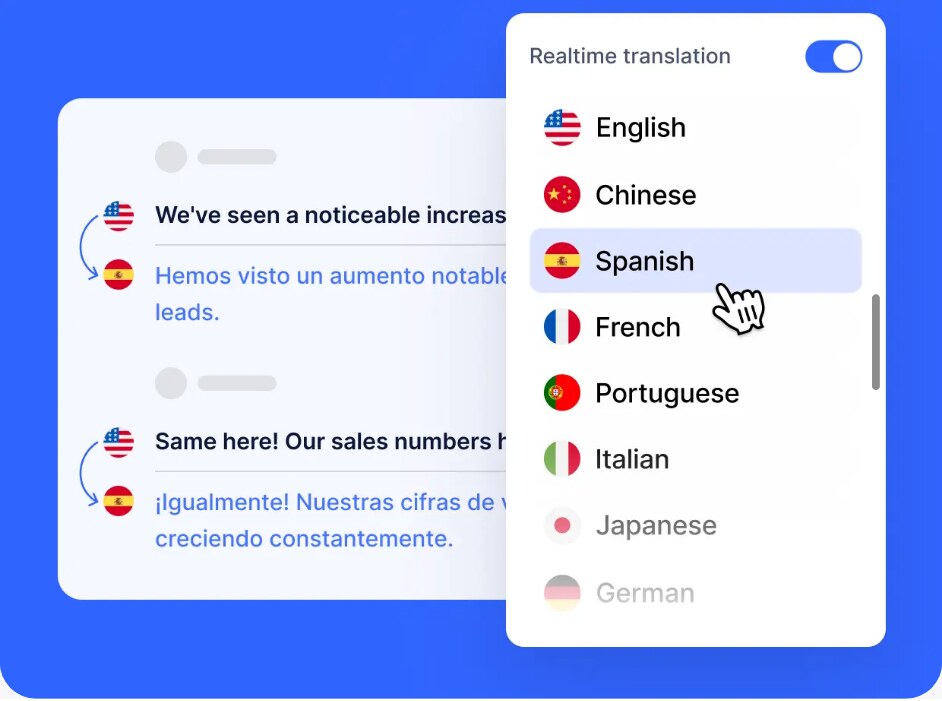
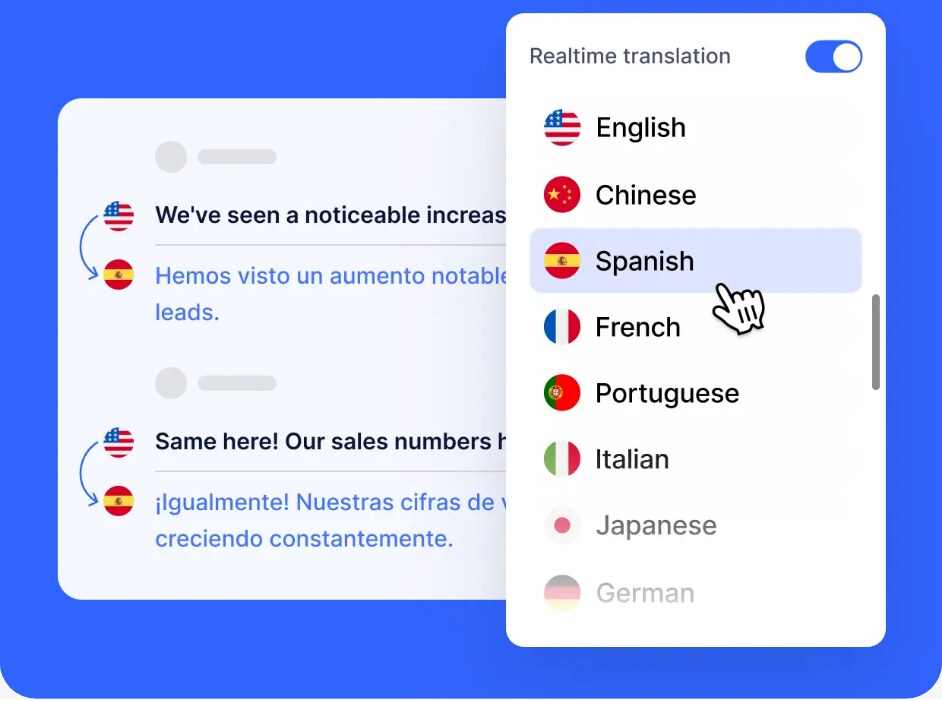
Live transcription runs as people speak, and you can upload audio or video files or paste a YouTube link. Speaker identification is on every plan, custom vocabulary (English and Japanese) helps with names and jargon, and Pro adds transcript translation. Every plan includes up to 4 bilingual sessions and 2 real-time translations a month, with paid add-ons for more.
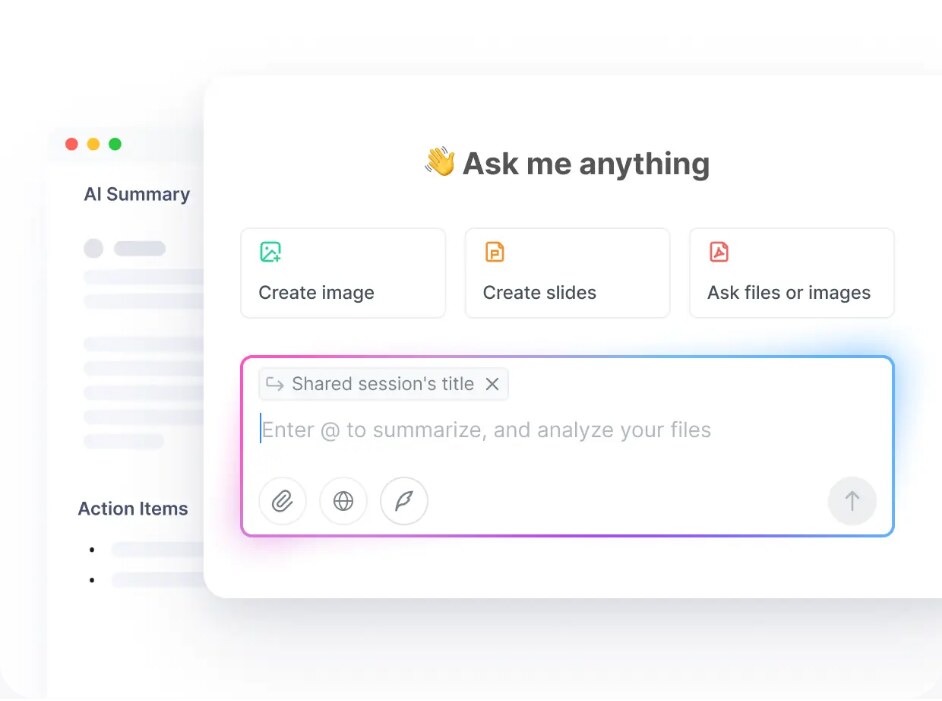
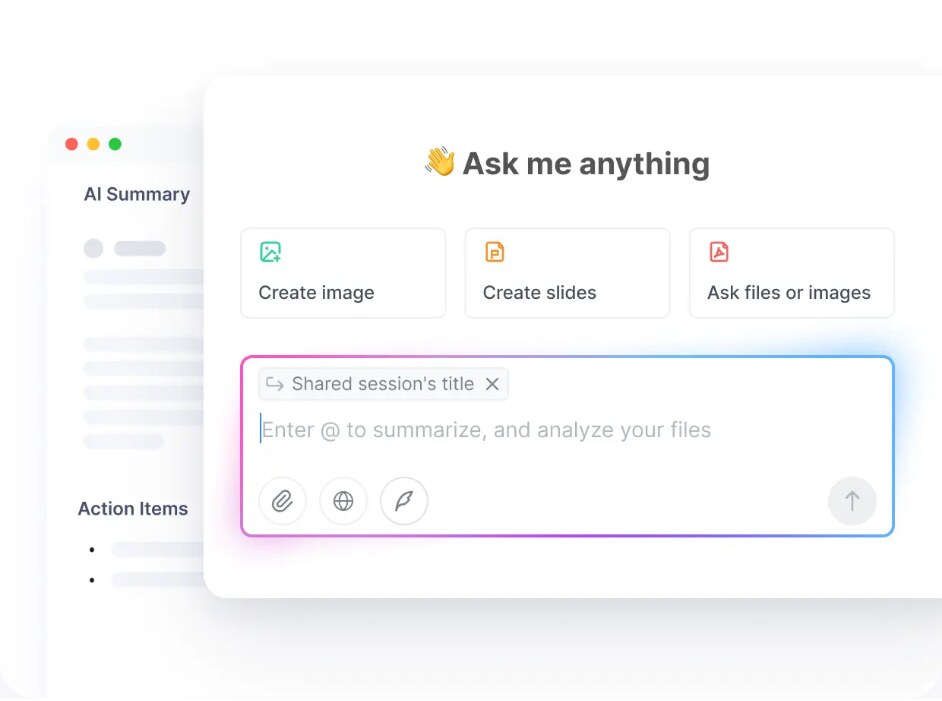
AI Notes turn a transcript into a summary, chapters and action items, using templates such as general, team meeting, consulting and sales frameworks like BANT and SPICED. Notta Brain (formerly AI Chat) answers questions across your recordings and generates slides, infographics, Word and Excel files and follow-up emails, paid for with AI credits.
The editor covers transcript and speaker-name edits, time-stamped notes, images, global search, find and replace, variable playback speed and skip silence. You can share a snippet or a password-protected link, organize folders and use a shared team workspace for collaboration. Business adds Notta Automations, which can send one AI summary to several connected platforms, including OneDrive and Box.
Notta has a free plan, two self-serve paid plans and Enterprise, with annual billing about 40% cheaper than monthly. Prices checked 10 Nov 2026 in US dollars (Notta shows local currencies in some regions).
| Plan | Price (USD) | Transcription | Other limits and extras |
|---|---|---|---|
| Free | $0 | 120 minutes a month, 3 minutes per conversation | 1 seat, 50 file uploads and 10 AI summaries a month |
| Pro | $8.17 a month billed yearly ($97.99), or $13.49 monthly | 1,800 minutes a month, 5 hours per recording | 1 seat, 100 uploads and 100 AI summaries a month, export, translation, custom vocabulary |
| Business | $16.67 per seat a month billed yearly ($199.99), or $27.99 monthly | Unlimited, 5 hours per recording | 200 uploads and 200 AI summaries a month, meeting video, CRM and Zapier, usage reports |
| Enterprise | Custom, from 51 seats | Customized | Unlimited uploads and summaries, SAML SSO, audit logs, full data access control, priority support |
Quotas do not carry over, and every plan gets 1,000 Notta Brain credits a month. Add-ons are for paid plans only. Monolingual translation costs $72 a year ($10 monthly), bilingual transcription and translation $108 a year ($15 monthly), and Notta Brain Pro $93.59 a year ($12.99 monthly) for 8,000 credits a month.
There is a 50% education discount on Pro and a 7-day Business trial. In-app purchases cost more, with Pro at $14.99 a month or $114.99 a year in the iOS app. If you cancel, you keep paid features until the period ends, and on the free plan you can only view the first 3 minutes of each old transcript, so export first.
Pro's 1,800 minutes cover about 30 hours of meetings a month, roughly 30 one-hour calls, for $8.17 a month on annual billing. The tighter limit is the 100 AI summaries.
The 1,000 included Brain credits go fast. Notta charges 100 credits per knowledge question, 200 per image or Word or Excel file and 300 per slide deck, so the base allowance covers about 3 decks or 10 questions a month. A team that wants Notta Brain for daily deliverables should budget for the $93.59 add-on per account.
User feedback is split sharply between app stores and Trustpilot. On the US App Store, the Notta iPhone app has a 4.1 rating from about 1,500 ratings (Nov 2026), with reviewers praising the AI summaries, chapters and action items while noting bugs.
On Trustpilot, Notta has a 1.5 rating from 170 reviews, 17 of them from the last 12 months, and Trustpilot says it has removed a number of fake reviews for this company. The recent negative reviews mostly describe being charged after cancelling a trial and slow replies on refunds, while one positive review says support refunded a missed trial cancellation within a day. Set a reminder before any trial ends.
Notta lists SOC 2 Type II certification and ISO 27001, plus GDPR and CCPA compliance, and says it follows HIPAA guidelines.
Notta ships updates often, and its changelog shows a strong 2026 focus on Notta Brain and Business automation.
The main drawbacks are the thin free plan, rationed AI and translation, and billing complaints.
The closest Notta alternatives are other AI meeting notetakers, and each one leans a different way.
Notta is a capable, low-cost meeting transcription tool with a clear edge for multilingual and bilingual meetings, and its range of ways to record covers most situations. Pro on annual billing is cheap for 30 hours a month. I would skip judging it on the free plan, use the 7-day Business trial with a few real meetings in your languages, and set a reminder before the trial ends.
Notta records and transcribes meetings, interviews, lectures and audio or video files, then creates AI summaries, action items, follow-up emails and documents. It works with Zoom, Google Meet, Microsoft Teams and Webex.
Yes, there is a free plan with 120 transcription minutes a month, but each conversation is limited to 3 minutes and you get 10 AI summaries a month. A 7-day Business trial is the better way to test it.
Pro costs $8.17 a month billed yearly ($97.99) or $13.49 monthly, and Business costs $16.67 per seat a month billed yearly ($199.99) or $27.99 monthly. Enterprise is custom and starts from 51 seats.
It depends on your meetings. Notta's strengths are its 58 languages and bilingual transcription, so it suits multilingual teams, while Otter.ai focuses on turning every meeting into searchable knowledge. Compare both on a few of your own recordings.
Notta says it is SOC 2 Type II and ISO 27001 certified, GDPR and CCPA compliant, hosts data on AWS and encrypts it with TLS 1.2 in transit and AES-256 at rest. Enterprise adds SAML SSO, audit logs and full data access control.
Yes. Bilingual transcription handles two languages in one meeting, and real-time translation shows a live translation beside the original. Every plan includes up to 4 bilingual sessions and 2 real-time translations a month, and paid plans can buy add-ons for more.
We may earn a commission when you buy through links on SaaSPic. It never changes our verdicts or the price you pay. Affiliate disclosure
Add this badge to your website so your visitors can read this independent review in one click.
 7.9/10
AI meeting assistant that records, transcribes and summarizes calls on Zoom, Meet and Teams, with search and CRM sync.
 7.9/10
AI meeting notes app that records online and in-person meetings, writes notes and action items, and pushes them to your other tools.
 7.4/10
Bot-free AI note taker that records, transcribes and summarizes meetings from a Chrome extension, desktop or mobile app.
 7.8/10
AI notepad that transcribes meetings from your device audio, with no bot joining the call, and turns your notes into summaries.
| Tool | Score | From | Free plan | Best for |
|---|---|---|---|---|
| Notta | 7.2/10 | $97.99/yr | Yes | Multilingual teams transcribing meetings |
| Fireflies.ai | 7.9/10 | $10/mo | Yes | Sales and recruiting teams capturing every call |
| Circleback | 7.9/10 | $18/mo | Yes | Sales and customer teams whose meetings feed a CRM |
| Bluedot | 7.4/10 | $14/mo | Yes | Teams who want AI meeting notes without a bot in the call |
| Granola | 7.8/10 | $14/mo | Yes | Founders, sales and product people in back-to-back meetings |
 8.4/10
Scheduling software that lets people book time with you through a link, with team routing, reminders, payments and AI meeting recaps.
 8.3/10
Web booking page and scheduler that syncs your calendars and lets clients book and pay for sessions, packages and subscriptions.
 8.1/10
Keyboard launcher for Mac and Windows with clipboard history, snippets, window management, thousands of extensions and built-in AI.