 7.8/10
AI tool that turns long videos into short captioned clips for TikTok, Shorts and Reels, with virality scores and scheduling.


AI video clipping tool that turns long videos and podcasts into captioned vertical clips for TikTok, Reels and YouTube Shorts.
We may earn a commission when you buy through our links. How this works
Klap suits podcasters, educators, streamers and marketers who publish long, talking-heavy videos and want a steady supply of captioned shorts with little editing. Skip it if your videos are mostly visual with little speech, if you need a full timeline editor, or if you only clip a video now and then, where the API's pay per use pricing may cost less.
Best for: Creators turning long talking videos into daily shorts
7.0/10 Good, with trade-offs. The overall score is our judgment against the questions we ask of every tool, not an average. How we score
| Question | Score | Why |
|---|---|---|
| Does the jobWhat it actually does for the task it is sold for, and where it falls short. | 7.5 | Turns a YouTube link or upload into captioned vertical clips with viral scores and AI Reframe 2 layouts, but works best on speech-heavy videos. |
| Ease of useSetup needed and how quickly you get something useful done. | 7.5 | Three steps: paste a link or upload a file, let the AI cut clips, then review, edit and export or post directly. |
| Pricing and limitsWhat you pay at a realistic size, including caps, add-ons and deal limits. | 6.5 | Basic costs US$29 a month for 100 clips, one hour-long podcast can use much of that, and the trial covers only one video. |
| Fit against alternativesHow it compares with the alternatives for the people it is aimed at. | 7.0 | A focused clipping tool, not a full editor; the review points to Opus Clip, Vizard or Descript depending on how much editing control you need. |
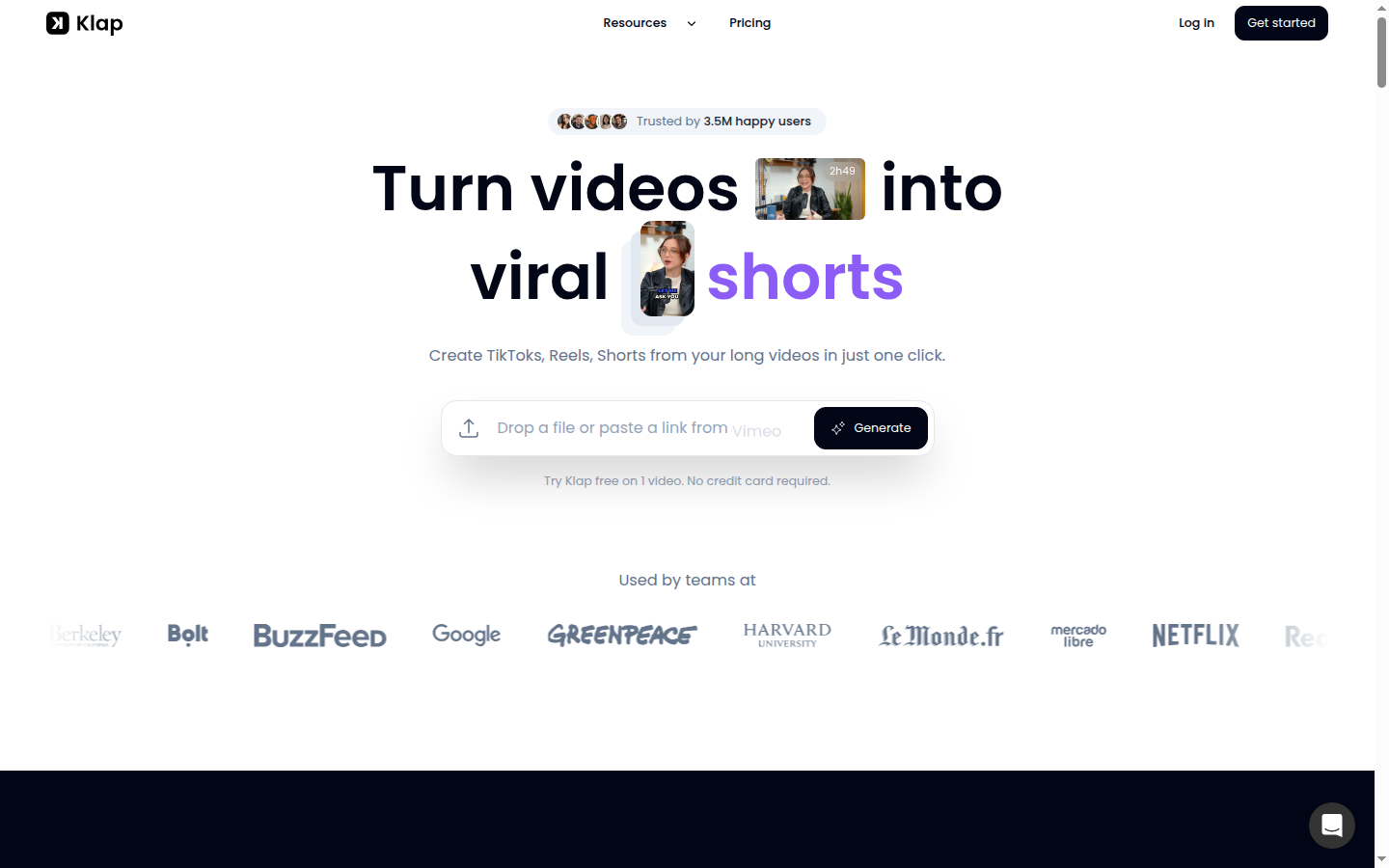
Klap is an AI video clipping tool that turns a long video into many short vertical clips with captions, ready for TikTok, Instagram Reels, YouTube Shorts and LinkedIn. It is built for podcasters, educators, streamers and marketers who publish long, talking-heavy videos and want daily short-form content without editing each clip by hand.
Klap is an AI-powered web app from ZIGG SAS, a French company in Paris trading as Klap, that uses AI to find the most interesting moments in a long video and cut them into shorts. It works on any video with speech, including podcasts, interviews, webinars, tutorials, product reviews, trainings and gaming or sports commentary.
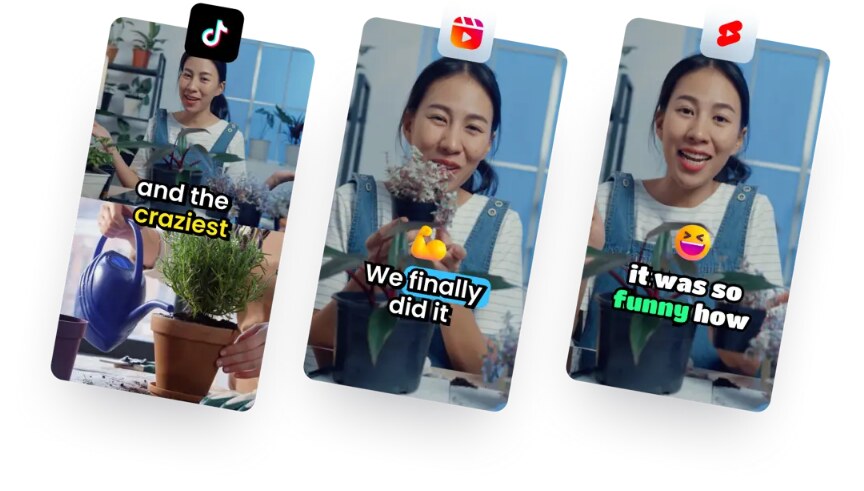
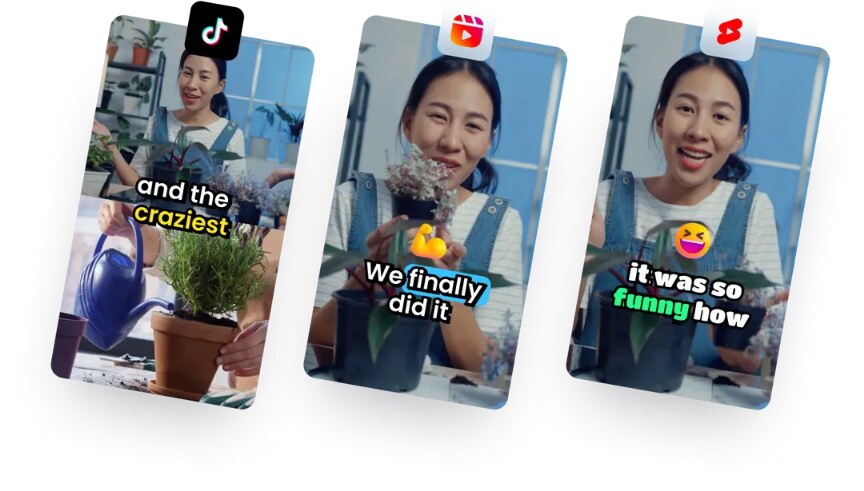
The vendor says 8.5 million clips have been made by 3.5 million creators. Each short gets a virality score, active-speaker reframing and animated captions, and the tool edits and transcribes in 99+ languages.
Klap is for any creator or business sitting on hours of long-form talking video who wants to repurpose it into engaging short clips for a social audience every week.
The Klap workflow is upload, generate, tweak and post, and most of the editing happens automatically, without manual cutting.
AI Reframe 2 is Klap's newest reframing model, which analyzes each scene and applies a layout such as split screen, screencast or gaming. It is aimed at videos where a single face crop does not work, such as tutorials with a screen share or game streams with a facecam.
Captions are generated from the transcript in the source language and can be translated, styled with your own fonts and colors, and paired with suggested post captions. Hook titles and b-roll can be added in the editor, but there is no full multi-track timeline, so heavy edits still belong in a separate video editor.
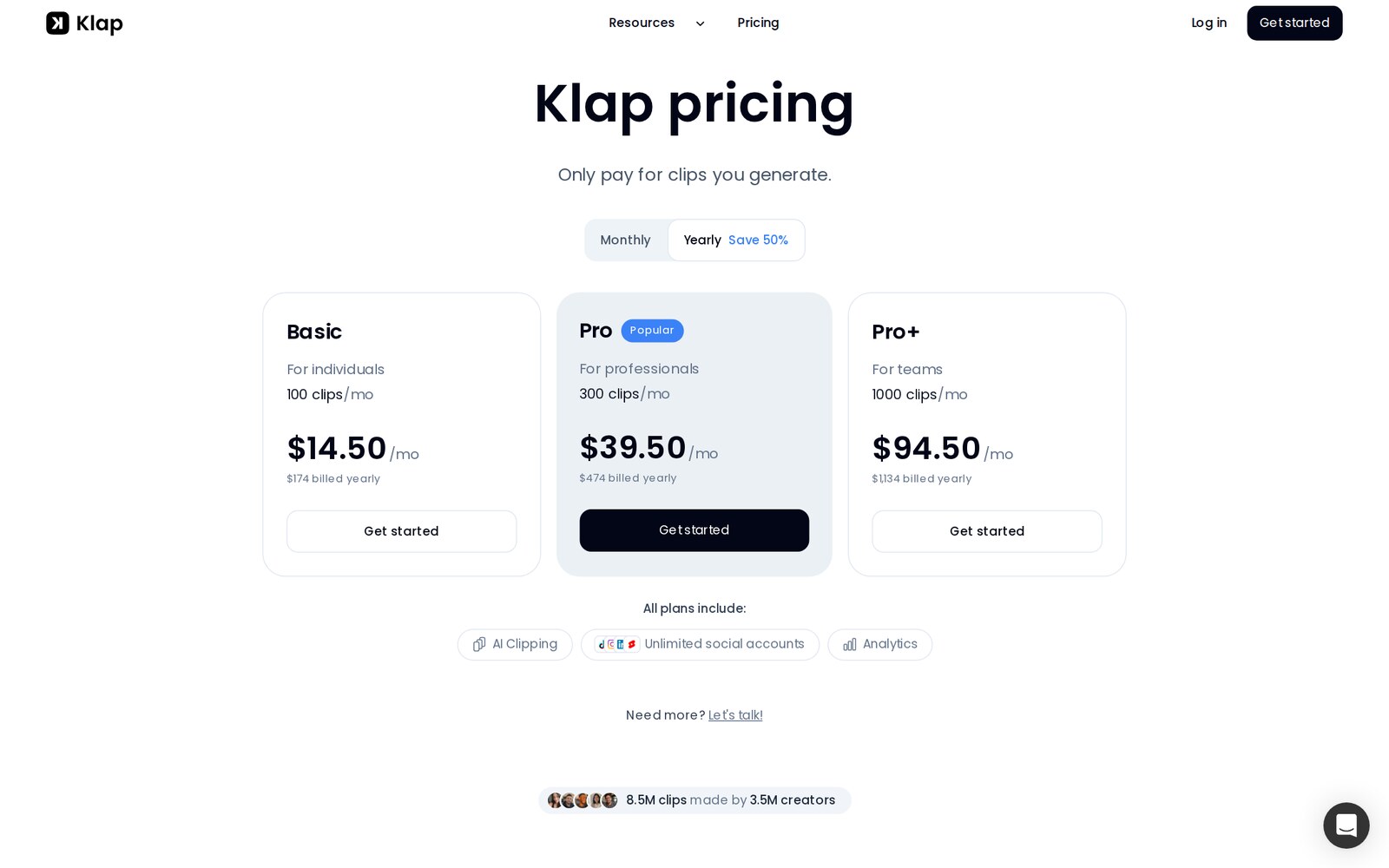
Klap charges by clips generated per month, on three plans in USD, and yearly billing halves the monthly price. Here is how much the Klap plans cost. Prices checked 11 Nov 2026.
| Plan | Billed monthly | Billed yearly | Clips and limits |
|---|---|---|---|
| Free trial | $0 | $0 | 1 video, no card; preview and edit only, no download or posting |
| Basic | $29 a month | $174 a year ($14.50 a month) | 100 clips a month (1,200 a year), for individuals |
| Pro | $79 a month | $474 a year ($39.50 a month) | 300 clips a month (3,600 a year), for professionals |
| Pro+ | $189 a month | $1,134 a year ($94.50 a month) | 1,000 clips a month (12,000 a year), for teams |
| API | Pay per use | Pay per use | $0.44 per input video, $0.32 per generated short, $0.48 per export, $5 free credits |
Every plan includes AI clipping, virality scores, reframing, captions in 99+ languages, scheduling, unlimited social accounts, analytics and the b-roll editor, with no watermark on exports. Clips refill every billing period, and yearly plans get the whole year's clips up front.
Refund terms are unusually clear. On a monthly plan you can ask for a refund at any time in your first month, and for up to your last 3 consecutive months if you have not used Klap. On a yearly plan you get a full refund in the first month, then 1/12 of the price back for each fully unused month, up to 3. You can cancel any time from the billing page, and the plan runs to the end of the paid period.
Basic's 100 clips covers about ten long videos a month if you keep around 10 shorts from each, which is also the API's default per video. A weekly one-hour podcast at that rate uses about 40 clips, so Basic at $14.50 a month on yearly billing is enough. Through the API, Klap's own example of 1 video, 10 shorts and 10 exports costs $8.44, or $5.08 if you only export the best 3, so occasional users can pay per job instead.
Klap's public reviews are mixed: users like the speed and simplicity, but some feel the clip picks are weaker than competitors'.
Klap runs in the browser and connects to the main short-form platforms and automation tools.
Klap's FAQ says its prices were last revised on 4 November 2026, and the current plans are Basic, Pro and Pro+ at $29, $79 and $189 a month. The homepage now leads with AI Reframe 2, and the API has become self-serve with per-use pricing, $5 of free credits and no monthly cap.
Klap's main limits are a thin free trial and its dependence on speech.
The closest Klap alternatives do the same long-to-short clipping job, so the choice comes down to clip quality, editor depth and price. On its API page Klap compares itself with OpusClip, saying Klap prices each video and clip so a long video costs no more than a short one, while OpusClip's docs list API access on its Pro (Beta), Max and Business plans.
Klap is a focused, easy AI clipping tool with fair per-clip pricing, clear refunds and a usable API. I would pick it for a weekly podcast or video channel that needs a steady stream of captioned shorts, starting on the free video to check clip quality on your own content. If your clips need heavy editing anyway, or your footage is mostly visual, a fuller editor will serve you better.
Not for ongoing use. You can try Klap free on 1 video with no credit card and preview and edit the clips, but downloading and posting them needs a paid plan from $14.50 a month billed yearly.
Billed monthly, Basic is $29, Pro $79 and Pro+ $189 a month for 100, 300 and 1,000 clips. Billed yearly they cost $174, $474 and $1,134 a year, which works out at $14.50, $39.50 and $94.50 a month.
It is worth it if you publish long videos with a lot of talking, such as podcasts, interviews, webinars or lessons, and want several shorts from each one. Occasional users may pay less through the pay per use API or by trying one video free first.
Each short Klap generates counts as one clip, and clips refill every billing period. The length of your source video does not use up your plan, and yearly plans get the whole year's clips at once.
No, not on paid plans. Clips you download or post on a paid plan carry no Klap branding, while the free trial only lets you preview and edit clips inside Klap.
The Klap API is pay per use with no subscription: $0.44 per input video, $0.32 per generated short and $0.48 per export. Adding a card unlocks $5 of free credits, and Klap's own example of 1 video, 10 shorts and 10 exports costs $8.44.
We may earn a commission when you buy through links on SaaSPic. It never changes our verdicts or the price you pay. Affiliate disclosure
Add this badge to your website so your visitors can read this independent review in one click.
 7.8/10
AI tool that turns long videos into short captioned clips for TikTok, Shorts and Reels, with virality scores and scheduling.
 7.5/10
AI video clipping tool that turns long videos into short social clips, with auto subtitles, reframing, scheduling and an AI video agent.
 7.5/10
AI editor for short-form video that adds styled captions, cuts silences, adds B-roll and clips long videos into shorts.
| Tool | Score | From | Free plan | Best for |
|---|---|---|---|---|
| Klap | 7.0/10 | $29/mo | Yes | Creators turning long talking videos into daily shorts |
| Opus Clip | 7.8/10 | $15/mo | Yes | Podcasters and video teams turning long videos into short clips |
| Vizard AI | 7.5/10 | $174/yr | Yes | Podcasters and marketers repurposing long videos into short clips |
| Submagic | 7.5/10 | $19/mo | No | Creators and marketers posting weekly shorts |
 8.4/10
Voice AI platform with Sonic text to speech, Ink speech to text and Managed Agents for phone voice agents via API.
 8.3/10
AI video and image generator running Kling's own models, with keyframes, character references, native audio, motion control and an API.
 8.3/10
AI voice platform for text to speech, voice cloning, dubbing, music and sound effects, plus voice agents and an API for developers.