 7.4/10
Mac and Windows app that removes silences and ums from footage locally and exports one timeline for Final Cut, Premiere or Resolve.


AI video editor that cuts bad takes, silences and filler words from talking head recordings for YouTubers.
We may earn a commission when you buy through our links. How this works
Gling AI suits YouTubers who record themselves talking and want the rough cut done before they finish the edit in Premiere Pro, Final Cut Pro or DaVinci Resolve. Skip it if your videos have little speech, or if you want one app for the whole edit from recording to publishing.
Best for: YouTubers cutting long talking-head recordings
7.3/10 Good, with trade-offs. The overall score is our judgment against the questions we ask of every tool, not an average. How we score
| Question | Score | Why |
|---|---|---|
| Does the jobWhat it actually does for the task it is sold for, and where it falls short. | 8.0 | Cuts bad takes, silences and filler words from talking head recordings, with transcript editing and timeline export to Final Cut Pro, DaVinci Resolve and Premiere Pro. |
| Ease of useSetup needed and how quickly you get something useful done. | 7.5 | Upload a recording, review the automatic cuts and edit by deleting words in the transcript; the reviewer has not tested cut accuracy on real footage. |
| Pricing and limitsWhat you pay at a realistic size, including caps, add-ons and deal limits. | 7.5 | Free plan gives 1 hour of AI edited media with watermarked exports, and annual billing halves the price, so Plus costs $10 a month. |
| Fit against alternativesHow it compares with the alternatives for the people it is aimed at. | 7.0 | Only useful for speech heavy videos, and multicam needs Resolve or Final Cut export; Descript suits those wanting one app for the whole edit. |
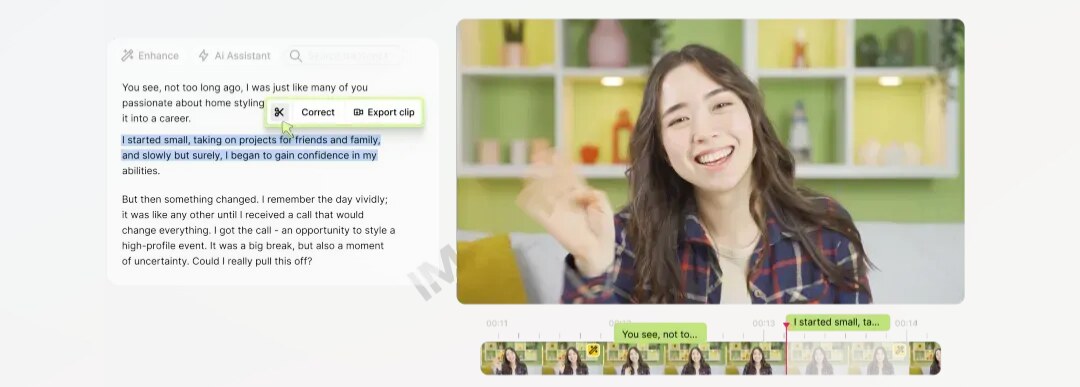
Gling AI is a video editing tool for YouTube creators that cleans up spoken footage. It finds bad takes, silences and filler words for you to review, then gives you a finished video or a timeline for Premiere Pro, Final Cut Pro or DaVinci Resolve.
Gling is built for creators who record themselves talking to camera or into a mic, such as YouTubers making talking-head videos. Its testimonials come from YouTube channels with between 184K and 2.2M subscribers, and its pricing page states plainly that it is designed for YouTube creators.
Skip it if your videos contain little speech, since the editing works from what is said, or if you want a full editor for music, motion graphics and color in one app. If you already work in Premiere Pro, Gling itself notes that Premiere's built-in transcript tools may cover pause and filler cleanup.
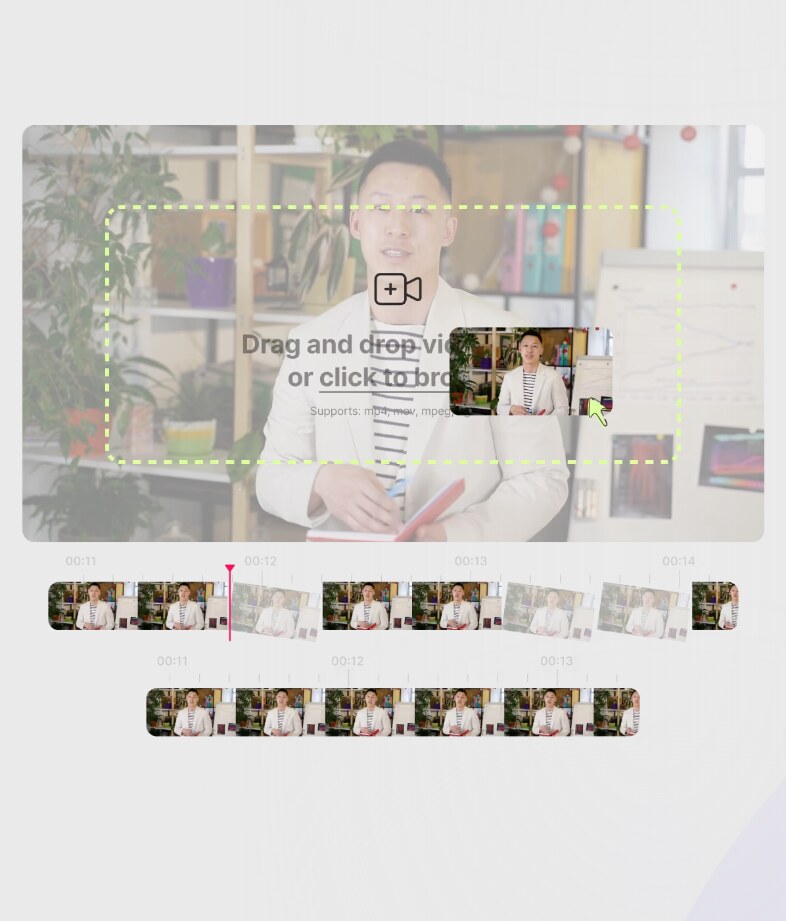
You upload a raw recording, Gling proposes cuts, you review them, and then you export. The desktop app runs on Windows and Mac, and the download link is sent by email.
Gling analyzes spoken footage for repeated lines, pauses and filler words such as "um" and "uh". You listen to the proposed cuts and restore any take or pause you want to keep, which matters where a repeated line changes the meaning or a pause adds emphasis.
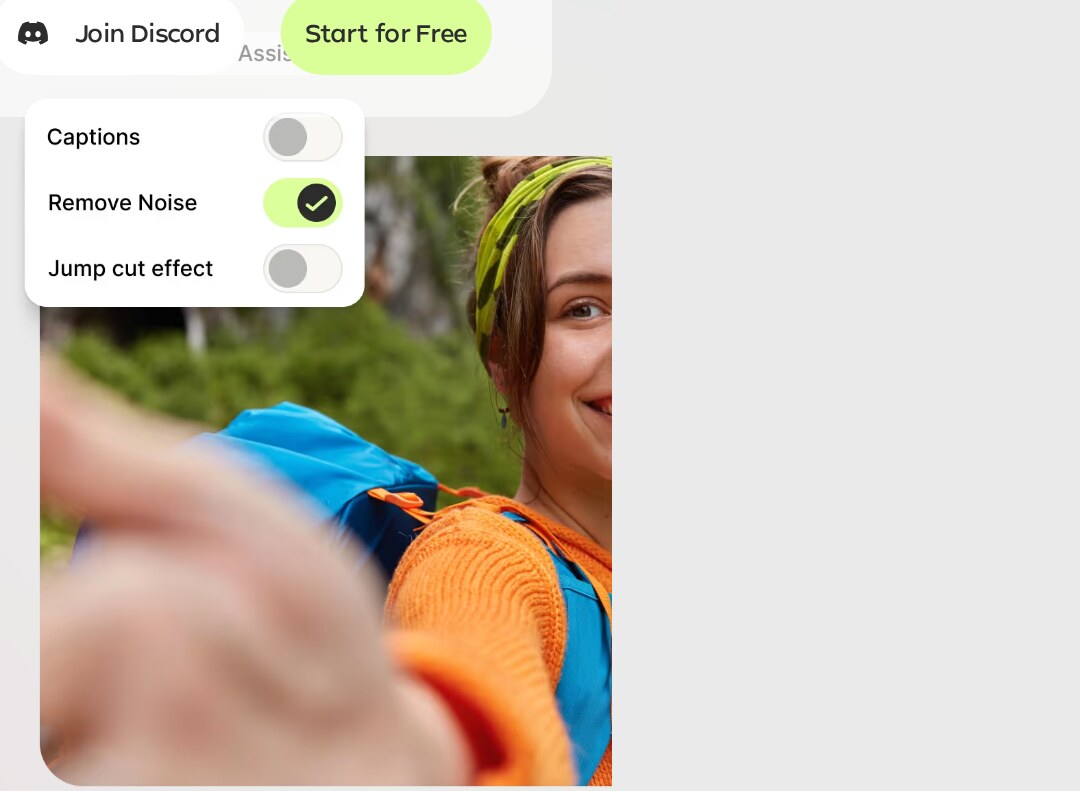
You can also edit the transcript text, and the video follows the edits. Noise removal and speech audio enhancement clean up the sound, and auto framing zooms in and out.
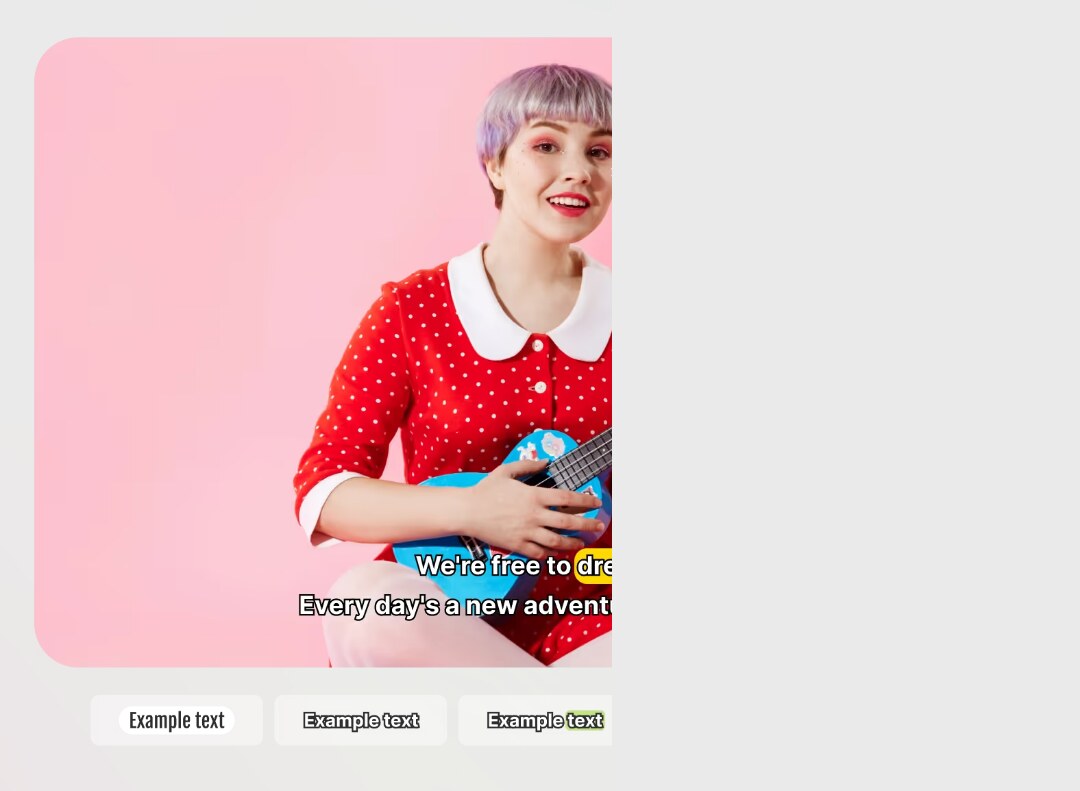
AI captions and SRT subtitle export are included, along with a YouTube title generator, a chapters generator and next video suggestions. The plan feature lists also include AI B-rolls and multicam editing.
Export a finished MP4 or MP3 straight from Gling, or send an XML timeline to Premiere Pro, Final Cut Pro or DaVinci Resolve and keep your source files available. Free exports carry a watermark, and editor timelines need a paid desktop plan.
Gling has a free plan and three paid plans, priced in US dollars, with 50% off for annual billing. Prices checked 15 Nov 2026.
| Plan | Monthly billing | Annual billing | Monthly allowance | Other limits |
|---|---|---|---|---|
| Free | $0 | $0 | 1 hour of AI edited media | Unlimited exports with watermark, no premium support |
| Plus | $20 a month | $10 a month, paid annually | 10 hours of AI edited media, or 300 words of generated video from a link, or a mix | No watermark, no premium support |
| Pro | $40 a month | $20 a month, paid annually | 30 hours of AI edited media, or 900 words of generated video from a link, or a mix | No watermark, premium support |
| Elite | $100 a month | $50 a month, paid annually | 100 hours of AI edited media, or 2,700 words of generated video from a link, or a mix | No watermark, premium support |
The hour limit counts the footage you upload each month, the same limit applies on yearly plans, and unused hours do not carry over. You can cancel or downgrade at any time from the Billing menu and keep access until the end of the paid period.
A creator who records about two hours of raw footage a week uploads roughly 8 to 9 hours a month, which fits inside Plus. That costs $20 a month, or $10 a month paid annually. One hour a month on the free plan is enough to try the editing on two or three recordings, but the exports carry a watermark.
Public reviews are scarce, so treat the ratings as a small sample. On 15 Nov 2026, G2 showed 3.8 out of 5 from 2 reviews and Trustpilot showed 3.8 from 3 reviews on an unclaimed profile.
One G2 reviewer gave it 5 out of 5 for making long recordings with pauses and errors quick to edit. Another, with a lower score, said the automatic cuts can be too aggressive, so they often fix cuts by hand. That matches Gling's own advice to review cuts before export.
Gling accepts audio and video files, horizontal or vertical, and several files in one project. The supported codecs are aac, h264, mp3, opus, pcm_s16le, pcm_f32le, pcm_u8, vorbis, vp8, vp9 and av1, so HEVC and ProRes footage is not on the list.
The biggest limits are the monthly hour cap with no rollover and the narrow multicam support. Editor timeline exports need a paid plan, the interface is English only, and footage in an unsupported codec has to be converted first. With so few public reviews, it is hard to judge reliability from outside sources.
Several AI video editors remove silences and bad takes, and the right pick depends on where you finish your edit.
Gling AI is a focused tool that does one job well on paper: it turns a long talking-head recording into a rough cut you can review and send to your editor. I would start on the free hour, check how the cuts handle your speaking style, and move to Plus on annual billing if it saves you editing time each week.
Yes. The free plan includes 1 hour of AI edited media a month with unlimited exports, but videos carry a watermark and you need to sign up to export. Editor timelines need a paid desktop plan.
Plus is $20 a month, Pro $40 and Elite $100 on monthly billing. Paid annually they drop to $10, $20 and $50 a month.
Yes. Paid plans export an XML timeline to Premiere Pro, Final Cut Pro or DaVinci Resolve, so you can keep editing there with your source files. You can also export a finished MP4 or MP3 from Gling.
Yes, but only if you export to DaVinci Resolve or Final Cut Pro. For Premiere or an MP4 or MP3 export you have to sync the cameras before you upload, and the same rule applies to a separate microphone.
The app interface is in English, but Gling can process speech in 24 languages, including Spanish, French, German, Portuguese, Hindi, Arabic, Chinese, Korean and Japanese.
No. Each plan has a monthly limit on the hours of footage you upload, the same limit applies on yearly plans, and unused hours do not pass to the next month.
We may earn a commission when you buy through links on SaaSPic. It never changes our verdicts or the price you pay. Affiliate disclosure
Add this badge to your website so your visitors can read this independent review in one click.
 7.4/10
Mac and Windows app that removes silences and ums from footage locally and exports one timeline for Final Cut, Premiere or Resolve.
 8.4/10
Voice AI platform with Sonic text to speech, Ink speech to text and Managed Agents for phone voice agents via API.
 8.3/10
AI video and image generator running Kling's own models, with keyframes, character references, native audio, motion control and an API.
 8.3/10
AI voice platform for text to speech, voice cloning, dubbing, music and sound effects, plus voice agents and an API for developers.