 6.8/10
Agentic AI video editor with a multitrack timeline, natural language edits and AI video and image models.


Browser-based AI tool that turns scripts, blogs and slides into narrated videos, with 2,000+ AI voices in 80+ languages.
Compared: InVideo vs Fliki, which AI video tool suits your content
We may earn a commission when you buy through our links. How this works
Fliki suits creators, marketers and trainers who publish a lot of narrated video and want to edit text rather than a timeline, ideally on Standard with stock visuals. Skip it if you edit footage heavily, need full creative control, or plan to lean on avatars and AI clips, which use credits fast.
Best for: Creators turning scripts and blog posts into narrated videos
7.3/10 Good, with trade-offs. The overall score is our judgment against the questions we ask of every tool, not an average. How we score
| Question | Score | Why |
|---|---|---|
| Does the jobWhat it actually does for the task it is sold for, and where it falls short. | 7.5 | Script, blog URL and PowerPoint to video workflows are built in, with 2,000+ voices, but stock visuals are picked automatically and may need hand swaps. |
| Ease of useSetup needed and how quickly you get something useful done. | 8.0 | The review praises how easy it is for beginners to get a video out, and Fliki says the average short video is ready in about two minutes. |
| Pricing and limitsWhat you pay at a realistic size, including caps, add-ons and deal limits. | 6.5 | Standard costs u00a312 a month billed yearly for 180 credits, and regenerating after edits uses more credits; avatars and API need Premium at u00a339. |
| Reliability and supportUpdate pace, known problems and how support responds. | 5.5 | Negative Trustpilot reviews cited slow or unhelpful support and unexpected billing, and the vendor's pages disagree on Premium video length. |
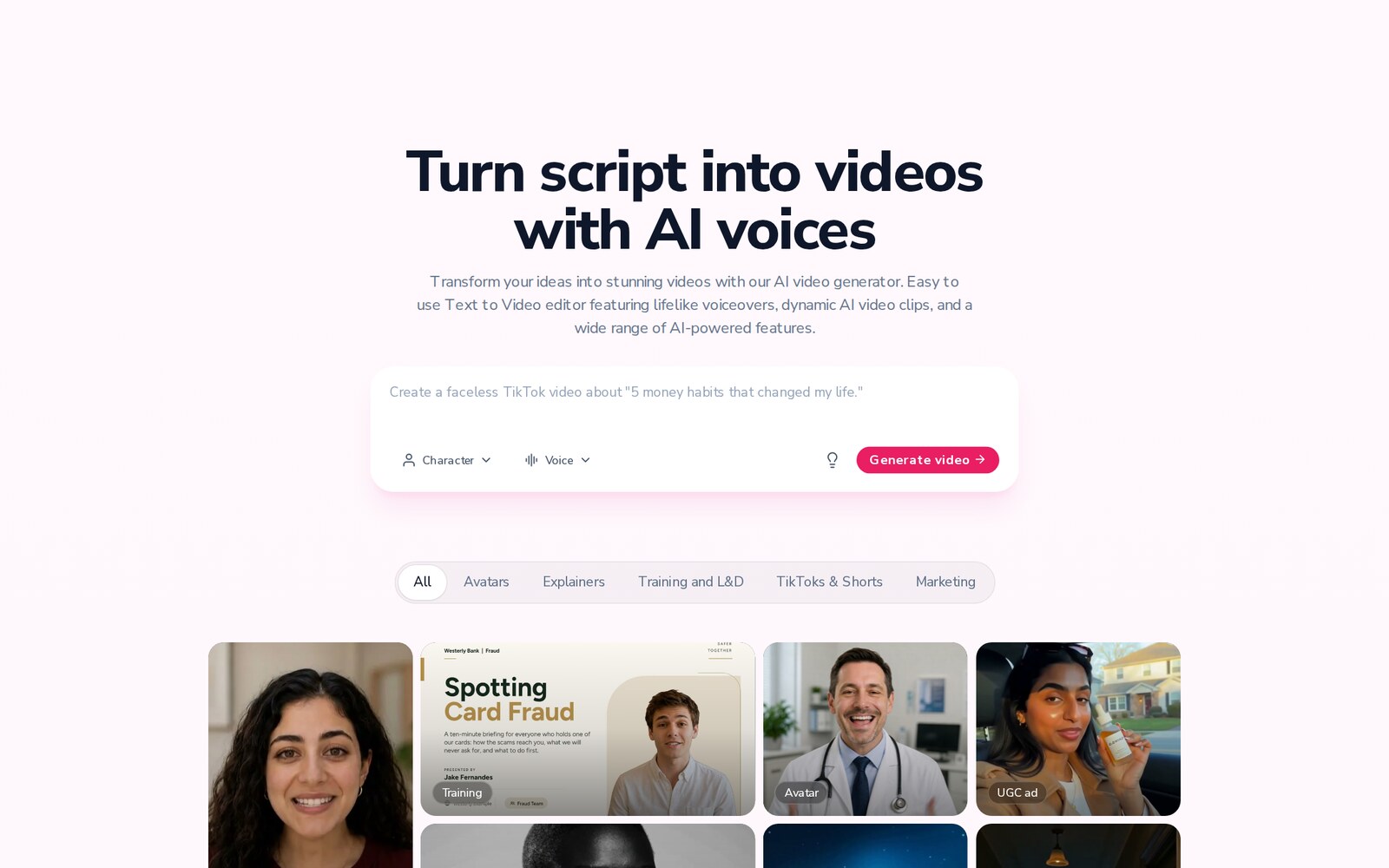
Fliki is a browser-based AI video generator that turns a script, an idea, a blog post or a slide deck into a narrated video with AI voices, stock or AI visuals, music and subtitles. It suits creators, marketers, trainers and small teams who publish a lot of voiced video and would rather edit text than a timeline.
Fliki AI is a text-to-video and text-to-speech platform from Nine Thirty Five, the company named in the site footer, with a Trustpilot business address in Middletown, United States. The vendor says it has 14M+ users, 100M+ videos created and 50,000+ companies on board, so treat those as its own figures.
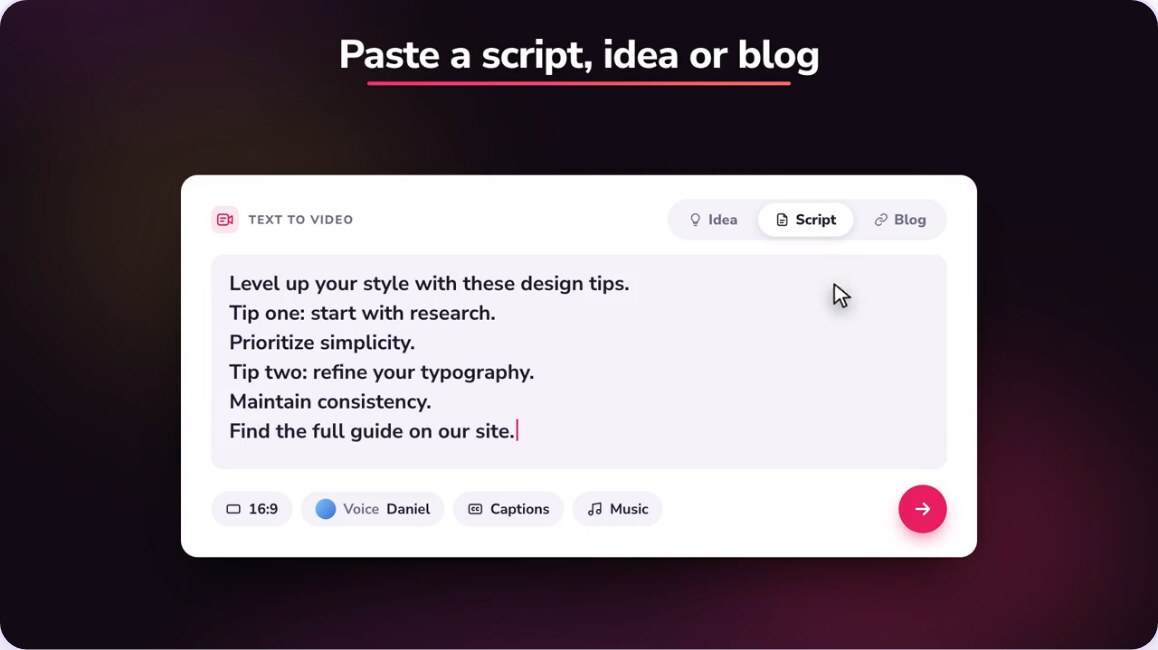
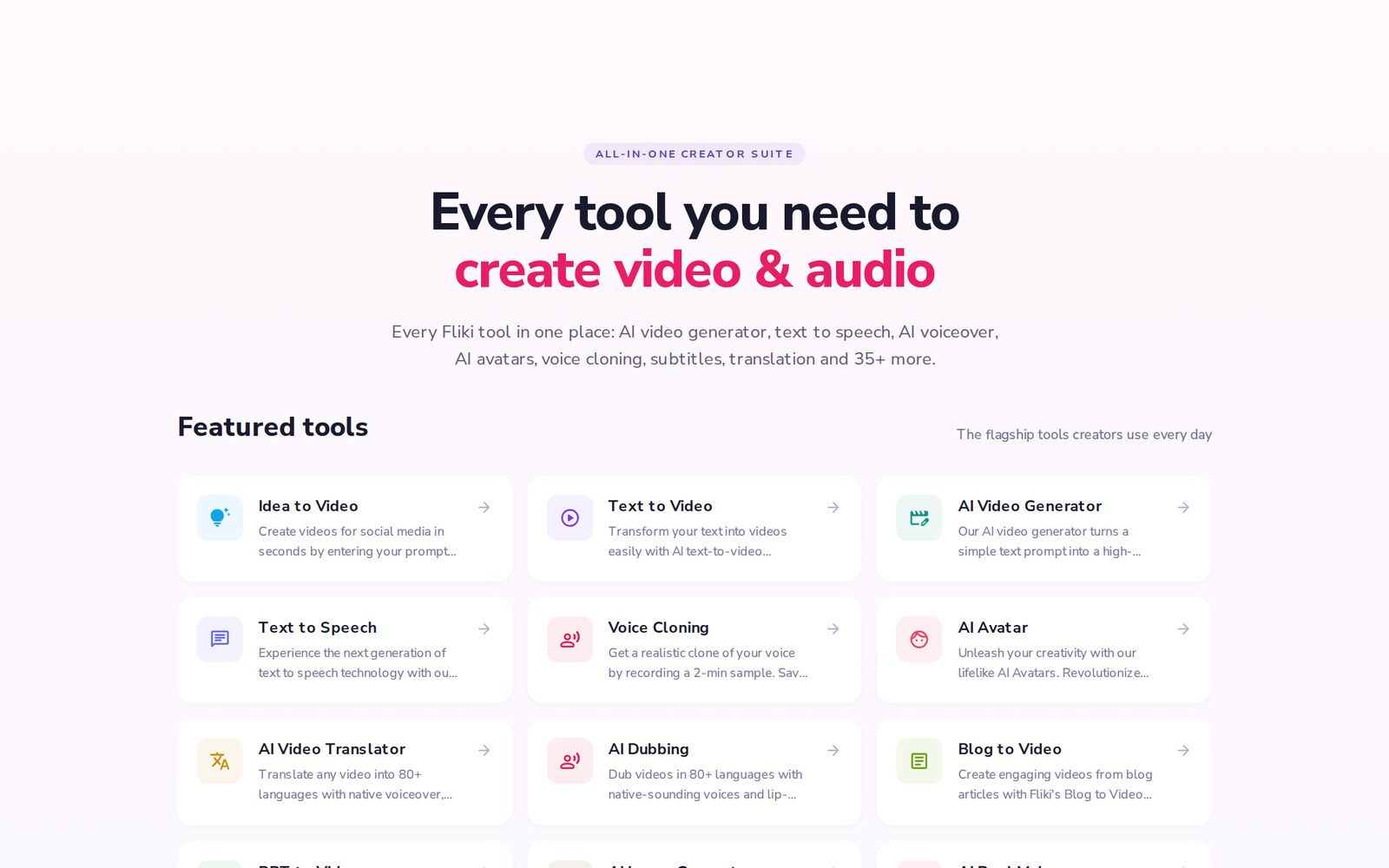
Fliki offers one core idea. You give it text, it writes or splits the script into scenes, picks visuals, adds an AI voiceover and captions, and opens the result in a scene-based editor. Around that sit voice cloning, AI avatars and a digital twin, a Series feature that plans a run of channel videos, AI images, a media library and a model gallery that runs third-party video and image models such as Veo 3.1, Kling 3 Pro, Seedance 2.5 and Nano Banana 2 inside Fliki.
Fliki fits people whose videos are mostly narration over visuals, where the voice and the script carry the message.
To use Fliki you pick a workflow, give it text, review the draft and export. The setup phase is free, and credits only start when you submit.
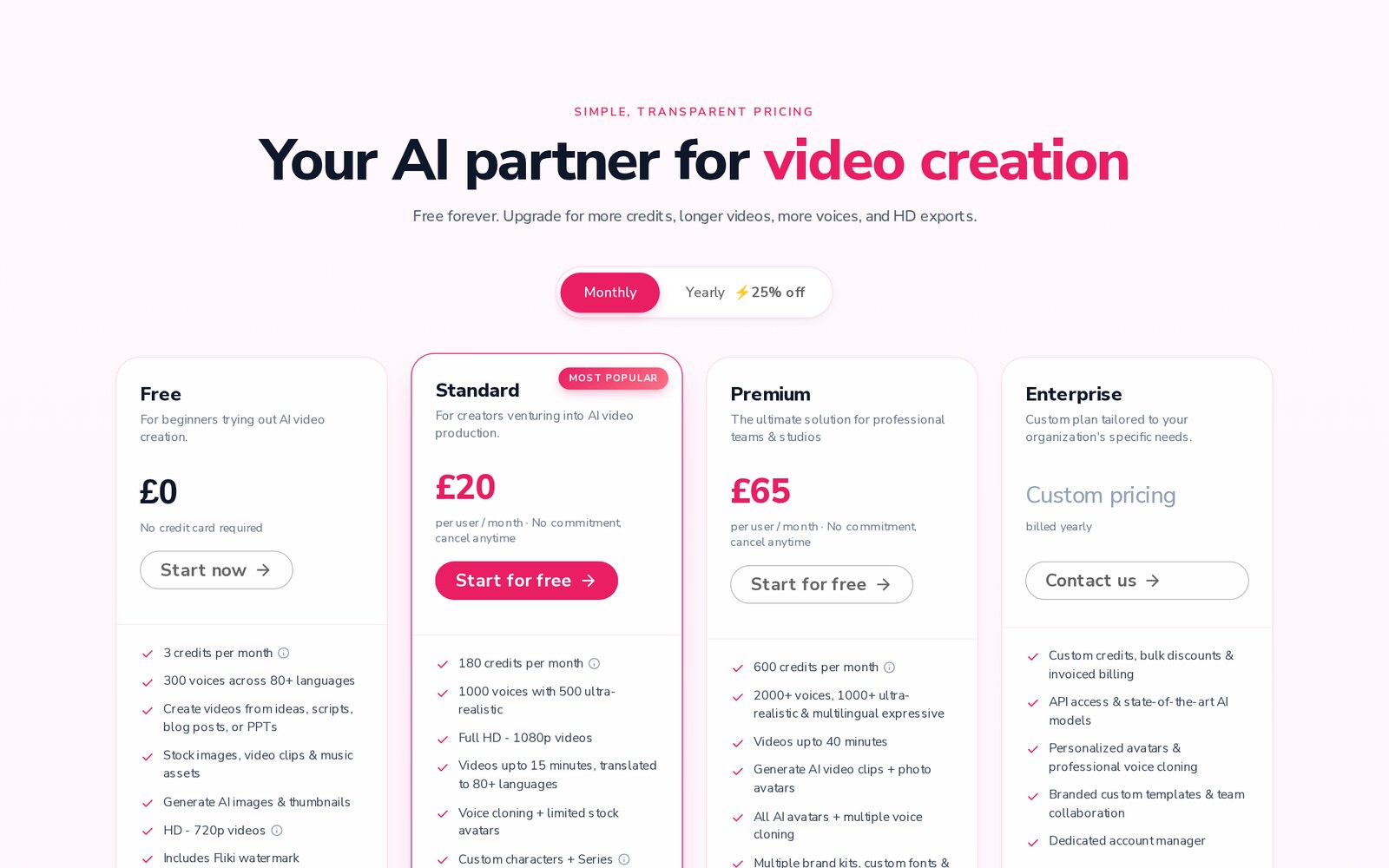
Fliki has a Free plan and two paid plans billed per user, with yearly billing at 25% off and a custom Enterprise tier. Prices checked 12 Nov 2026, as shown on the pricing page in GBP (its FAQ says prices are listed in USD, so the currency may follow your location).
| Plan | Price | What you get |
|---|---|---|
| Free | £0, no card | 3 credits a month, 300 voices, 720p, 5-minute exports, Fliki watermark, no commercial rights |
| Standard | £20 per user a month, or £15 a month billed yearly (£180) | 180 credits a month, 1,000 voices with 500 ultra-realistic, 1080p, 15-minute videos, 1 voice clone, limited stock avatars, 1 Series, commercial rights |
| Premium | £65 per user a month, or £48.75 a month billed yearly (£585) | 600 credits a month, 2,000+ voices, 40-minute videos, AI video clips, photo and all AI avatars, 3 voice clones, 3 brand kits, API access, team collaboration, priority live chat |
| Enterprise | Custom, billed yearly | Custom credits, bulk discounts, invoiced billing, personalized avatars, professional voice cloning, dedicated account manager |
You can cancel at any time from Manage billing. Fliki accepts cards, GPay, Apple Pay and local wallets. The pricing page does not publish a refund policy, so assume a cancellation simply stops the next renewal.
A narrated video over library footage is cheap, while avatars and AI video clips burn through credits fast. Fliki's credit guide, revised on Nov 3, 2026, sets the rates per action.
The pricing page estimator puts a 5-minute video with library footage at 2.5 credits. Fliki's own FAQ is more cautious and says Standard covers roughly 60 to 90 finished minutes a month once you edit, or 12 five-minute videos. Add avatar or AI scenes and that number drops sharply.
Fliki rates well on G2 and more mixed on Trustpilot. G2 shows 4.7 out of 5 from 182 reviews in Nov 2026, with praise for ease of use, how fast a script becomes a full draft, and voice quality.
The common complaints on G2 are that credits feel tight in heavy production weeks, because previews and experiments use them too, and that auto-picked visuals can be too literal and need swapping by hand. One reviewer also called the starting price high. Trustpilot's AI summary of 74 reviews, read in Nov 2026, says reviewers like the ease of making shorts and the natural voices, but some report ignored support messages, billing problems, rendering errors and slow generation. Trustpilot also notes that Fliki has not replied to negative reviews.
Fliki is a web-only video tool that works best in Google Chrome, with no desktop app to install. The key facts the vendor publishes are these.
Fliki ships new creative workflows almost every two weeks, according to its What's new page.
The main drawback is that credits, not plans, decide how much you can make. Every regeneration costs something, and the most eye-catching features (avatars, AI clips, Swap Studio) cost the most per second.
The closest Fliki alternatives also turn text into narrated video, but each leans a different way.
Yes, Fliki is a strong pick for narrated, voice-led video at volume, especially on Standard if you stick to library visuals and good voices. I would budget credits carefully before relying on avatars or AI clips, and test the Free plan first, because support reviews are uneven and Premium is a big step up in price.
Yes, Fliki has a free forever plan with 3 credits a month, 300 voices, 720p exports and a Fliki watermark, and no card is needed. Paid plans remove the watermark and add commercial rights.
As of 12 Nov 2026, Standard is £20 per user a month or £15 a month billed yearly, and Premium is £65 a month or £48.75 a month billed yearly. Enterprise is custom and billed yearly.
Credits are charged when Fliki generates something. Voiceovers cost 0.25 to 2 credits a minute depending on the voice, AI images and AI video cost extra, stock media is free, and editing one scene only recharges that scene.
Yes. Fliki's paid plans include a commercial license and YouTube-licensed music, so you can publish and monetize videos as long as your own script is original. The Free plan has no commercial rights.
Yes. Standard includes one voice clone and Premium includes three, and Fliki says its clones work in 70+ languages. Enterprise adds professional voice cloning.
Fliki says Standard's 180 monthly credits cover roughly 60 to 90 minutes of finished video once you allow for edits, such as 12 five-minute videos or 60 one-minute shorts. Avatars and AI video clips cost extra credits per second, so they lower that number.
We may earn a commission when you buy through links on SaaSPic. It never changes our verdicts or the price you pay. Affiliate disclosure
Add this badge to your website so your visitors can read this independent review in one click.
 6.8/10
Agentic AI video editor with a multitrack timeline, natural language edits and AI video and image models.
 6.8/10
AI video generator that turns text, blogs and images into social videos with AI voices, avatars and generative models.
 6.7/10
AI short-form video generator that remixes viral formats, renders with 100+ tools and auto-publishes to TikTok, Instagram, YouTube and X.
| Tool | Score | From | Free plan | Best for |
|---|---|---|---|---|
| Fliki | 7.3/10 | £20/mo | Yes | Creators turning scripts and blog posts into narrated videos |
| InVideo | 6.8/10 | $20/mo | Yes | Creators and small teams editing footage with AI agents |
| Zebracat | 6.8/10 | $39/mo | Yes | Marketers and small businesses posting short social videos |
| Revid AI | 6.7/10 | $39/mo | No | Faceless channels and creators posting short videos daily |
Fliki is the easier and cheaper way to turn text into narrated videos, with a free plan, 80+ languages and…
 8.4/10
Voice AI platform with Sonic text to speech, Ink speech to text and Managed Agents for phone voice agents via API.
 8.3/10
AI voice platform for text to speech, voice cloning, dubbing, music and sound effects, plus voice agents and an API for developers.
 8.3/10
AI video and image generator running Kling's own models, with keyframes, character references, native audio, motion control and an API.