 7.9/10
AI meeting assistant that records, transcribes and summarizes calls on Zoom, Meet and Teams, with search and CRM sync.

AI meeting notes app that records online and in-person meetings, writes notes and action items, and pushes them to your other tools.
We may earn a commission when you buy through our links. How this works
Circleback suits founders, sales teams and managers whose meetings feed a CRM or task list, and Business is the plan I would pick for a customer-facing team because viewers are free. If you rarely have meetings, or need SSO on monthly billing, stay on the free plan or look elsewhere.
Best for: Sales and customer teams whose meetings feed a CRM
7.9/10 Good, with trade-offs. The overall score is our judgment against the questions we ask of every tool, not an average. How we score
| Question | Score | Why |
|---|---|---|
| Does the jobWhat it actually does for the task it is sold for, and where it falls short. | 8.5 | Writes structured notes, captures and assigns action items after every meeting, and updates HubSpot, Salesforce, Attio, Notion or Linear automatically. |
| Pricing and limitsWhat you pay at a realistic size, including caps, add-ons and deal limits. | 7.5 | The free plan includes API, MCP and CLI but keeps only 30 days of history, and full automations need Pro at $15 to $18 per user. |
| Fit against alternativesHow it compares with the alternatives for the people it is aimed at. | 8.0 | Called one of the stronger meeting notes tools for teams because of post-meeting CRM and project tool updates that basic note takers lack. |
Circleback is an AI meeting notes app that records online and in-person meetings, then writes organized notes, a speaker-labeled transcript and assigned action items. It suits founders, sales teams and managers in back-to-back calls who want those outcomes pushed into a CRM, Slack or Notion without retyping anything.
Circleback is for people whose meetings produce follow-up work: sales calls that should update HubSpot or Salesforce, customer calls a team needs to read later, and internal meetings with action items nobody wants to lose. The integrations and the shared folders matter most for teams.
Skip it if you have only a few meetings a month, since the free plan or the AI notes built into Zoom or Microsoft Teams may do the job. Skip it too if you need monthly billing on the plan with SSO and HIPAA, because Enterprise is sold on yearly billing only.
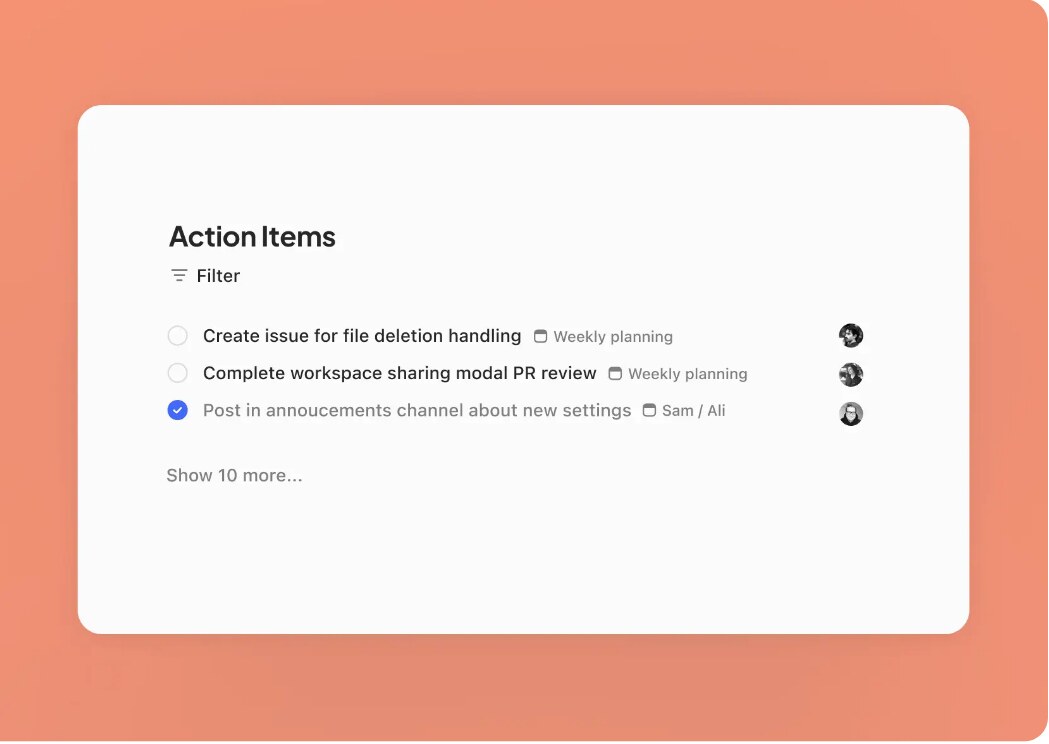
Circleback records a meeting in one of three ways, then turns the conversation into notes, a summary of key decisions, a transcript and action items you can search later. You choose a bot that joins the call, the bot-free desktop app for macOS and Windows, or the mobile and Apple Watch apps for in-person meetings.
The bot joins meetings it finds through Google Calendar or Microsoft Outlook Calendar. The desktop app records without a bot joining and saves the meeting video by default, so slides and dashboards shown on screen make it into the notes. You can also import past audio or video, or bring over meetings from Fathom, Fireflies, Granola and Read AI.
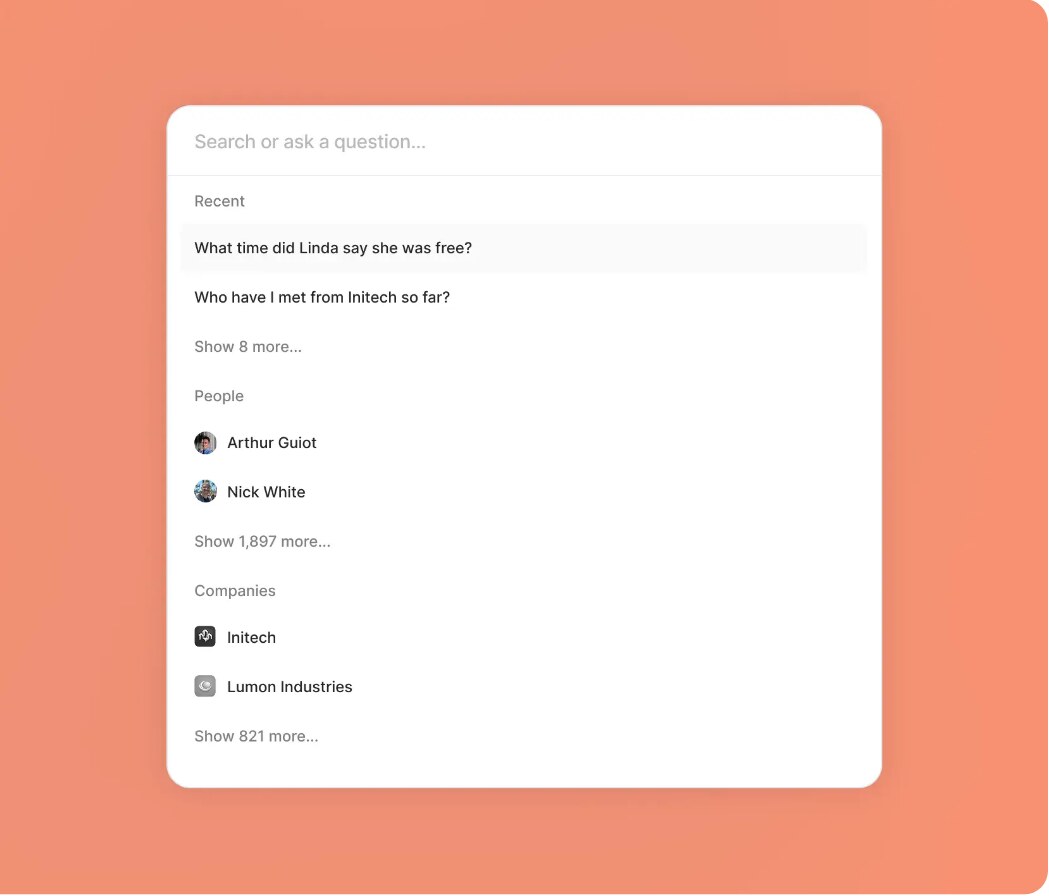
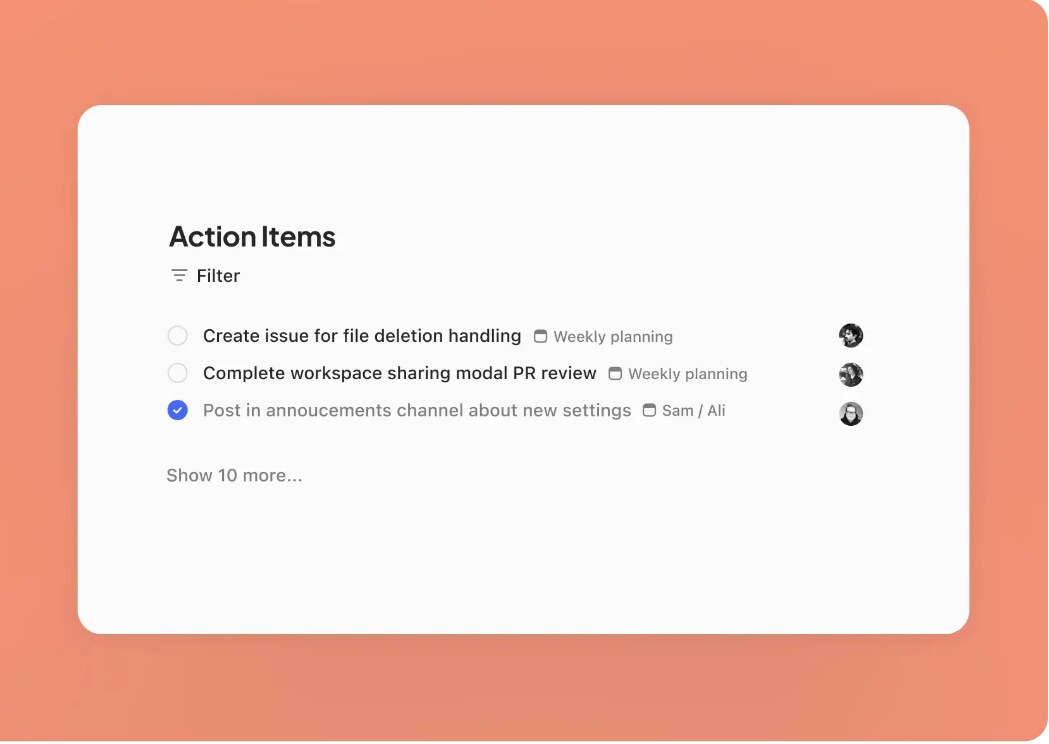
After each meeting you get organized notes with a summary, a transcript with each speaker identified by name, and action items assigned to people. The vendor claims high accuracy on technical terms and accents, so judge it on your own calls. Ask Circleback answers questions across all your meetings, and since 14 Oct 2026 it can also search the web, citing the pages it used. It can now act as well as answer: it creates and completes action items, edits notes, adds tags and shares meetings when you ask.
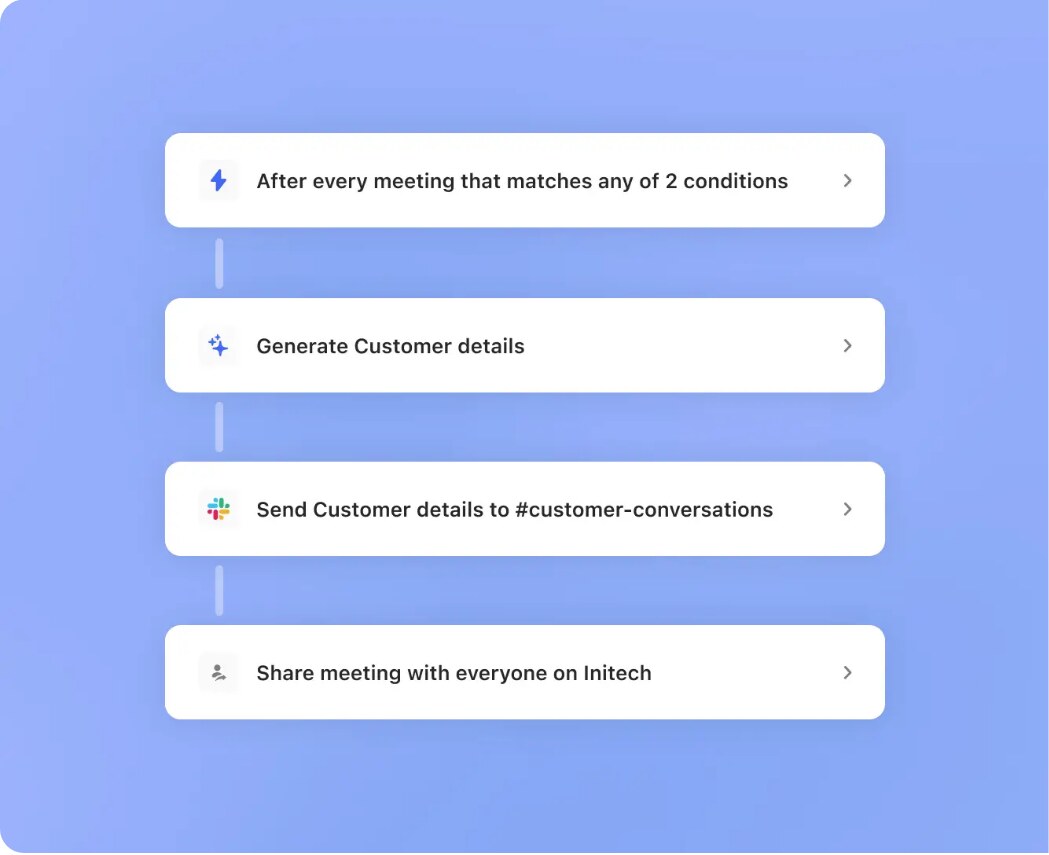
Automations sync meeting outcomes to other apps after each call. Circleback lists HubSpot, Salesforce, Attio and Zoho for CRM updates, plus Notion, Linear, Monday, Slack, Zapier, Make and webhooks. It also connects to Asana, Intercom, Plain, PostHog and Ashby so Ask Circleback can search them. Full automations need Pro or higher; Free has limited automations.
Circleback pricing runs from a free plan to $35 per user per month, with per-user prices and a free trial on every paid plan. Every plan, including Free, has unlimited meetings.
Prices checked 9 Nov 2026.
| Plan | Price | Storage and limits | What it adds |
|---|---|---|---|
| Free | $0 per user per month | 30-day meeting and recording history, 2 teams, limited automations | AI notes and action items, Ask Circleback, bot or desktop app, mobile and Apple Watch apps, API, MCP and CLI access |
| Pro | $18 per user per month billed monthly, or $15 billed yearly | Unlimited meeting history, 1 year of recording storage, 5 teams | Automations with all integrations, custom AI insights, personalized notetaker participant |
| Business | $29 per user per month billed monthly, or $25 billed yearly | 2 years of recording storage, unlimited teams | Admin and member roles, unlimited free viewers, custom data retention, enforceable settings, usage dashboard |
| Enterprise | $35 per user per month, yearly billing only, with automatic volume discounts | Unlimited recording storage | SSO (SAML or OIDC), SCIM, invoice or PO billing, priority support, HIPAA compliance, Enterprise-Managed Authorization |
You can cancel in one click and switch plans or seats at any time, paying only the prorated difference. Circleback offers a 30% discount for nonprofits and 50% for students with a school email.
A five-person sales team on Business billed yearly pays $1,500 a year (5 seats at $25 a month), and teammates who only read shared notes can join as free viewers. On Pro the same team pays $900 a year billed yearly or $1,080 billed monthly. Circleback's own example puts 50 users at $9,000 a year on Pro, $15,000 on Business and $21,000 on Enterprise.
Circleback scores well on the App Store and poorly on a very small Trustpilot sample. The iOS app is rated 4.8 from 276 App Store ratings (Nov 2026), with reviewers praising the accuracy of notes and the task list it builds.
On Trustpilot it holds a 2.9 TrustScore from 4 reviews (Nov 2026). The newest one, rated 2 stars, says Circleback more and more often fails to take notes and that the user only finds out after the meeting. Four reviews is too few to read much into, but a missed recording is the failure that matters most in this category, so check the notes from your first few weeks of meetings closely before you rely on the tool.
Circleback is made by Circleback AI, Inc., a Y Combinator backed company. Its security site lists SOC 2 Type 2, HIPAA, the EU-U.S. Data Privacy Framework and GDPR as compliant, and offers a Q3 2026 penetration test report on request.
Circleback ships new features often, and the last three months added team controls and more ways to act on meetings. The releases page lists these changes.
The main limits are a short free history, plan gates on the useful parts, and reliability reports that are hard to judge from so few reviews. Free keeps meetings and recordings for only 30 days.
CRM and project automations need Pro, admin roles and free viewers need Business, and SSO and HIPAA need Enterprise on yearly billing. A bot joining calls can put off clients, so plan to use the desktop app for external meetings if that is a concern. The Trustpilot complaint about missed notes is a single report, but there is little other public review data on Circleback to weigh against it.
The closest Circleback alternatives are other AI meeting assistants that record calls, transcribe them and push notes to your tools.
Circleback is one of the strongest AI meeting note apps for teams whose meetings feed a CRM or task list, with a bot-free option, a useful free plan with API access, and a fast release pace. I would pick Business for a sales or customer team because free viewers cut the seat count. If you have few meetings, or need SSO on monthly billing, look elsewhere or stay on Free.
Yes. The free plan includes AI meeting notes, action items, speaker-labeled transcripts, Ask Circleback and API, MCP and CLI access, with unlimited meetings. History and recordings are kept for 30 days, and automations are limited.
Pro is $18 per user per month billed monthly or $15 billed yearly, and Business is $29 monthly or $25 yearly. Enterprise is $35 per user per month on yearly billing only, with automatic volume discounts.
Circleback records meetings through a bot that joins your calls, a bot-free desktop app for macOS and Windows, or mobile and Apple Watch apps for in-person meetings. It then writes notes, a speaker-labeled transcript and action items, and can run automations into your other apps.
Circleback's security site lists SOC 2 Type 2, HIPAA, the EU-U.S. Data Privacy Framework and GDPR as compliant, and the vendor says it does not train models on customer data. SSO, SCIM and HIPAA compliance for your workspace come with the Enterprise plan.
Yes. Automations can update contacts and deals in HubSpot, contacts and opportunities in Salesforce, records in Attio and contacts in Zoho after each meeting. Full automations with integrations need the Pro plan or higher.
Yes. The Circleback desktop app for macOS and Windows records meetings without a bot joining, and saves the meeting video by default so what is shown on screen makes it into the notes.
We may earn a commission when you buy through links on SaaSPic. It never changes our verdicts or the price you pay. Affiliate disclosure
Add this badge to your website so your visitors can read this independent review in one click.
 7.9/10
AI meeting assistant that records, transcribes and summarizes calls on Zoom, Meet and Teams, with search and CRM sync.
 7.4/10
Bot-free AI note taker that records, transcribes and summarizes meetings from a Chrome extension, desktop or mobile app.
 7.6/10
AI meeting assistant with two-way noise cancellation, bot-free notes, transcripts, recording and accent conversion.
 7.2/10
AI meeting notetaker and transcription tool with 58 languages, bilingual transcription, AI summaries and a bot-free recorder.
 7.8/10
AI notepad that transcribes meetings from your device audio, with no bot joining the call, and turns your notes into summaries.
| Tool | Score | From | Free plan | Best for |
|---|---|---|---|---|
| Circleback | 7.9/10 | $18/mo | Yes | Sales and customer teams whose meetings feed a CRM |
| Fireflies.ai | 7.9/10 | $10/mo | Yes | Sales and recruiting teams capturing every call |
| Bluedot | 7.4/10 | $14/mo | Yes | Teams who want AI meeting notes without a bot in the call |
| Krisp | 7.6/10 | $8/mo | Yes | Remote and sales teams on noisy calls who want bot-free notes |
| Notta | 7.2/10 | $97.99/yr | Yes | Multilingual teams transcribing meetings |
| Granola | 7.8/10 | $14/mo | Yes | Founders, sales and product people in back-to-back meetings |
 8.4/10
Scheduling software that lets people book time with you through a link, with team routing, reminders, payments and AI meeting recaps.
 8.3/10
Web booking page and scheduler that syncs your calendars and lets clients book and pay for sessions, packages and subscriptions.
 8.1/10
Time tracker and timesheet app for teams, with a free plan and per-seat paid tiers for invoicing, approvals and scheduling.