 8.4/10
Voice AI platform with Sonic text to speech, Ink speech to text and Managed Agents for phone voice agents via API.


Business video hosting for courses and sales videos with an ad-free player, DRM watermark, analytics and AI tutor and dubbing.
We may earn a commission when you buy through our links. How this works
Panda Video suits course creators, edtechs and VSL marketers who want DRM protection, AI tutoring and conversion tools in one player. Skip it if you need a free plan, predictable flat billing or a host with a long record of independent English-language reviews.
Best for: Course creators and VSL marketers protecting paid video

6.9/10 Good, with trade-offs. The overall score is our judgment against the questions we ask of every tool, not an average. How we score
| Question | Score | Why |
|---|---|---|
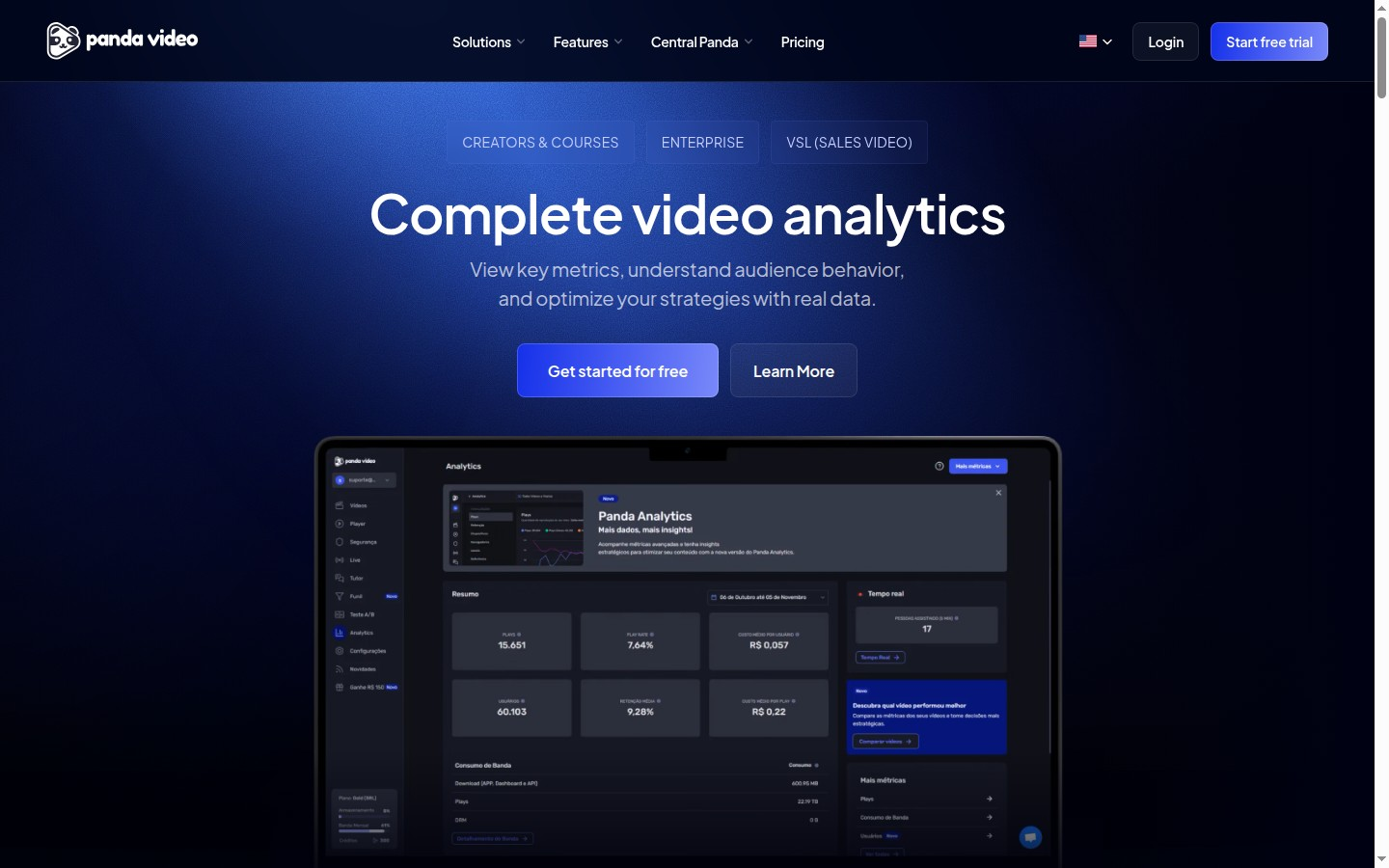
| Does the jobWhat it actually does for the task it is sold for, and where it falls short. | 8.0 | The features page lists DRM watermarking, anti-download, video funnels, A/B tests, live streams, analytics and AI Tutor and dubbing. |
| Ease of useSetup needed and how quickly you get something useful done. | 7.0 | A free Chrome extension imports Vimeo libraries, and the dashboard shows real-time bandwidth and storage use with a monthly forecast. |
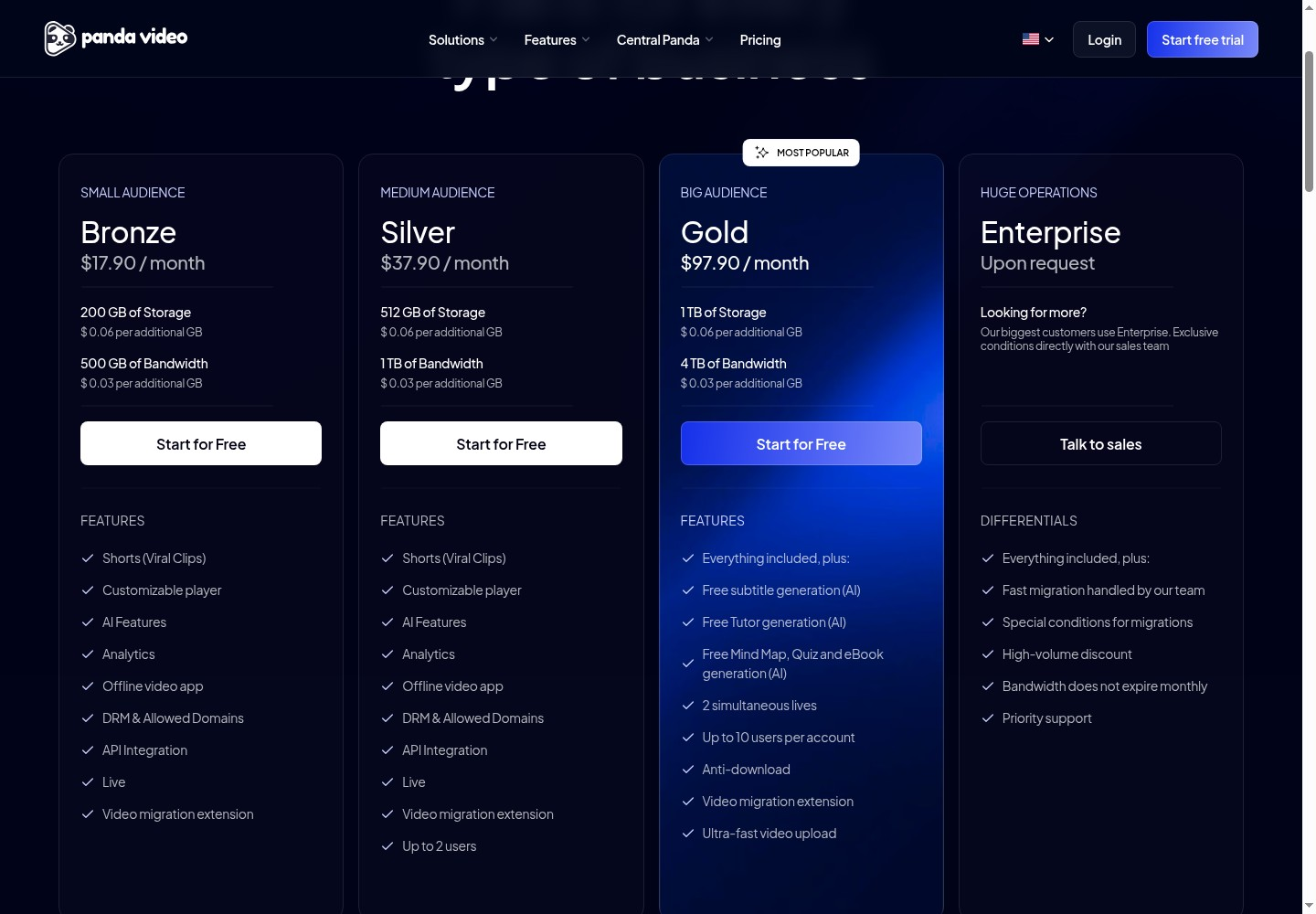
| Pricing and limitsWhat you pay at a realistic size, including caps, add-ons and deal limits. | 6.6 | Bronze is $17.90 a month for 200 GB storage and 500 GB bandwidth, but overage and DRM at $0.60 per GB add to the bill. |
| Reliability and supportUpdate pace, known problems and how support responds. | 6.0 | Support runs by email, WhatsApp and Telegram, yet Software Advice shows no reviews and the terms allow videos to be deleted on cancellation. |
| Fit against alternativesHow it compares with the alternatives for the people it is aimed at. | 6.6 | It has more course and sales tools than Vimeo, Wistia or Bunny Stream, but far fewer independent reviews. |
Panda Video is a business video hosting platform for online courses, sales videos and company training, with an ad-free player, DRM watermarking, analytics and built-in AI tools. It suits course creators, edtechs and marketers who sell or protect video. Skip it if you only need to embed a few free videos, since there is no free plan.
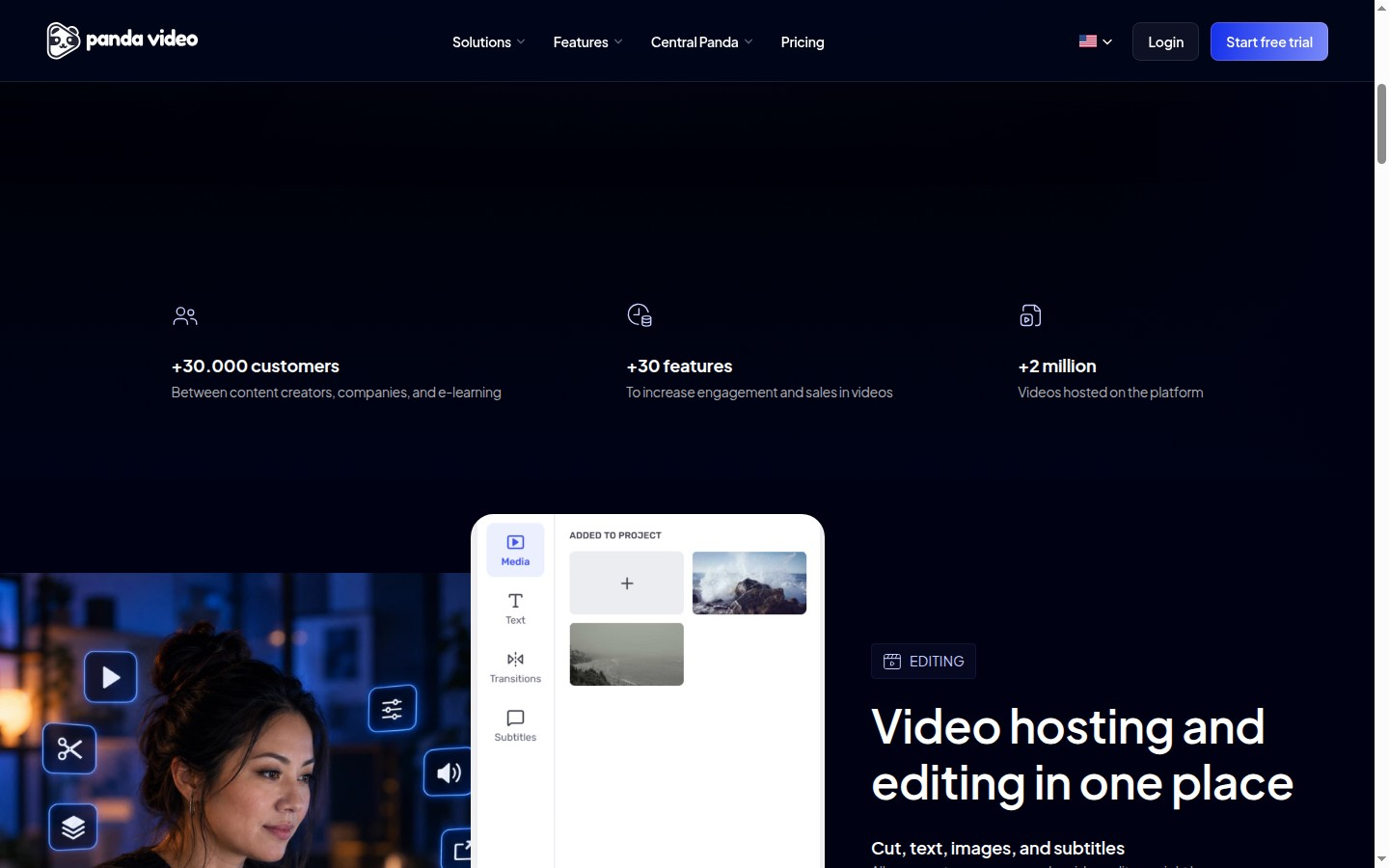
Panda Video is a Brazilian video hosting company with an English site that prices plans in US dollars. You upload videos, Panda converts them into several quality levels, and you embed its player in your course platform, landing page or LMS. The vendor says more than 30,000 creators and companies use it and that it hosts over 2 million videos.
The product is aimed at people whose business runs on video: course sellers who worry about piracy, marketers running video sales letters (VSLs), and companies hosting training. Many of its integrations and blog posts reflect the Brazilian creator market, such as Hotmart and MemberKit.
Panda Video fits sellers of paid video content who need protection against downloads and screen recording, and marketers who want conversion tools inside the player. It also suits teams moving off Vimeo, since a free Chrome extension imports your library.
Panda Video works like most business video hosts: upload, configure the player, then embed. Where it differs is the number of extras built into the player and dashboard, which fall into four groups.
For automation, Panda has a public API, PandaPilot (a text-command assistant inside the dashboard) and an MCP server that gives AI tools such as Claude Code, Cursor and Windsurf access to 128 actions in your account.
Panda Video pricing starts at $17.90 a month for Bronze, with storage and monthly bandwidth limits on every plan and overage billed per GB. A 14-day free trial is available, with bandwidth capped at 100 GB. Prices checked 8 Nov 2026 on pandavideo.com, in US dollars.
| Plan | Price | Storage, bandwidth and users |
|---|---|---|
| Bronze | $17.90 a month | 200 GB storage, 500 GB monthly bandwidth, 1 user; player, AI features, analytics, DRM and domains, API, live |
| Silver | $37.90 a month | 512 GB storage, 1 TB monthly bandwidth, up to 2 users; same features as Bronze |
| Gold | $97.90 a month | 1 TB storage, 4 TB monthly bandwidth, up to 10 users; free AI subtitles, Tutor, quiz, ebook and mind map generation, anti-download, 2 simultaneous lives |
| Enterprise | Custom quote | Custom storage and bandwidth, migration handled by Panda, bandwidth that does not expire monthly, priority support |
| Clipper | $3.90 a month for the first 2 months | 12 renewable clip credits a month for videos up to 2 hours, 15 days of clip storage |
Extra storage costs $0.06 per GB and extra bandwidth $0.03 per GB on the pricing page, and DRM watermarking costs $0.60 per GB on every plan. The terms of use quote post-paid bandwidth at $0.06 per GB, so confirm the rate in your dashboard. Prepaid bandwidth does not roll over, and downloads from the dashboard or API count toward it.
Billing is monthly by credit card, charged on signup and every 30 days after. You can upgrade, downgrade or cancel from the dashboard, but the terms say you lose access as soon as you cancel and hosted videos may be deleted, so back them up first.
A creator with 100 GB of lessons and about 800 GB of streaming a month fits Silver at $37.90 with room to spare. On Bronze the same month would cost $26.90 at the $0.03 per GB overage rate, or $35.90 at the $0.06 rate in the terms. Adding DRM watermarking to all 800 GB would add $480 at $0.60 per GB, so most sellers will want to watermark only premium lessons.
Panda Video has no independent rating in English yet. As of November 2026 its Software Advice listing shows no reviews, while the alternatives on the same page carry hundreds.
The vendor's homepage quotes customers who moved from Vimeo, praising lower hosting costs, player speed, support in Portuguese and the anti-download protection. These are testimonials chosen by the vendor, and most come from Brazilian course businesses.
Panda Video is a web platform with an offline viewing app for students and a Chrome extension for migrating from Vimeo. The facts the vendor publishes:
Panda Video has been adding AI and automation features through 2026. On 21 Jul 2026 it launched the Panda Video MCP server for AI coding assistants, and its feature list now includes PandaPilot, Shorts and a Clipper plan for short-form clips. A 4 Nov 2026 blog post covers the new sign language window for Brazilian Sign Language in courses.
The main drawback is that costs move with usage, so a viral sales video or heavy downloads can push the bill past the plan price. Other limits to weigh:
These platforms do the same business video hosting job, each with a different strength:
Panda Video is a feature-rich, fairly priced host for course creators and VSL marketers who need DRM, AI tutoring and conversion tools in one player, and its Vimeo import makes switching easy. I would pick it for protected paid courses, but buyers outside Brazil should weigh the lack of independent reviews and the usage-based extras first.
Panda Video is a Brazilian business video hosting platform for online courses, sales videos and company training. It offers an ad-free player, DRM watermarking, anti-download protection, analytics, live streams and AI tools such as an in-video Tutor and dubbing.
Panda Video costs $17.90 a month for Bronze, $37.90 for Silver and $97.90 for Gold, with Enterprise quoted. Each plan has storage and bandwidth limits, with extra usage billed per GB. Prices checked 8 Nov 2026.
Yes. Panda Video offers a 14-day free trial. Bandwidth is limited to 100 GB during the trial, and the terms say trial videos should not be used in production.
Yes. Panda Video has a free Chrome extension that imports videos from Vimeo or other platforms without downloading and re-uploading each file, and Enterprise customers can have the migration handled by Panda's team.
Panda Video has more course and sales tools in the player, such as DRM watermarking, an AI Tutor and video funnels. Vimeo has a much larger independent review base, so pick Panda for protected paid courses and Vimeo for general business video.
No. Panda Video's help center says prepaid monthly bandwidth renews each month and does not roll over, and use above the limit is charged as post-paid bandwidth. Enterprise plans can have bandwidth that does not expire monthly.
We may earn a commission when you buy through links on SaaSPic. It never changes our verdicts or the price you pay. Affiliate disclosure
Add this badge to your website so your visitors can read this independent review in one click.
 8.4/10
Voice AI platform with Sonic text to speech, Ink speech to text and Managed Agents for phone voice agents via API.
 8.3/10
AI video and image generator running Kling's own models, with keyframes, character references, native audio, motion control and an API.
 8.3/10
AI voice platform for text to speech, voice cloning, dubbing, music and sound effects, plus voice agents and an API for developers.