
EaseUS VoiceWave
Lifetime deal on EaseUS VoiceWave
$39.95$79.95
Price tracked from Oct 28, 2026
Real-time AI voice changer for Windows with a soundboard, voice cloning and a file voice changer for games and streams.
We may earn a commission when you buy through our links. How this works
EaseUS VoiceWave suits Windows gamers, Discord users and streamers who want character voices and a soundboard at a low one-time price. Mac users and anyone who needs studio-grade voiceovers from recorded audio should look elsewhere.
Best for: Windows gamers and streamers
6.6/10 Good, with trade-offs. The overall score is our judgment against the questions we ask of every tool, not an average. How we score
| Question | Score | Why |
|---|---|---|
| Does the jobWhat it actually does for the task it is sold for, and where it falls short. | 7.0 | Real-time voice changing, soundboard, voice cloning, noise reduction and a file voice changer are all listed for the Windows app. |
| Ease of useSetup needed and how quickly you get something useful done. | 7.4 | EaseUS describes a four-step setup, and its own summary of user feedback lists simple setup among the most common praise. |
| Pricing and limitsWhat you pay at a realistic size, including caps, add-ons and deal limits. | 7.2 | The u00a329.95 lifetime license costs less than three months of the u00a310.95 monthly plan, and a free tier exists. |
| Reliability and supportUpdate pace, known problems and how support responds. | 5.8 | Email and live chat support and a 30-day guarantee, but refunds are limited to technical problems after working with support. |
| Fit against alternativesHow it compares with the alternatives for the people it is aimed at. | 5.6 | Voicemod covers Mac as well as Windows, and ElevenLabs is stronger for recorded voiceovers, while VoiceWave is Windows only. |
EaseUS VoiceWave is a real-time AI voice changer for Windows that lets you change your voice in gaming, Discord voice chat, live streaming and video calls, with a soundboard, voice cloning and a file voice changer. It is built for gamers, streamers and casual creators, and there is a companion mobile app for Android and iOS.
VoiceWave is a desktop app from EaseUS, the software company best known for data recovery, partition and backup tools, which it says was formally established in 2004. VoiceWave installs a virtual microphone on a Windows 11 or 10 (64-bit) PC, so any program that lets you pick a microphone can use the changed voice.
EaseUS's pricing page lists 2000+ AI voices updated daily, 1000+ compatible games and platforms, and 150k+ sound effects and memes. EaseUS's own VoiceWave review article puts the premium library at 400+ AI voices, so the voice count depends on which EaseUS page you read.
VoiceWave suits PC gaming fans, Discord users, VTubers and anyone who wants to stream with anime or character voices, a sound effects board and simple setup on Windows. EaseUS publishes setup guides for Discord, OBS, Roblox, Fortnite, Valorant, Call of Duty, VRChat, Steam, Xbox and PlayStation.
Skip it if you use a Mac, because the desktop app is Windows only, and EaseUS lists that as a drawback itself. Professional voice actors and podcasters who need studio-grade voiceovers from recorded audio may get better results from a dedicated speech-to-speech tool.
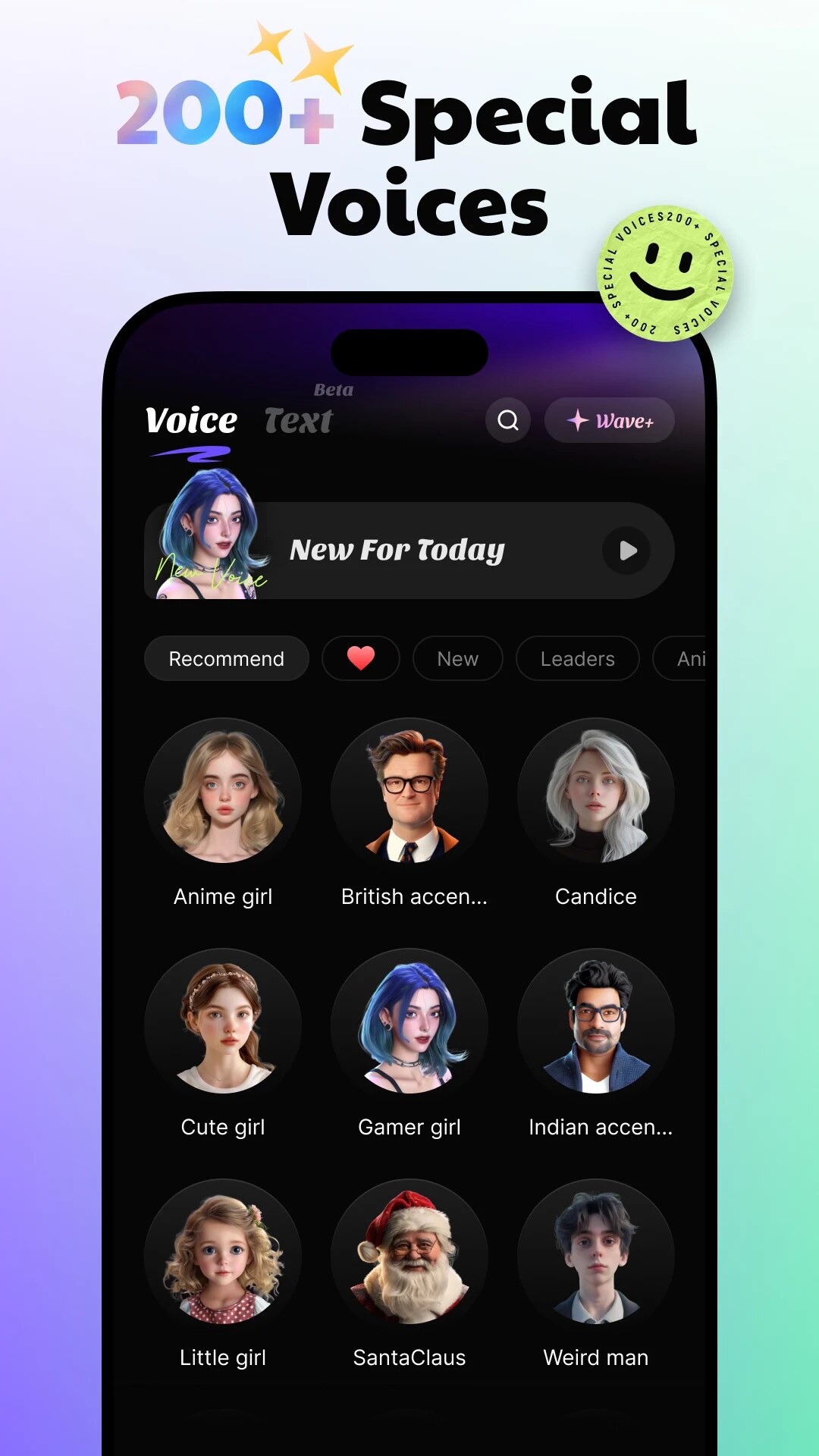
The core feature is real-time voice changing through the VoiceWave microphone, with presets to transform your voice into male, female, robot, celebrity-inspired, game and anime characters. Around that, the app adds the following tools:
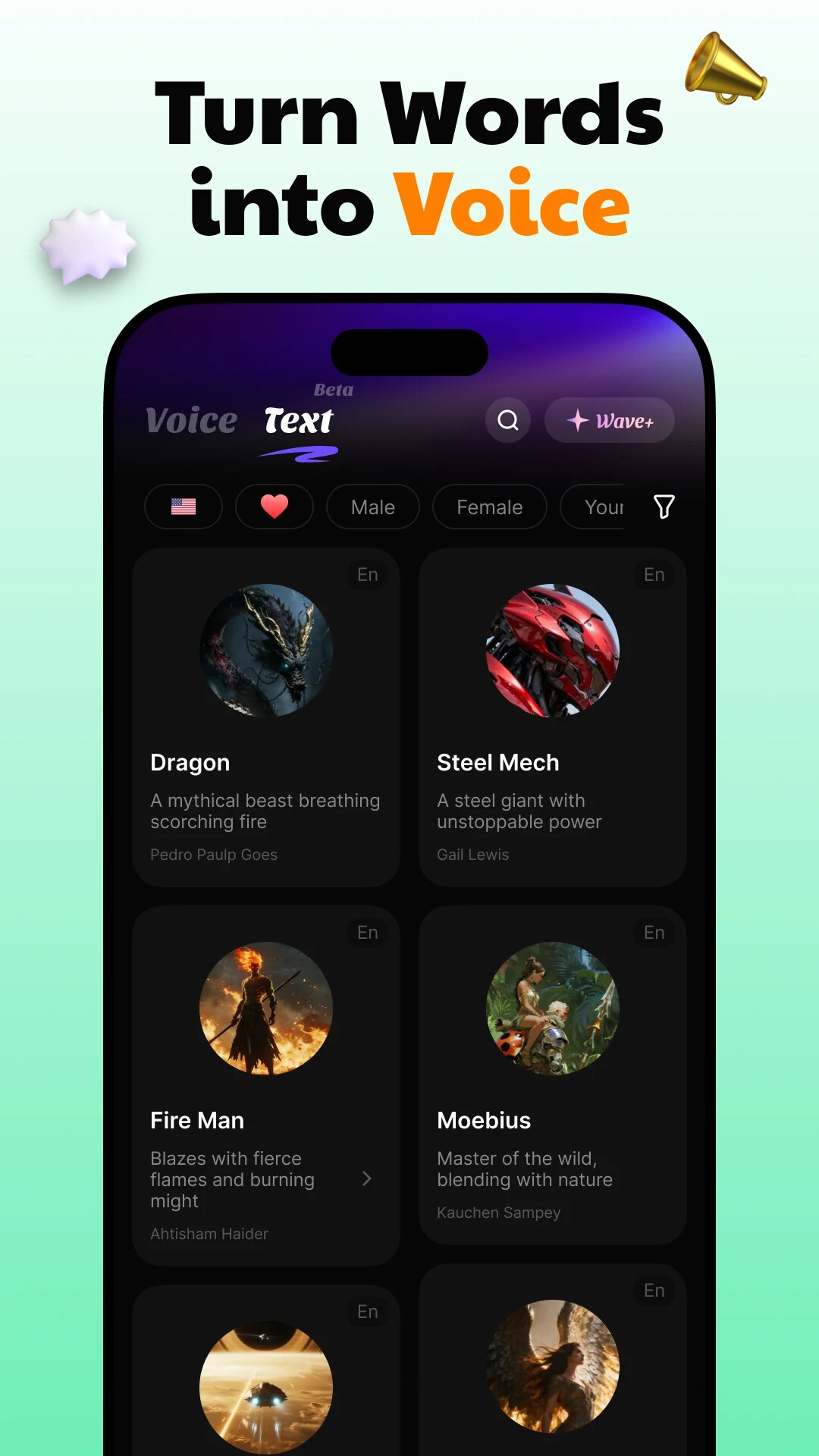
The VoiceWave mobile app ("VoiceWave-AI Voice Generator") is a separate product focused on text-to-speech, the option to record your voice with effects, funny prank voices and voice cloning. Its App Store listing says it supports 12 languages and 10 voice styles, and that recordings are never retained without your permission.
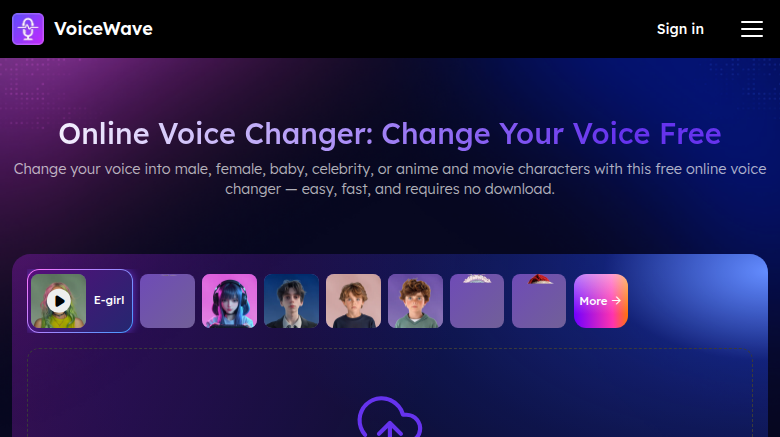
EaseUS also runs a free online voice changer that needs no download. You can convert up to 3 audio files a day, each up to 1 minute and 50 MB, in formats including MP3, WAV, FLAC, M4A, MP4 and MOV.
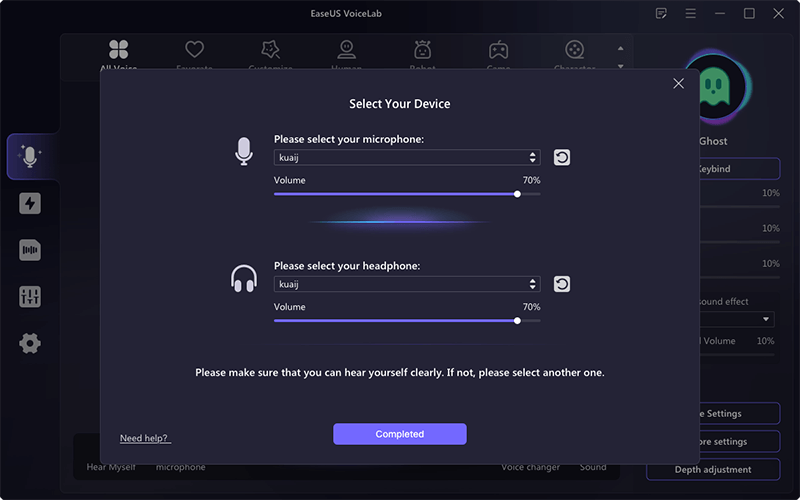
Setup takes four steps according to EaseUS: install the Windows app, select your input and output devices, pick and adjust a voice, then choose the VoiceWave microphone as the input device in the app or game you use.
The device screen asks for a microphone and headphones and their volume. In Discord, for example, you set "VoiceWave microphone" as your input device and the effect applies straight away.
VoiceWave has a free version and three paid plans for one computer each: monthly, yearly and lifetime. Prices checked 3 Nov 2026 on the EaseUS store, which showed prices in pounds sterling, excluding VAT.
| Plan | Price | What you get |
|---|---|---|
| Free | £0 | 2 permanently free voices (Mature Male and Girl) plus 3 AI voices unlocked each day |
| Monthly | £10.95 a month, auto-renews | One license for 1 computer, full voice library, 1 month of free upgrades |
| Yearly | £21.95 a year, auto-renews | One license for 1 computer, full voice library, 1 year of free upgrades |
| Lifetime | £29.95 one-time | One license for 1 computer, full voice library, lifetime free upgrades |
| Education (students) | 10% off: £9.86 monthly, £19.76 yearly, £26.96 lifetime | Same plans once you confirm student status |
The store shows higher crossed-out prices next to each plan (£22.02, £36.72 and £58.77), which are EaseUS's own reference prices. Subscriptions can be canceled any time, and there is a 30-day money-back guarantee. A bundle with EaseUS RecExperts and Video Downloader was listed at $74.95.
The refund policy has conditions. Refunds are only given within 30 days and on technical grounds, after you let EaseUS support try to fix the problem, and the license is deactivated once refunded. EaseUS also offers a price adjustment refund if its own price drops within 7 days of purchase. If you change computers, support can reset your license code by email or live chat.
For anyone who plans to keep VoiceWave longer than three months, the lifetime license is the cheapest option. At £29.95 it costs less than three months of the monthly plan (£32.85), and EaseUS says it includes free updates for life.
The yearly plan at £21.95 only makes sense if you want to try the full library for a year and are unsure about keeping it. Casual Discord voice chat users may find the free tier enough, though the 3 daily voices rotate, so you cannot rely on a specific voice without paying.
The VoiceWave mobile app has a 4.5 rating from 11.7K reviews on Google Play, with 500K+ downloads, and 4.5 from 775 ratings on the Apple App Store (Nov 2026).
Those ratings cover the phone app rather than the Windows desktop software. EaseUS's own pricing page quotes a Trustpilot score of 4.9 from 20,594 reviews, which applies to EaseUS as a company across all its products. EaseUS's own summary of user feedback lists low latency, a wide range of voices and simple setup as the most common praise, and Windows-only support and a limited free version as the main complaints.
VoiceWave is a Windows desktop app with separate mobile apps and a free web tool.
VoiceWave is a paid product from an established software company, with a published refund policy and app store listings, so it is a legitimate tool. EaseUS's own FAQ says voice changers are legal for fun or privacy in games, meetings and chats, but illegal to use for crimes or harmful activity.
The main limit is platform: there is no desktop app for Mac or Linux.
The closest alternatives are other voice changers for PC that work with games and chat apps. Each one is a better pick in a different situation.
EaseUS VoiceWave is a cheap and easy real-time voice changer for Windows gaming and streaming, and the £29.95 lifetime license is good value if you will use it for more than a few months. Try the free version first to check the voices work with your games and microphone. I would pick Voicemod instead if you need Mac support.
Lifetime deal on EaseUS VoiceWave
Lifetime deal on StackSocial
Partly. The free version gives 2 permanently free voices (Mature Male and Girl) plus 3 AI voices unlocked each day. The full voice library needs a monthly, yearly or lifetime plan.
Yes. It is made by EaseUS, a software company established in 2004, with a published refund policy and 4.5 ratings for the mobile app on Google Play and the App Store. EaseUS says the mobile app does not retain recordings without your permission.
Yes. VoiceWave-AI Voice Generator is on Google Play with 500K+ downloads and on the App Store. It focuses on text to speech, recording with effects and voice cloning, while real-time voice changing for games is on Windows.
Paid VoiceWave was £10.95 a month, £21.95 a year or £29.95 for a lifetime license on 3 Nov 2026, excluding VAT, each for one computer. Students get 10% off once they confirm student status.
Generally yes for fun, privacy or content in games, meetings and chats. EaseUS notes it is illegal to use a voice changer to commit crimes or for harmful activity.
We may earn a commission when you buy through links on SaaSPic. It never changes our verdicts or the price you pay. Affiliate disclosure
Add this badge to your website so your visitors can read this independent review in one click.

 8.3/10
AI voice platform for text to speech, voice cloning, dubbing, music and sound effects, plus voice agents and an API for developers.
 8.4/10
Voice AI platform with Sonic text to speech, Ink speech to text and Managed Agents for phone voice agents via API.
 8.3/10
AI video and image generator running Kling's own models, with keyframes, character references, native audio, motion control and an API.
 8.0/10
AI video platform for avatar presenter videos, voice cloning and lip-synced video translation in 175+ languages and dialects.