 6.8/10
Agentic AI video editor with a multitrack timeline, natural language edits and AI video and image models.


AI video platform that turns scripts, slides and prompts into videos using many AI models, with avatars, voiceover and an API.
We may earn a commission when you buy through our links. How this works
VideoGen suits marketers and small teams that make many explainer, avatar and social videos and want one credit balance across models. Skip it if you need refunds while you evaluate, or plenty of high quality generative footage on a small budget.
Best for: Marketers making explainer, avatar and social videos at volume
6.6/10 Good, with trade-offs. The overall score is our judgment against the questions we ask of every tool, not an average. How we score
| Question | Score | Why |
|---|---|---|
| Does the jobWhat it actually does for the task it is sold for, and where it falls short. | 7.5 | One editor covers storyboard, script and slides to video, AI actors and voiceover, using many third-party models without separate accounts. |
| Pricing and limitsWhat you pay at a realistic size, including caps, add-ons and deal limits. | 6.5 | Pro is $29 a month per user and covers about 4 minutes of generative video; per-seat pricing adds up, with three Advanced seats over $100 a month yearly. |
| Fit against alternativesHow it compares with the alternatives for the people it is aimed at. | 7.0 | Suits people making many kinds of videos; a specialist such as HeyGen may be better for avatar-only work. |
VideoGen is an AI video creation platform that puts many video, image and voice models behind one editor, with AI agents that help you go from text, a script, a deck or a storyboard to a finished video. It suits marketers, educators and small teams that make a steady flow of explainers, ads and social clips and want one balance for all of it.
VideoGen fits people who make many kinds of short business video and like having avatars, slideshows and fully generated footage in one place. The vendor says more than 5 million creators and teams use it, and its workflows cover product ads, explainers, training, social media and localization.
Skip it if you want to try before you pay a full term, because the terms say all purchases are non-refundable. Also skip it if you mainly need lifelike avatar presenters, where a specialist may suit you better, or if you need lots of high quality generative footage on a small budget.
In VideoGen you pick a workflow, give the assistant your material, then do the video editing on a timeline before exporting. The homepage lists storyboard to video, video to video, script to video, voiceover to video, slides to video, a blank video editor and an API.
The pricing page splits output into still-image videos (images as B-roll under a script or voiceover), AI avatar videos (an AI-generated talking presenter over still-image B-roll), and generative videos (fully AI generated moving scenes). Generative video costs by far the most.
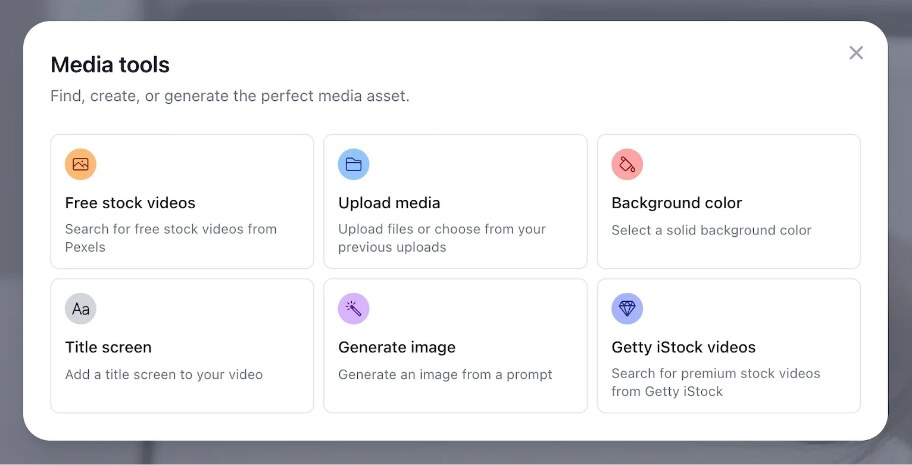
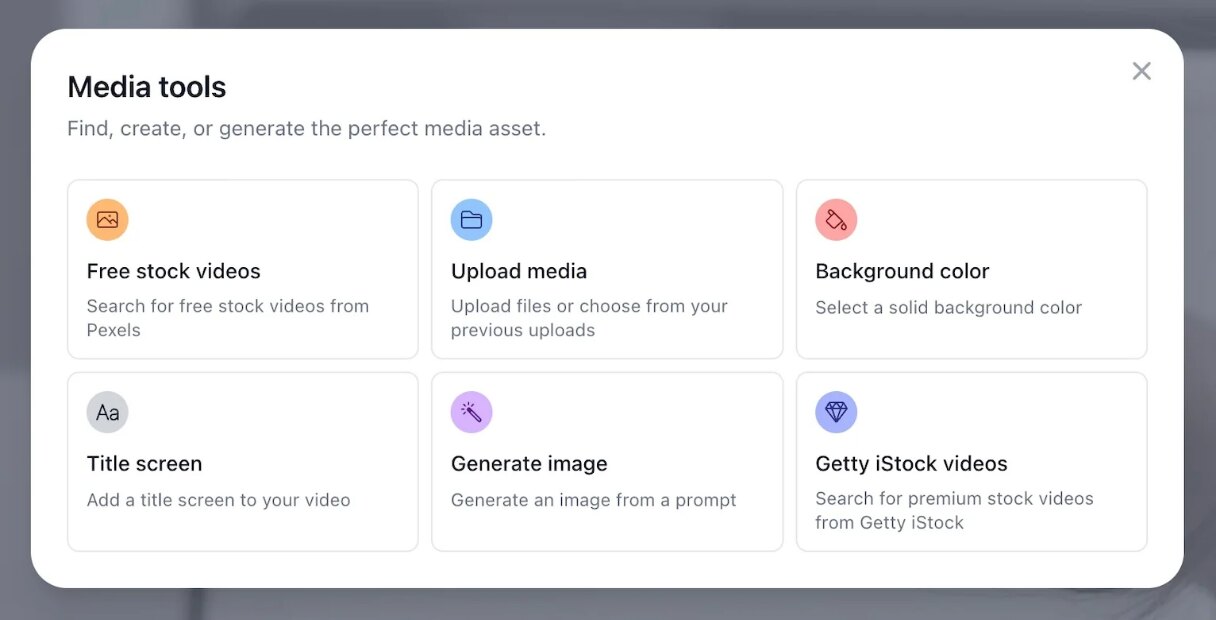
A prompt to video run can generate the reference image and clip plus your chosen music, captions and logo, and stock media drops straight into the timeline. You can also save actors, products, visual styles, brands, locations and props and mention them with @ in prompts. A brand can be imported from its website with logo, colors, fonts and writing style, and a product can be imported from a product page link.
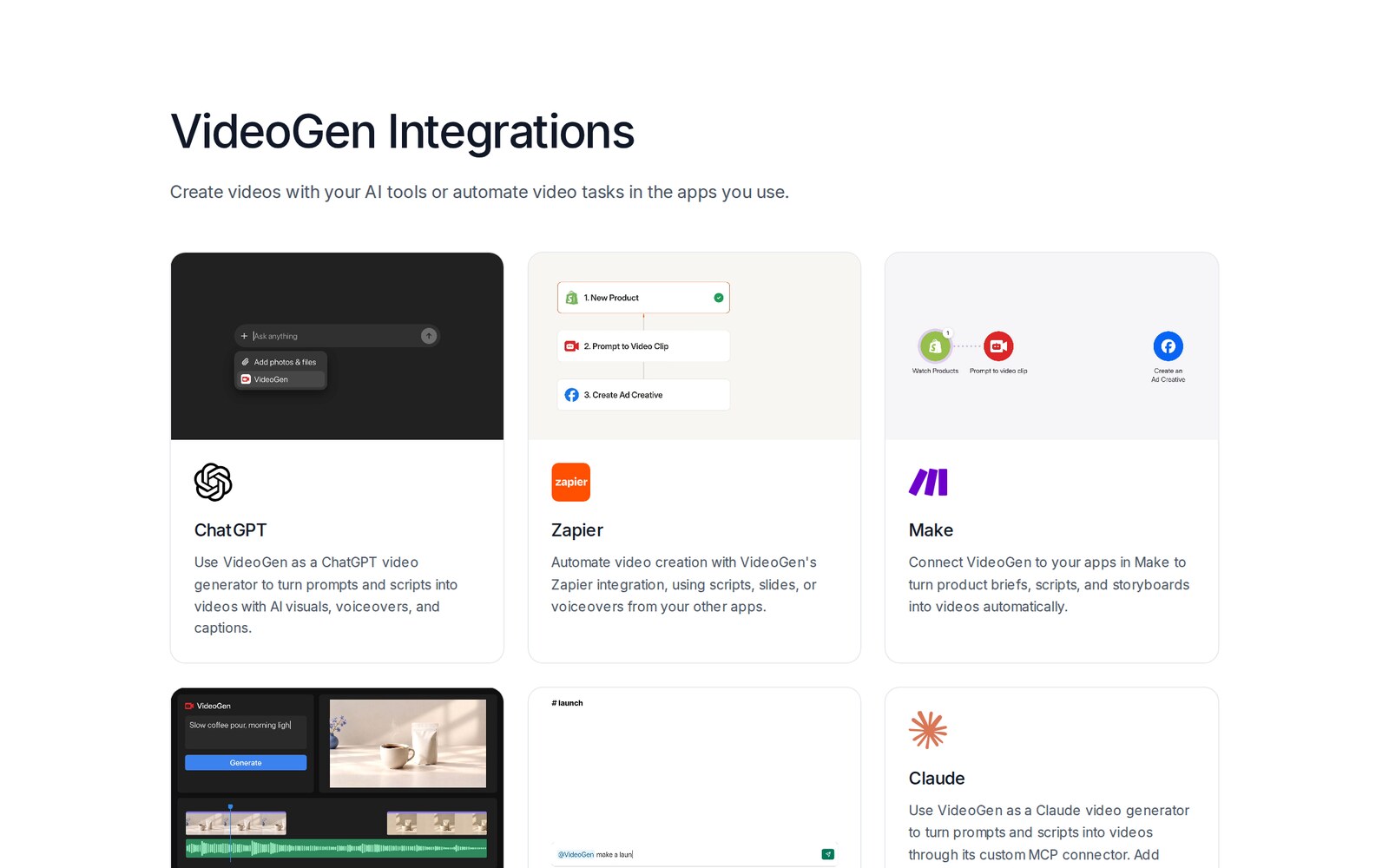
Every paid VideoGen tier includes API and MCP access. The changelog lists SDKs, a CLI, webhooks, and Zapier, n8n, Pipedream and Make actions that can return a finished export, plus a Premiere Pro integration and a ChatGPT plugin.
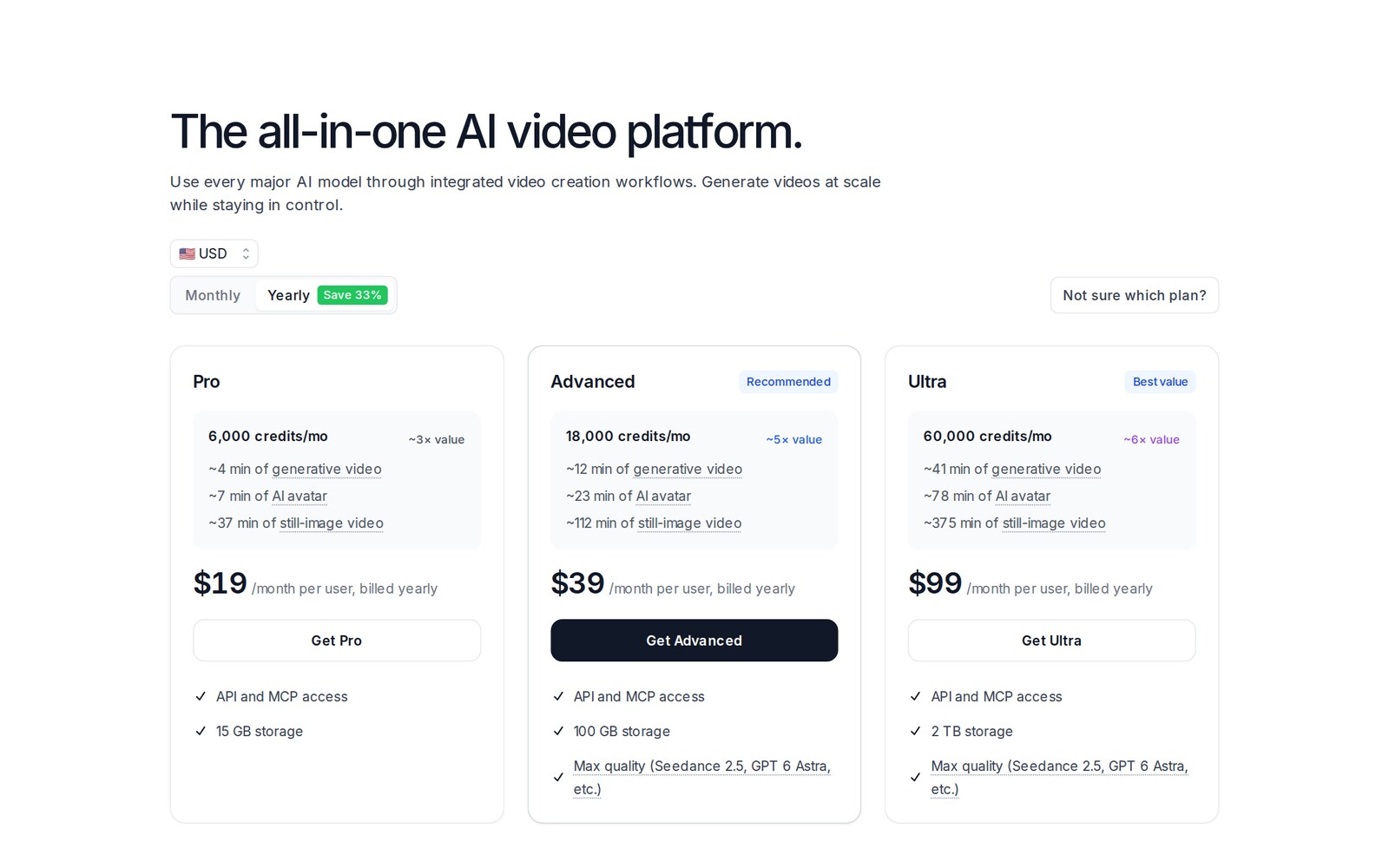
VideoGen sells three paid tiers per user, each with a monthly allowance, and yearly billing saves 33%. Prices checked 16 Nov 2026.
| Plan | Price (USD) | Credits and limits |
|---|---|---|
| Pro | $29 per user a month, or $19 a month billed yearly | 6,000 credits a month, about 4 min generative or 37 min still-image video, 15 GB storage, API and MCP |
| Advanced | $59 per user a month, or $39 a month billed yearly | 18,000 credits a month, about 12 min generative video, 100 GB storage, Max quality models |
| Ultra | $149 per user a month, or $99 a month billed yearly | 60,000 credits a month, about 41 min generative video, 2 TB storage, Max quality models |
| Extra credits | $1 per 100 credits | Bought credits roll over and never expire, while plan credits reset monthly |
The minute estimates are the vendor's, based on one-minute videos at Standard quality, and they are alternative uses of the same balance. All plans include commercial use rights. The terms say purchases are non-refundable and that cancelling takes effect at the end of the paid term. The homepage invites you to create your first video free, but the pricing page lists no free plan, and prompt to video generation needs a paid plan.
The VideoGen rate card charges 20 credits per second of AI video at Standard quality, 10 per second of AI avatar, 5 per AI image and 100 per workflow run, with exports up to 1080p free. So the clips for one minute of generative video at Standard use 1,200 credits, roughly $12 at the top-up rate, before any images or workflow run fees. High quality costs five times as much per second, so one High quality minute would use a whole month of Pro.
Customer feedback on VideoGen is mixed and leans negative on billing. Trustpilot showed a 2.7 TrustScore ("Poor") from 108 reviews on 16 Nov 2026, with 12 reviews in the last 12 months, and notes that VideoGen has not replied to negative reviews. Recent complaints (June and July 2026) describe a charge after cancelling and a refused same-day refund, while positive reviews praise the interface and support. Product Hunt showed 3.3 from 4 reviews.
VideoGen is run by VideoGen, Inc., and Trustpilot lists the company in the United States.
VideoGen has released a major update roughly every few weeks this fall.
The biggest VideoGen risks are the refund policy and the cost of generative video.
These AI video tools also turn scripts and prompts into marketing videos.
VideoGen is a flexible AI video workspace with clear cost estimates, reusable brand and product references, and an API on every plan. I would start on monthly Pro for still-image and avatar videos and only move up once you know your generative video volume. If refunds or a long track record of support matter most, read the Trustpilot reviews first or look at Fliki or HeyGen.
Pro is $29 per user a month, Advanced $59 and Ultra $149, or $19, $39 and $99 a month when billed yearly. Extra credits cost $1 per 100.
The pricing page lists only paid plans. The homepage invites you to create your first video free, but prompt to video generation needs a paid plan.
The terms of service say all purchases are non-refundable. You can cancel at any time, and the cancellation takes effect at the end of the current paid term.
VideoGen estimates Pro's 6,000 monthly credits cover about 4 minutes of generative video, 7 minutes of AI avatar or 37 minutes of still-image video at Standard quality. These share one balance.
Yes. The pricing page says all plans include full commercial use rights.
Plan credits reset and refill every month, so unused ones do not carry over. Credits you buy separately, at $1 per 100, roll over and never expire.
We may earn a commission when you buy through links on SaaSPic. It never changes our verdicts or the price you pay. Affiliate disclosure
Add this badge to your website so your visitors can read this independent review in one click.
 6.8/10
Agentic AI video editor with a multitrack timeline, natural language edits and AI video and image models.
 7.3/10
Browser-based AI tool that turns scripts, blogs and slides into narrated videos, with 2,000+ AI voices in 80+ languages.
 8.0/10
AI video platform for avatar presenter videos, voice cloning and lip-synced video translation in 175+ languages and dialects.
| Tool | Score | From | Free plan | Best for |
|---|---|---|---|---|
| VideoGen | 6.6/10 | $29/mo | No | Marketers making explainer, avatar and social videos at volume |
| InVideo | 6.8/10 | $20/mo | Yes | Creators and small teams editing footage with AI agents |
| Fliki | 7.3/10 | £20/mo | Yes | Creators turning scripts and blog posts into narrated videos |
| HeyGen | 8.0/10 | $29/mo | Yes | Marketing and training teams making avatar-led and translated videos |
 8.4/10
Voice AI platform with Sonic text to speech, Ink speech to text and Managed Agents for phone voice agents via API.
 8.3/10
AI voice platform for text to speech, voice cloning, dubbing, music and sound effects, plus voice agents and an API for developers.
 8.3/10
AI video and image generator running Kling's own models, with keyframes, character references, native audio, motion control and an API.