
VideoExpress AI
Lifetime deal on VideoExpress AI
$49
Price tracked from Oct 28, 2026
One-time-price AI video generator for text-to-video and image-to-video clips, with a timeline editor, voiceovers and talking photos.
We may earn a commission when you buy through our links. How this works
VideoExpress suits marketers and small businesses who want cheap AI video clips for ads and social posts and prefer a one-time payment. Anyone relying on AI video for their main business should look at subscription tools like Kling AI or Higgsfield.
Best for: Budget creators making short AI clips without a subscription
5.9/10 Better options exist. The overall score is our judgment against the questions we ask of every tool, not an average. How we score
| Question | Score | Why |
|---|---|---|
| Does the jobWhat it actually does for the task it is sold for, and where it falls short. | 6.0 | Covers text to video, image to video, voiceover and a timeline editor, but clips are only 5 or 10 seconds and the realism claims are the vendor's own. |
| Ease of useSetup needed and how quickly you get something useful done. | 6.6 | Software Advice reviewers rate ease of use 4.5, though Capterra reviewers say longer videos mean stitching many clips by hand. |
| Pricing and limitsWhat you pay at a realistic size, including caps, add-ons and deal limits. | 6.5 | A one-time $49 or $179 with a 30-day refund, but key tools sit on the $179 plan and the FAQ admits upsells inside Basic. |
| Reliability and supportUpdate pace, known problems and how support responds. | 5.0 | Email-only support with a 24-hour reply window and no weekend cover, and lifetime access depends on a small vendor that publishes few company details. |
| Fit against alternativesHow it compares with the alternatives for the people it is aimed at. | 5.4 | Fine for cheap social clips, while Kling AI and Higgsfield offer stronger models for business-critical video. |
VideoExpress AI is a browser-based AI video generator and timeline editor sold for a one-time price instead of a monthly subscription. It suits marketers, small business owners, teachers and YouTube creators who want AI video clips for ads, social posts and simple explainers without paying for credits every month.
VideoExpress is for budget-conscious creators who make a steady flow of short AI clips and want one tool for generation, voiceover and editing. The sales page lists content creators, authors, teachers, business owners, digital marketers, freelancers, social media managers, bloggers and students as its buyers.
Skip it if you need the most realistic, cutting-edge AI video for paid client work, or a vendor with published security and company details. The product is sold through a launch-style sales page with countdown offers and income ideas, so judge it on the demo clips and the 30-day refund window rather than the headlines.
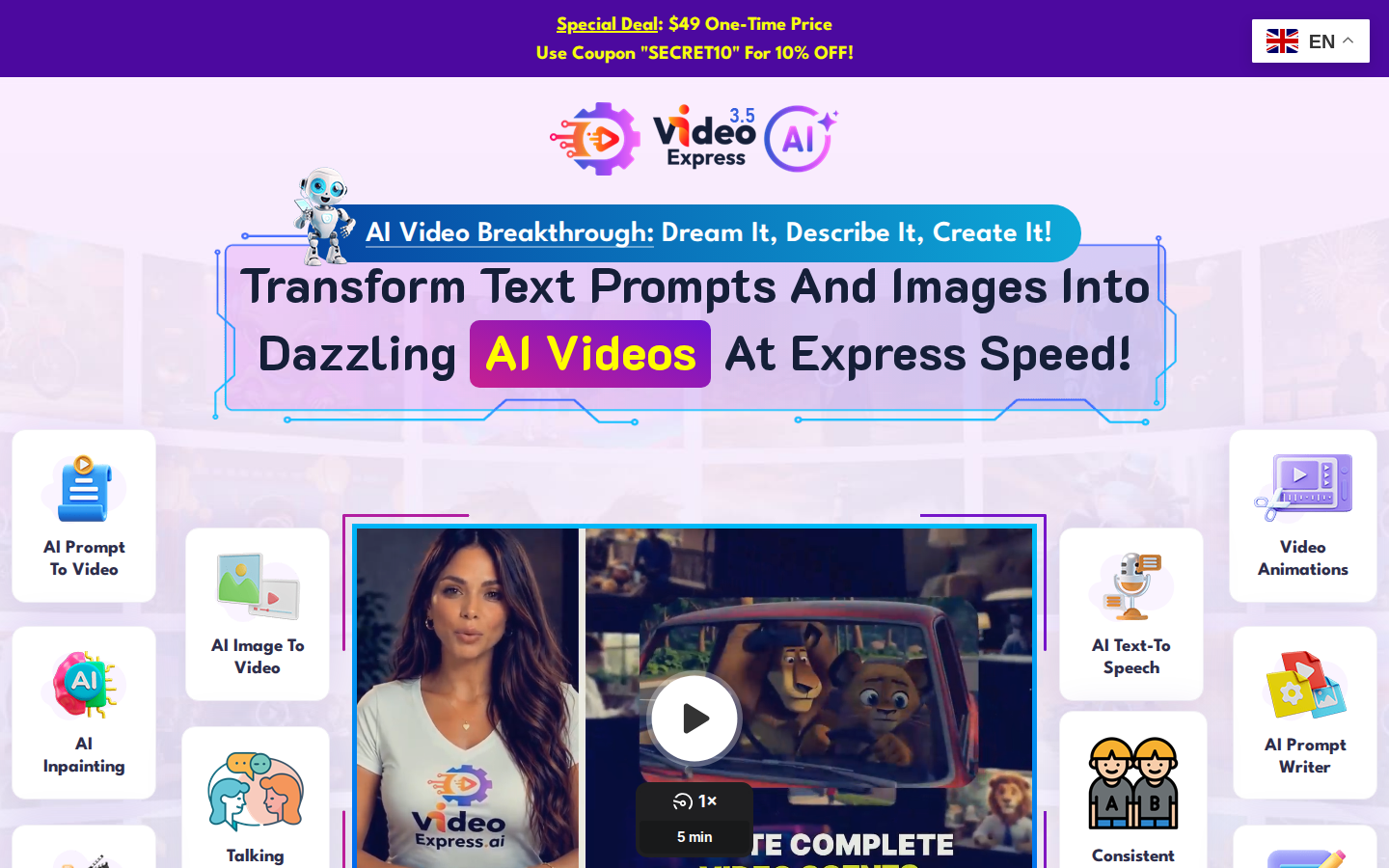
The VideoExpress workflow has three stages. You generate short AI clips from a text prompt or an image, merge them in the timeline editor with voiceover, text effects and music, and export the finished video in 1080p without a watermark.
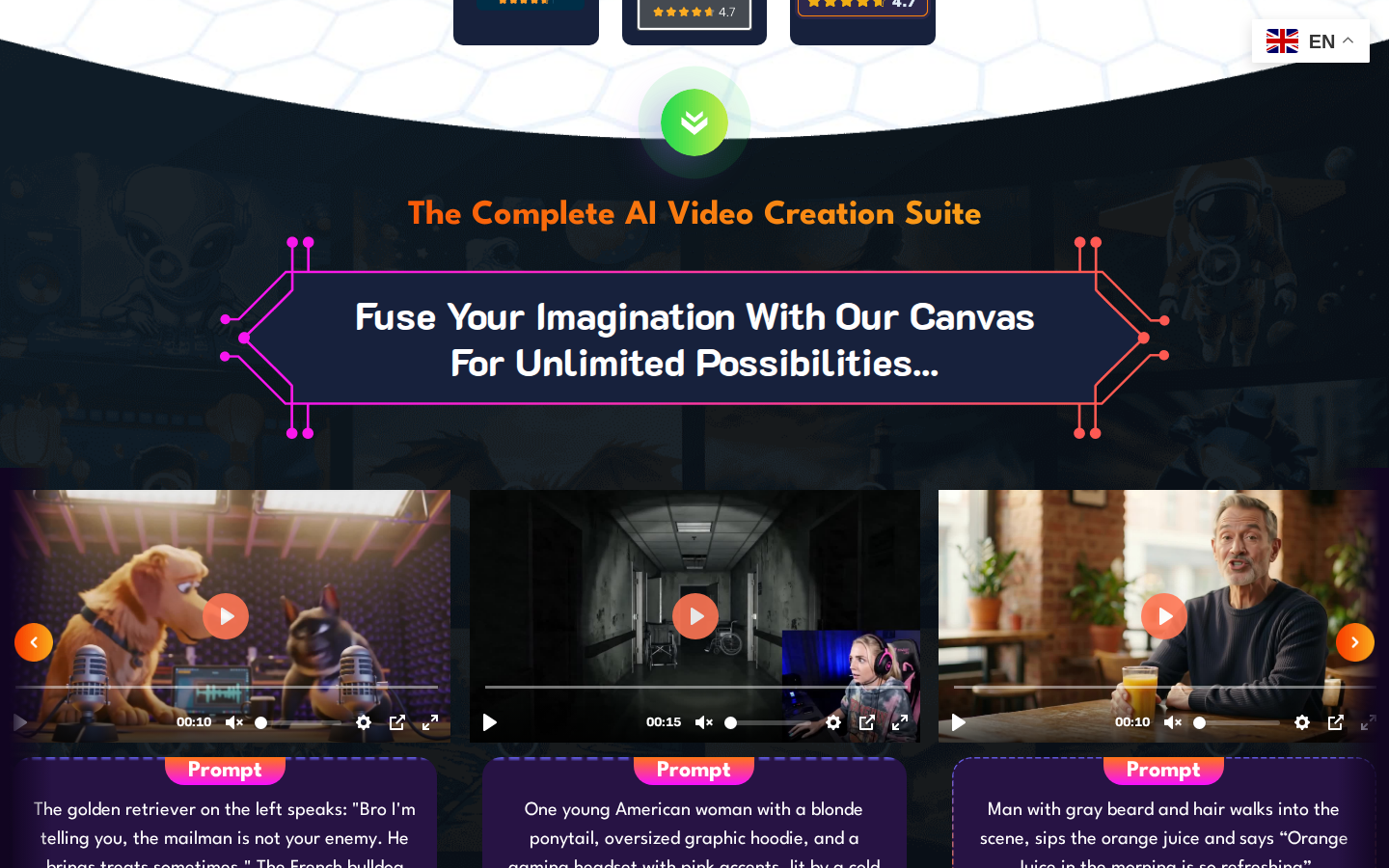
The AI video generator works from a text prompt in any language or from an uploaded image, and an AI prompt writer turns a short idea into a detailed prompt. The vendor says VideoExpress 3.0 rivals Veo 3 and Sora, which is a sales claim rather than an independent result. Basic makes 5-second clips, while All-Access makes 10-second clips.
The timeline editor merges clips into longer videos, with text effects, animations, filters, a screen, webcam and voice recorder, chroma key background removal, and a searchable library of royalty-free images, video and music. Exports are upgraded to Full HD (1080p), and there are 9:16 and 16:9 formats for social media and YouTube.
The AI text-to-speech tool covers 36 languages according to the FAQ, and the sales page claims more than 800 voices. All-Access adds character lip-sync and narration, multi-character consistency, AI sound effects, first and last frame control, camera moves from the prompt, an AI background editor and TalkingPhotos.
AI inpainting swaps an object or person in a clip from a prompt, and there are tools for outpainting a vertical image into landscape, object removal and a video length increaser. All-Access also includes the VidSubtitle app for captions, resizing and progress bars, and the Artistly.ai and CloneVoice.ai integrations pull in images and cloned voices.
VideoExpress sells two one-time plans with a 30-day money-back guarantee and no free trial. Prices checked 13 Nov 2026 on the vendor's own sales page, in US dollars.
| Plan | Price | What it includes |
|---|---|---|
| Basic | $49 one-time | Text to video, image to video, inpainting, prompt writer, 5-second AI clips, 5 minutes per video, timeline editor, text to speech, recorders, 1080p export, no watermarks, commercial use, fair-use limit of 3,000 AI clips a month |
| All-Access | $179 one-time | Everything in Basic plus 10-second clips, 10 minutes per video, lip-sync and narration, multi-character consistency, sound effects, object removal, first and last frame, faster rendering server, subtitles app, TalkingPhotos (100 renders a month up to 30 seconds), fair-use limit of 6,000 AI clips a month |
Both are presented as lifetime access with no monthly fees, sold directly on the vendor's site. The FAQ says Basic has "an optional upgrade inside" for premium features, so expect upsells after you buy, and the sales page showed a 10% coupon and a November sale banner. Refunds are by email to support within 30 days.
A 60-second explainer takes twelve 5-second clips on Basic or six 10-second clips on All-Access, plus a voiceover from text to speech. That is far inside either plan's monthly fair-use limit, so the real cost is the one-time $49 or $179 and your time. Unlimited previews do not count toward the limit, and only rendered clips do. The catch is clip length, since stitching dozens of short clips into a story takes effort.
Review scores are high and the review volume is very large for a one-time product. VideoExpress holds 4.7 from 8,225 reviews on Software Advice, with 4.5 for ease of use and support and 4.7 for value (Nov 2026), and GetApp lists 6,768 reviews. The vendor links all three review pages from its sales page.
Reviewers like the prompt-based workflow, the one-time price and the frequent updates. The complaints are consistent. Capterra reviewers say the timeline lacks frame-accurate controls, that the Basic plan locks away tools like multi-character consistency and longer clips, and that longer videos mean generating and stitching many clips by hand. GetApp's summary mentions lip-sync accuracy issues, short clip limits and frustration with upsells, and one Software Advice reviewer reports slow rendering at peak hours.
VideoExpress is cloud based, so it runs in a browser on Mac, Windows and ChromeOS with nothing to install. Support is by email at [email protected], the support page says to allow 24 hours for a reply, and the office is closed on weekends and holidays. Buyers also get tutorials, weekly training webinars and private Meta, Microsoft Teams and WhatsApp groups. The footer gives a business address in Burlington, Ontario, Canada. The vendor does not publish an API, SOC 2, GDPR terms on the sales page or a founding date.
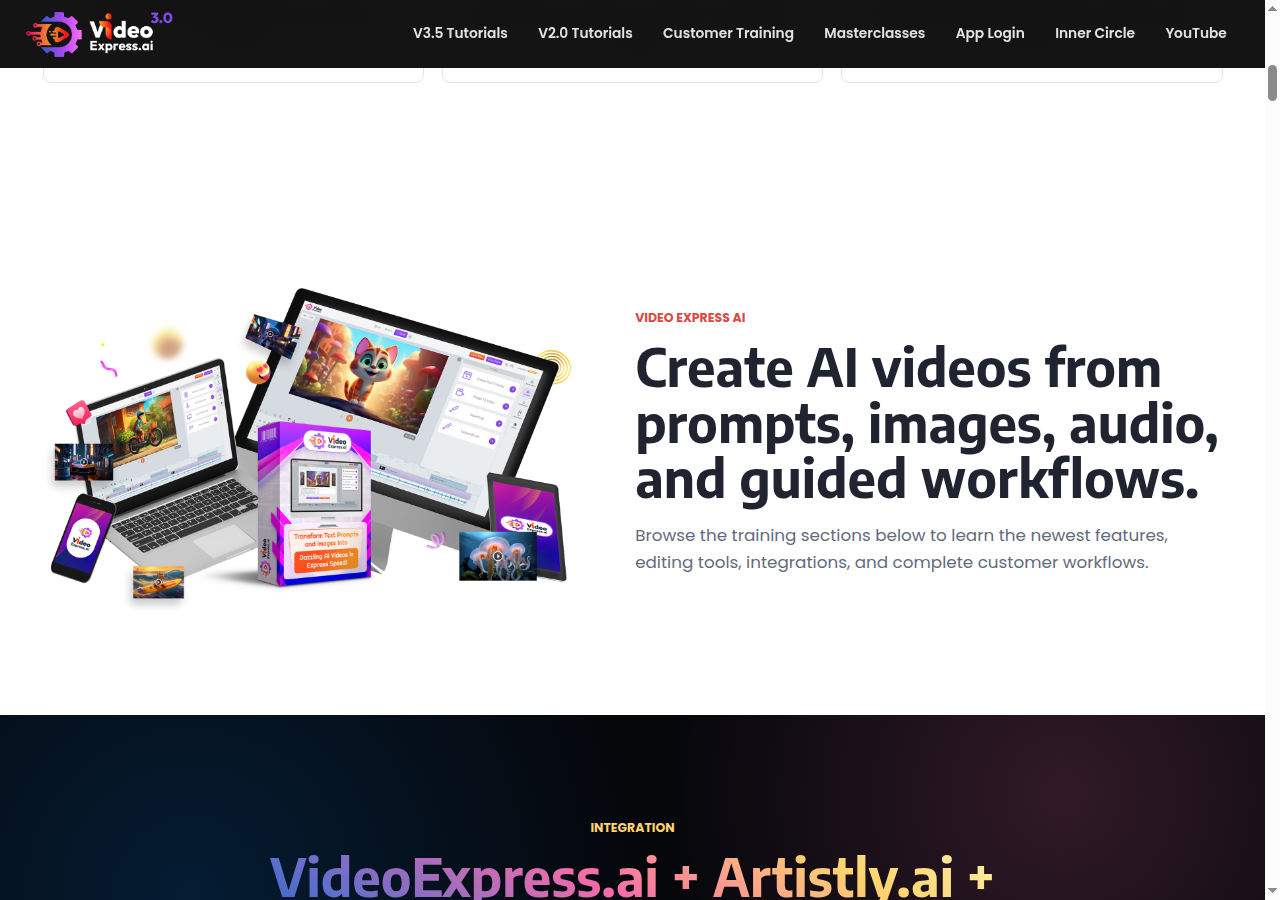
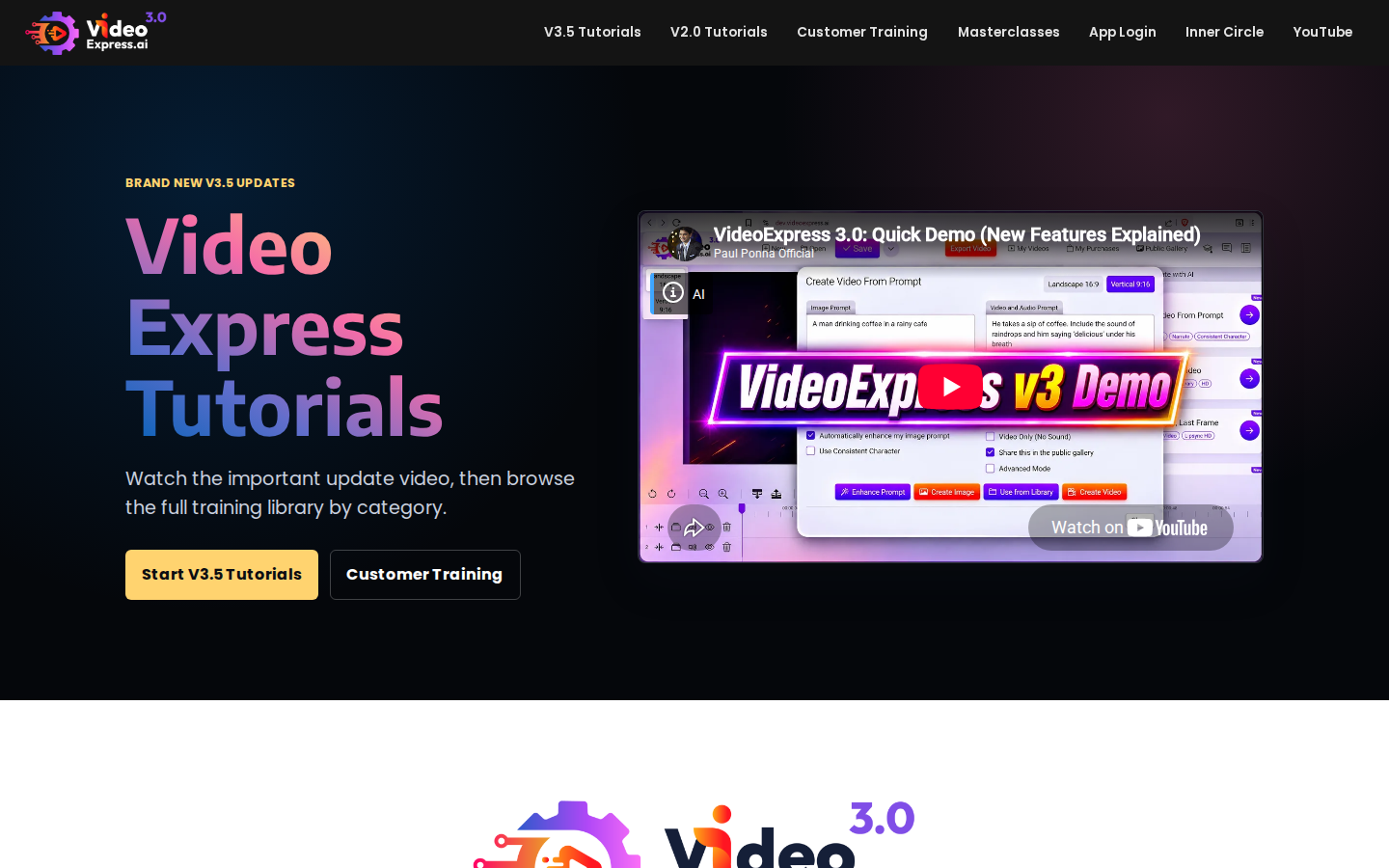
The product has moved to version 3.5, and its tutorials library now leads with V3.5 update training and an Artistly.ai and CloneVoice.ai integration guide. The All-Access plan now lists 10-second clips, 10-minute videos, character lip-sync, first and last frame control and and camera moves from the prompt. The FAQ still describes videos of up to 5 minutes, so check the plan table before you buy.
The biggest limit is that clips are short, so you build longer videos by hand from many 5 or 10 second pieces. Other drawbacks are below.
The best VideoExpress alternatives are subscription AI video generators, which cost more each year but use newer models. These do the same job of turning prompts and images into clips.
VideoExpress AI is a cheap way to try AI video for social posts, kids' content and simple marketing clips, with a 30-day refund to fall back on. I would pick All-Access over Basic if you buy at all, because the most useful tools sit on that plan. If AI video is central to your business, a subscription tool like Kling AI or Higgsfield will give you better quality and a clearer roadmap.
Lifetime deal on VideoExpress AI
Yes. It is a working, cloud-based AI video app with a 30-day money-back guarantee, and it holds 4.7 from 8,225 reviews on Software Advice.
The Basic plan is $49 and the All-Access plan is $179, both one-time payments with no monthly fees. The FAQ says Basic has optional upgrades inside.
You can make unlimited videos, but AI clip generation has a fair-use limit of 3,000 rendered clips a month on Basic and 6,000 on All-Access. Previews do not count.
Yes, commercial use is included on both plans. The vendor warns against using celebrity names, photos or copyrighted work in prompts.
There is no free trial, but both plans have a 30-day money-back guarantee. You request it by emailing [email protected].
Not clearly. The vendor's FAQ says AI-generated videos fall into a legal gray area because many jurisdictions only grant copyright to human creators, though commercial use is allowed.
We may earn a commission when you buy through links on SaaSPic. It never changes our verdicts or the price you pay. Affiliate disclosure
Add this badge to your website so your visitors can read this independent review in one click.

 8.3/10
AI video and image generator running Kling's own models, with keyframes, character references, native audio, motion control and an API.
 6.8/10
All-in-one AI video and image generator with its own Pollo models plus Kling, Veo, Sora, Wan and others, run on a shared credit system.
 6.8/10
Agentic AI video editor with a multitrack timeline, natural language edits and AI video and image models.
 6.4/10
AI video and image platform that bundles Kling, Veo, Sora, Seedance and other models with camera controls and ad tools.
| Tool | Score | From | Free plan | Best for |
|---|---|---|---|---|
| VideoExpress AI | 5.9/10 | $49 one-off | No | Budget creators making short AI clips without a subscription |
| Kling AI | 8.3/10 | $8.80/mo | Yes | Creators directing cinematic AI video clips |
| Pollo AI | 6.8/10 | $99.99/yr | Yes | Marketers and creators testing many AI video models in one place |
| InVideo | 6.8/10 | $20/mo | Yes | Creators and small teams editing footage with AI agents |
| Higgsfield | 6.4/10 | $19/mo | Yes | Creators and agencies testing many AI video models |
 8.4/10
Voice AI platform with Sonic text to speech, Ink speech to text and Managed Agents for phone voice agents via API.
 8.3/10
AI voice platform for text to speech, voice cloning, dubbing, music and sound effects, plus voice agents and an API for developers.
 8.0/10
AI video platform for avatar presenter videos, voice cloning and lip-synced video translation in 175+ languages and dialects.