 7.2/10
AI meeting notetaker and transcription tool with 58 languages, bilingual transcription, AI summaries and a bot-free recorder.

Transcription and conversation analysis for research, meetings and sales calls, with AI chat, a meeting assistant and an MCP server.
Compared: Speak AI vs Fireflies for meeting notes and transcription
We may earn a commission when you buy through our links. How this works
Speak AI suits qualitative researchers, consultants and sales or ops teams who need to transcribe and analyze lots of recorded conversations, plus agencies who want a white-label version. If you only want a meeting notetaker for your own calls, a simpler tool such as Fireflies.ai or Bluedot will be enough.
Best for: Research and sales teams analyzing many recorded conversations
7.2/10 Good, with trade-offs. The overall score is our judgment against the questions we ask of every tool, not an average. How we score
| Question | Score | Why |
|---|---|---|
| Does the jobWhat it actually does for the task it is sold for, and where it falls short. | 7.5 | Transcribes in 100+ languages with several engines, speaker labels and cross-library AI chat, though call scoring is not self-serve. |
| Pricing and limitsWhat you pay at a realistic size, including caps, add-ons and deal limits. | 7.5 | Standard transcription costs 2 credits (about US$2) an hour with no subscription, and Pro starts at US$20 per user a month for up to 5 users. |
| Fit against alternativesHow it compares with the alternatives for the people it is aimed at. | 7.0 | Strongest for researchers and teams working across many recordings, while a simpler notetaker such as Otter or Fathom may suit someone covering only their own calls. |
Speak AI is a transcription and conversation analysis platform from Speak AI Inc. in Toronto: you upload or record interviews, meetings and calls, and it transcribes them in 100+ languages, then analyzes them with AI chat, scoring and structured fields. It suits qualitative researchers, consultants, and sales or operations teams who review many recorded conversations.
Speak AI is for teams that treat recordings as data to analyze, not just notes to keep. Its pricing page names researchers, analysts, consultants, and sales and ops teams for the Pro plan, and agencies, white-label products and compliance-heavy rollouts for Enterprise.
The product has moved toward sales call scoring and coaching, and its own agent guide now calls it a sales acceleration platform, while research and meeting capture remain core use cases. Skip it if you only want an automatic note taker for your own calls, where a simpler meeting assistant is cheaper and quicker to set up. It is also not the Speak language learning app, which is a different company.
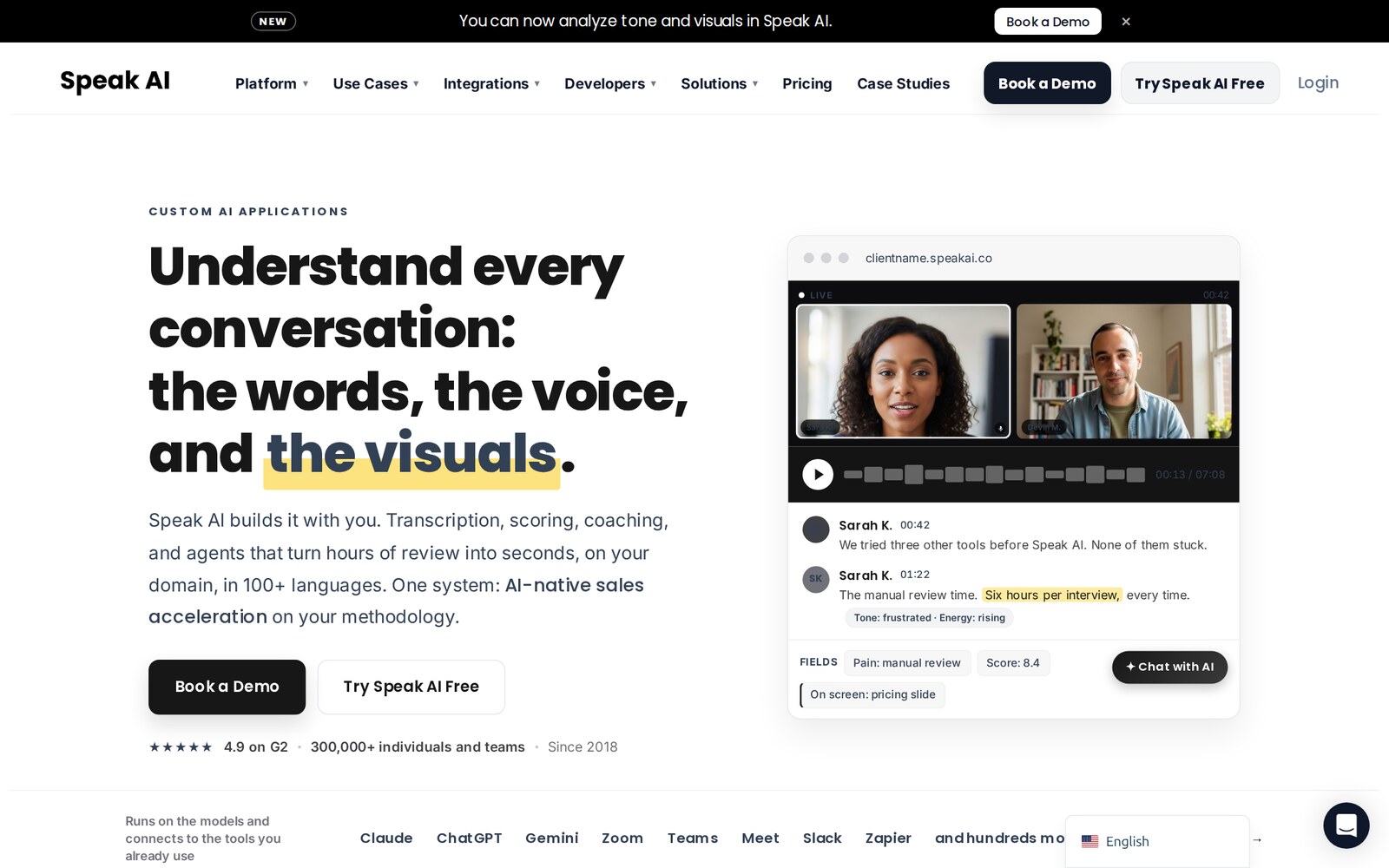
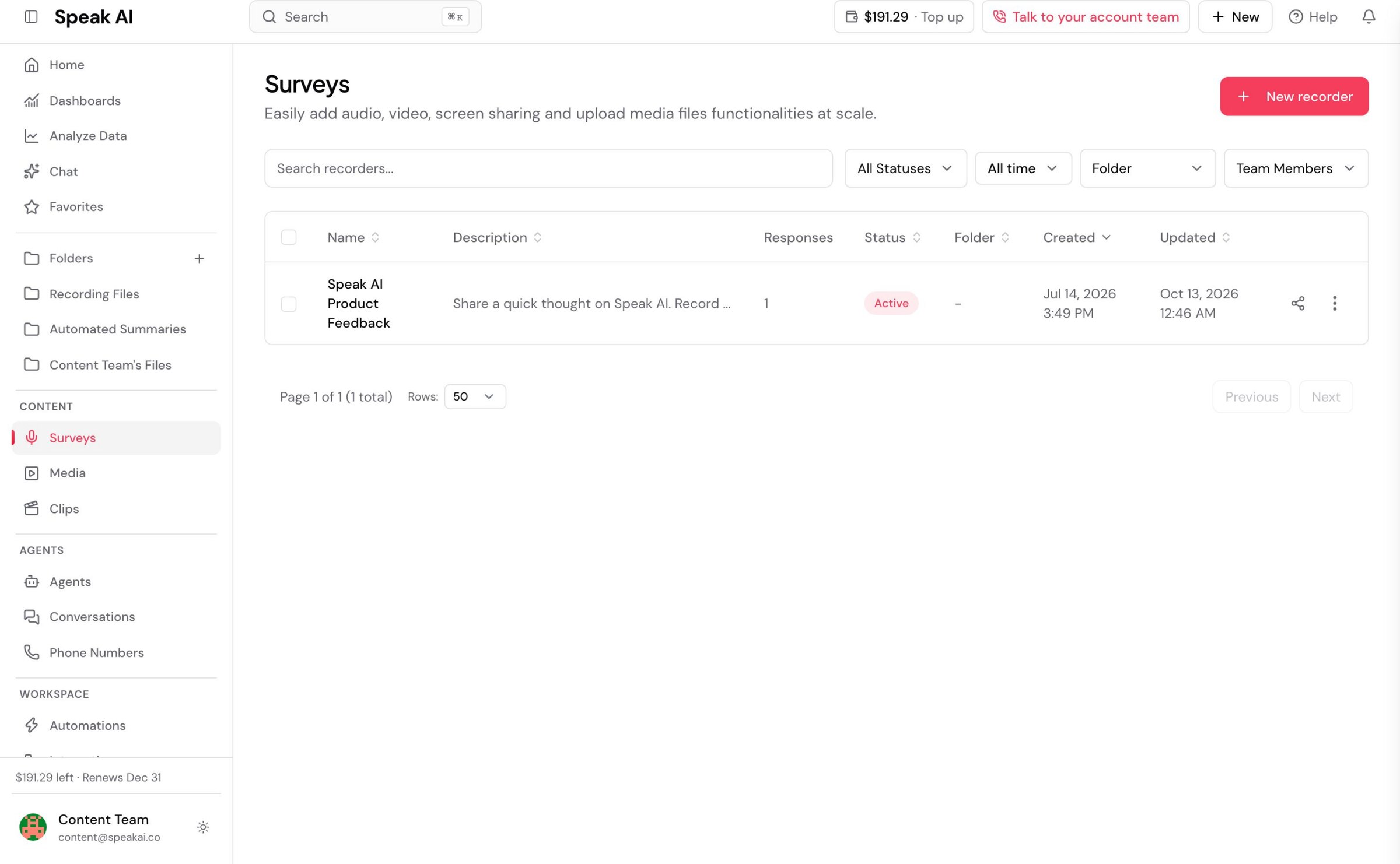
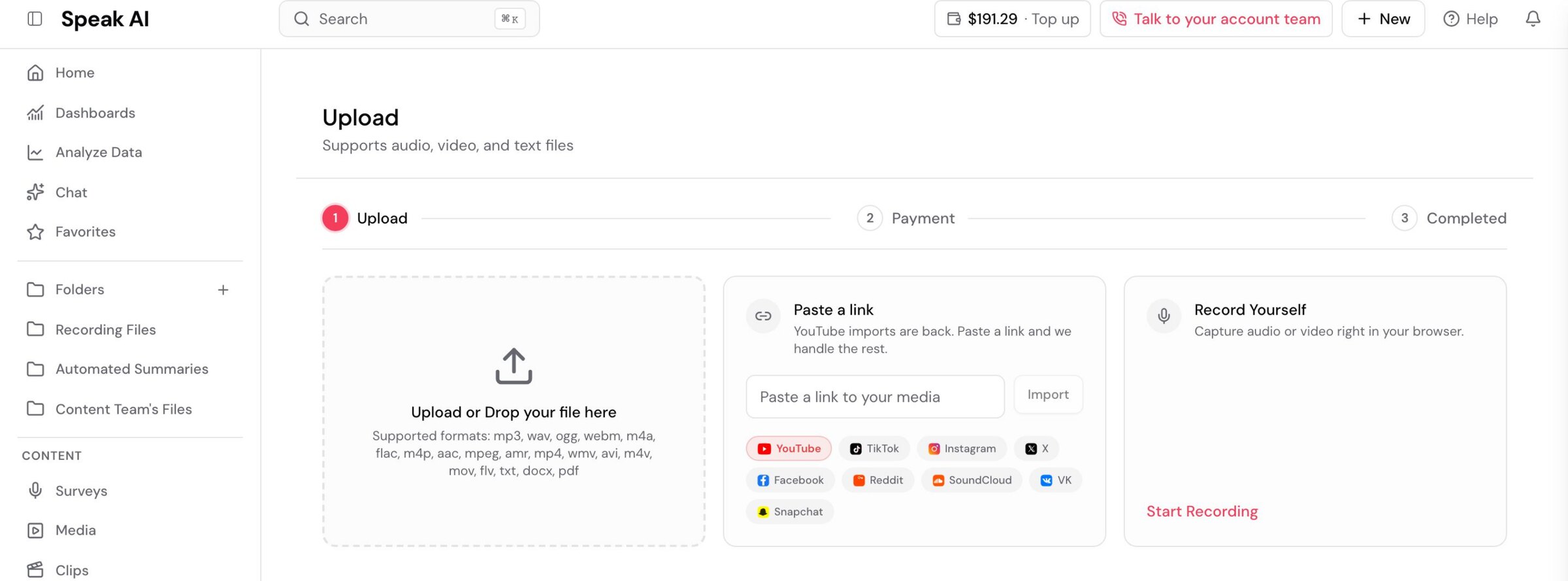
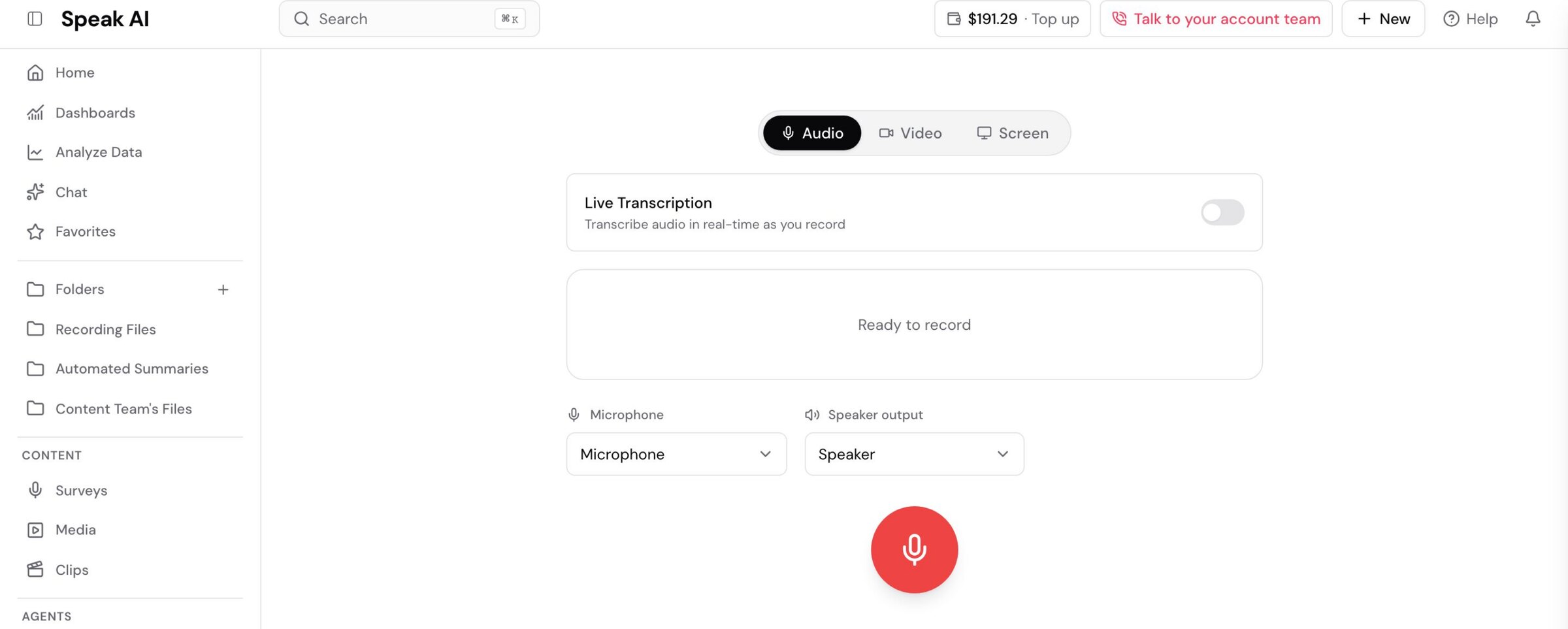
The Speak AI workflow is capture, transcribe, analyze and share. The vendor lists six ways to capture: file upload, the meeting assistant that joins calendar meetings, an embeddable branded recorder and surveys, iOS and Android apps, a Mac download and a Chrome extension that imports text from web pages.
Speak transcribes audio and video in more than 100 languages, labels speakers and lets you search a transcript and jump to the moment in the recording. Recent editor updates added millisecond timestamp editing, speaker rename and reset controls, and a restore option for the original transcript.
Every plan includes multi-model AI chat with Claude, Gemini and GPT, so you can ask questions across one file or a whole folder. Since August 2026, AI chat can listen to the audio or watch the video itself rather than only reading the transcript, which brings tone and on-screen content into the answer. Dashboards chart fields and trends across recordings, and automations run actions on new files.
On Enterprise, Speak scores calls against your own rubric, extracts custom fields, analyzes tone of voice and visuals, and can run voice agents and AI interviewers. It also builds white-label versions on your own domain, which is how agencies and research firms resell it.
Speak AI has a developer API, a CLI and an MCP server that the vendor says exposes 150+ tools to assistants such as Claude, ChatGPT and Cursor. It lists integrations with Zoom, Microsoft Teams, Google Meet, Slack and Zapier, plus webhooks and embeds.
Speak AI pricing has a pay-as-you-go option with no monthly fee, a per-user Pro plan for up to 5 users, and custom Enterprise pricing. New accounts get a 7-day trial with no credit card, and credits are worth US$1 each.
Prices checked 8 Nov 2026.
| Plan | Price | What is included |
|---|---|---|
| Pay as you go | US$0 a month, credits from 10 (1 credit = US$1) | 2 credits per hour of standard transcription, 3 for premium languages, 4 for meeting transcription, 12 per 100K characters of translation, AI chat from about 0.08 credits |
| Pro (monthly) | US$25 per user a month | Up to 5 users, 25 credits per user a month (about 25 hours of standard transcription), 10 GB storage, unlimited data retention |
| Pro (annual) | US$20 per user a month, US$240 per user billed yearly | Same as Pro monthly |
| Enterprise | Custom pricing | Unlimited seats, white-label, custom scoring and agents, tone and video analysis, SSO, BAA, data residency, SLA |
You can switch between pay as you go and Pro at any time without losing recordings or transcripts, and there is no long-term contract. Pro adds a shared team library, automations, branded recorder and surveys, an analytics dashboard and priority email support. The pricing page may show local currency, such as pounds for UK visitors.
Ten one-hour interviews in English cost about 20 credits (US$20) on pay as you go. The same ten hours fit inside one Pro seat's 25 monthly credits, so anyone transcribing more than about 12 hours a month is better off on Pro at US$20 a month billed yearly. Meeting transcription through the assistant costs twice the standard rate on pay as you go.
Public feedback on Speak AI is limited and mixed. In November 2026, Speak AI held a TrustScore of 2.3 from 9 Trustpilot reviews, while its own site quotes a 4.9 rating on G2. Its Android app had 5K+ downloads on Google Play and was updated on 29 Oct 2026.
With only nine Trustpilot reviews, that score is a weak signal either way, but it is worth reading the complaints and asking about billing and support before you commit a team.
Speak AI Inc. was founded in Toronto and its team works from Toronto and London, led by co-founder and CEO Tyler Bryden and co-founder and CTO Vatsal Shah. The vendor says it has served 300,000+ individuals and teams since 2018.
Speak AI ships small updates almost daily, and its public changelog shows a clear direction toward analysis beyond the transcript.
The pricing page was updated on 4 Nov 2026, and tone of voice and visual analysis are now promoted as new Enterprise features.
The main limits are the lack of formal security certification, the thin public review record and the way the best features sit on Enterprise. Teams that need SOC 2 or ISO 27001 for vendor approval will hit a wall, since Speak only points to its infrastructure providers' certifications.
Tone, visual analysis, custom scoring and white-label are Enterprise-only with custom pricing, so the self-serve plans are mainly transcription, chat and dashboards. The Pro plan caps at 5 users, and pay as you go needs a card after the trial. The product's shift toward sales coaching also makes the site harder to navigate if you came for research transcription.
The closest Speak AI alternatives transcribe and analyze recorded conversations, but each leans toward a different buyer.
Speak AI is a capable choice for researchers, consultants and sales or ops teams who need to transcribe and analyze many conversations, want an API or MCP server, and value flexible pay-as-you-go pricing. The weak public review record and missing SOC 2 are the reasons to test it carefully first. If you only want notes from your own meetings, a simpler meeting assistant will do the job for less.
Pay as you go has no monthly fee and uses credits at US$1 each, with standard transcription at 2 credits an hour. Pro costs US$25 per user a month, or US$20 billed annually, with 25 credits per user each month.
There is a 7-day trial with no credit card. After that, pay as you go needs a card and credit top-ups from 10 credits, or you move to Pro.
Speak AI transcribes and translates in more than 100 languages. Premium languages cost 3 credits an hour on pay as you go instead of 2.
No. Speak AI (speakai.co) is a transcription and conversation analysis platform from Speak AI Inc. in Toronto, while Speak is a separate language learning app.
No. Speak AI says it does not currently hold SOC 2 or ISO 27001 certification, though its infrastructure providers AWS and MongoDB Atlas do, and Enterprise offers BAAs for HIPAA workflows.
Yes. Every plan includes API, CLI and MCP access, and the vendor says its MCP server gives assistants such as Claude, ChatGPT and Cursor 150+ tools to search and analyze your recordings.
We may earn a commission when you buy through links on SaaSPic. It never changes our verdicts or the price you pay. Affiliate disclosure
Add this badge to your website so your visitors can read this independent review in one click.
 7.2/10
AI meeting notetaker and transcription tool with 58 languages, bilingual transcription, AI summaries and a bot-free recorder.
 7.9/10
AI meeting assistant that records, transcribes and summarizes calls on Zoom, Meet and Teams, with search and CRM sync.
 7.4/10
Bot-free AI note taker that records, transcribes and summarizes meetings from a Chrome extension, desktop or mobile app.
| Tool | Score | From | Free plan | Best for |
|---|---|---|---|---|
| Speak AI | 7.2/10 | $240/yr | Yes | Research and sales teams analyzing many recorded conversations |
| Notta | 7.2/10 | $97.99/yr | Yes | Multilingual teams transcribing meetings |
| Fireflies.ai | 7.9/10 | $10/mo | Yes | Sales and recruiting teams capturing every call |
| Bluedot | 7.4/10 | $14/mo | Yes | Teams who want AI meeting notes without a bot in the call |
Fireflies is the better pick for most teams who want an AI note-taker in Zoom, Google Meet and Teams, with…
 8.4/10
Voice AI platform with Sonic text to speech, Ink speech to text and Managed Agents for phone voice agents via API.
 8.3/10
AI voice platform for text to speech, voice cloning, dubbing, music and sound effects, plus voice agents and an API for developers.
 8.3/10
AI video and image generator running Kling's own models, with keyframes, character references, native audio, motion control and an API.