 7.6/10
Text expander that turns short abbreviations into shared snippets on Mac, Windows, Chrome, iPhone, iPad and Android.


Keyboard launcher for Mac and Windows with clipboard history, snippets, window management, thousands of extensions and built-in AI.
We may earn a commission when you buy through our links. How this works
Raycast suits anyone who works at a computer all day and likes the keyboard, and its free plan covers most needs. Skip it if you avoid shortcuts or would rather pay once, where Alfred or LaunchBar fit better.
Best for: Keyboard-first Mac and Windows users
8.1/10 Strong choice. The overall score is our judgment against the questions we ask of every tool, not an average. How we score
| Question | Score | Why |
|---|---|---|
| Does the jobWhat it actually does for the task it is sold for, and where it falls short. | 8.5 | The free plan includes clipboard history, snippets, window management and thousands of extensions, and paid plans add Raycast AI connected to your other tools. |
| Ease of useSetup needed and how quickly you get something useful done. | 7.0 | The power comes from learning hotkeys, aliases and extensions; without those habits it is little more than a fancy search bar. |
| Pricing and limitsWhat you pay at a realistic size, including caps, add-ons and deal limits. | 8.0 | The free plan covers most needs and Pro is $10 a month or $8 billed yearly, but top-tier AI models need the $20 or $50 levels. |
| Fit against alternativesHow it compares with the alternatives for the people it is aimed at. | 8.0 | Alfred charges a one-off license for clipboard history and snippets, which Raycast includes free, and adds an extension store and AI. |
Raycast is a keyboard launcher for Mac and Windows that replaces Spotlight or the Start search with one command bar for apps, files, clipboard history, snippets, window management, extensions and, on paid plans, AI. It suits anyone who works at a computer all day and likes shortcuts, from developers to writers and support teams.
Raycast fits people who switch between many apps and want to search, paste, launch and act without the mouse. The free plan covers the core launcher for personal and company use, so most people can start without paying. Its press page describes it as built for developers, and the store has extensions for tools such as Notion, Figma, Linear, GitHub and Slack.
Skip it if you rarely use keyboard shortcuts, or if you want to pay once rather than subscribe for sync, themes and AI. Raycast does not sell Pro without AI.
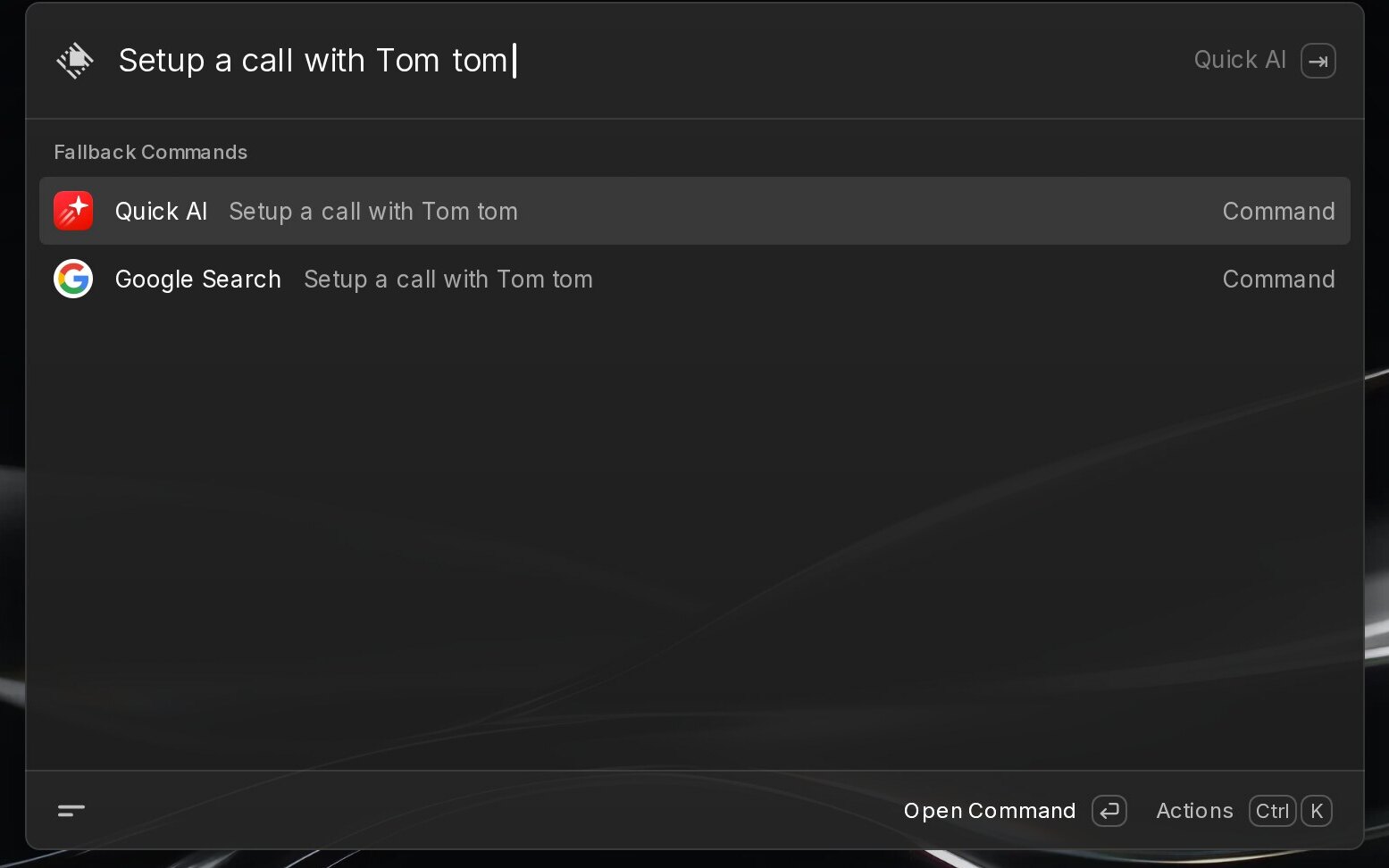
You press a hotkey, type a few letters and pick an app, command or extension, then press Enter or open the action panel for more options.
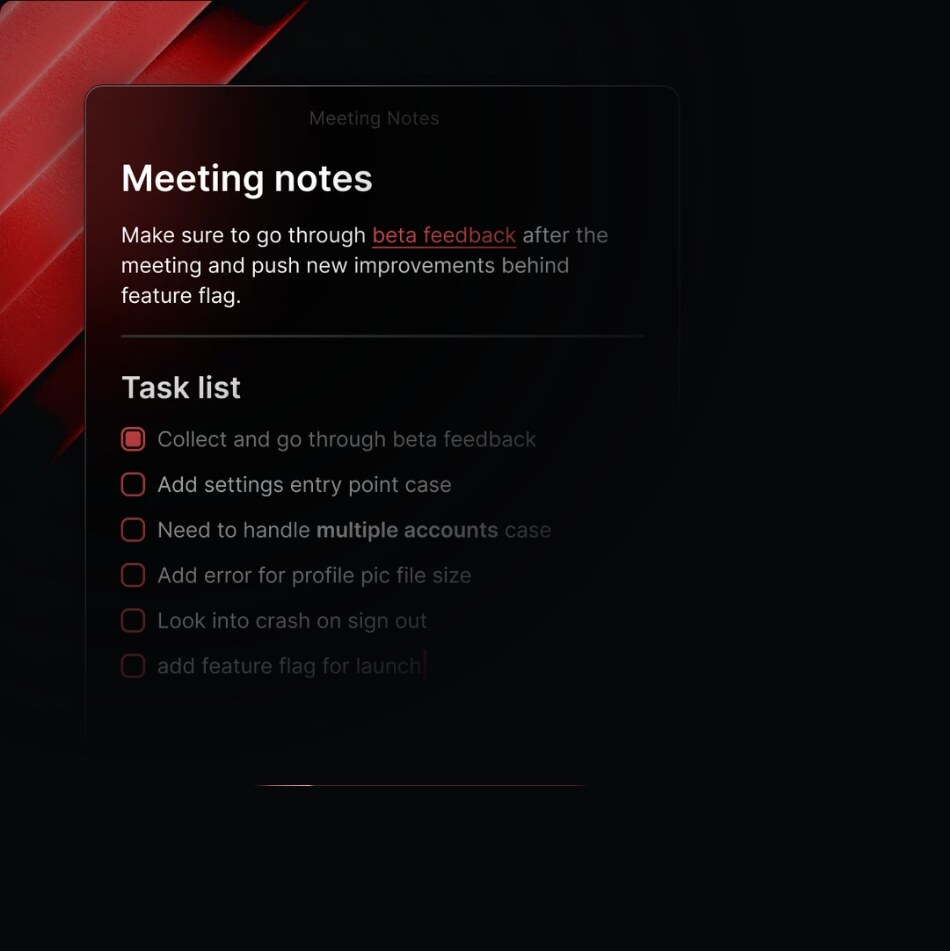
The free plan includes clipboard history (3 months), quicklinks, the calculator, snippets, an emoji picker, window management, Raycast Notes, the iOS app, thousands of store extensions, custom extensions and developer tooling. The calculator was rebuilt in November 2026 and now answers weather, flight, travel time and unit questions.
Pro adds Raycast AI (Quick AI, AI Chat, agents, AI commands and extensions, screen awareness and memory), bring your own key, cloud sync across Mac, Windows and iOS, dictation, the translator, unlimited clipboard history, custom window management commands and custom themes.
The extension API lets developers build their own commands and share them with a team or the public store. Teams plans add shared commands, snippets and quicklinks and a private store, and Enterprise adds an AI control center, SAML and SCIM, domain capture and allow lists.
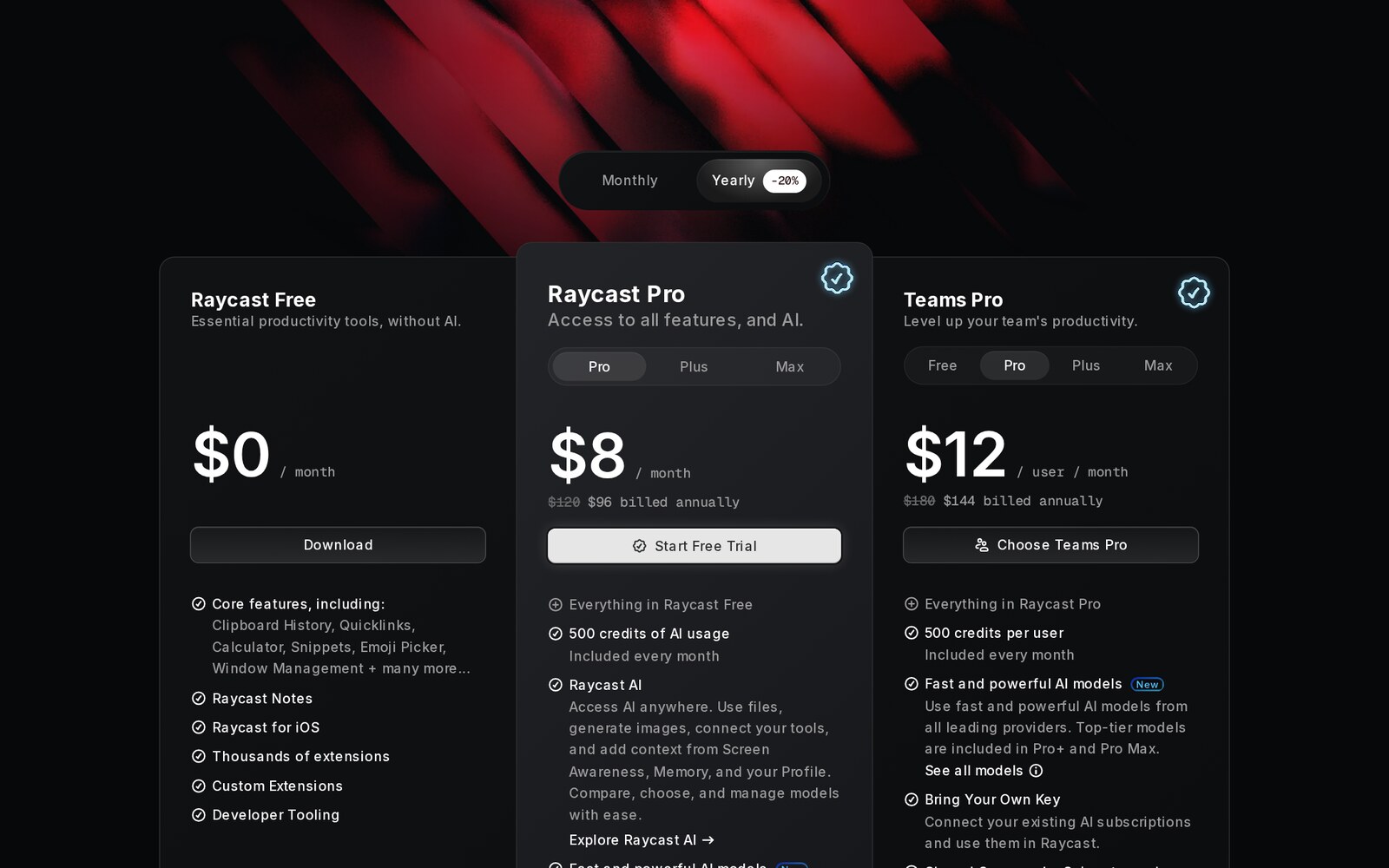
Raycast is free for individuals, with paid Pro tiers that add AI credits and sync, and per-user team plans. Yearly billing saves about 20%. Prices checked 16 Nov 2026.
| Plan | Price (USD) | What you get |
|---|---|---|
| Free | $0 | Core launcher, 3 months of clipboard history, notes, iOS app, store extensions, no AI |
| Pro | $10 a month or $96 a year | Raycast AI with 500 AI credits a month, cloud sync, dictation, translator, themes, unlimited clipboard history |
| Pro Plus | $20 a month or $192 a year | Everything in Pro, 3,000 AI credits a month and top-tier AI models |
| Pro Max | $50 a month or $480 a year | Everything in Pro, 7,500 AI credits a month and top-tier AI models |
| Teams Free | $0 | Unlimited members, up to 30 shared snippets, 30 shared quicklinks and 5 shared commands, private store |
| Teams Pro | $15 per user a month or $144 per user a year | Pro features for each member, 500 AI credits per user, unlimited sharing |
| Teams Plus | $25 per user a month or $240 per user a year | 3,000 AI credits per user and top-tier models |
| Teams Max | $65 per user a month or $624 per user a year | 7,500 AI credits per user and top-tier models |
| Enterprise | Custom, billed annually | SOC 2 Type II, SAML and SCIM, AI control center, admin controls |
New accounts can start a free Pro trial with 500 AI credits that expire after 7 days. Unused monthly credits roll over for one extra billing cycle, and top-up credits last 12 months. Students get 50% off Pro after applying through a form.
A solo user who only wants sync, themes and light AI pays $96 a year for Pro. A ten-person team on Teams Pro pays $1,440 a year billed annually, or $1,800 billed monthly.
Raycast is well liked where its audience gathers. Product Hunt showed 4.9 from 163 reviews on 16 Nov 2026, with reviewers describing it as a fast, keyboard-first command center that replaces Spotlight, Alfred and smaller utilities. Trustpilot is cooler, at 3.8 from 9 reviews on an unclaimed profile. A September 2026 reviewer there said version 2 is laggy and resource intensive and that they were staying on version 1, and an older review objected to needing a subscription for custom themes.
Raycast runs on macOS, Windows and iOS, with one account and cloud sync on paid plans.
Raycast 2.0 launched on Product Hunt on 11 Sep 2026, and weekly macOS releases have followed.
Raycast's limits are mostly about cost and the move to version 2.
These launchers do the same job with different pricing and platforms.
Raycast is one of the best launchers available, with a generous free plan, a large extension store and frequent releases on Mac and Windows. I would install the free plan first and only pay for Pro if you want sync and AI together. If you dislike subscriptions, Alfred or LaunchBar will suit you better on a Mac.
Yes. The free plan includes the launcher, clipboard history (3 months), snippets, quicklinks, window management, notes, the iOS app and thousands of extensions, but no AI. It is allowed for personal and company use.
Pro is $10 a month or $96 a year with 500 AI credits a month. Pro Plus costs $20 a month and Pro Max $50, with more credits and top-tier AI models.
Yes. Raycast runs on Windows 10 21H2 or later and Windows 11, and you can install it with winget install raycast. Extensions without native code work on both Mac and Windows.
Raycast includes clipboard history, snippets and an extension store on its free plan and adds AI on paid plans. Alfred puts its workflows and clipboard tools in a one-off Powerpack license, which suits people who dislike subscriptions.
No. Raycast only sells Pro plans that include AI, but you can switch AI off completely in settings.
Yes, for one extra cycle. Unused monthly credits expire 60 days after they are granted, top-up credits last 12 months, and free trial credits expire after 7 days.
We may earn a commission when you buy through links on SaaSPic. It never changes our verdicts or the price you pay. Affiliate disclosure
Add this badge to your website so your visitors can read this independent review in one click.
 7.6/10
Text expander that turns short abbreviations into shared snippets on Mac, Windows, Chrome, iPhone, iPad and Android.
 6.3/10
Mac app that gives each Codex or Claude Code project its own windows on its own displays and switches them with the chat.
 6.1/10
Native macOS ChatGPT launcher with a hotkey floating panel, prompt profiles and templates, using your own OpenAI API key.
| Tool | Score | From | Free plan | Best for |
|---|---|---|---|---|
| Raycast | 8.1/10 | $10/mo | Yes | Keyboard-first Mac and Windows users |
| TextExpander | 7.6/10 | $5/mo | Yes | Support, sales and clinical teams sharing standard replies |
| AI Desktop Manager | 6.3/10 | $4.99 one-off | Yes | Mac developers juggling Codex or Claude Code projects on two or more displays |
| Beam | 6.1/10 | $10 one-off | Yes | Mac users who want ChatGPT on a hotkey with their own API key |
 8.4/10
Scheduling software that lets people book time with you through a link, with team routing, reminders, payments and AI meeting recaps.
 8.3/10
Web booking page and scheduler that syncs your calendars and lets clients book and pay for sessions, packages and subscriptions.
 8.1/10
Time tracker and timesheet app for teams, with a free plan and per-seat paid tiers for invoicing, approvals and scheduling.