 6.8/10
Multi model AI assistant with a Chrome extension for summaries, writing and research, plus web and mobile apps.


AI browser extension for Chrome and Edge that chats with many models, summarizes pages, PDFs and videos, and rewrites text.
We may earn a commission when you buy through our links. How this works
MaxAI suits students, marketers and office workers who spend most of the day in Chrome or Edge and want AI help on every website. Skip it, or stay on the free plan, if you already pay for ChatGPT or Claude, need a mobile app, or want refundable billing.
Best for: Heavy Chrome and Edge users who want AI on every site
6.8/10 Good, with trade-offs. The overall score is our judgment against the questions we ask of every tool, not an average. How we score
| Question | Score | Why |
|---|---|---|
| Does the jobWhat it actually does for the task it is sold for, and where it falls short. | 7.6 | The extension summarizes pages, videos and PDFs, rewrites text, drafts replies in a dozen apps and translates pages, per its store listing and pricing page. |
| Ease of useSetup needed and how quickly you get something useful done. | 7.4 | It works from a sidebar and a menu on selected text, and holds 4.6 from 14.5K Chrome Web Store ratings. |
| Pricing and limitsWhat you pay at a realistic size, including caps, add-ons and deal limits. | 6.0 | Pro is $12 a month on yearly billing, but all payments are final and unlimited chat is subject to a fair usage policy. |
| Reliability and supportUpdate pace, known problems and how support responds. | 4.8 | Trustpilot shows 1.6 from 29 reviews, mostly renewals without reminders and refunds refused. |
| Fit against alternativesHow it compares with the alternatives for the people it is aimed at. | 6.6 | Monica and Merlin AI cover the same job and add mobile apps, which MaxAI lacks. |
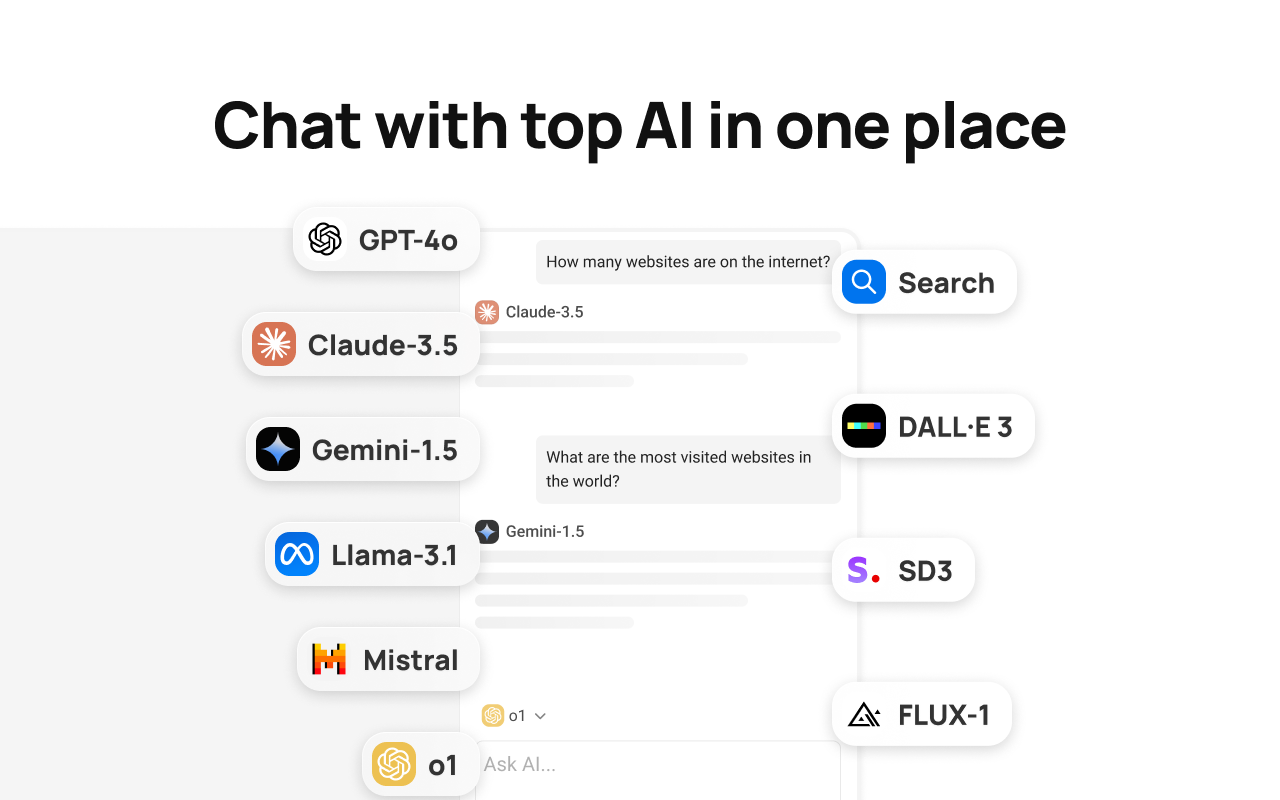
MaxAI is an AI assistant that runs as a browser extension for Chrome, Edge and other Chromium browsers, with a sidebar chat and a right-click style menu that works on any webpage. It lets you chat with models from OpenAI, Anthropic, Google, xAI, DeepSeek and Meta without opening another tab.
It suits students, marketers, researchers and office workers who spend the day in the browser and want one tool to summarize, rewrite, reply and translate wherever they are. Skip it if you already pay for ChatGPT or Claude and rarely need AI inside other sites, if you work mostly on a phone (there is no Android or iOS app), or if a strict no-refund policy on an annual plan worries you.
The workflow is simple: install the extension, refresh the page you are on, then either open the sidebar or select text and pick an action. The Chrome Web Store listing describes two parts, an AI sidebar for questions about the current page and an AI context menu for selected text.
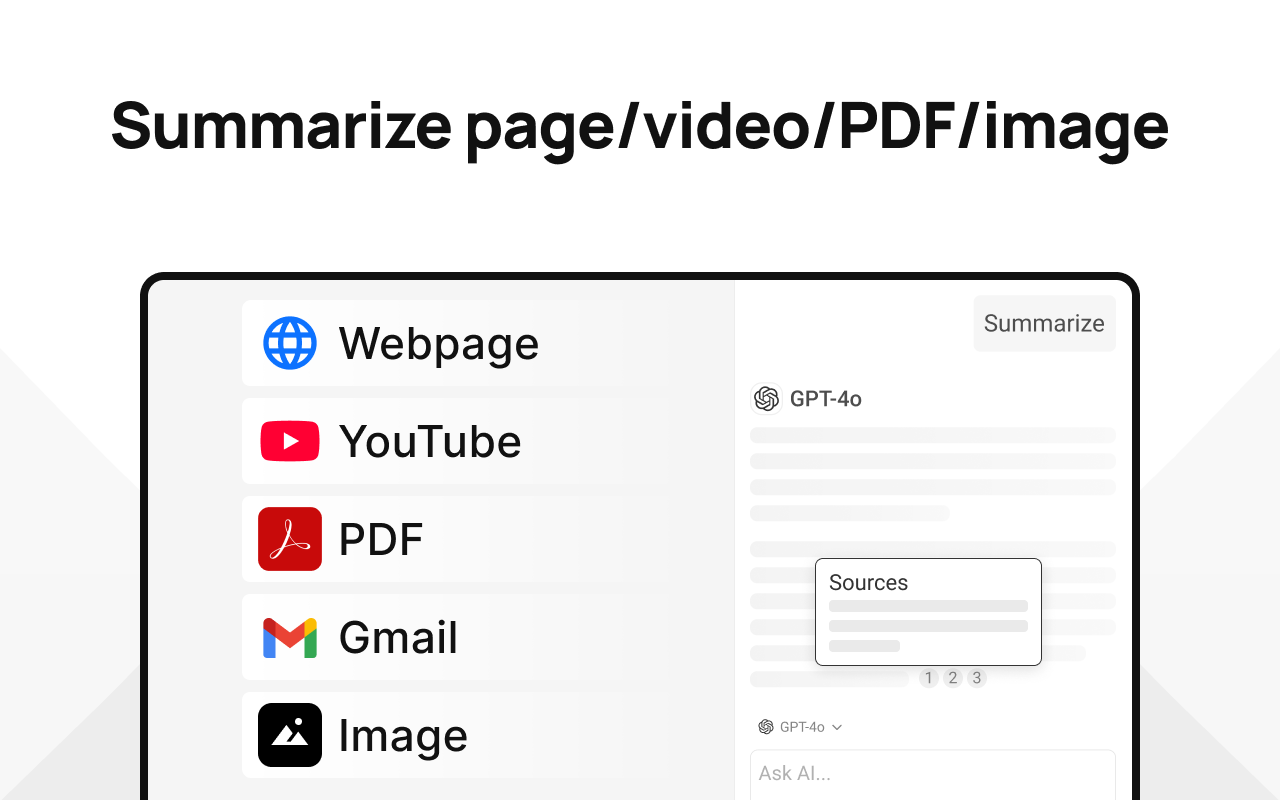
The sidebar is where you ask AI anything, run a web search, or ask questions about the webpage, YouTube video, PDF, email, image or audio file in front of you. You can summarize a page or video in one click, find action items, explain a chart and compare answers from several models at once on Pro, which the store listing says also adds advanced reasoning and in-depth content and data analysis. The vendor lists Excel, PowerPoint, Word and ebook files as supported sources since a release note in June last year.
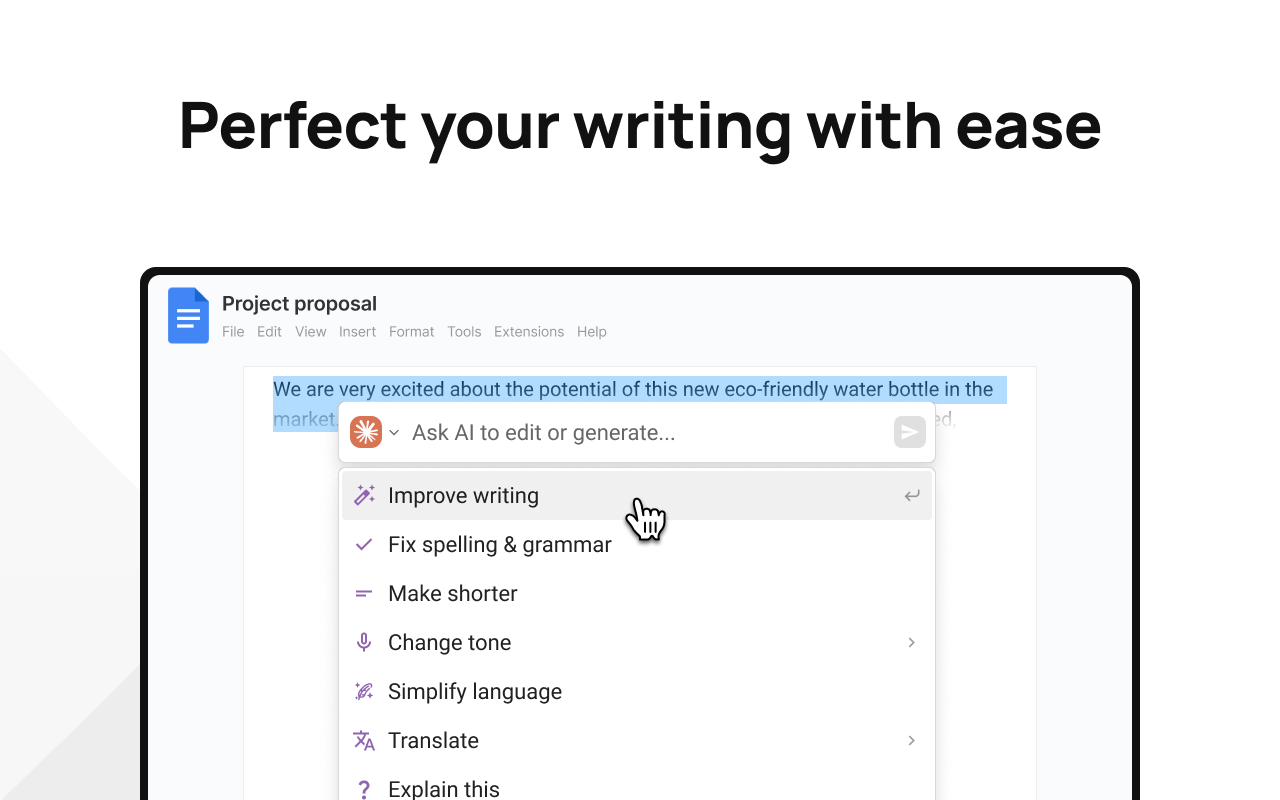
Select text in Google Docs, Gmail or a social media post box and MaxAI offers to improve writing, fix spelling and grammar, make text shorter or longer, change tone, simplify language, paraphrase or explain. AI reply drafts answers inside Gmail, Outlook, LinkedIn, Facebook, YouTube, Twitter, Instagram, WhatsApp, Slack, Discord, Messenger and Telegram.
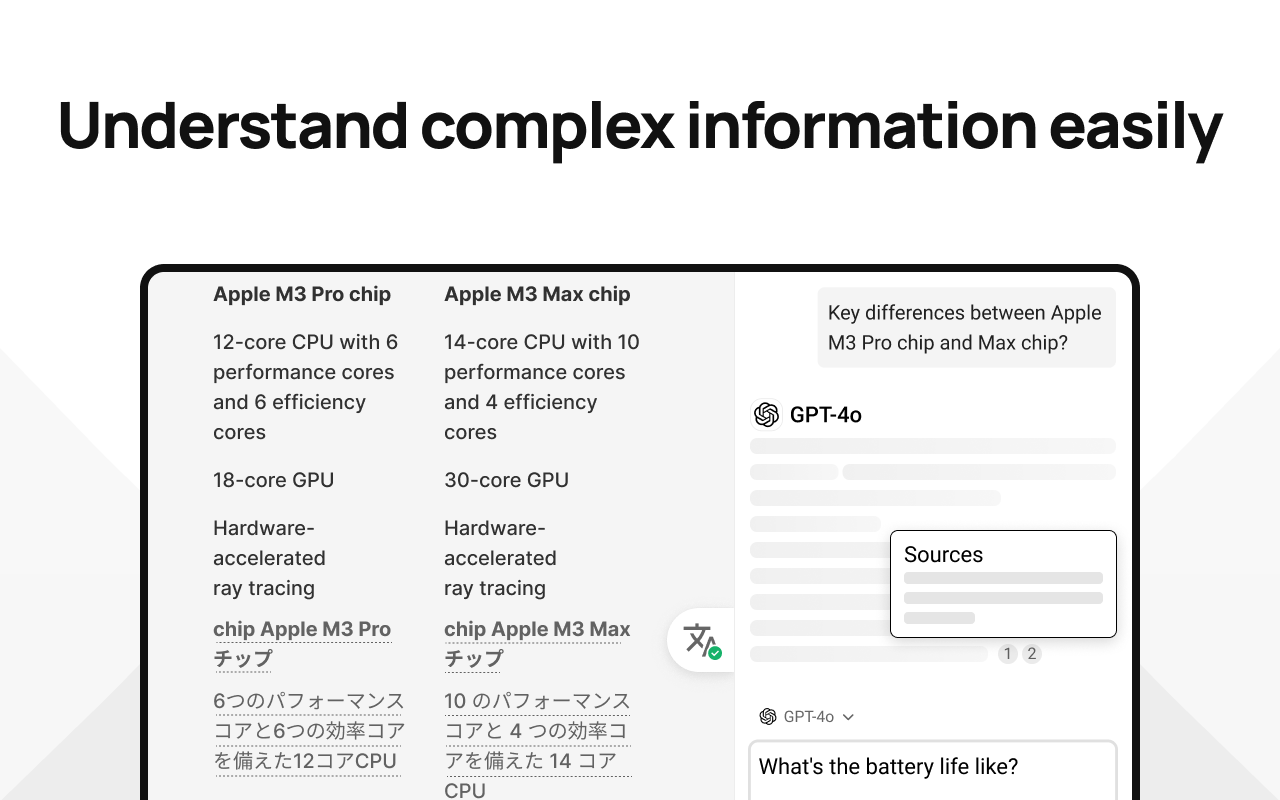
You can translate selected sentences or a whole page side by side, keeping the original text visible. Pro adds image generation, and the Make mode added in January puts image creation directly in the sidebar, where it can draw on your saved knowledge base.
MaxAI has a free plan and one paid plan, Pro, which costs $30 a month or $12 a month billed yearly. Prices checked 4 Nov 2026, in USD, per member.
| Plan | Price | What you get |
|---|---|---|
| Free | $0 per member per month | Unlimited Free chat on fast models, 3 Pro chats per day, limited file uploads, web search, AI rewrite, AI reply and translation. |
| Pro (monthly) | $30 per member per month | Unlimited Free and Pro chat, choice of smarter and reasoning models, 5x more web search sources, voice input, asking several models at once, image generation, higher file upload limits, team member management. |
| Pro (yearly) | $12 per member per month, billed yearly ($144 a year) | The same Pro features, shown on the pricing page as a limited time 60% saving. |
Paid plans renew automatically through Stripe and you cancel from the Your Plan page. The pricing page and terms both say all payments are final and non-refundable. "Unlimited" is also qualified: the terms describe a fair usage policy with monthly query allocations and rate limiting for use beyond typical human patterns.
For one person, Pro costs $360 over a year on monthly billing or $144 paid up front on the yearly plan, a difference of $216. A team of five on yearly billing pays $720 a year, since every paid plan is priced per member. If you only need a few smart answers a day, the free plan's 3 Pro chats may be enough, and I would test it for a week before paying for a year.
Ratings depend heavily on where you look. On the Chrome Web Store, MaxAI has 4.6 out of 5 from 14.5K ratings and about 700,000 users (Nov 2026), and the listing carries Google's Featured badge.
Trustpilot tells a different story. The maxai.me profile, which is unclaimed, scores 1.6 from 29 reviews (Nov 2026), with 10 posted in the last 12 months. Almost every complaint is about billing rather than the AI: annual renewals without a reminder, refunds refused under the no-refund policy, and a cancel option that one reviewer says is "hidden in grey text" on the Your Plan page. One reviewer also mentions the lack of an Android app. A separate maxai.co profile has a single review.
MaxAI is a Chromium browser extension plus a web app, available in 55 languages according to its store listing. The main facts a buyer needs are below.
The main recent changes are new models and a redesigned workspace. On 23 Mar 2026 MaxAI added Gemini 3.1 Flash Lite, and on 9 Mar 2026 it added GPT-5.2, GPT-5.2 thinking, Claude Sonnet 4.6, Gemini 3.1 Pro, Gemini 2.5 Flash, Grok 4.1 Fast and DeepSeek V3.2.
On 8 Jan 2026 the extension split into two modes: Make for image generation and Ask for the classic read, write and search assistant. The release notes page has no entries after March, and the pricing page model list still names some older models, so check the model picker before you buy for a specific model.
The biggest drawback is the billing policy, not the feature set. All payments are final, annual plans renew automatically, and Trustpilot reviewers describe being charged for a year they did not use.
Several AI browser assistants do the same job, and the right pick depends on where you work and how you want to pay.
MaxAI is a capable all-in-one browser assistant with a long model list, useful writing and reply tools, and a strong Chrome Web Store rating. I would use the free plan first, pay monthly rather than yearly until you are sure, and set a reminder before any renewal, because the no-refund policy is the main reason users are unhappy.
MaxAI Pro costs $30 per member per month, or $12 per member per month billed yearly ($144 a year). There is also a free plan.
Yes, there is a free plan with unlimited chat on fast models, 3 Pro chats a day and limited file uploads. Smarter models, image generation and higher limits need Pro.
No. The pricing page and terms say all payments are final and non-refundable, so cancel before your renewal date if you do not want another period.
MaxAI works in Chromium-based browsers such as Chrome and Edge. There is also a web app, but no mobile app is listed.
MaxAI is a real, working extension with 4.6 from 14.5K Chrome Web Store ratings. Its Trustpilot score is 1.6 from 29 reviews, mostly about renewals and refunds, so read the billing terms before paying.
We may earn a commission when you buy through links on SaaSPic. It never changes our verdicts or the price you pay. Affiliate disclosure
Add this badge to your website so your visitors can read this independent review in one click.
 6.8/10
Multi model AI assistant with a Chrome extension for summaries, writing and research, plus web and mobile apps.
 7.0/10
All-in-one AI assistant with GPT, Claude and Gemini models in a browser sidebar, plus writing, PDF, translation, image and agent tools.
 7.0/10
AI browser sidebar and agent: chat with many models, summarize pages and PDFs, automate web tasks and create images, slides and video.
 5.9/10
Multi-model AI assistant for Chrome, Edge and the web, with chat, web search, page summaries and credit plans.
 6.8/10
Multi-model AI workspace with a Chrome extension and Mac app for writing, research, images, video, websites and browser games.
| Tool | Score | From | Free plan | Best for |
|---|---|---|---|---|
| MaxAI | 6.8/10 | $30/mo | Yes | Heavy Chrome and Edge users who want AI on every site |
| Merlin AI | 6.8/10 | $19/mo | Yes | Students and knowledge workers who want many AI models in a browser extension |
| Monica | 7.0/10 | $99/yr | Yes | Individuals who want many AI models in one browser sidebar |
| Sider AI | 7.0/10 | $10/mo | Yes | Browser-based knowledge workers using several AI models |
| AIChatOne | 5.9/10 | $3.99/mo | Yes | Budget-minded individuals who want many AI models in a browser sidebar |
| Clico | 6.8/10 | $19.90/mo | Yes | Students and knowledge workers who want a multi-model AI helper inside the browser |
 8.4/10
Scheduling software that lets people book time with you through a link, with team routing, reminders, payments and AI meeting recaps.
 8.3/10
Web booking page and scheduler that syncs your calendars and lets clients book and pay for sessions, packages and subscriptions.
 8.1/10
Time tracker and timesheet app for teams, with a free plan and per-seat paid tiers for invoicing, approvals and scheduling.