 5.2/10
Browser-based whiteboard, blackboard and glassboard doodle video maker with templates and text to speech, sold for a one-time price.


Browser app that turns photos and text into sketch animation videos in crayon, charcoal, chalkboard and other styles.
We may earn a commission when you buy through our links. How this works
SketchGenius suits marketers and creators who want short sketch-style clips for social media and ads for a single low payment. Skip it if you need longer explainer videos, team features or a vendor that publishes clear product and support details.
Best for: Marketers making short sketch-style social clips
5.0/10 Better options exist. The overall score is our judgment against the questions we ask of every tool, not an average. How we score
| Question | Score | Why |
|---|---|---|
| Does the jobWhat it actually does for the task it is sold for, and where it falls short. | 5.8 | The sales page lists seven sketch styles, photo-to-sketch, AI scenes, voices, captions and translation, but caps base-plan videos at 60 seconds. |
| Ease of useSetup needed and how quickly you get something useful done. | 6.0 | A three-step choose, customize and render flow in the browser with no installation, per the sales page. |
| Pricing and limitsWhat you pay at a realistic size, including caps, add-ons and deal limits. | 5.2 | $49 one-time with a commercial license and 30-day refund, but longer videos and full HD need the $197 bundle. |
| Reliability and supportUpdate pace, known problems and how support responds. | 3.6 | No company name, changelog or support details beyond an email address for refunds. |
| Fit against alternativesHow it compares with the alternatives for the people it is aimed at. | 4.4 | VideoScribe, Doodly and DoodleMaker cover the same whiteboard video job, with VideoScribe aimed at training and marketing teams. |
SketchGenius is a browser-based app that turns photos and text into hand-drawn sketch animation videos, in styles such as crayon, charcoal, chalkboard and blueprint, sold for a one-time price. It is aimed at marketers, teachers, authors and freelancers who want whiteboard-style explainer and social videos without animation skills.
SketchGenius is a 3D sketch animation video maker from developers Paul Ponna and Sid Diwar, sold through a sales page rather than a standard pricing page. You upload a photo or enter text, pick a sketch theme and a drawing hand, add a voiceover and music, then render a video in which a hand draws the scene.
The vendor calls it the "world's first photo-to-sketch video maker" and says it uses AI for scene creation and automatic color and shape detection. That is the vendor's own description: there is no independent test of how its output compares with other doodle video tools.
SketchGenius suits a small business owner, course creator or social media manager who wants eye-catching sketch-style clips for ads, lessons or product promos and prefers paying once. The vendor lists content creators, authors, teachers, business owners, digital marketers, freelancers, social media managers and bloggers as its audience.
Skip it if you need long videos on the base plan, since the Commercial plan caps each video at 60 seconds. It is also a poor fit if you want a tool sold on clear product facts rather than profit claims, or if you need team accounts, brand kits or a published roadmap.
The SketchGenius workflow has three steps on its site: choose a sketch theme and style, customize it with your photos, text, voiceover and music, then render the video. Everything runs in the browser, with no download or installation.
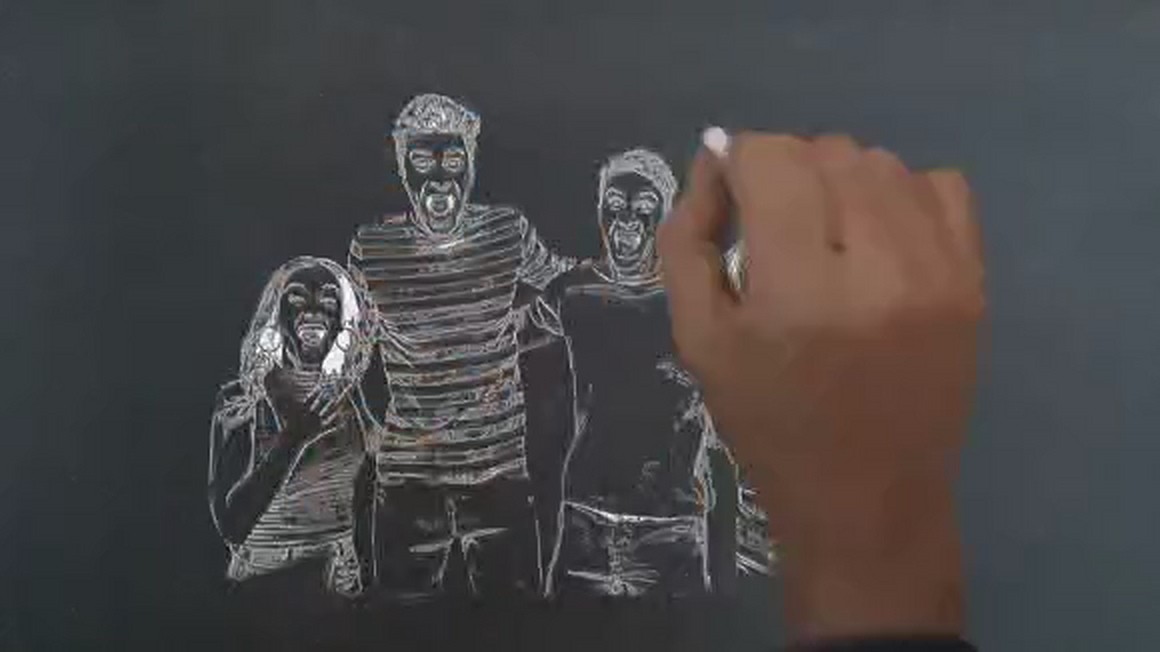
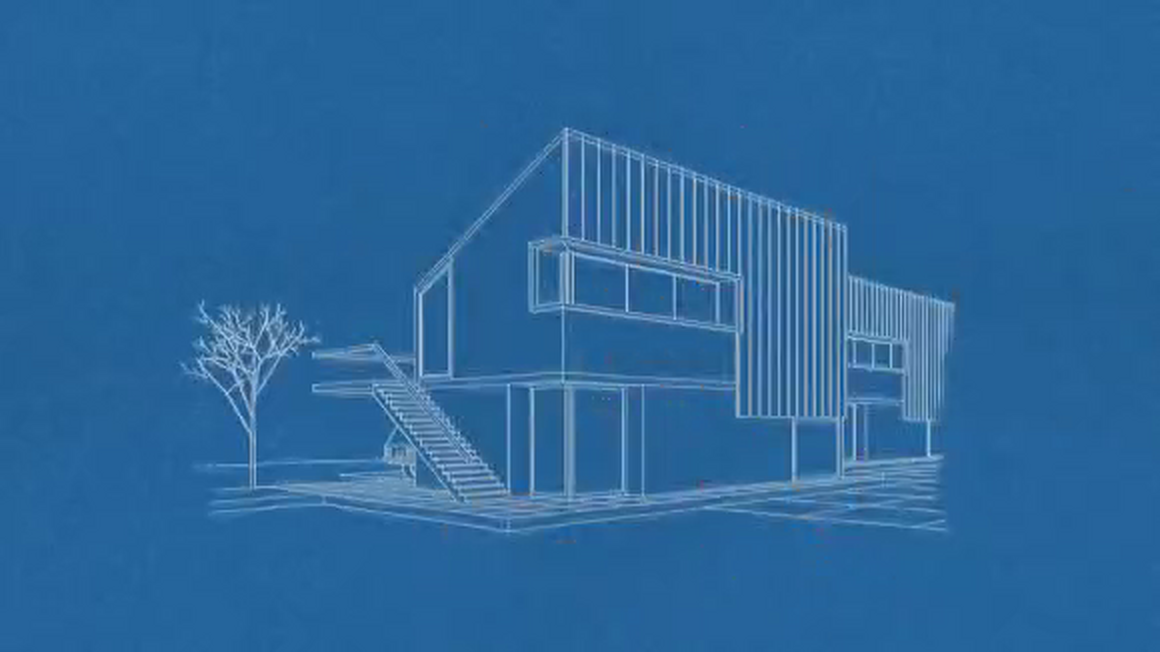
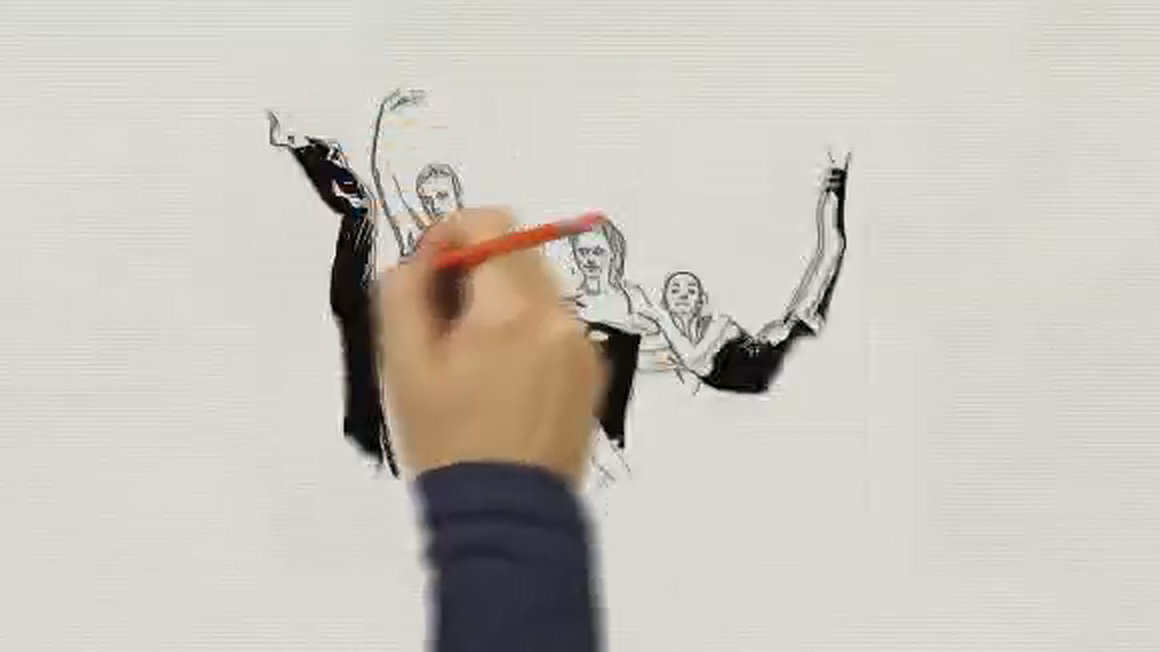
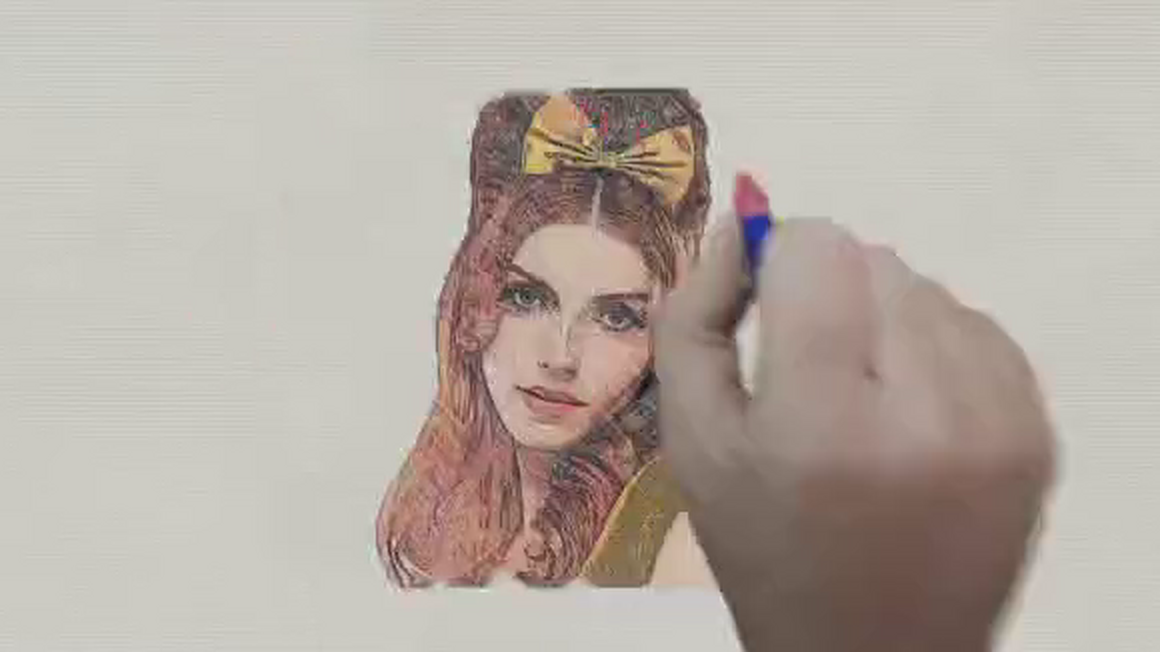
SketchGenius offers these sketch animation themes for its sketch videos, each shown with a sample photo and the matching sketch video on its site:
The core feature turns any photo into a drawn 3D sketch animation, and an AI scene creator builds video scenes from text and images. Background removal takes the backdrop out of a photo in one click before it is sketched, and a library of male and female drawing hands from various ethnicities controls how the drawing looks on screen.
SketchGenius includes hundreds of text-to-speech voices and accents, or you can upload your own voiceover. Speech-to-text transcription turns existing audio into text, a captions maker adds subtitles automatically, and one-click translation produces videos in other languages.
A built-in music library with hundreds of tracks and a royalty-free image library the vendor puts in the millions sit alongside a timeline editor for arranging and timing scenes. The Commercial plan renders in HD.
Buyers get step-by-step training, plus access to a Facebook group, a Skype mentorship group and eight weeks of training webinars, according to the plan list.
SketchGenius is sold as a one-time purchase, with a Commercial plan on the main sales page and a bundle of upgrades on a separate page, both covered by a 30-day money-back guarantee. Prices checked 5 Nov 2026 on sketchgenius.com:
| Plan | Price (USD) | Billing | What it includes |
|---|---|---|---|
| SketchGenius Commercial | $49 (shown reduced from $69) | One-time payment | All sketch themes, photo-to-sketch and text-to-sketch, AI scene creator, captions, transcription, translation, text-to-speech voices, image and music libraries, HD videos, 60 seconds per video, commercial license, training |
| SketchGenius Bundle | $197 (discounted price on the bundle page) | One-time payment | Commercial Unlimited with up to 10 minutes per video, plus the Supercharger, Agency Reseller and Elite upgrades and a 4-in-1 video app suite |
The bundle page says the Supercharger upgrade adds video-to-sketch conversion, priority rendering, full HD renders and up to 15 minutes per video. The Elite upgrade adds 150,000 ready-made video scripts, 400 voiceovers and premium themes, hands, voices and images. The main page calls the one-time price introductory and says it may move to a monthly subscription. Refunds go through [email protected] within 30 days.
On the $49 Commercial plan, the per-video cost falls toward zero as you make more videos, but every video is capped at 60 seconds. That covers social clips and short ads. A three-minute explainer or a lesson needs the 10-minute limit that comes with the bundle, which raises the entry cost to $197.
SketchGenius has no independent ratings to quote on the major software review sites. Its site shows customer testimonials chosen by the vendor, and the developers say they have been in business for over 15 years with more than 100,000 customers, which is the vendor's own figure.
These are the facts the vendor publishes on its main, bundle and terms pages:
SketchGenius does not publish a changelog or release notes. The current offer page lists the Commercial plan at $49 one-time and warns that it may switch to a monthly subscription, but gives no date.
The biggest catch is the 60-second limit on the base plan, which sits awkwardly with the headline promise of "long length" sketch videos. Other drawbacks:
Other whiteboard and doodle video makers do the same job, and the main choice is between one-time desktop tools and subscription tools with more polish. Pick one of these instead when:
SketchGenius has a wide set of sketch styles, photo-to-sketch conversion, voices, captions and translation for a low one-time price, which could suit someone making short sketch clips for social media marketing or ads. The 60-second cap, the upsell-heavy pricing and the profit-led sales pages are real drawbacks. I would pick VideoScribe for training or client explainer work, and only choose SketchGenius if short clips are all you need.
The Commercial plan is $49 as a one-time payment, shown reduced from $69. A bundle with all upgrades is listed at $197 one-time. Both come with a 30-day money-back guarantee.
The Commercial plan allows 60 seconds per video. Commercial Unlimited in the bundle allows up to 10 minutes, and the Supercharger upgrade allows up to 15 minutes.
No. SketchGenius runs in the browser, and the sales page says no download or installation is required.
Crayon, charcoal, animated notebook, animated flipbook, color and black and white pencil, chalkboard, blueprint and custom sketch styles with any background.
Yes. The Commercial plan includes a commercial license to sell the videos you create to clients.
We may earn a commission when you buy through links on SaaSPic. It never changes our verdicts or the price you pay. Affiliate disclosure
Add this badge to your website so your visitors can read this independent review in one click.
 5.2/10
Browser-based whiteboard, blackboard and glassboard doodle video maker with templates and text to speech, sold for a one-time price.
 8.4/10
Voice AI platform with Sonic text to speech, Ink speech to text and Managed Agents for phone voice agents via API.
 8.3/10
AI video and image generator running Kling's own models, with keyframes, character references, native audio, motion control and an API.
 8.3/10
AI voice platform for text to speech, voice cloning, dubbing, music and sound effects, plus voice agents and an API for developers.