 7.8/10
Maker of Camtasia and Snagit, screen recording, capture and video editing tools for training and how-to content.


Lightweight Windows and macOS app that records your screen or one window as a timelapse and exports an MP4 automatically.
We may earn a commission when you buy through our links. How this works
ChefLapse suits solo artists, animators and developers who want a timelapse of long sessions with no editing, for a one-time $4.99. Anyone who needs audio, editing, Linux or a signed install for a company should choose a full screen recorder.
Best for: Creators recording long sessions as timelapses
6.6/10 Good, with trade-offs. The overall score is our judgment against the questions we ask of every tool, not an average. How we score
| Question | Score | Why |
|---|---|---|
| Does the jobWhat it actually does for the task it is sold for, and where it falls short. | 7.0 | It records a screen or a single window at a set interval and exports an H.264 MP4 automatically, with cursor and timestamp overlays, per the features page. |
| Ease of useSetup needed and how quickly you get something useful done. | 7.8 | The maker describes a three-step workflow with two sliders and no configuration files or FFmpeg install. |
| Pricing and limitsWhat you pay at a realistic size, including caps, add-ons and deal limits. | 7.6 | It costs a one-time $4.99 with free updates and no per-video limits. |
| Reliability and supportUpdate pace, known problems and how support responds. | 5.0 | It is a one-developer product with an unsigned Windows build and no published refund policy. |
| Fit against alternativesHow it compares with the alternatives for the people it is aimed at. | 6.2 | The EaseUS round-up rates it a simple dedicated timelapse tool but notes it lacks the audio and editing of full screen recorders. |
ChefLapse is a small desktop app for Windows and macOS that records your screen as a timelapse and exports an MP4 automatically. It is for 3D artists, digital painters, animators, developers and anyone else who wants to turn hours of screen work into a short process video without editing.
ChefLapse is a dedicated timelapse screen recorder: instead of recording full video and speeding it up later, it takes screenshots at an interval you set and stitches them into a video when you press Stop. The current version is 1.1, sold for a one-time price through the developer's Lemon Squeezy store (amoslabs).
The vendor pitches it at people who work in one app for long stretches, such as Blender, ZBrush, Maya, Aseprite, Photoshop, an IDE or a trading platform. The name has nothing to do with cooking; despite the chef's hat logo, it is a screen tool.
ChefLapse suits solo creators who want a sped-up record of a long session for social posts, portfolios, proof of process or later review. One of the developer's own blog posts makes the case for timelapses as proof that digital art was made by hand.
Skip it if you need a normal screen recording with audio, a webcam overlay or editing tools, if you are on Linux, or if you need a signed, managed install for a company fleet. An independent timelapse round-up from EaseUS, dated 30 Oct 2026, makes the same point: it is a timelapse tool, not a general screen recorder.
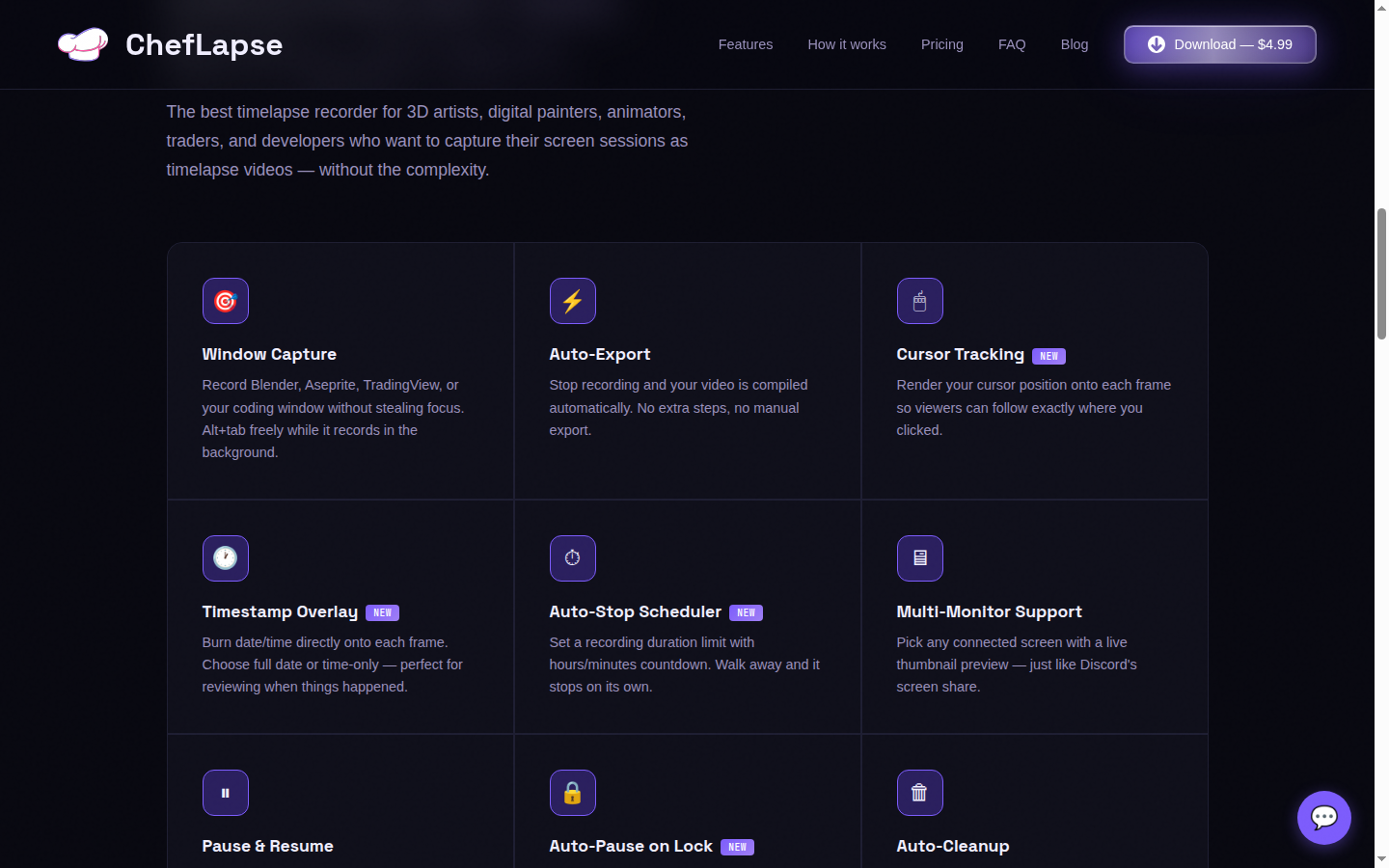
The workflow is three steps: choose what to record, set the interval and speed, then press Stop to get an MP4. The features page and FAQ list these capabilities:
You can record a whole monitor, picked from live thumbnails, or a single app window from a dropdown. Window capture works even when the window is behind other apps, so you can alt-tab freely, and on macOS it works across Spaces. Multi-monitor setups are supported.
Two sliders control how often a screenshot is taken and how fast the final video plays. Version 1.1 added cursor tracking (your cursor is drawn onto each frame), a timestamp overlay with full date or time only, an auto-stop scheduler that ends the recording after a set number of hours and minutes, and auto-pause when you lock the computer or it sleeps.
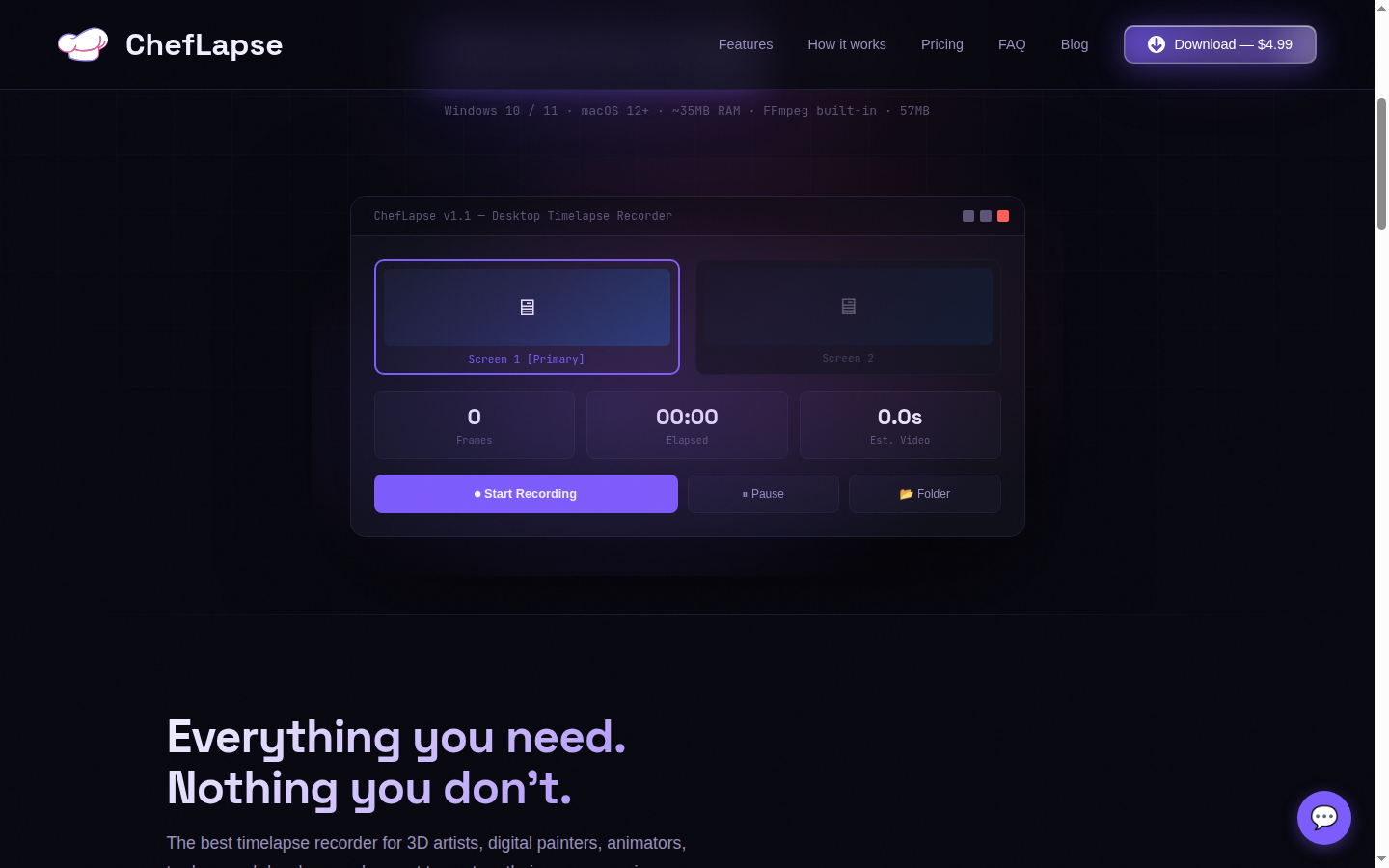
When you press Stop, ChefLapse compiles the frames into an H.264 MP4 that plays in any player and uploads to YouTube. The raw PNG frames sit in a temporary folder during recording and are deleted automatically afterwards. You can pause and resume mid-session with an accurate elapsed timer, and the main window shows frame count, elapsed time and the estimated video length as you go.
The vendor says ChefLapse uses about 30 to 40MB of RAM while recording, and the install is 57MB. FFmpeg is bundled, Python is not needed, and it works fully offline with no account.
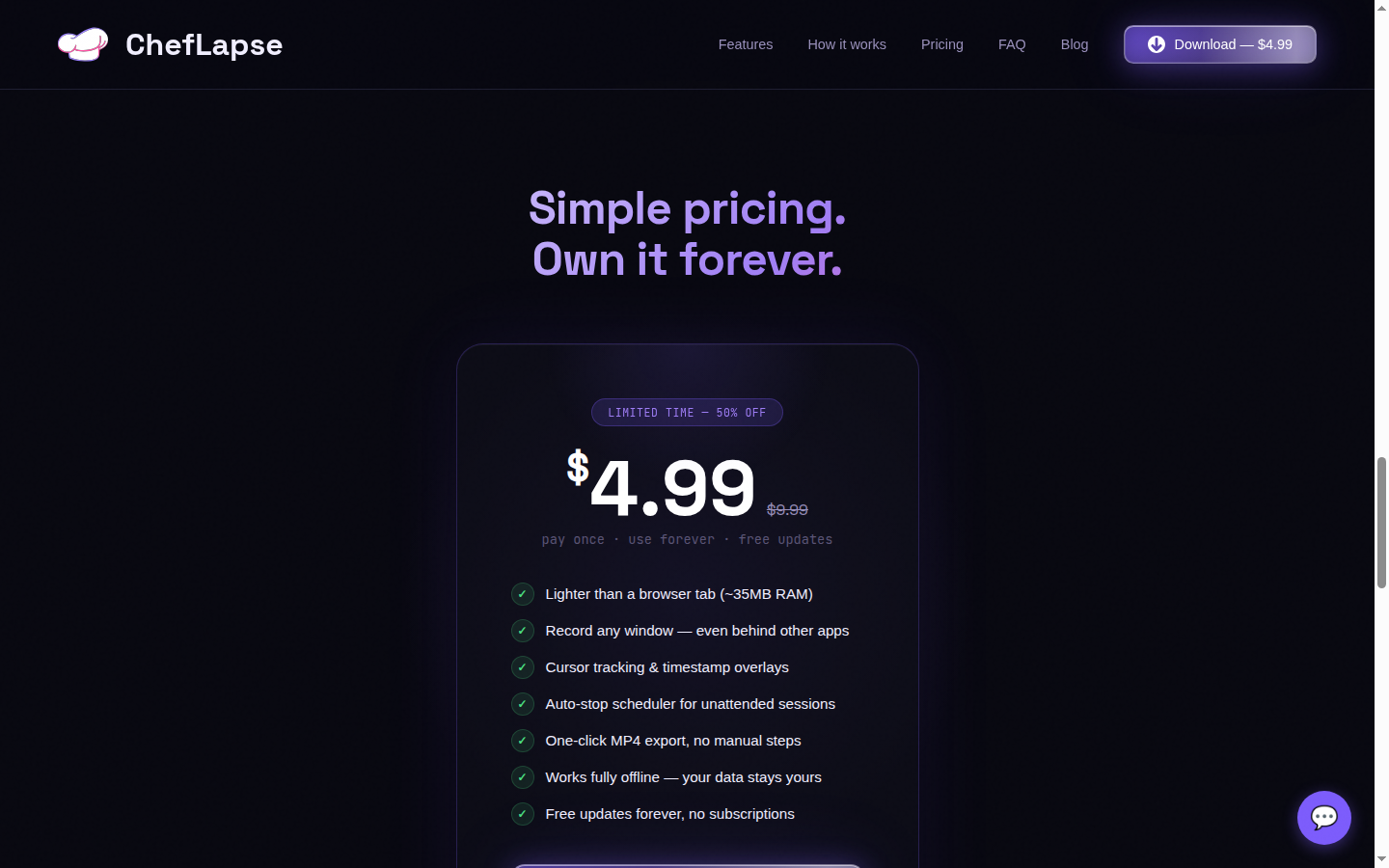
ChefLapse has a single paid license with no subscription and no free tier. Prices checked 4 Nov 2026 on cheflapse.com:
| Plan | Price (USD) | Billing | What you get |
|---|---|---|---|
| ChefLapse license | $4.99, shown as 50% off a $9.99 list price | One-time payment | Windows and macOS app, all features, free updates |
Purchases go through Lemon Squeezy, and updates are downloaded from your Lemon Squeezy order page, which keeps your settings. The site does not publish a free trial, a refund policy or a limit on how many computers one license covers, so ask the seller before buying for a team.
A digital painter who records a four-hour piece and wants a one-minute video pays the one-time $4.99 and nothing after that, since there are no credits, storage fees or per-video limits. The frames are compiled on your own machine, so the only running cost is disk space while a session records.
ChefLapse is new and has no rating on the major review platforms yet. The most detailed independent write-up is the EaseUS timelapse recorder round-up, which lists ChefLapse fourth of six and calls it best for "users who want a lightweight, automatic screen-timelapse workflow". Its listed pros are the three-step workflow, automatic MP4 export, cursor and timestamp options and auto-stop. Its cons are that it focuses on timelapse rather than general recording and lacks continuous audio.
These are the technical and company facts the maker publishes:
The maker does not publish a company address, an API or integrations, which is normal for a single-purpose desktop utility.
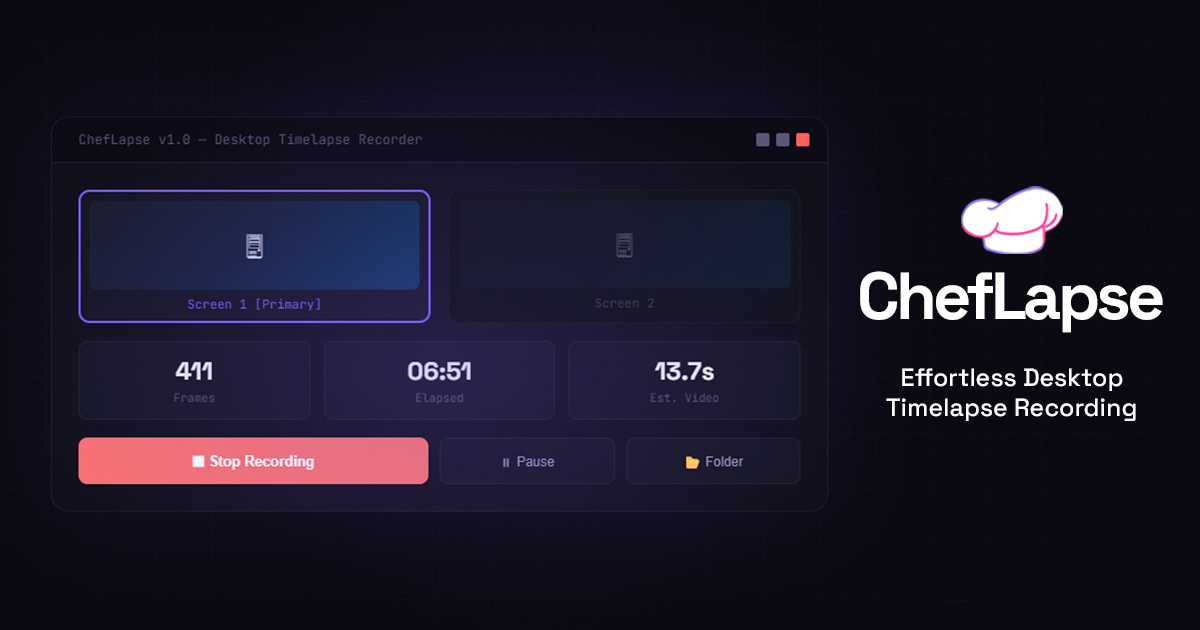
Version 1.1 is the current release for Windows and macOS. Compared with the 1.0 build shown in the site's preview image, it adds cursor tracking, timestamp overlays, the auto-stop scheduler and auto-pause on lock, all marked "new" on the features page. The developer's blog, with posts from April 2026 onward, adds timelapse tips for traders, artists and developers.
ChefLapse does one job, so most limits come from that focus:
These tools also capture long screen sessions as timelapses, or record normally so you can speed it up later:
ChefLapse is a cheap, focused tool that does one thing simply: record a window or screen for hours and hand you an MP4 at the end. At $4.99 the risk is small, and I would pick it if you want a timelapse of your work without learning OBS or editing. If you need audio, Linux or a signed install for a business, choose a full screen recorder instead.
ChefLapse costs $4.99 as a one-time payment, shown on its site as 50% off a $9.99 list price, with free updates and no subscription.
No. ChefLapse takes screenshots at an interval and compiles them into a silent MP4, so it is not suited to recordings that need continuous audio.
Windows shows a SmartScreen warning because the developer has no Microsoft publisher certificate. The vendor says the app is safe and suggests checking the file on VirusTotal before running it.
Yes. You can pick any open window from a dropdown and ChefLapse captures it even when it is behind other windows. On macOS it also works across Spaces.
It runs on macOS 12 or later and Windows 10 and 11, 64-bit only. Linux is not supported yet.
We may earn a commission when you buy through links on SaaSPic. It never changes our verdicts or the price you pay. Affiliate disclosure
Add this badge to your website so your visitors can read this independent review in one click.
 7.8/10
Maker of Camtasia and Snagit, screen recording, capture and video editing tools for training and how-to content.
 8.0/10
TechSmith's screen capture and annotation tool for Windows and Mac, with scrolling capture, Step Capture guides and screen recording.
| Tool | Score | From | Free plan | Best for |
|---|---|---|---|---|
| ChefLapse | 6.6/10 | $4.99 one-off | No | Creators recording long sessions as timelapses |
| TechSmith (Camtasia and Snagit) | 7.8/10 | £34.64/yr | No | Trainers and teams making screen recordings, tutorials and how-to guides |
| Snagit | 8.0/10 | $19.99/yr | No | Support, training and documentation teams |
 8.4/10
Voice AI platform with Sonic text to speech, Ink speech to text and Managed Agents for phone voice agents via API.
 8.3/10
AI video and image generator running Kling's own models, with keyframes, character references, native audio, motion control and an API.
 8.3/10
AI voice platform for text to speech, voice cloning, dubbing, music and sound effects, plus voice agents and an API for developers.