 7.5/10
All-in-one platform for courses, coaching, communities, memberships, email marketing, websites and payments for experts.


Community platform combining a discussion feed, courses, events, gamification and paid memberships in one simple app.
We may earn a commission when you buy through our links. How this works
Skool suits coaches, creators and small businesses who want an easy, engaging community with courses and paid memberships in one place. Skip it if you need a branded website, email marketing or detailed course tools.
Best for: Creators running paid communities with courses
7.3/10 Good, with trade-offs. The overall score is our judgment against the questions we ask of every tool, not an average. How we score
| Question | Score | Why |
|---|---|---|
| Does the jobWhat it actually does for the task it is sold for, and where it falls short. | 7.8 | Combines a discussion feed, classroom, calendar, live calls, payments and gamification with points and nine levels, but has no website builder or email marketing. |
| Ease of useSetup needed and how quickly you get something useful done. | 7.5 | Skool's About page says owners can set up in under 30 minutes, and every group uses the same fixed layout on desktop and mobile. |
| Pricing and limitsWhat you pay at a realistic size, including caps, add-ons and deal limits. | 6.5 | Hobby is $9 a month plus 10% and 30c per transaction, about $539 on $5,000 revenue, versus about $274 on the $99 Pro plan. |
| Reliability and supportUpdate pace, known problems and how support responds. | 5.5 | The App Store rating is 3.9 from 792 ratings, and recent Trustpilot reviews are largely negative on paid-group refunds and support. |
| Fit against alternativesHow it compares with the alternatives for the people it is aimed at. | 7.0 | Simpler and more engaging than a forum plus course host, but less branding control than Circle and no funnels or email like Kajabi. |
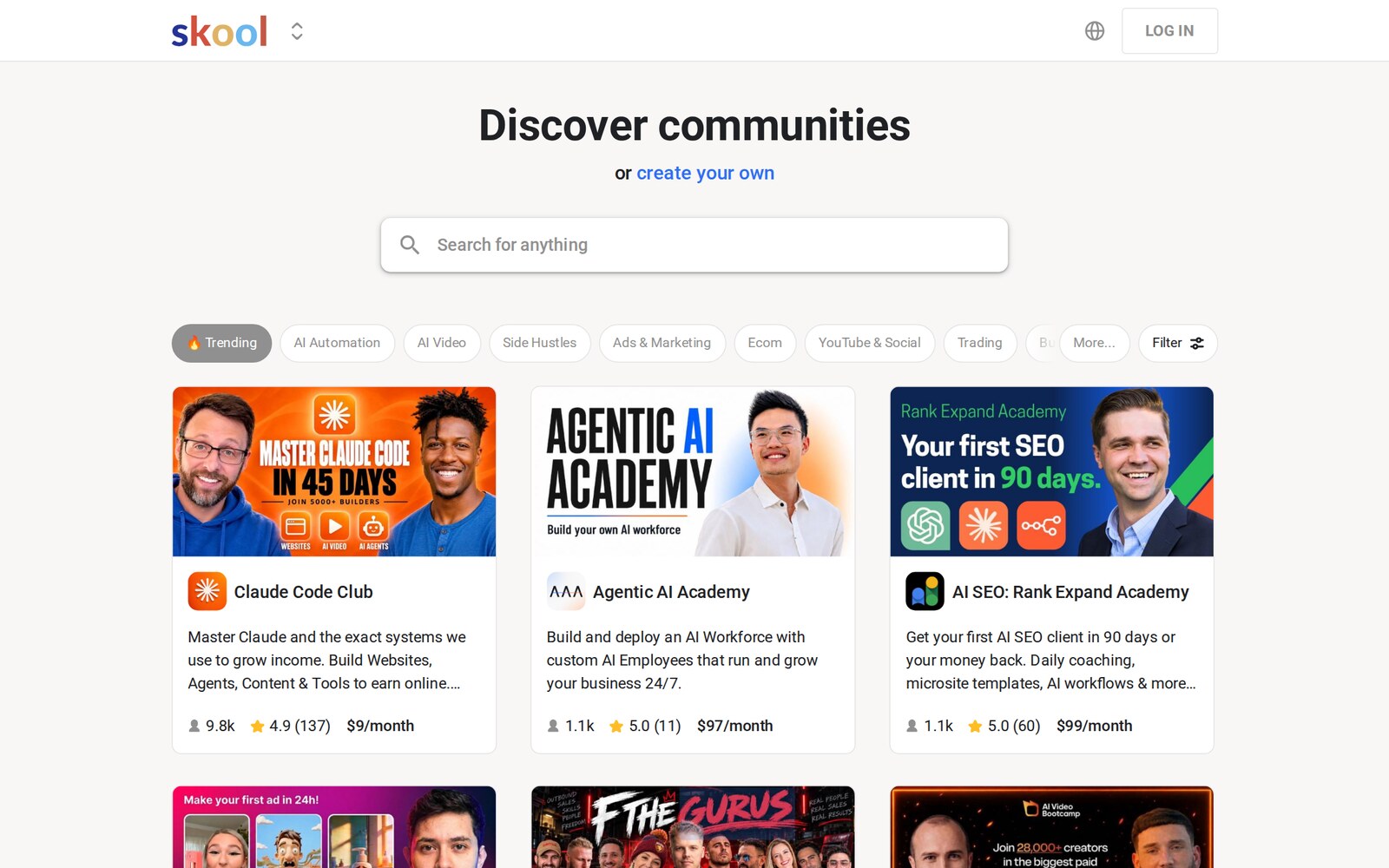
Skool is an all-in-one community platform where creators run a discussion feed, online courses, a calendar of live events and paid memberships in one place, with points, levels and leaderboards built in. This Skool review covers how the Skool platform works, the two Skool plans and their transaction fees, what members and owners report, and the main alternatives to Skool.
Skool suits coaches, course creators, consultants and hobby experts who want to charge a monthly membership (or a one-time course price) and keep members engaged through a busy community. It also suits small businesses that want a simple customer or team community without stitching together a forum, course host and payment tool. Building a community on Skool makes most sense when you already have an audience to bring with you, since the platform gives you the tools but not the members.
Skip Skool if you need a branded website, advanced sales funnels, email marketing, detailed course quizzes or certificates, or full control over design. Skool's About page says it is all-in-one so "you don't need to integrate any tools", which also means there is less to customize. Skool doesn't offer a website builder, email campaigns or checkout pages of its own beyond the group's About page.
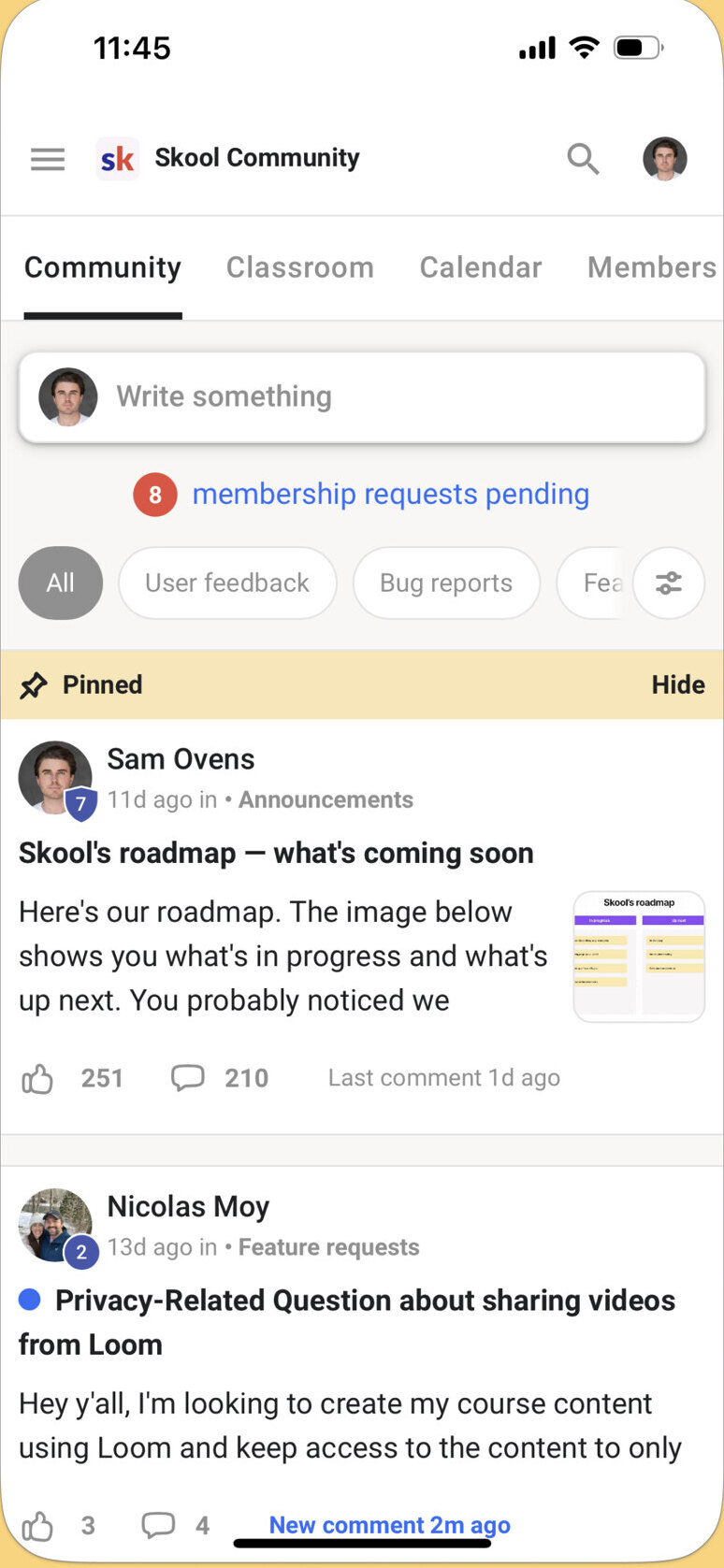
You create a group, set it as free or paid, add courses and events, and share a link to invite members. Skool lets owners set this up in under 30 minutes, according to its About page. Members see the same layout in every Skool group, on desktop or in the mobile app, which keeps things simple for them and is one of the main benefits of using Skool for learning communities.
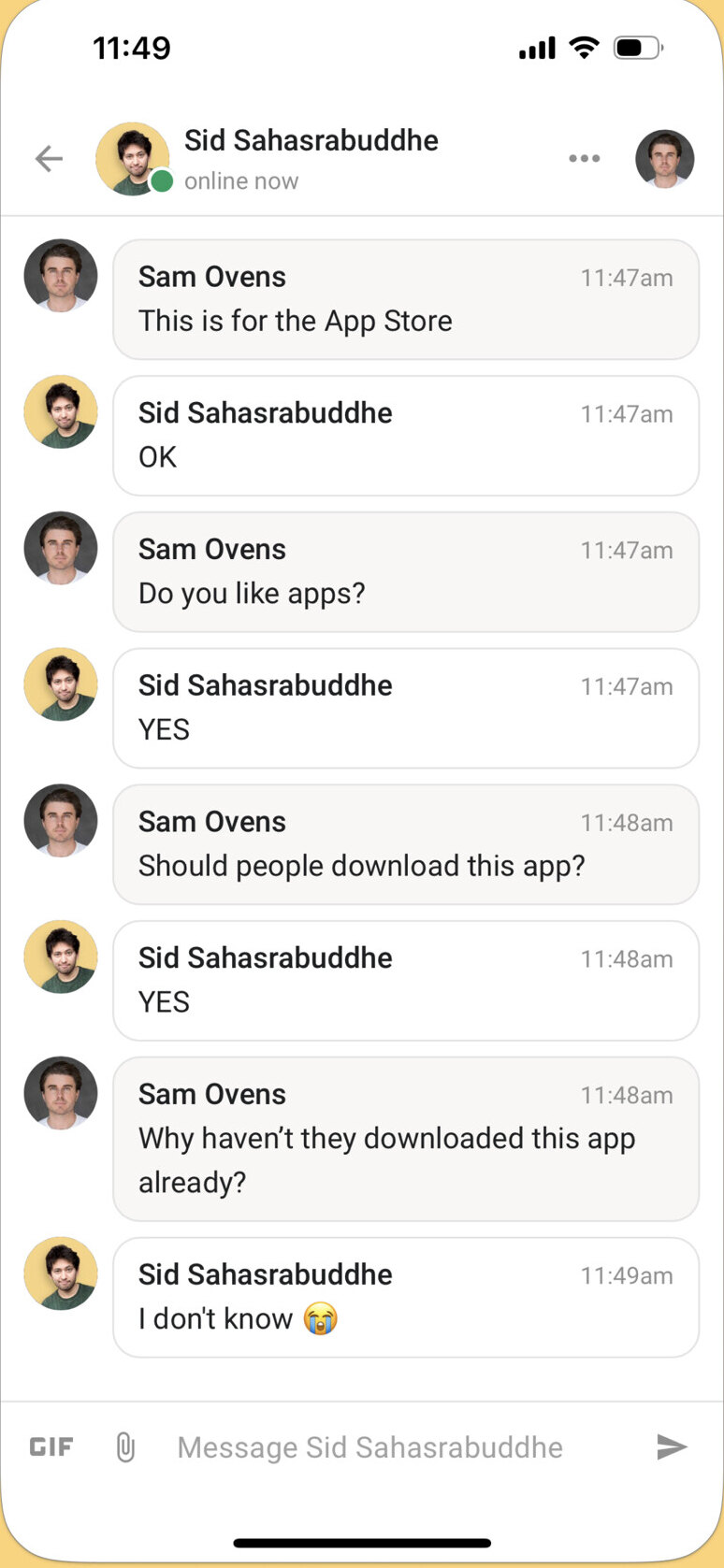
The community tab of each Skool community is a discussion feed with posts, comments, categories, rules and moderation tools. Owners can add admins, moderators and billing managers. Members can chat by DM, and Skool's plugins include membership questions for new joiners and an automatic welcome DM.
Skool's gamification is its best-known feature. Members earn one point for each like their posts and comments receive, and points move them up nine levels (level 2 at 5 points, level 9 at 33,015 points). Each group has its own leaderboard, and owners can lock courses until a member reaches a certain level, which pushes members to take part rather than just watch.
The Skool classroom holds video and text lessons with unlock rules, so Skool courses can be free to all members, unlocked at a level, or sold as one-time purchases. Every plan includes unlimited courses, unlimited videos and unlimited live calls. The Skool calendar lists community events, and the help center covers Skool Call and Go Live for hosting live sessions inside the platform rather than on a separate video tool.
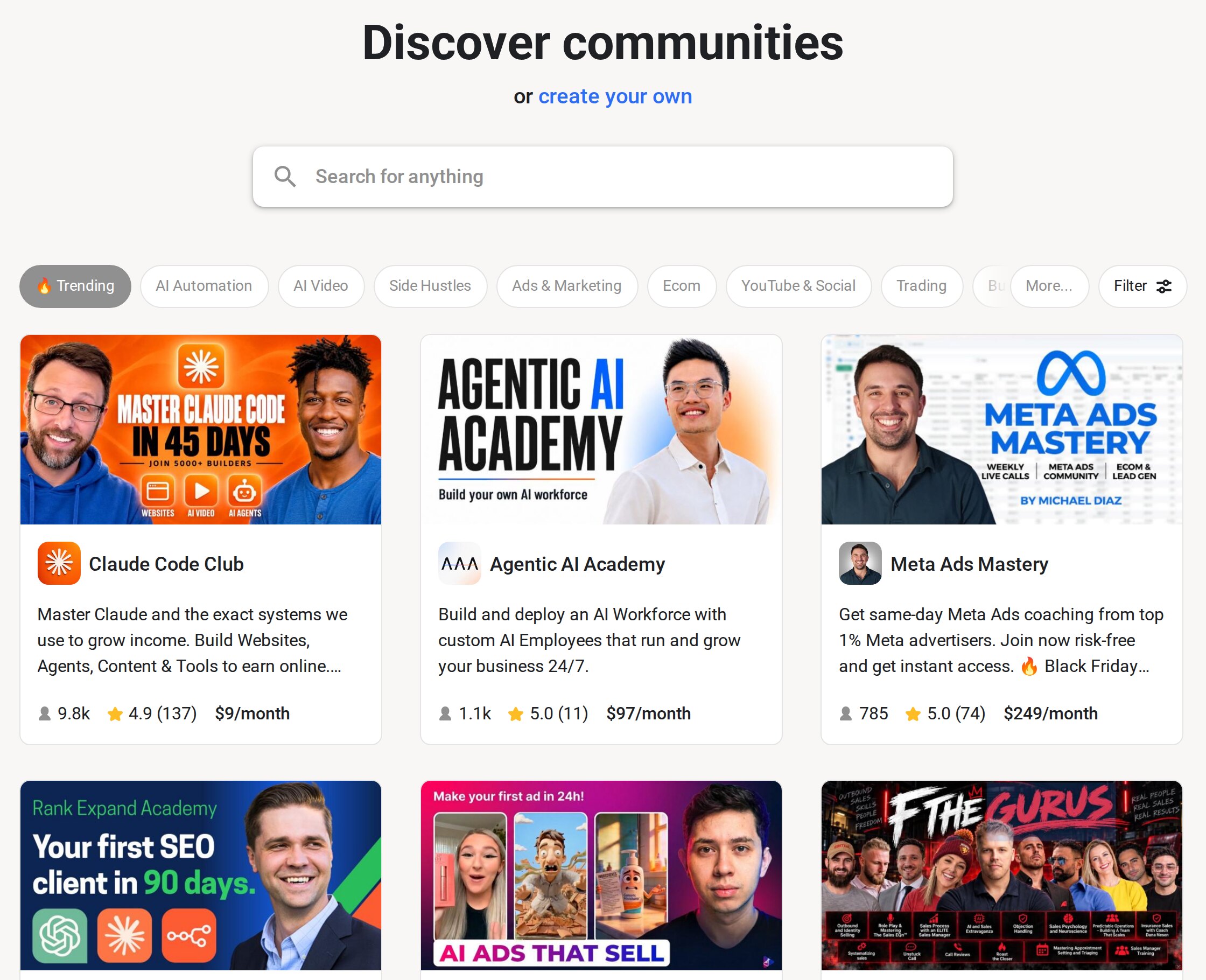
To make money on Skool, owners can charge subscription memberships or one-time course purchases. Skool handles the payments as the merchant of record: members pay in USD, Skool adds and remits EU VAT, and payouts go to your bank in your local currency every Wednesday through a Stripe Express connection (you cannot use your own Stripe account). Owners can turn on affiliates so members earn commission for referring new members. Groups can also be listed in Skool's discovery directory, and an optional Growth Boost promotes your group in search and off-site ads in return for 30% of revenue from members Skool brings in. Growth Boost is on by default and can be switched off in Settings.
Prices checked 29 Oct 2026 on the Skool pricing page (USD). Skool offers two plans for group owners. Both plans start with a 14-day free trial, so you can try Skool for free before paying, but there is no free plan for group owners. Members can join free groups at no cost.
| Plan | Monthly | Yearly (per month) | Transaction fee | Includes |
|---|---|---|---|---|
| Hobby | $9/month | $7.50/month | 10% + 30c per transaction | Unlimited members, courses, videos and live calls, custom URL, affiliates |
| Pro | $99/month | $82/month | 2.9% + 30c (3.9% + 30c above $900) | Everything in Hobby, plus lower fees and group transfers |
Yearly billing gives two months free. Renewal and refund terms: subscriptions renew automatically each month or year until you cancel. Skool's payment policy says fees are non-refundable, with no refunds for full or partial billing periods. When you cancel, you keep access until the end of the period, then the group is archived and becomes read-only. Transferring a group to a new owner requires the Pro plan.
Take a group of 100 members paying $50 a month, so $5,000 in monthly revenue. On Hobby you pay $9 plus 10% and 30c per charge, about $539 a month. On Pro you pay $99 plus 2.9% and 30c per charge, about $274 a month. Using Skool's published fees, Pro becomes the cheaper plan once member revenue passes roughly $1,270 a month. If Skool's Growth Boost brought those members in, it would take another 30% of their payments.
On the Apple App Store (US), the Skool Communities app holds 3.9 out of 5 from 792 ratings (Oct 2026). Positive App Store reviews praise how a Skool community feels cleaner and more focused than Facebook groups or Discord. On Trustpilot, recent reviews from August to October 2026 are largely negative and mostly come from members of paid groups: several describe community owners refusing refunds and Skool support being unable to force one, one says cancelling a membership was hard to find, and one owner criticizes support and a new review feature. Trustpilot notes Skool has not invited reviews, so the sample may not be representative. If you run a group on Skool, set out your own refund policy clearly, because buyers see Skool as part of the deal.
Skool updated its payments FAQ on 29 Sep 2026, including the list of supported payout countries and the Growth Boost terms. The payment terms and policy article, which sets out the 14-day trial and no-refund rule for both plans, was updated on 19 Feb 2026.
The pros are the simplicity, the engagement tools and the fact that payments, VAT and payouts are handled for you. The cons of Skool are mostly about cost and control:
Skool is worth it for creators and small businesses who want a simple community, courses and paid memberships in one place, and who value engagement tools like leaderboards over design control. Most paid communities should go straight to Pro, because the Hobby plan's 10% fee costs more once revenue passes about $1,270 a month. I would pick Kajabi or Circle instead if you need your own branded site, email marketing or more flexible layouts.
Prices checked 29 Oct 2026: Hobby costs $9 a month with a 10% transaction fee, and Pro costs $99 a month with a 2.9% fee. Yearly billing drops these to $7.50 and $82 a month.
Yes. Both plans start with a 14-day free trial. Skool does not refund subscription fees once you are billed.
Skool was founded in 2019 by Sam Ovens (CEO) and Daniel Kang (CTO) and is based in Los Angeles. Alex Hormozi partnered with Skool in 2024 to create the Skool Games.
The Skool Games are a competition for Skool community owners, created through Alex Hormozi's partnership with Skool in 2024.
For creators selling memberships it is simple and engaging, and Pro is cheaper than Hobby once member revenue passes about $1,270 a month. It is a weaker fit if you need a website, funnels or email marketing.
We may earn a commission when you buy through links on SaaSPic. It never changes our verdicts or the price you pay. Affiliate disclosure
Add this badge to your website so your visitors can read this independent review in one click.
 7.5/10
All-in-one platform for courses, coaching, communities, memberships, email marketing, websites and payments for experts.
 7.4/10
Course platform for selling online courses, coaching, communities and digital products, with AI tools and 0% transaction fees.
 6.4/10
White-label coaching platform with courses, communities, client check-ins, websites, funnels and payments in one place.
| Tool | Score | From | Free plan | Best for |
|---|---|---|---|---|
| Skool | 7.3/10 | $9/mo | No | Creators running paid communities with courses |
| Kajabi | 7.5/10 | $179/mo | No | Established coaches and course creators wanting one platform |
| FreshLearn | 7.4/10 | $49/mo | Yes | Creators and small academies selling courses and coaching |
| MyCoachingSoftware | 6.4/10 | $22.99/mo | No | Solo and small-team coaches wanting one branded platform |
 7.6/10
Digital credential platform for designing, bulk issuing, emailing and verifying certificates and badges.
 7.4/10
AI course creator and LMS that turns a prompt or document into an editable training course with quizzes, video and SCORM export.
 7.4/10
Text-based interactive coding courses for developers, known for Grokking interview prep, AI mock interviews and Cloud Labs.